

- Purpose-built to consolidate data from many sources—databases, logs, streaming systems, and cloud storage—into a unified, queryable repository.
- Optimized for analytical workloads: complex queries, aggregations, reporting and historical analysis over large datasets.
- Often includes ETL (extract, transform, load) capabilities to clean and transform data on ingestion, ensuring consistent data for analytics.
- Designed to scale compute and storage independently and to retain historical data for trend analysis and BI.


- Distribution keys and distribution styles to co-locate rows used together.
- Sort keys to optimize range-restricted and equality queries.
- COPY command optimizations for high-performance bulk loading from S3 or other sources.
- Compression encodings and vacuum/ANALYZE patterns to maintain performance.
Redshift is PostgreSQL-compatible for many client tools and SQL constructs, but it has its own performance and distribution characteristics. Test queries and indexing/distribution strategies in Redshift rather than assuming PostgreSQL defaults.
- Columnar storage: Reads only needed columns to reduce I/O for analytics.
- Massively parallel processing (MPP): Distributes query execution across compute nodes for large-scale performance.
- Compression: Automatic sampling and recommended encodings minimize storage and I/O.
- Elastic scaling: Add or remove nodes, change node types, or use Redshift Managed Storage (RA3/serverless) to decouple compute and storage scaling.
- Integration and ingestion: Native COPY from Amazon S3, integrations with RDS, EMR, data pipelines, and compatibility with common BI tools.
- SQL support: Standard SQL and Redshift-specific enhancements for analytics.
- Security: AES-256 encryption at rest, SSL/TLS in transit, IAM integration, and fine-grained access controls, including column-level permissions.
- High availability and backups: Automated/manual snapshots, replication options, and features to minimize downtime.
- Workload management: Query queues, resource allocation, concurrency scaling, and tools to monitor and tune performance.
- Forecasting and analytics: Financial, demand, and trend forecasting often tied into ML workflows.
- Secure data sharing: Share curated datasets across accounts, organizations, and partners.
- Business intelligence: Power dashboards and reports with QuickSight, Tableau, Looker, Power BI.
- Centralized analytics: Consolidate logs and operational data to simplify analytics and multi-language access.

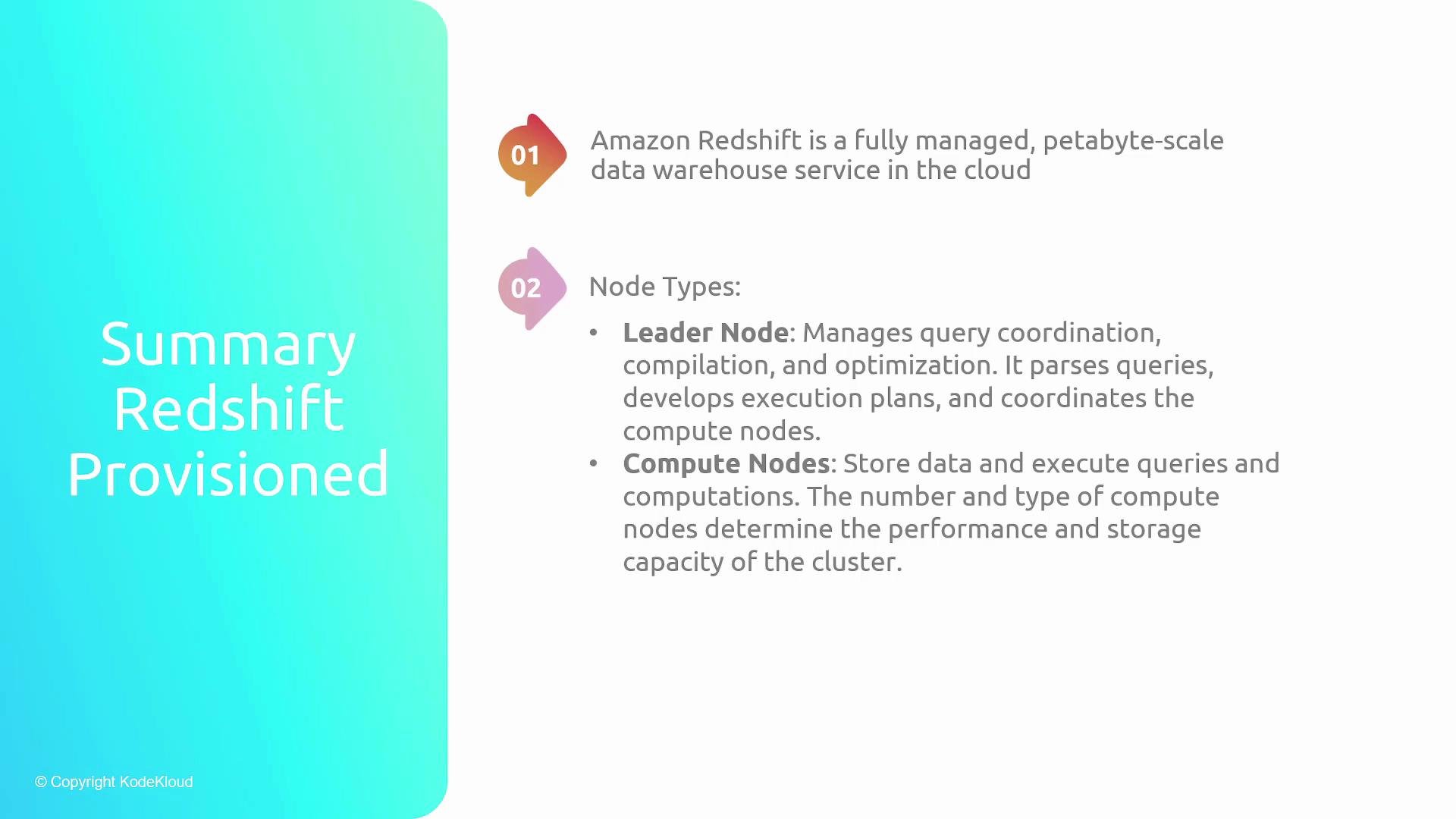
- Node types and roles: Leader node (query coordination and planning) and compute nodes (data storage and query execution).
- Storage and performance: Columnar storage, MPP architecture, compression encodings, and local caches enable fast analytics at scale.
- Security and availability: Encryption (AES-256), secure transport (SSL/TLS), fine-grained IAM/column access, and automated snapshots/backups.
- Automatic sampling and compression help reduce storage costs and improve query performance without manual tuning.
- Fine-grained access controls and IAM integration protect sensitive columns and datasets.
- Automatic cluster scaling features (concurrency scaling, elastic resize, managed-storage autoscaling) provide headroom for query peaks and unpredictable workloads.
- Use automated and manual snapshots for point-in-time recovery and compliance-driven retention.

- AWS Redshift documentation: https://docs.aws.amazon.com/redshift/
- Amazon S3: https://aws.amazon.com/s3/
- Redshift best practices and performance tuning guides: https://docs.aws.amazon.com/redshift/latest/mgmt/welcome.html