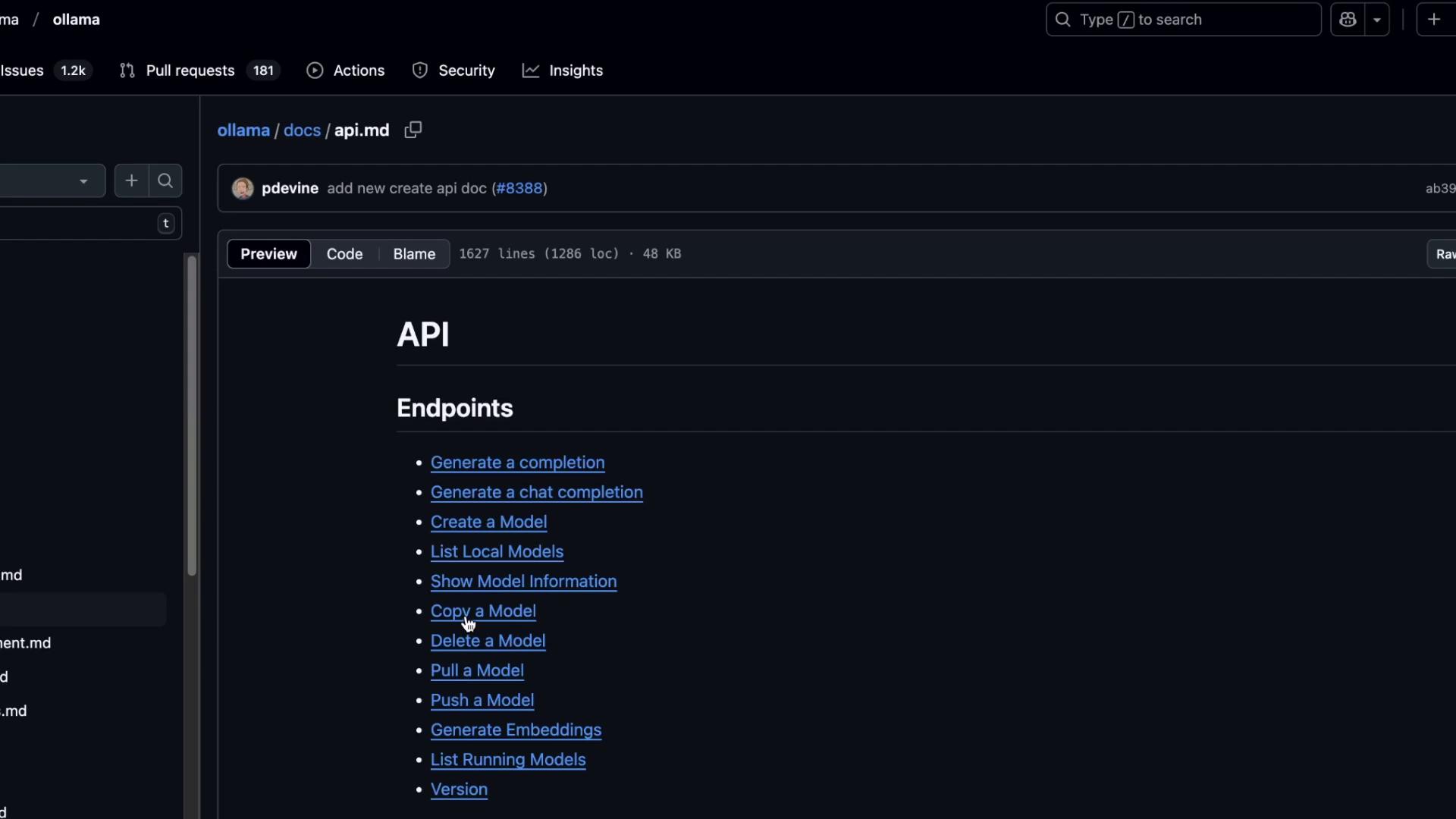
ollama surf. This tutorial walks through each endpoint—showing request examples, sample responses, and best practices for integrating Ollama’s local LLMs into your applications.
1. Starting the Ollama REST Server
Launch the API server on your machine:http://localhost:11434.
2. Generating a Single Completion
Send a one-shot prompt to/api/generate:
Pipe the response through jq for pretty-printed JSON:
response: Generated text.done/done_reason: Completion status.context: Token IDs consumed.- Timing metrics: Diagnose performance.
3. Streaming Tokens
To receive tokens as they’re generated, enable streaming:4. Enforcing a JSON Schema
Require a structured output by defining a JSON schema in theformat field:
5. Multi-Turn Chat Conversations
Use/api/chat to maintain context across messages:
6. Model Management Endpoints
You can list, copy, show, and delete models via REST:
Copy a Model
Pulling new models via the REST API is not supported. Use the CLI instead:
7. API Reference & Further Reading
For the full list of endpoints, request/response specifications, and example payloads, see the Ollama API Documentation on GitHub.