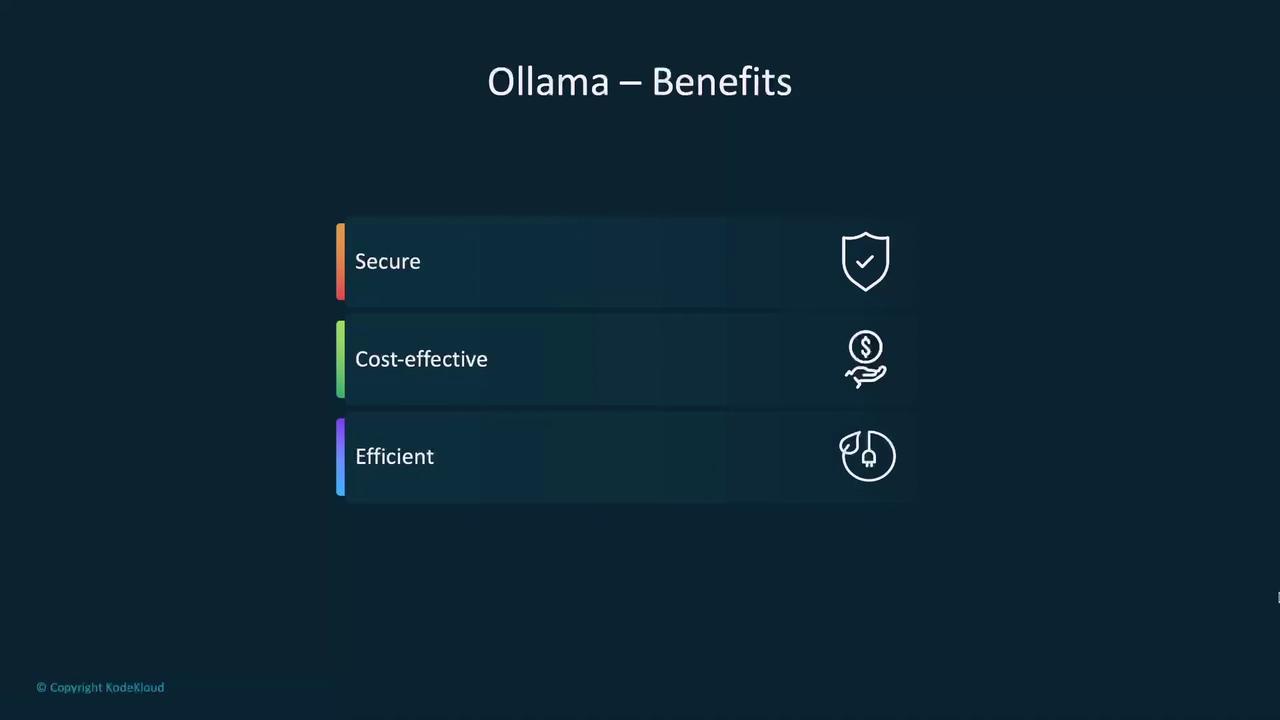
Current AI Development Challenges
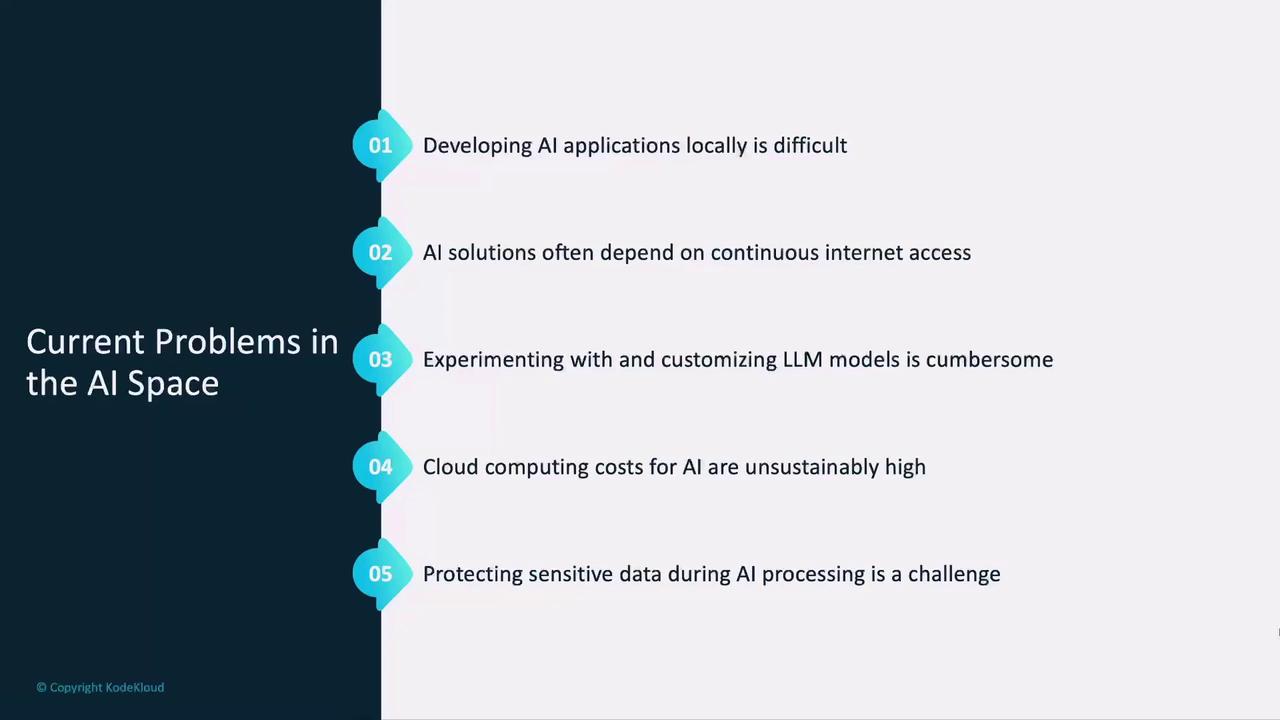
As AI adoption grows, developers face multiple hurdles when building and testing LLM-powered applications:- Complex local setup
Traditional apps spin up a local database, but most LLMs run on remote servers, complicating offline development.
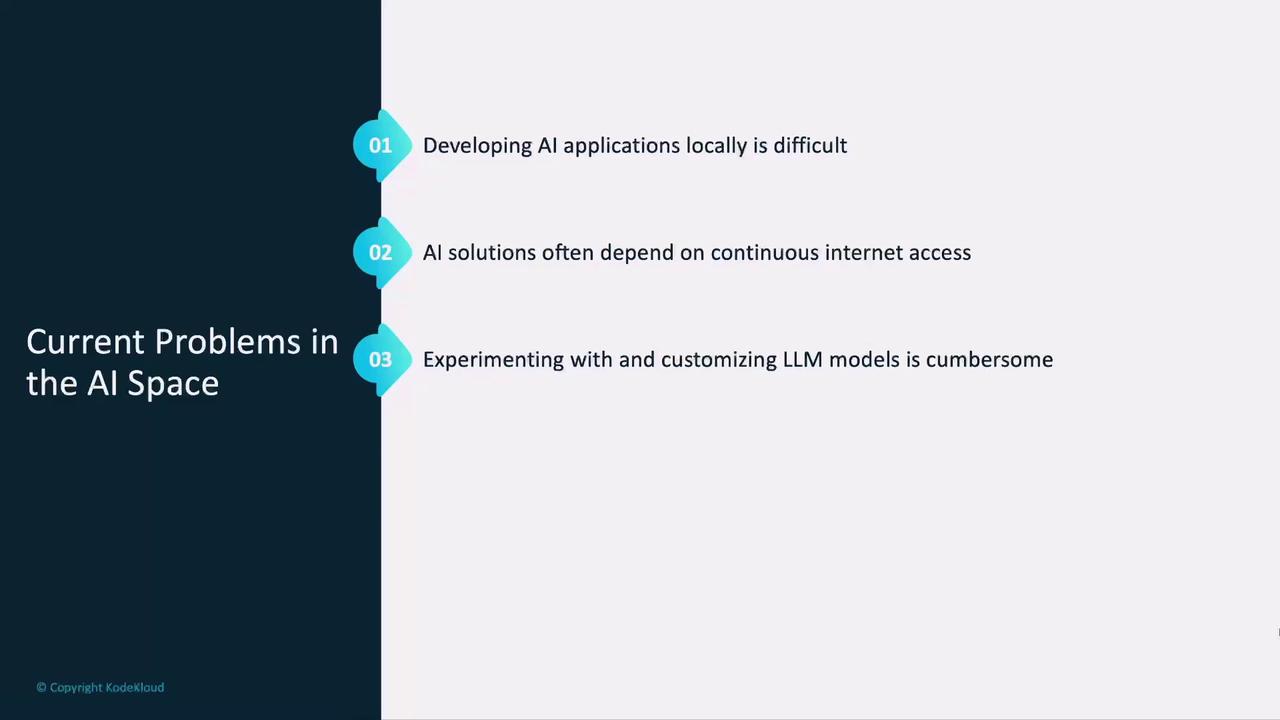
- Internet dependency & vendor lock-in
Relying on an external LLM service means constant connectivity, shared billing info, and limited flexibility when new models appear.
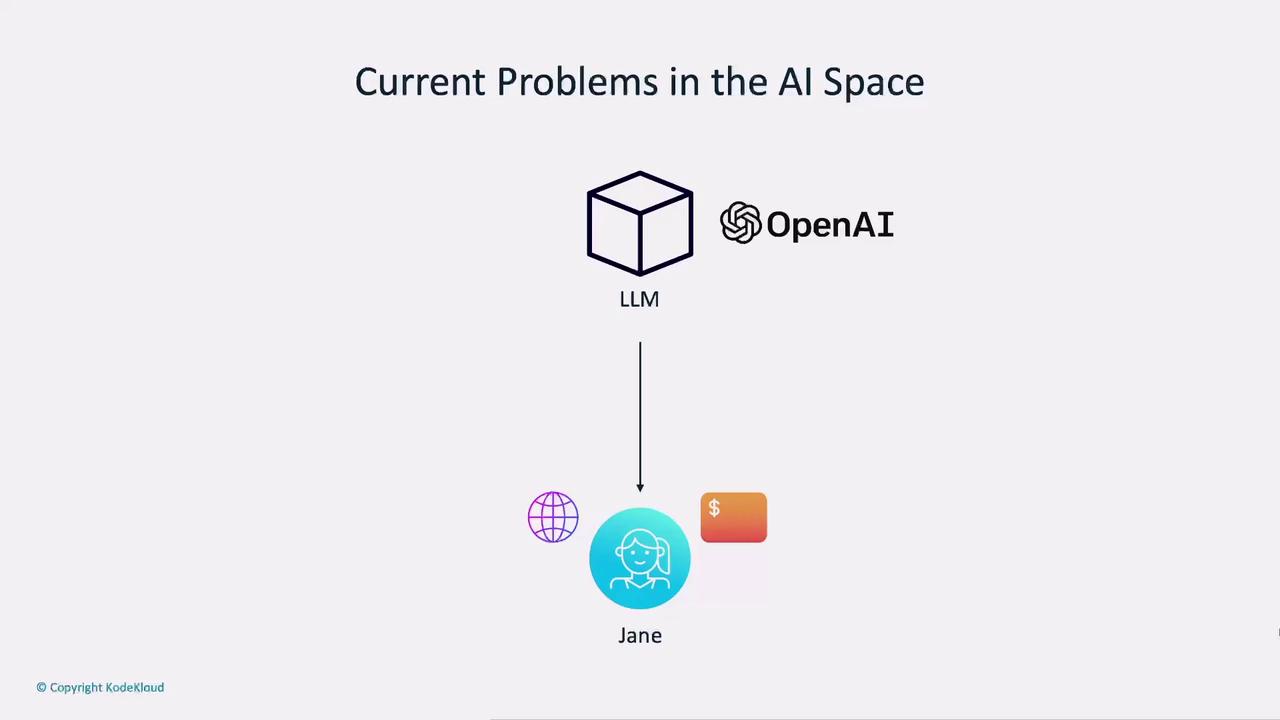
- DIY cloud infrastructure is costly
Hosting your own GPU-backed servers requires significant time, expertise, and budget.
- High compute costs & compliance risks
Cloud GPUs rack up bills quickly, and sending sensitive data externally can conflict with GDPR or HIPAA requirements.
What Is Ollama?
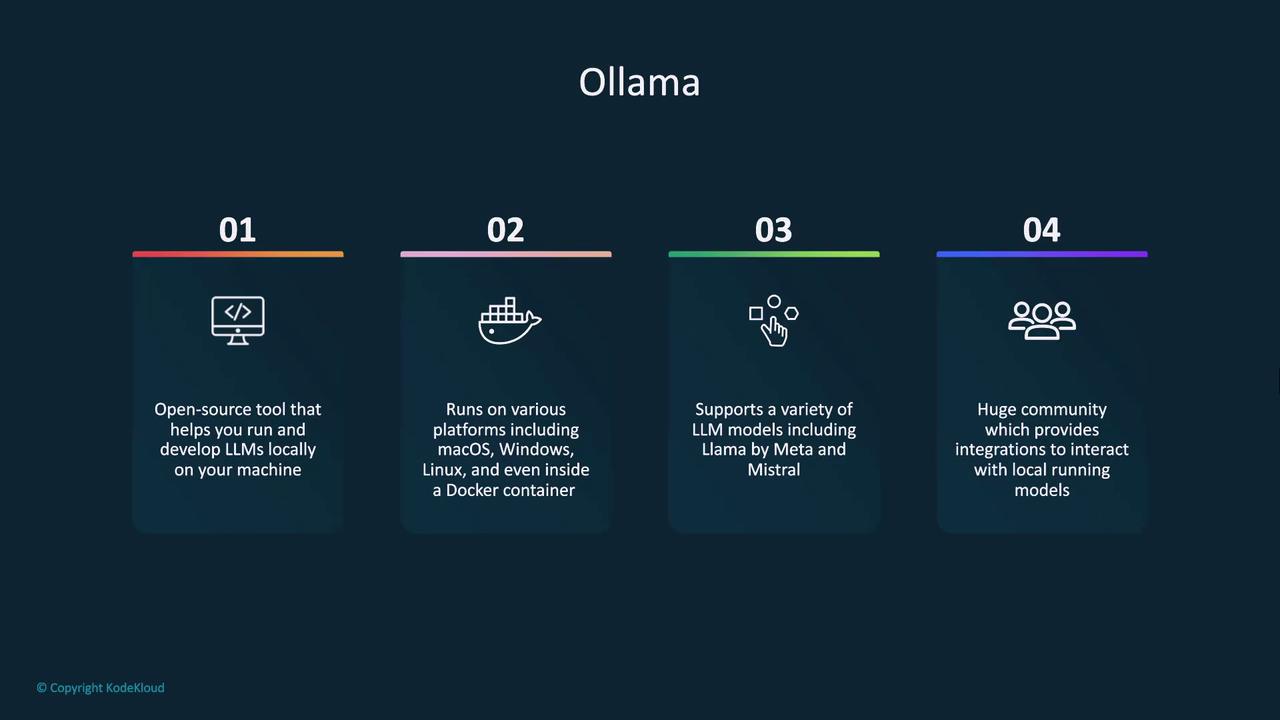
Ollama is an open-source CLI and API that lets you run, experiment with, and fine-tune LLMs on your own machine. It supports macOS, Windows, Linux, and Docker:- Access models from various vendors—no single-source lock-in
- Interact via an OpenAI-compatible API for easy integration
- Leverage a growing community of plugins and integrations
Use Cases
1. Developing AI Applications
Build and test AI features entirely offline, free from API charges and data egress:- No upfront payment or account setup
- Full data privacy—everything runs on your device
- Smooth production transition via OpenAI-compatible endpoints
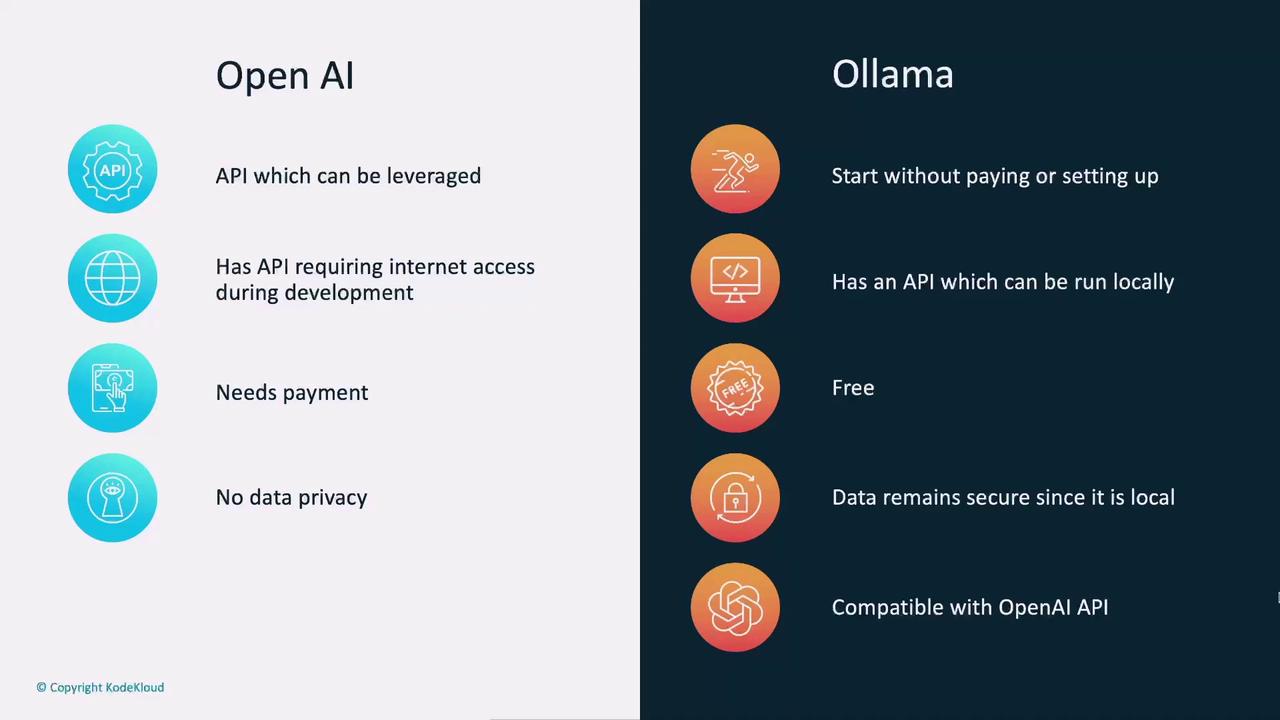
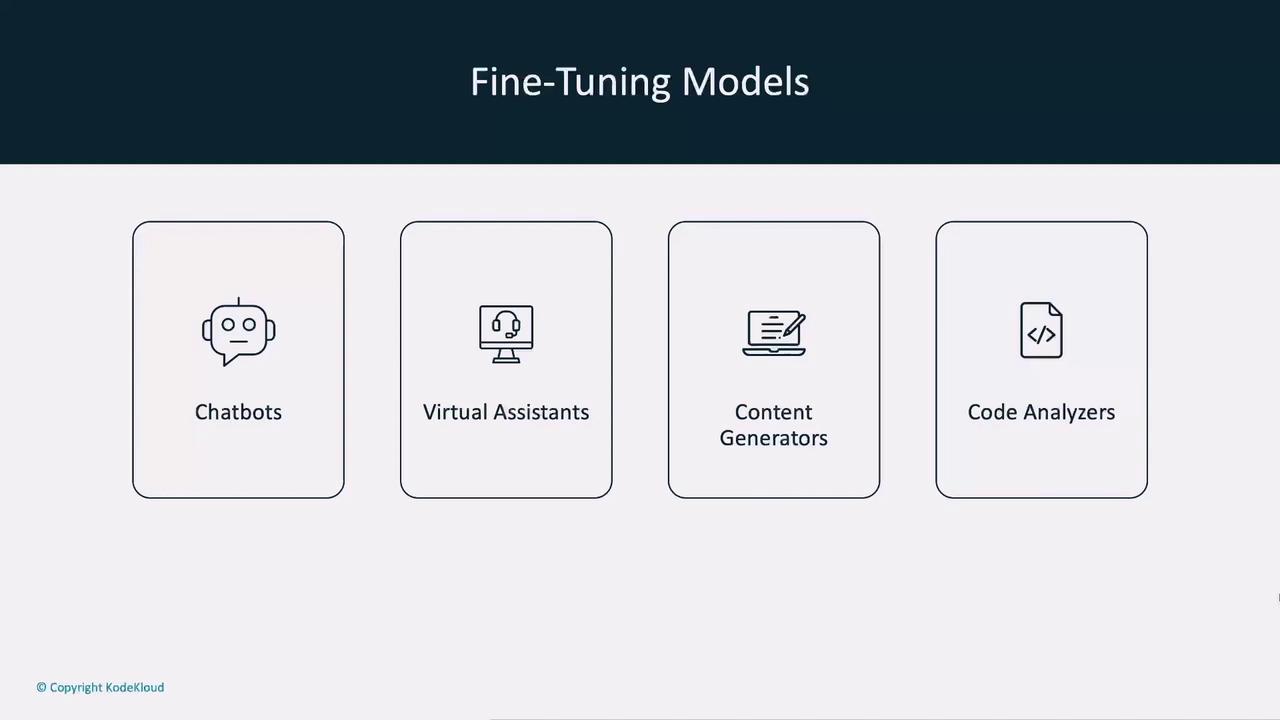
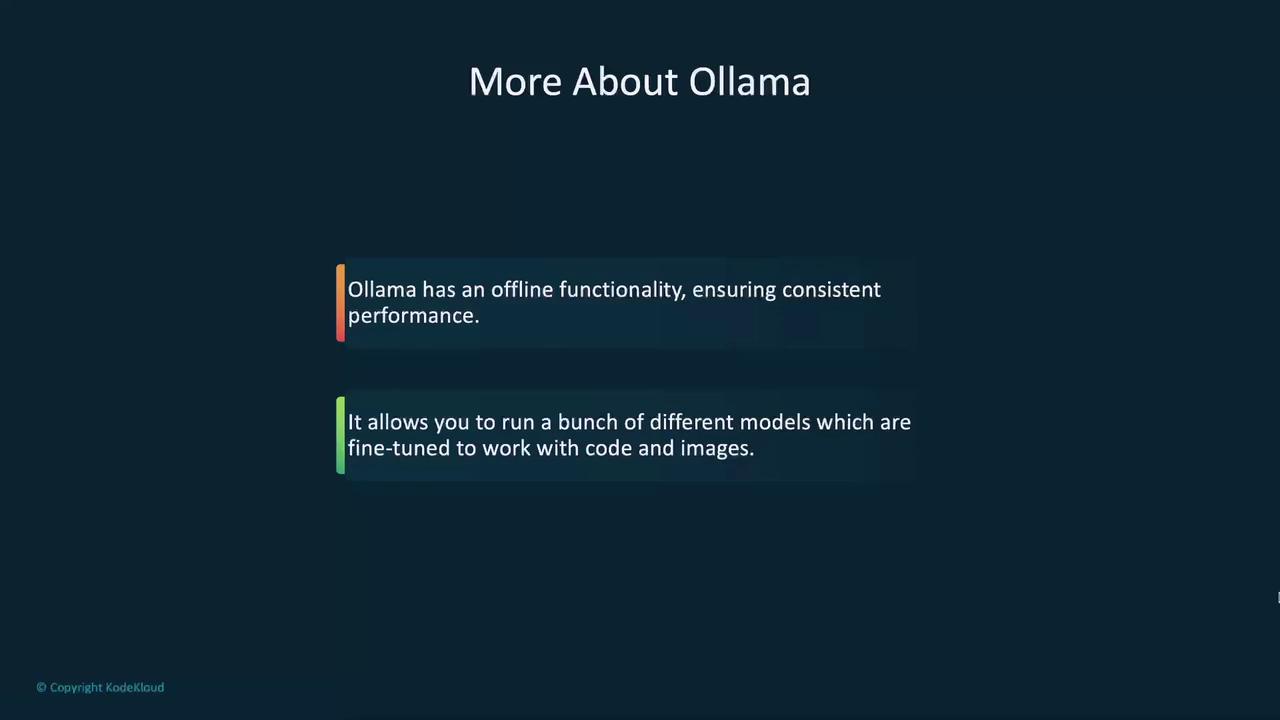
With Ollama’s offline mode, your app’s performance is consistent—no more flakey internet. Switch models on the fly, from code-focused to image-capable, and find the best fit.
2. Privacy-Centric Platforms
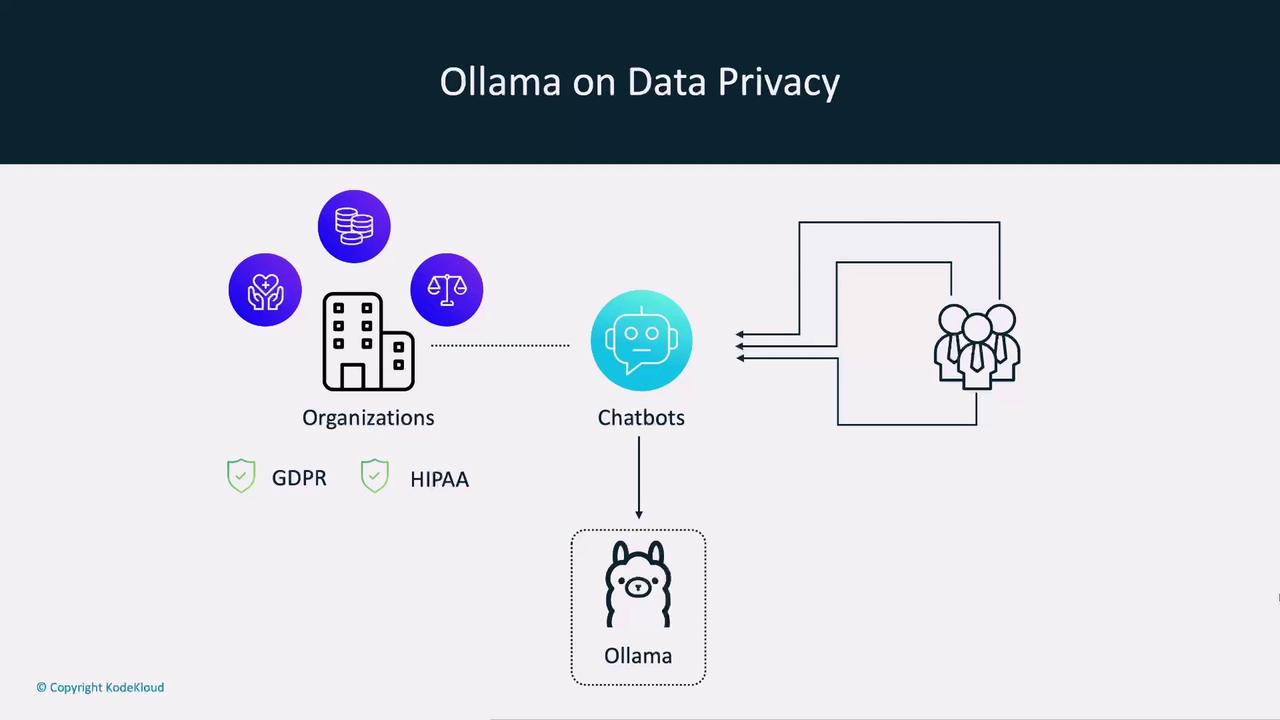
Organizations like Growmore handle highly sensitive data and require in-house AI solutions. Ollama enables:- Local or on-prem deployment
- GDPR & HIPAA compliance by keeping data internal
- Secure employee-facing chatbots without external API calls
3. Exploring AI Advancements
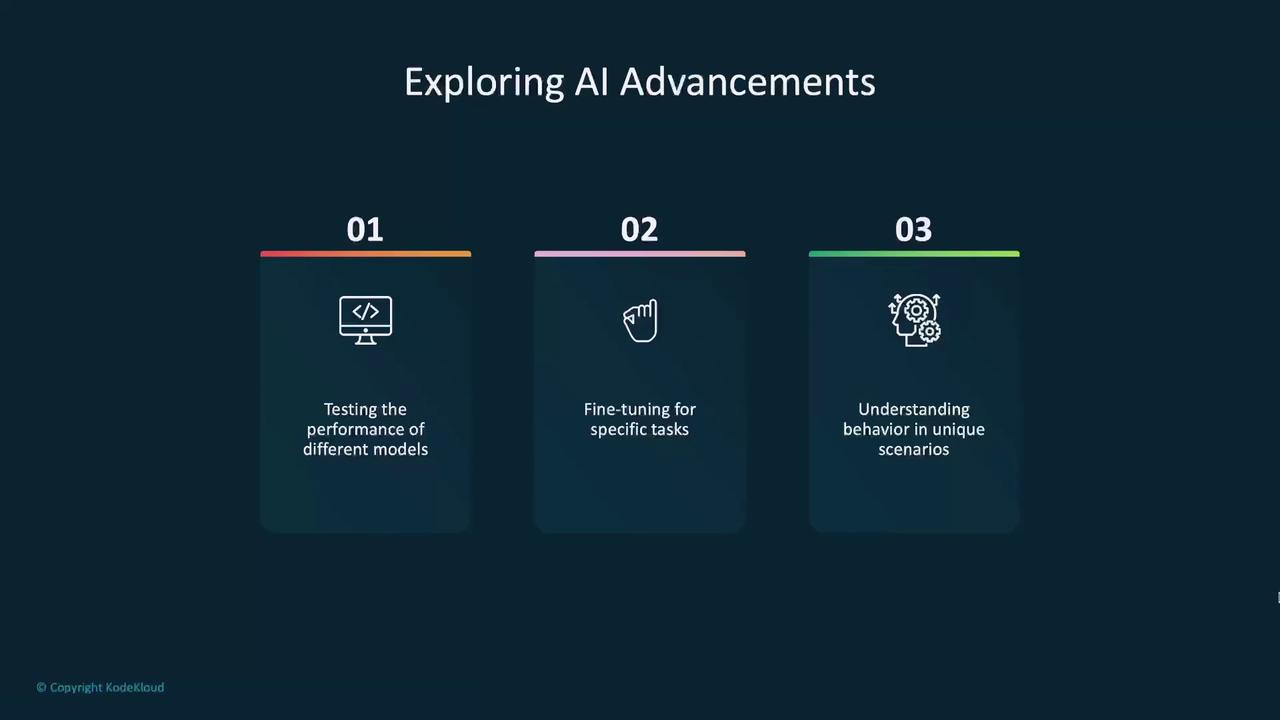
Stay ahead of the curve by testing new models as they emerge:- Benchmark performance across architectures
- Fine-tune for niche tasks and industries
- Compare behavior side by side to pick the ideal model
Benefits of Ollama