- Ensure you’ve installed the Ollama CLI and configured at least one local model (for example,
ollama pull llama2). - Have your API base URL and authentication token ready if you’ve set up access controls.
What You’ll Learn
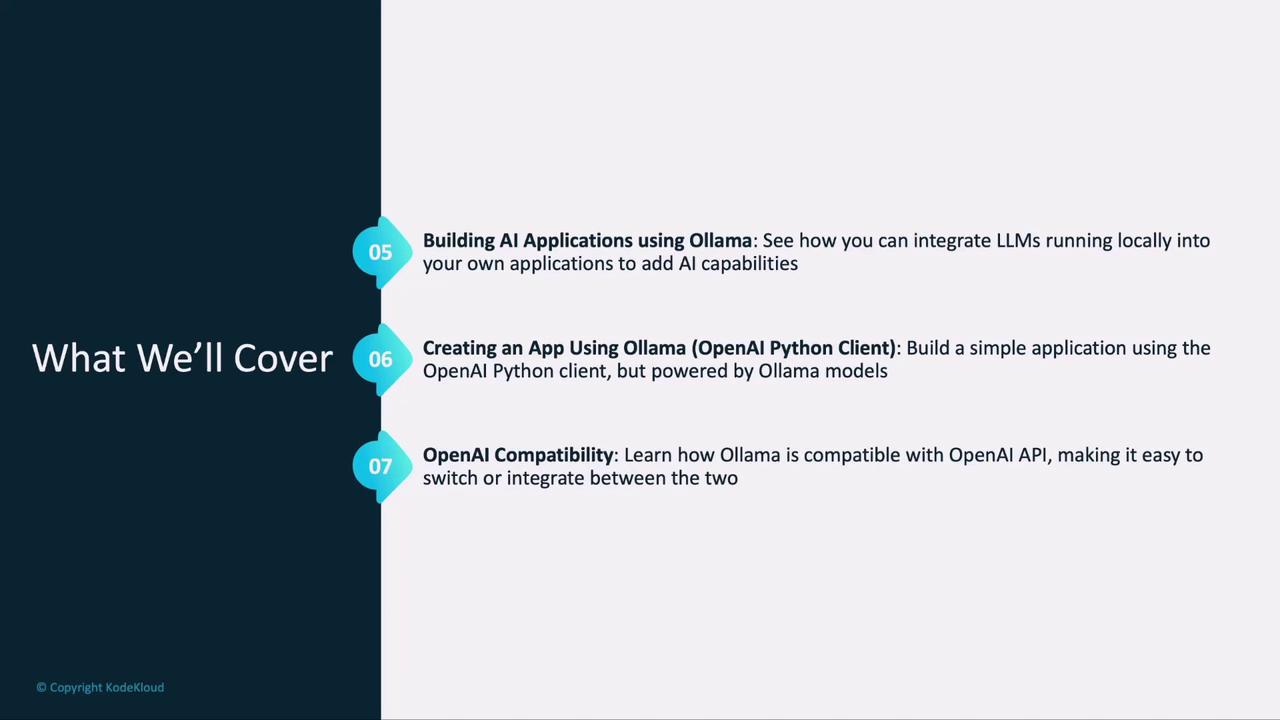
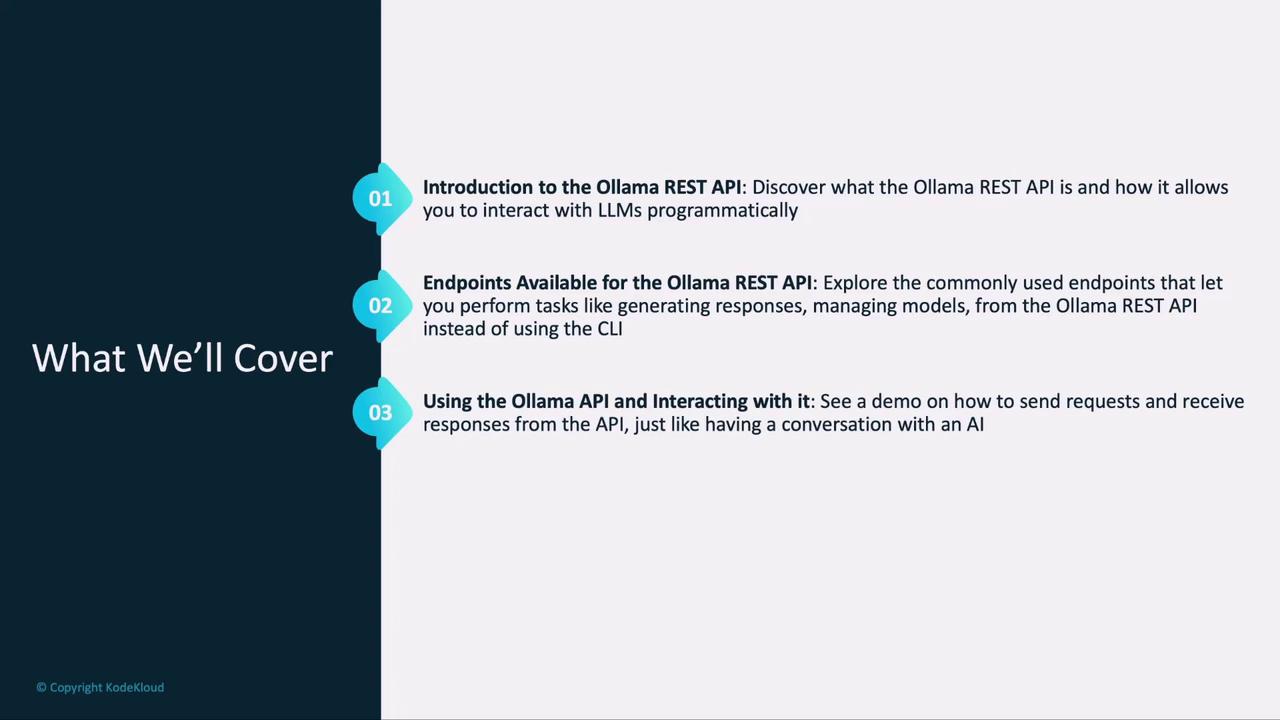
- Ollama REST API Overview: Why and when to use the API over the CLI
- Key Endpoints: Create, list, and chat operations you’ll rely on
- Request & Response Flow: Emulate a conversational experience via HTTP
- Hands-On Lab: Practice making real API calls
- AI App Architecture: Fundamentals of integrating locally hosted LLMs
- Python Demo: Build a simple application with the OpenAI Python client powered by Ollama
- OpenAI Compatibility: How Ollama mirrors the OpenAI API for seamless production switch-overs
POST /v1/chat/completions request to handling streamed responses in your application.