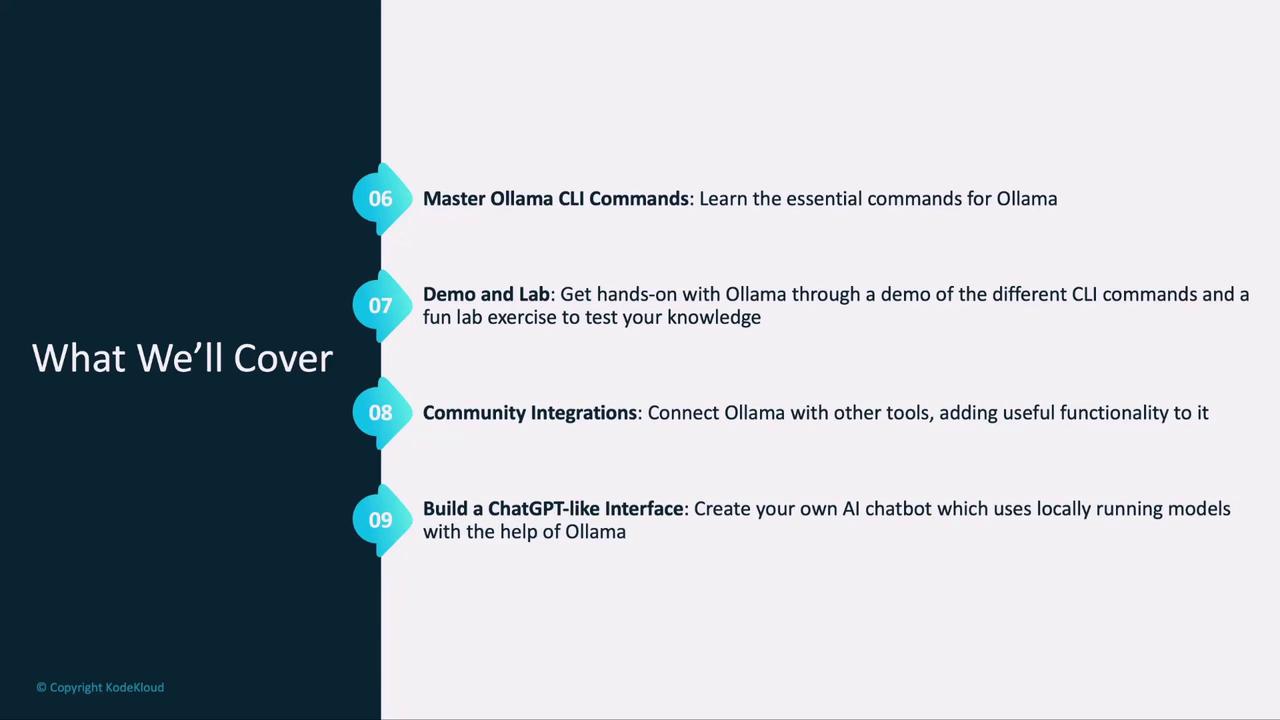
What You’ll Learn
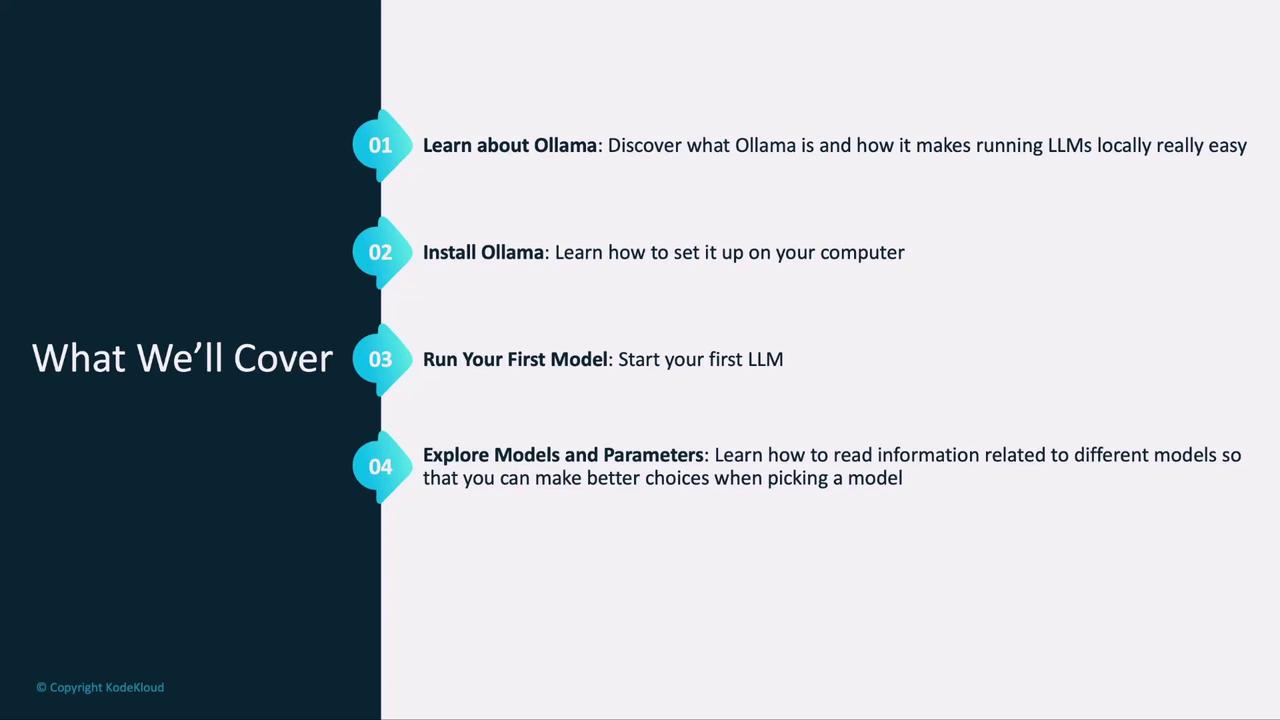
- Introduction to Ollama: Explore core use cases and real-world applications.
- Installation & Setup: Get Ollama up and running on macOS, Linux, or Windows.
- First Text Model: Run your first text-based LLM locally and interact via prompts.
- Key Concepts: Understand quantization, tokens, and parameters to choose the right model.
- Image-Based Models: Load and query models that process images.
- Ollama CLI Mastery: Learn essential commands, complete live demos, and tackle hands-on labs.
- Community Integrations: Discover how extensions like prompt templating and logging enhance Ollama.
- ChatGPT-Style Interface: Build a simple chat UI with a community integration.
Why Run LLMs Locally with Ollama?
Running models on your own machine offers:- Privacy & Security: Your data never leaves your hardware.
- Low Latency: Instant responses without network delays.
- Offline Capability: Develop and test even when disconnected.
- Cost Control: No per-API-call fees or usage limits.
Core Concepts
Understanding these terms will help you pick—and tune—the right model:Getting Started: Install & Setup
Ollama supports macOS, Linux, and Windows. Ensure you have at least 8 GB of RAM for basic models, and more for large-scale LLMs.
Run Your First Text Model
With Ollama installed:- List available models:
- Pull a model (e.g., Llama 2):
- Start an interactive session:
Load an Image-Based Model
Ollama isn’t limited to text. You can load vision models the same way:Mastering the Ollama CLI
The CLI is your control center. Key commands include: