

Generate Endpoint
The POST/api/generate endpoint returns a model’s completion for your prompt.
"stream": false delivers the full response at once. Set "stream": true to receive incrementally streamed data (word or phrase by phrase), emulating the gradual output of web chat interfaces.
Streaming responses can improve perceived latency for long completions. Be sure your client can handle partial chunks.
Formatting the JSON Output
You can instruct Ollama to structure its response using aformat schema:
Sample Response
titleandthemeare strings.linesis an array of strings—ideal for rendering multiline content.
Chat Endpoint
Use POST/api/chat to maintain conversational context. Provide an array of messages with roles (user or assistant).
Example Response
Model Management Endpoints
Ollama’s REST API also lets you list, inspect, copy, delete, and pull models without switching to the CLI.
Endpoint Summary
Usage Examples
Deleting a model is irreversible. Ensure you specify the correct model name to avoid accidental data loss.
Full API Reference
For a complete list of endpoints and detailed parameters, see the official API documentation.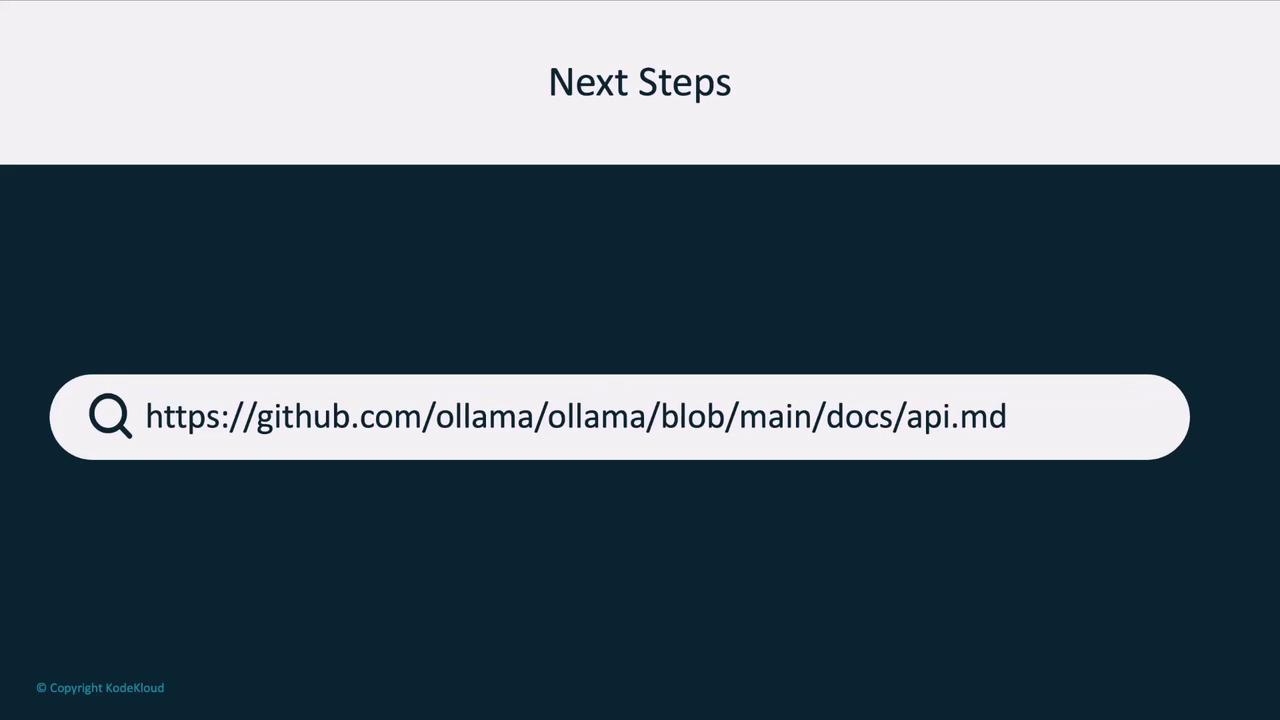
Next, we’ll demonstrate how to call these endpoints programmatically using an OpenAI-compatible client library. Stay tuned!