

Table of Contents
- List All Commands
- Run a Model Interactively
- Stop a Running Model
- View Local Models
- Remove a Model
- Download Models Without Running
- Show Model Details
- Monitor Active Models
- Links and References
1. List All Commands
To discover every available Ollama subcommand, simply run:Append
--help to any command to view detailed usage information, for example:2. Run a Model Interactively
Launch an interactive chat session with a model (e.g.,llama3.2):
3. Stop a Running Model
Models continue running in the background even after you exit the chat interface. To completely terminate:Leaving unused models running can consume memory and GPU resources. Always stop models you’re no longer using.
4. View Local Models
List all models downloaded on your machine:5. Remove a Model
Free up disk space by deleting a model:6. Download Models Without Running
Useollama pull to fetch a model without immediately launching it. For example, to pull Mistral 7B:
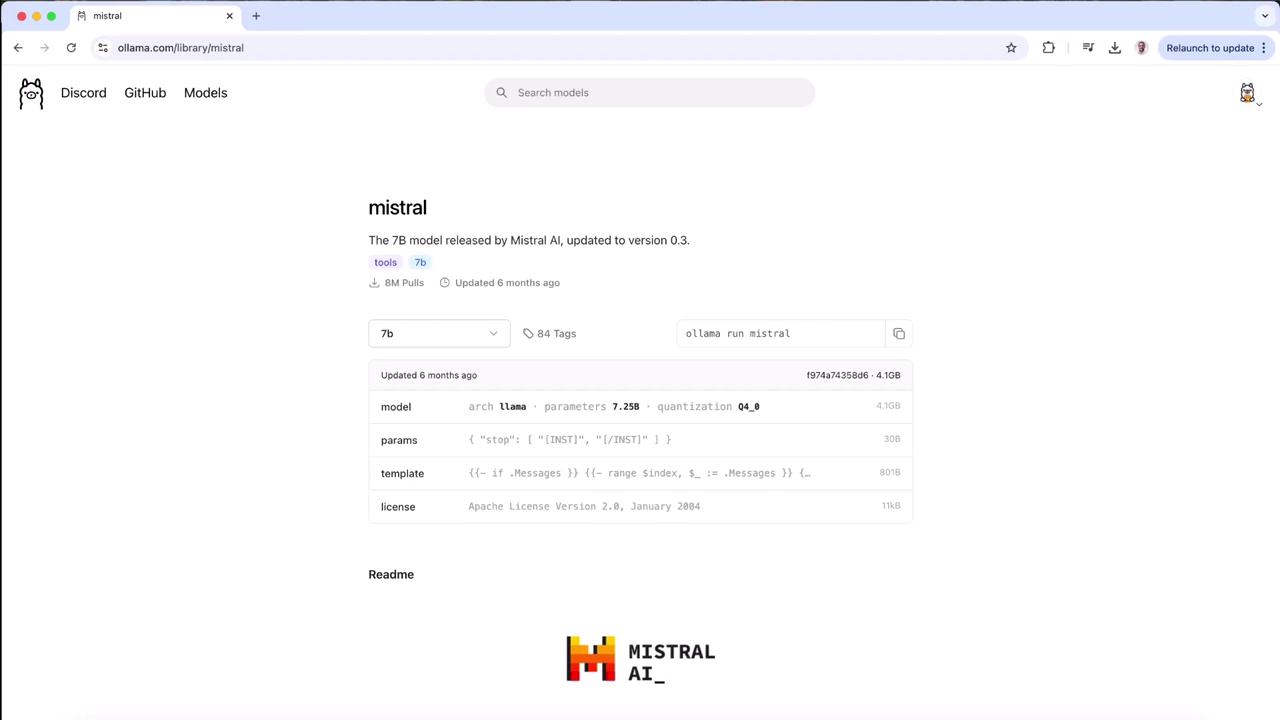
Press
Ctrl+C at any point to abort the download.7. Show Model Details
Inspect model metadata, architecture, and licensing:8. Monitor Active Models
Similar to Docker’sps, this command lists all currently running models:
To stop the model: