

- Knows its own name
- Understands Gromo’s investment context
- Defaults to Indian Rupees (INR) when no currency is specified
1. Define Your Modelfile
First, create aModelfile that builds on Llama 3.2, lowers creativity for financial precision, and sets up a system prompt:
Using
PARAMETER temperature 0.3 ensures more accurate, fact-driven responses—crucial for financial applications.2. Build the Custom Model
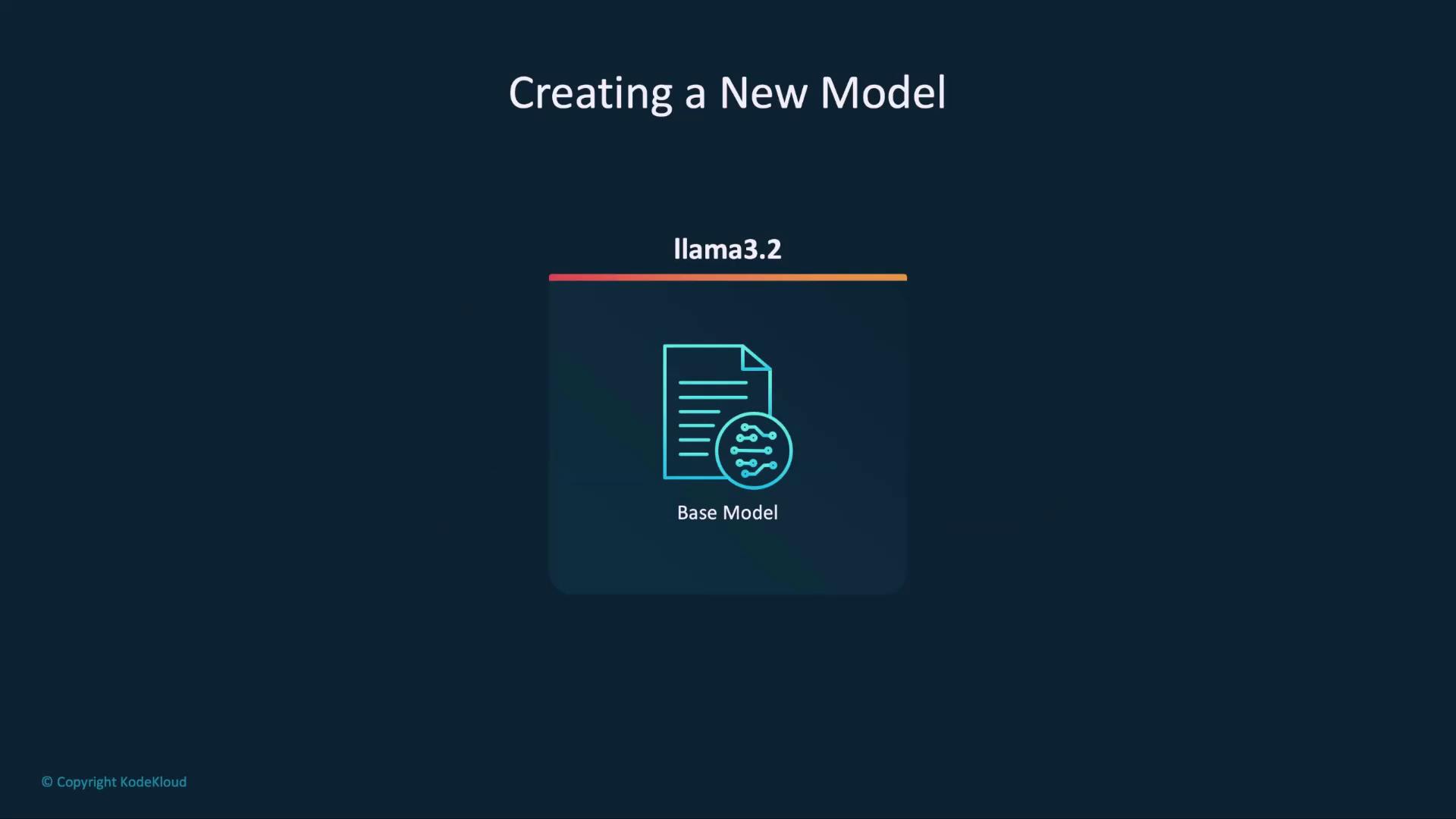
With yourModelfile ready, run:
3. Verify Assistant Behavior
Run Harris to confirm its name recognition, context awareness, and INR default:SYSTEM prompt.
4. Next Steps: Share Your Model
Once you’re satisfied, push Harris to a registry so colleagues can pull it: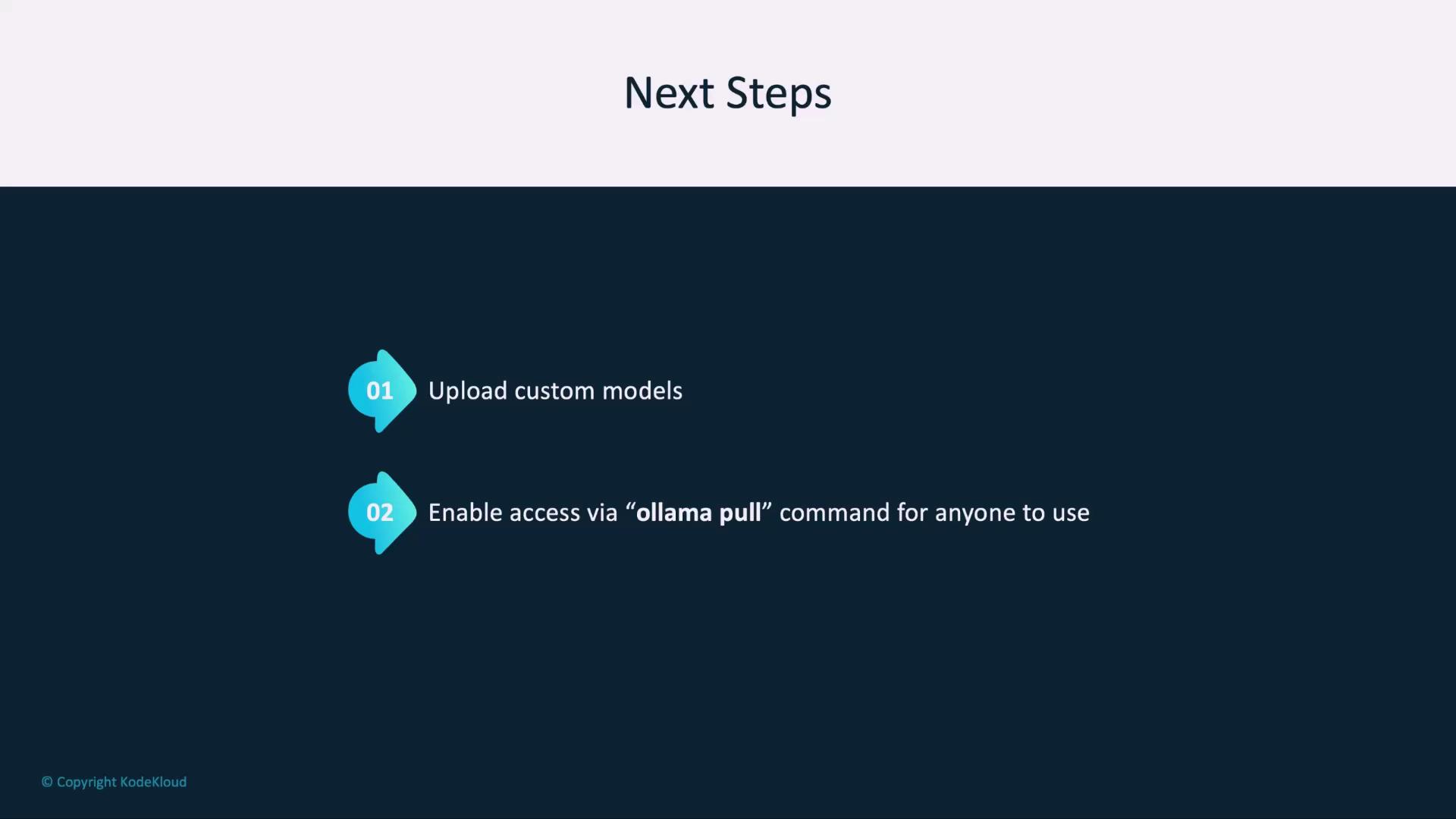
Ensure your registry credentials are configured before pushing or pulling custom models to avoid authentication errors.