- Ensuring business-critical applications remain in Australia for data-residency compliance.
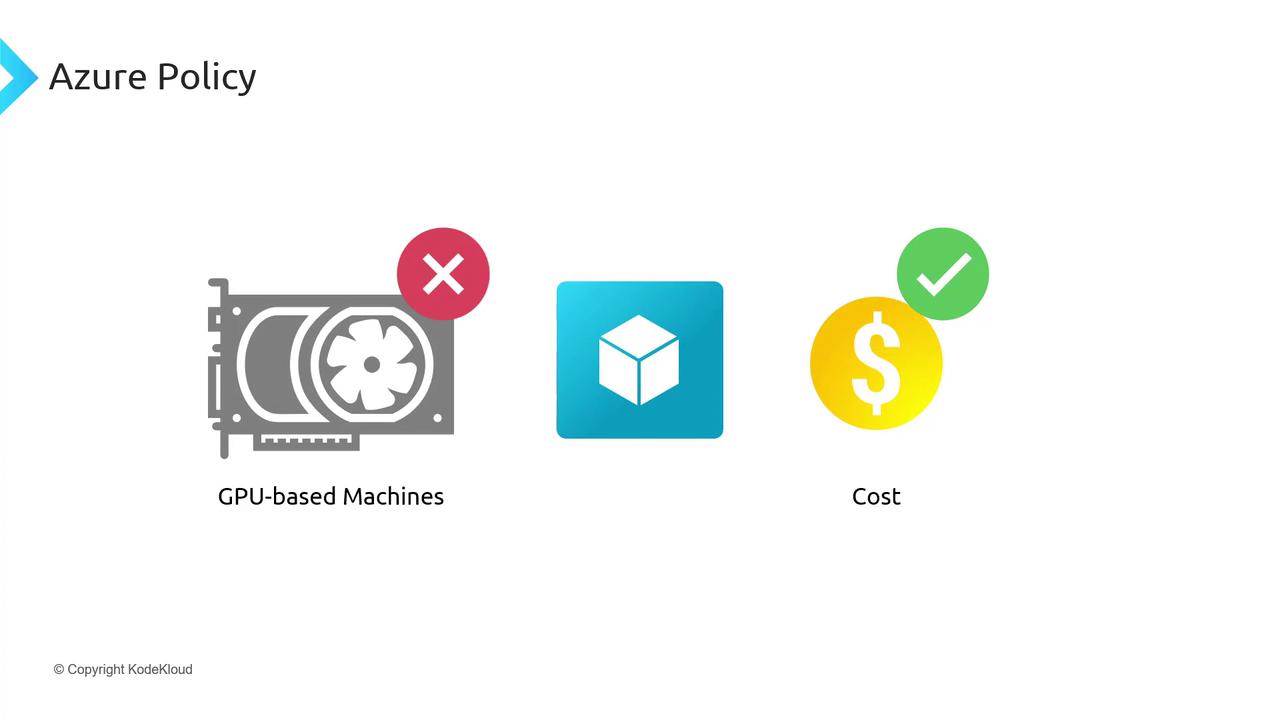
- Preventing AKS clusters from using costly GPU-enabled VMs.
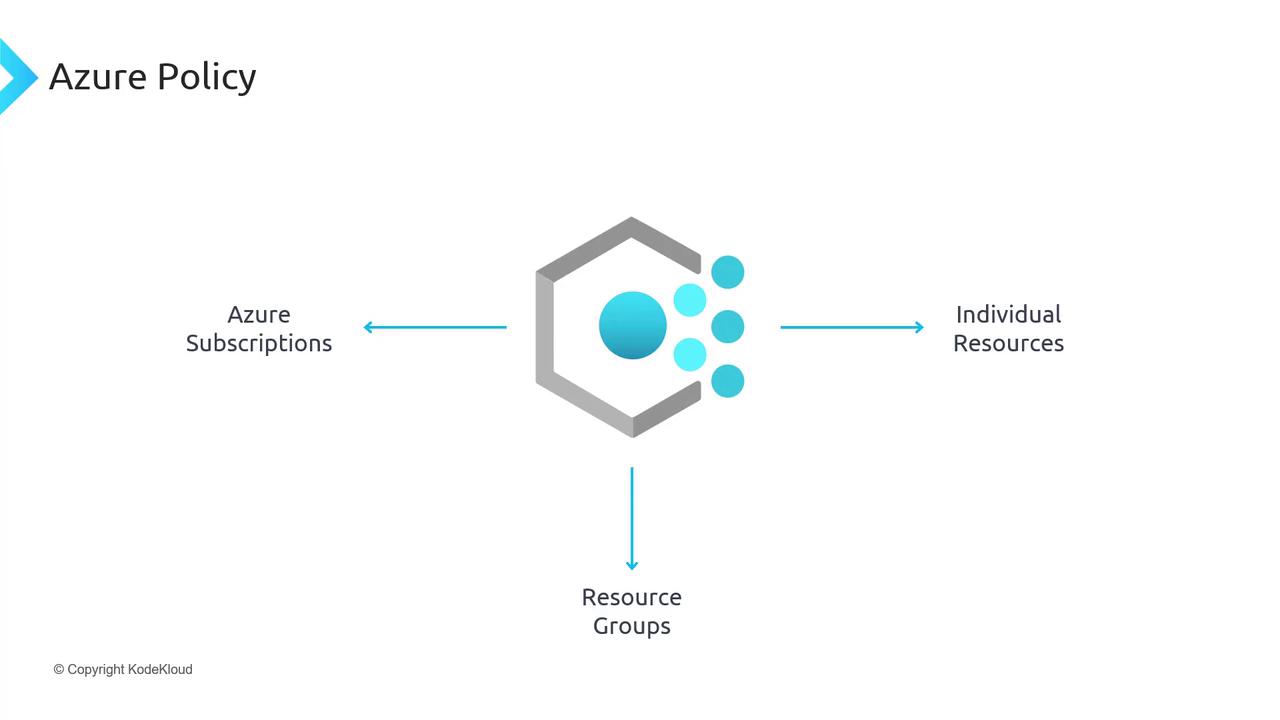
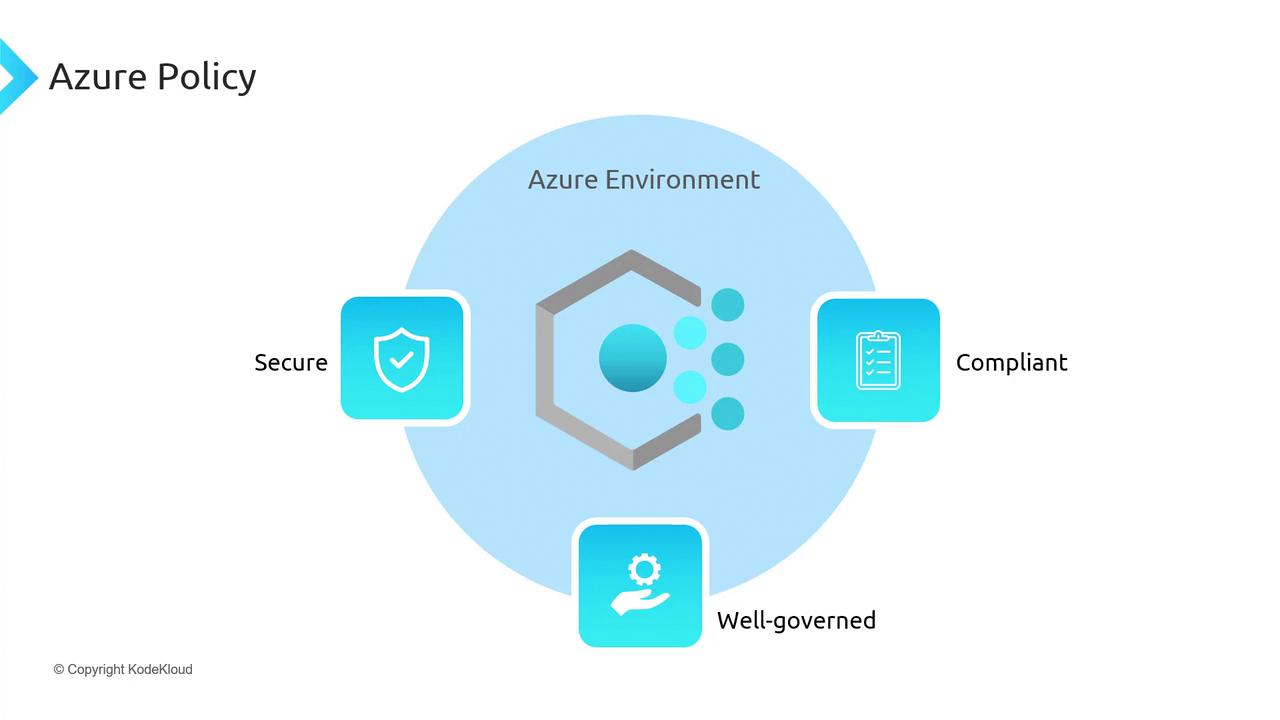
Assigning a Built-in Policy to Restrict AKS Deployments by Location
To block AKS clusters outside Australia, use a built-in Azure Policy definition:- In the Azure portal, navigate to Policy > Authoring > Definitions.
- Search for built-in definitions and filter by Type.

- Note the two definition types:
- Find Allowed locations and click Assign.
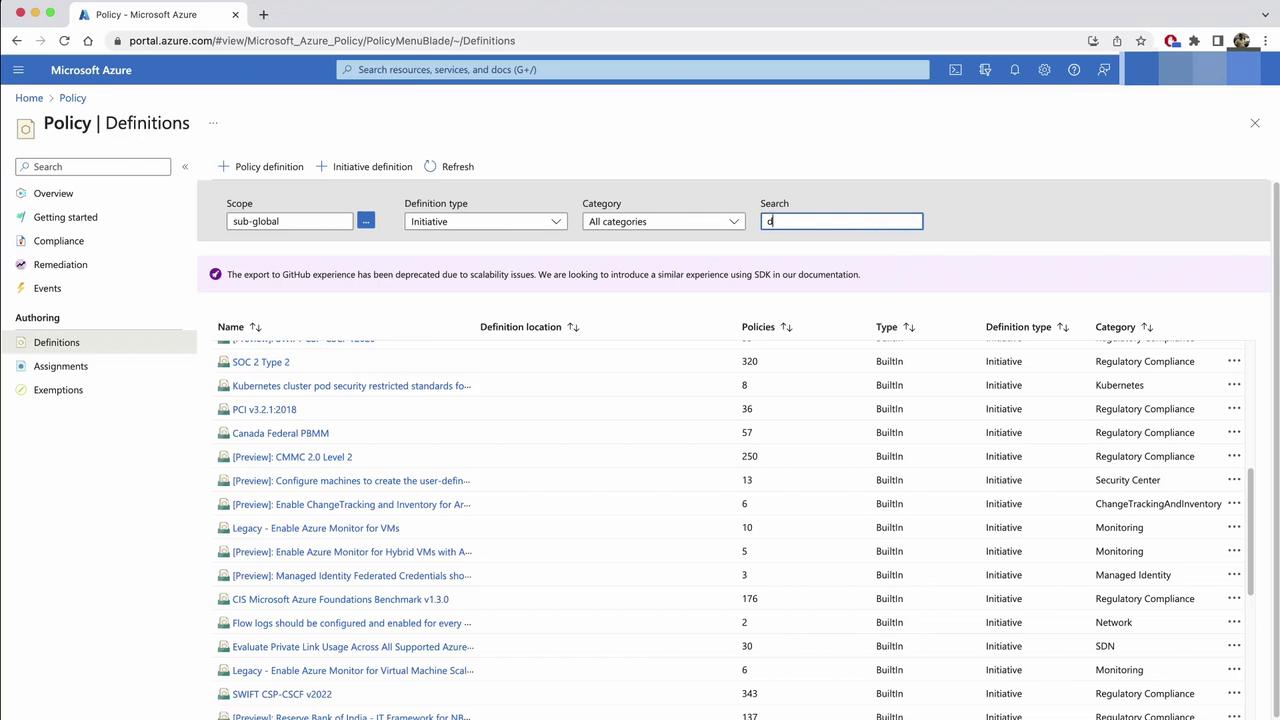
- On the Assignment tab, set your subscription as the scope and click Next.
- (Optional) Under Advanced, exclude specific resource types if needed.
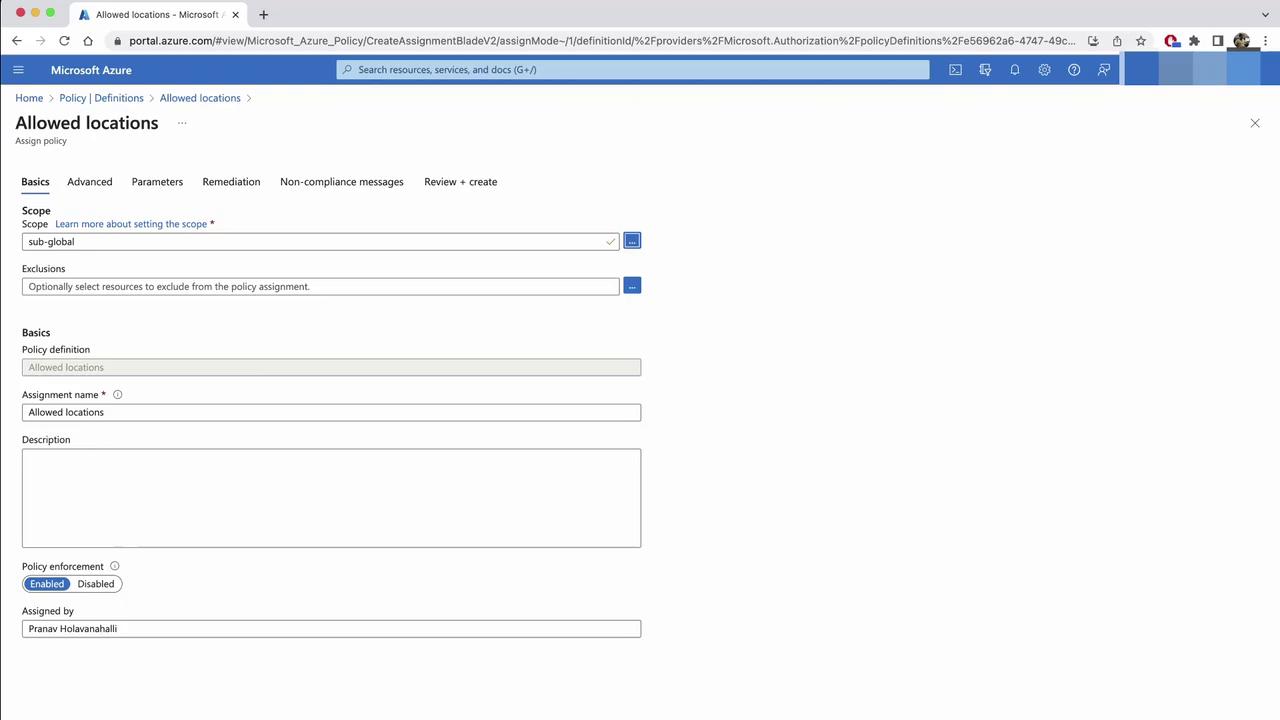
- In Parameters, pick
Australia EastandAustralia Southeast. Resources outside these regions will be denied.
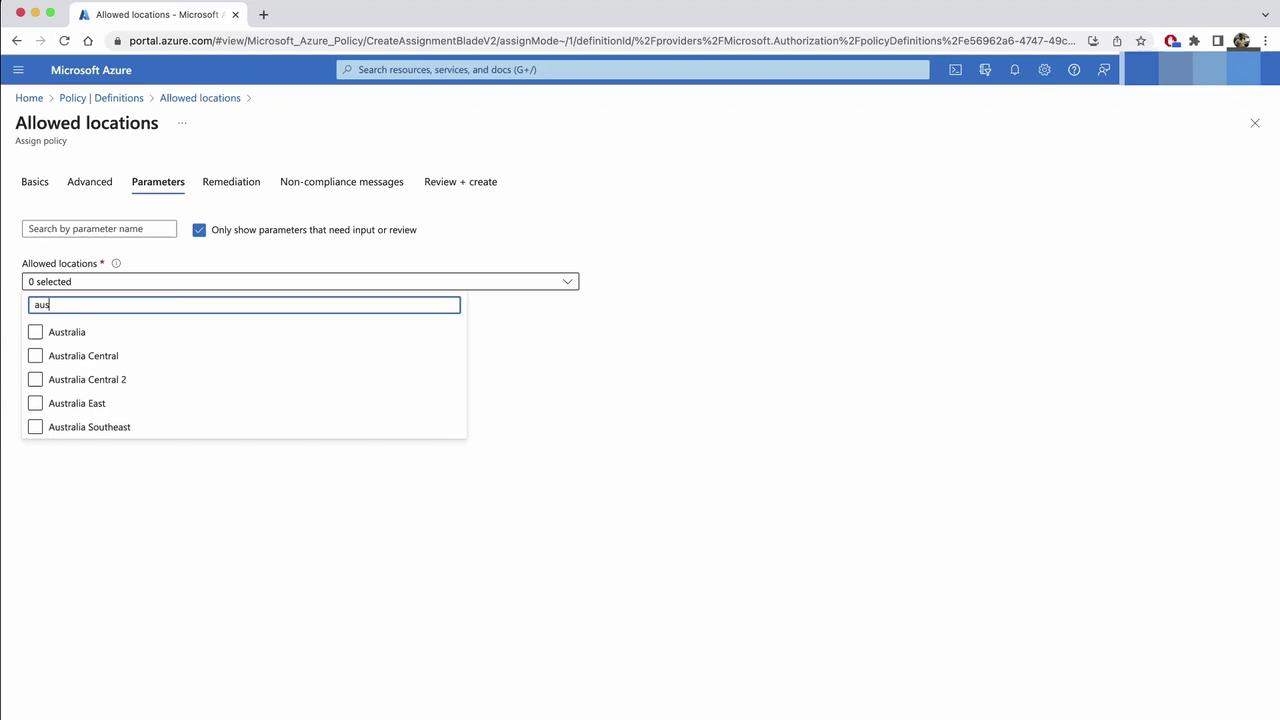
If you enable Remediation, Azure Policy may move or delete non-compliant resources. Review potential impacts before proceeding.
- Optionally, configure Remediation to correct existing resources, then add a custom message and click Create.
- Return to Policy > Assignments and refresh to confirm your new control.
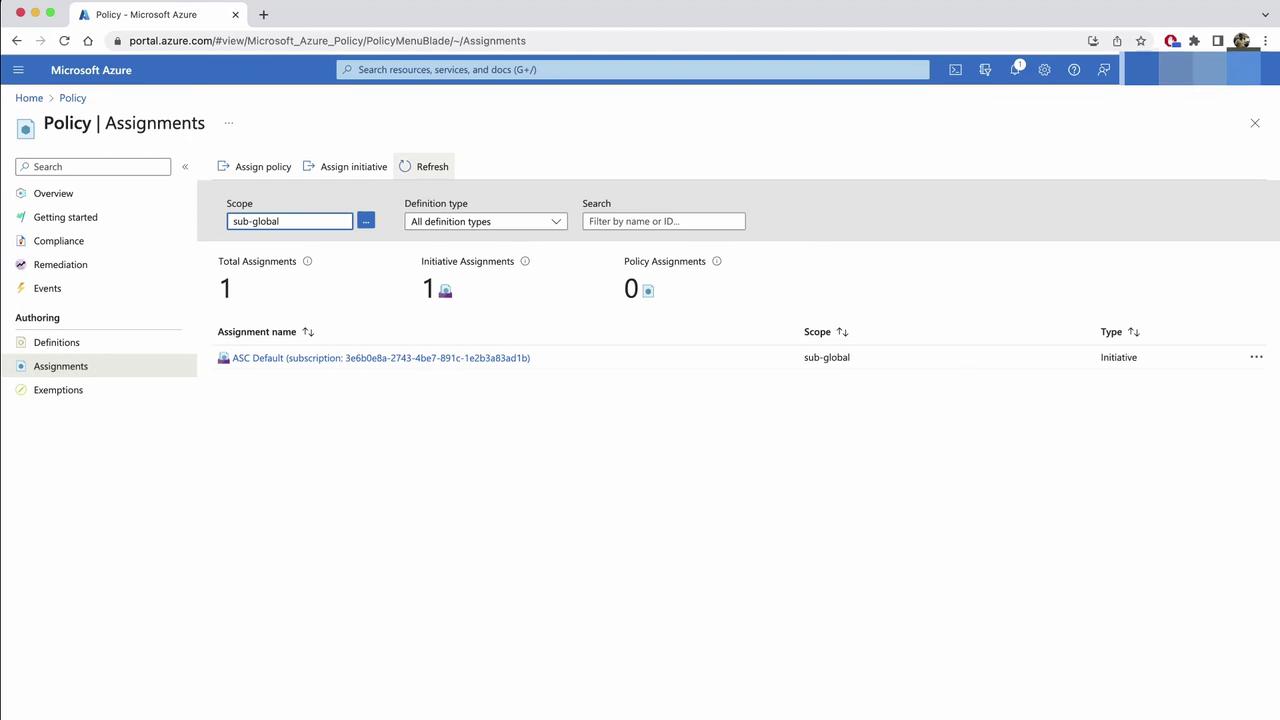
Testing the Location Policy
Attempt to create an AKS cluster inEast US:
- In the Create a Kubernetes cluster wizard, select East US, then Review + create.
- The deployment will fail with your custom message.
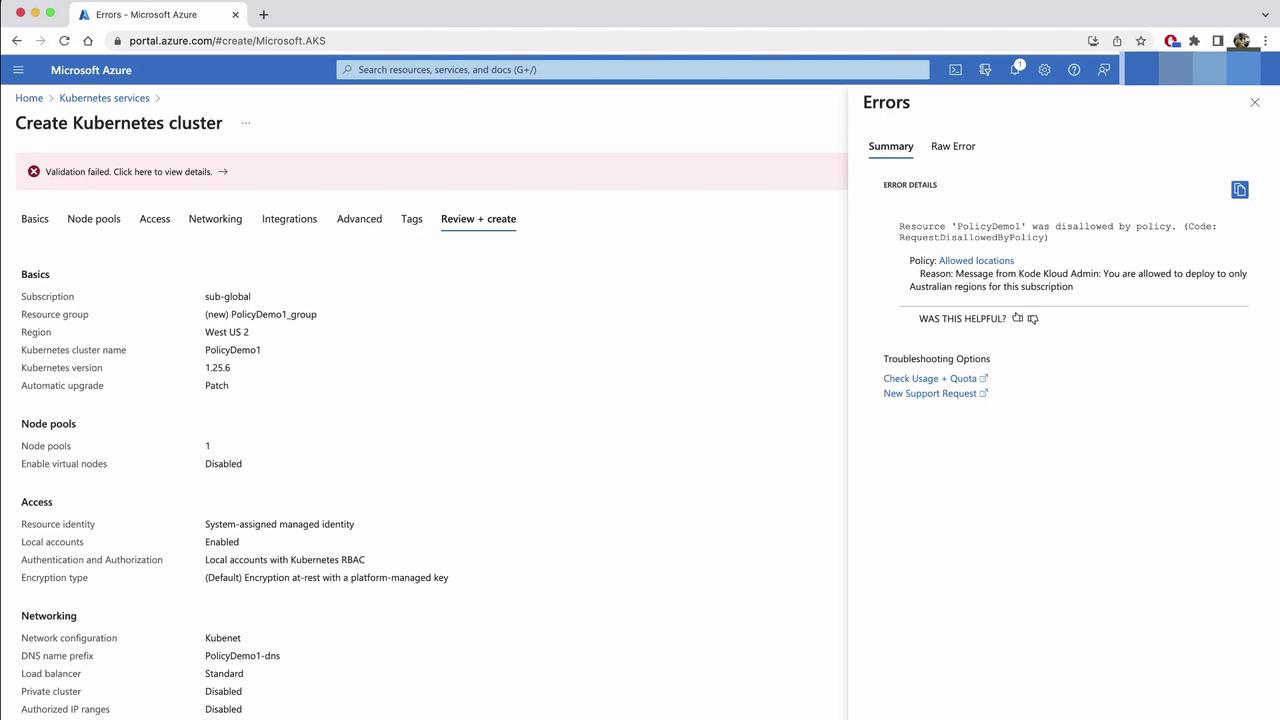
Extending Governance Inside AKS with OPA & Gatekeeper
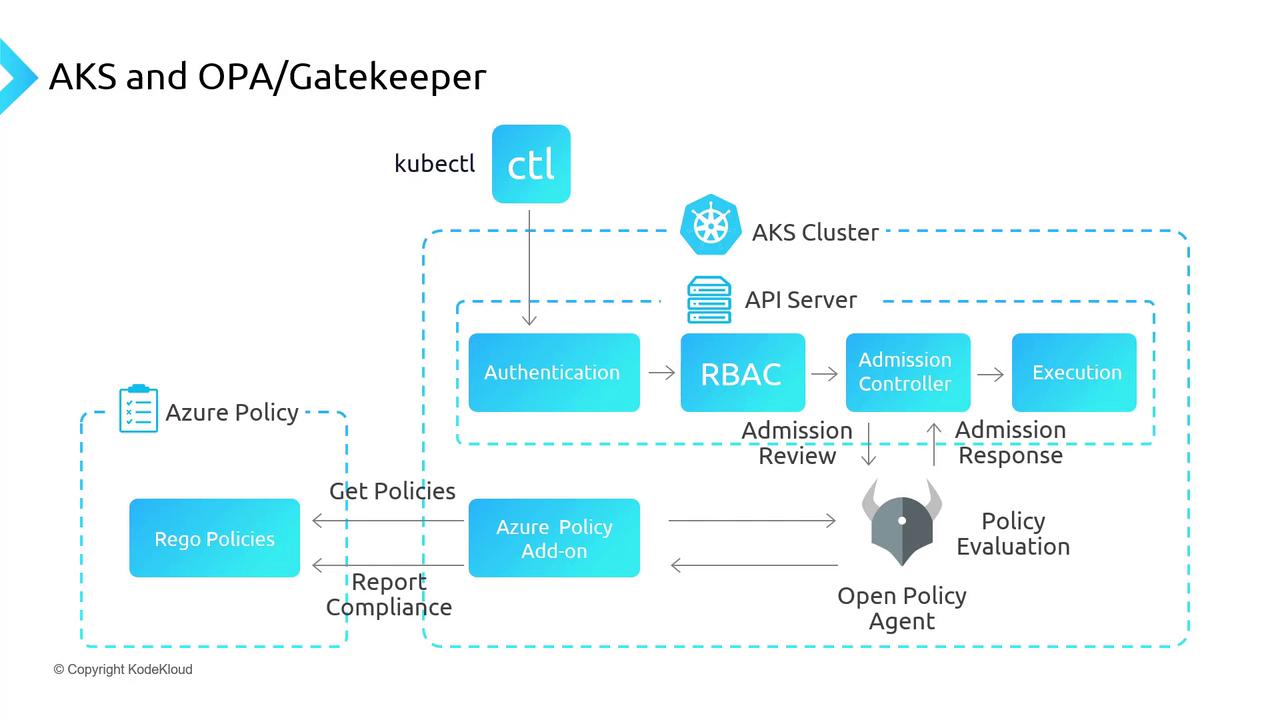
Azure Policy enforces resource-level rules but doesn’t inspect workloads inside AKS. For cluster-native policy enforcement, integrate Open Policy Agent (OPA) with Gatekeeper:- OPA: cloud-native policy engine.
- Gatekeeper: Kubernetes admission controller for OPA policies.
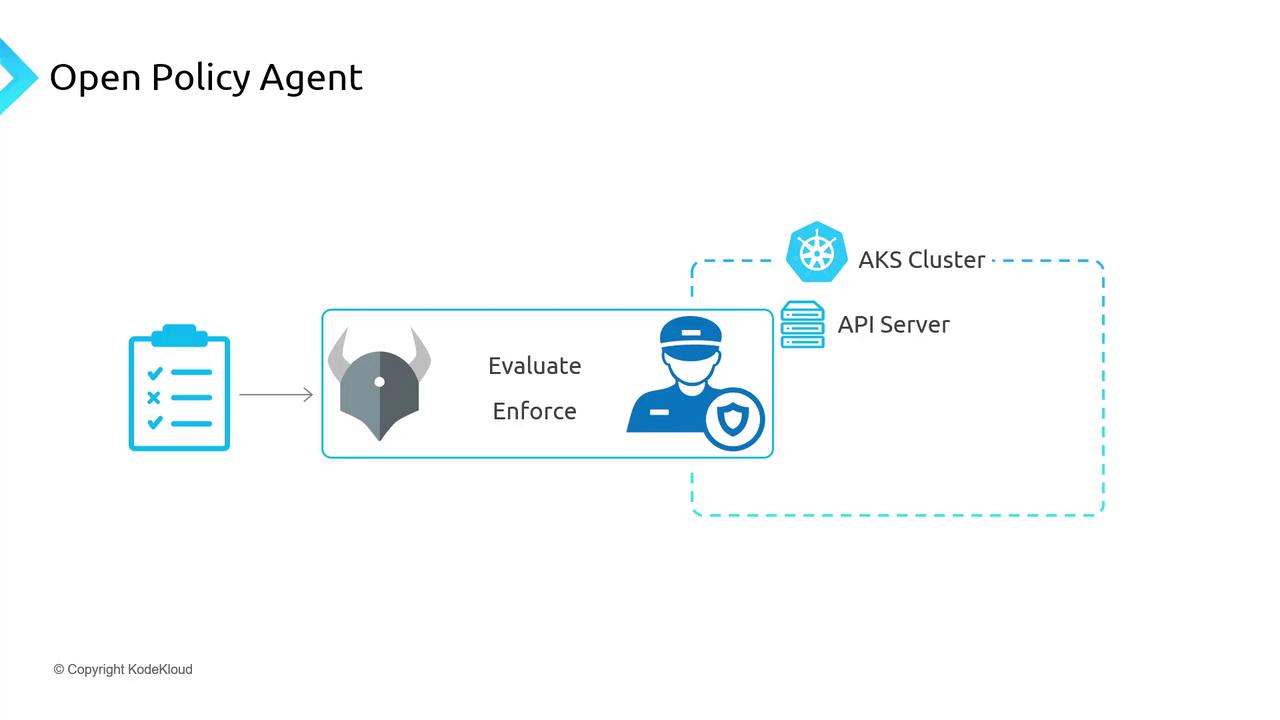
Enabling the Azure Policy Add-on in AKS
To deploy OPA Gatekeeper via Azure Policy:- Create an AKS cluster—e.g.,
AKSPolicyDemo. - In the Azure portal, open the cluster’s Policies blade (initially disabled).
- From your CLI:
- An azure-policy deployment in
kube-system. - Gatekeeper pods in
gatekeeper-system.
Enforcing Kubernetes-Native Policies
Next, apply a service-port policy:- In Azure portal Policy > Definitions, search for Kubernetes clusters should only expose allowed ports on services.
- Click Assign, select scope, and set allowed ports to
80and443.
How Policy Enforcement Works
When the Azure Policy add-on is active, Gatekeeper syncs assignments every 15 minutes and integrates into the Kubernetes API flow:- kubectl → API Server
- Authentication
- Authorization (RBAC)
- Admission Controllers (including Gatekeeper)
- Execution