

Table of Contents
- Virtual Networks (VNets) & CIDR Notation
- Subnets
- Network Security Groups (NSGs)
- Route Tables & User-Defined Routes (UDRs)
- VNet Peering
- Quick Reference
- Links and References
Virtual Networks (VNets) & CIDR Notation
A Virtual Network (VNet) provides an isolated, private IP address space in Azure. VNets support both IPv4 and IPv6; this guide focuses on IPv4. We define address ranges using Classless Inter-Domain Routing (CIDR) notation, which combines an IP address with its subnet mask. Example CLI:Use IP address management (IPAM) tools or Azure’s built-in features to plan non-overlapping CIDR blocks across multiple VNets.
Subnets
A subnet segments your VNet’s address space into smaller networks, enabling you to group and isolate resources like VMs or AKS nodes. Example CLI:Subnets within the same VNet must not have overlapping CIDR ranges.
Network Security Groups (NSGs)
A Network Security Group (NSG) acts as a virtual firewall at the subnet or NIC level. NSGs include inbound and outbound rules to allow or deny traffic based on source/destination IP, port, and protocol. Example CLI:Azure NSGs include default rules permitting VNet-to-VNet traffic and outbound internet traffic. Customize NSGs to enforce your security policies.
Route Tables & User-Defined Routes (UDRs)
A Route Table is a set of routes that control packet forwarding within a VNet. Azure populates it with:- System routes (default Azure routes)
- BGP routes (learned via ExpressRoute or VPN)
- User-Defined Routes (UDRs)
VNet Peering
To enable low-latency, high-bandwidth connectivity between VNets (within or across regions), configure VNet Peering. Example CLI: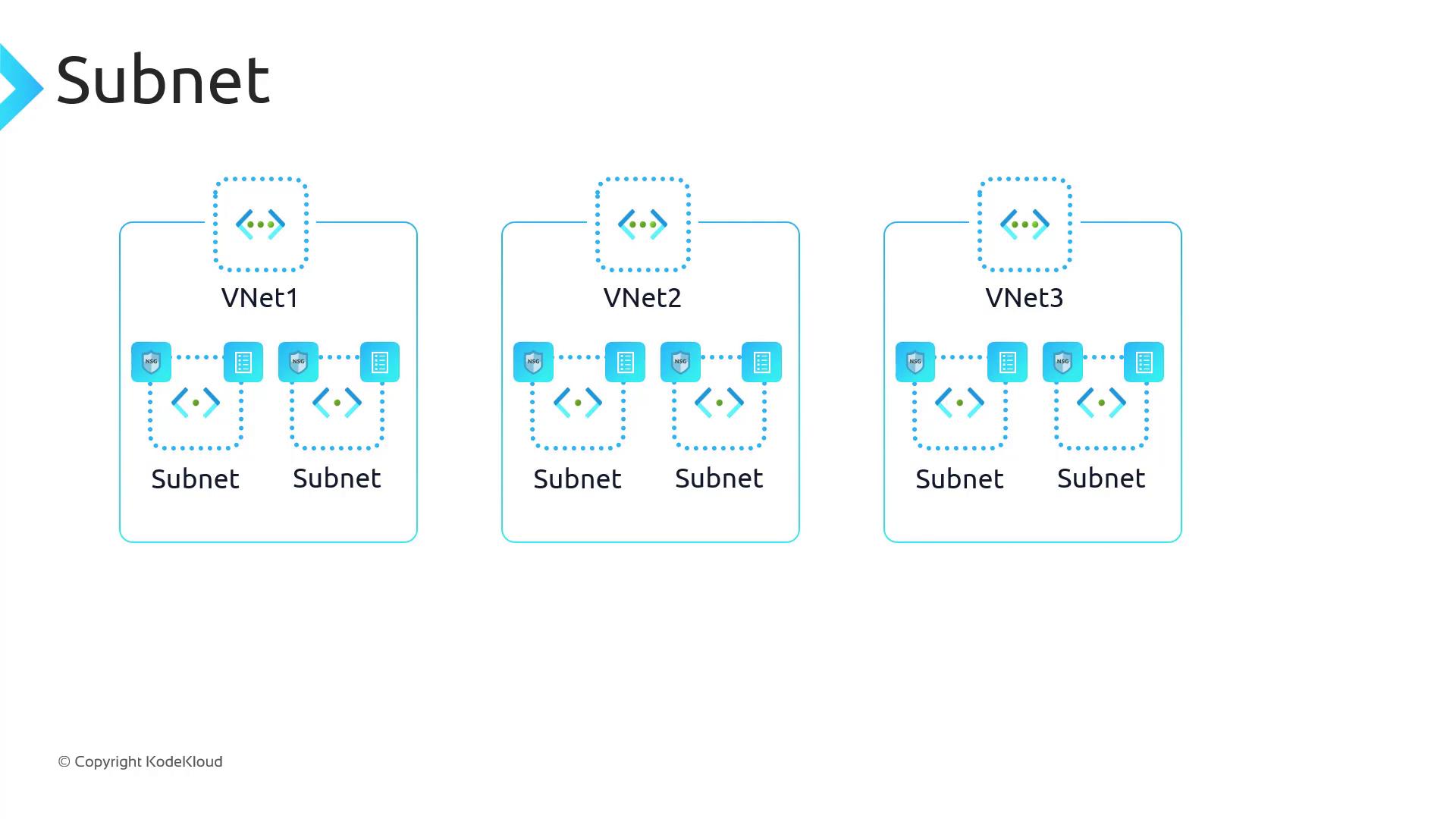
Quick Reference
Links and References
- Azure Virtual Networks
- CIDR Notation
- Azure Network Security Groups
- Azure Route Tables & UDRs
- Virtual Network Peering