Introduction to GitOps
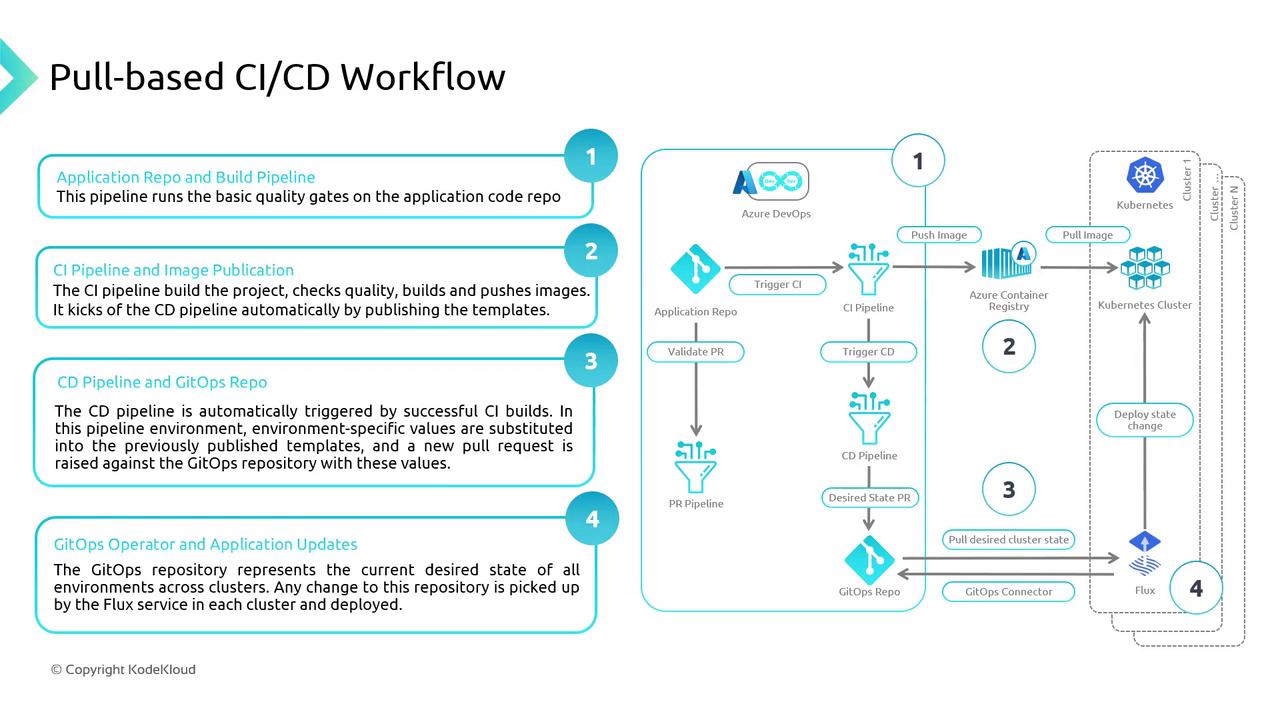
GitOps is a pull-based methodology for Continuous Integration and Continuous Deployment (CI/CD), where both application and infrastructure configurations are stored as code in a Git repository. Any desired state changes are made via Git commits, ensuring version-controlled deployments, easy auditing, and reliable rollbacks.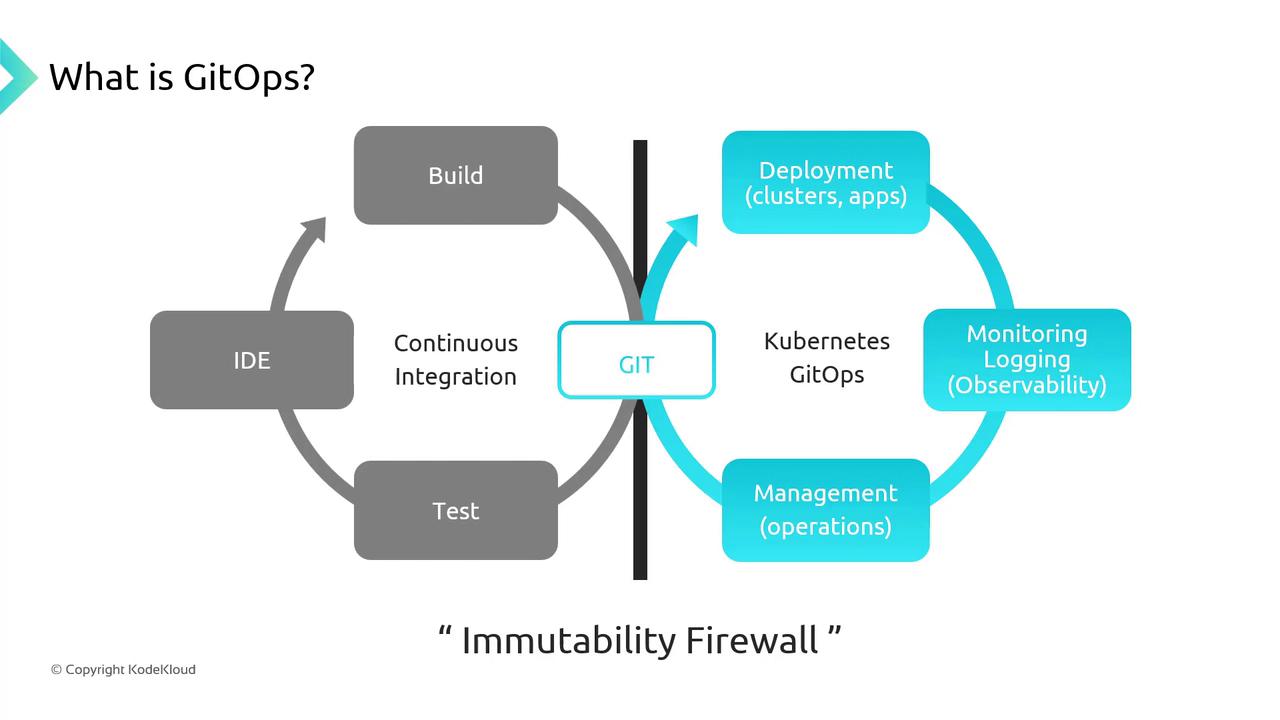
The “Immutability Firewall” enforces separation between build artifacts and deployment manifests, guaranteeing consistent, reproducible releases.
Push-Based vs. Pull-Based Workflows
In CI/CD, you can choose between push-based or pull-based (GitOps) models.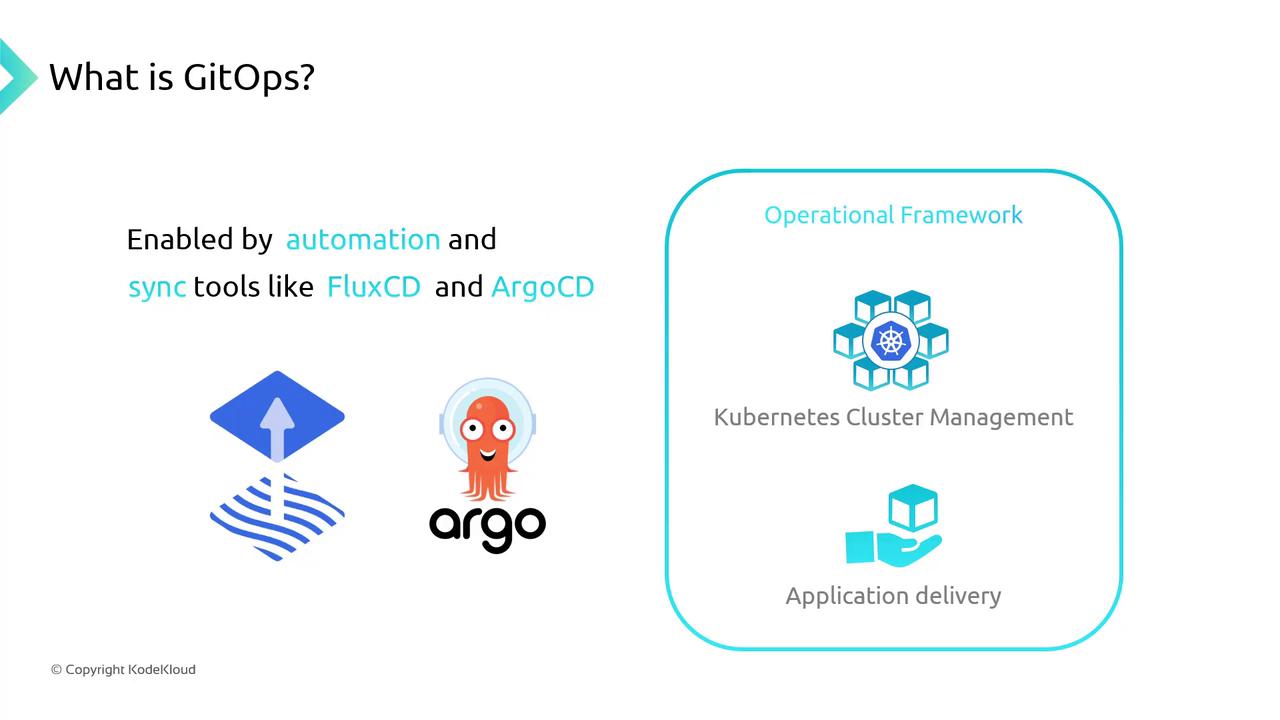
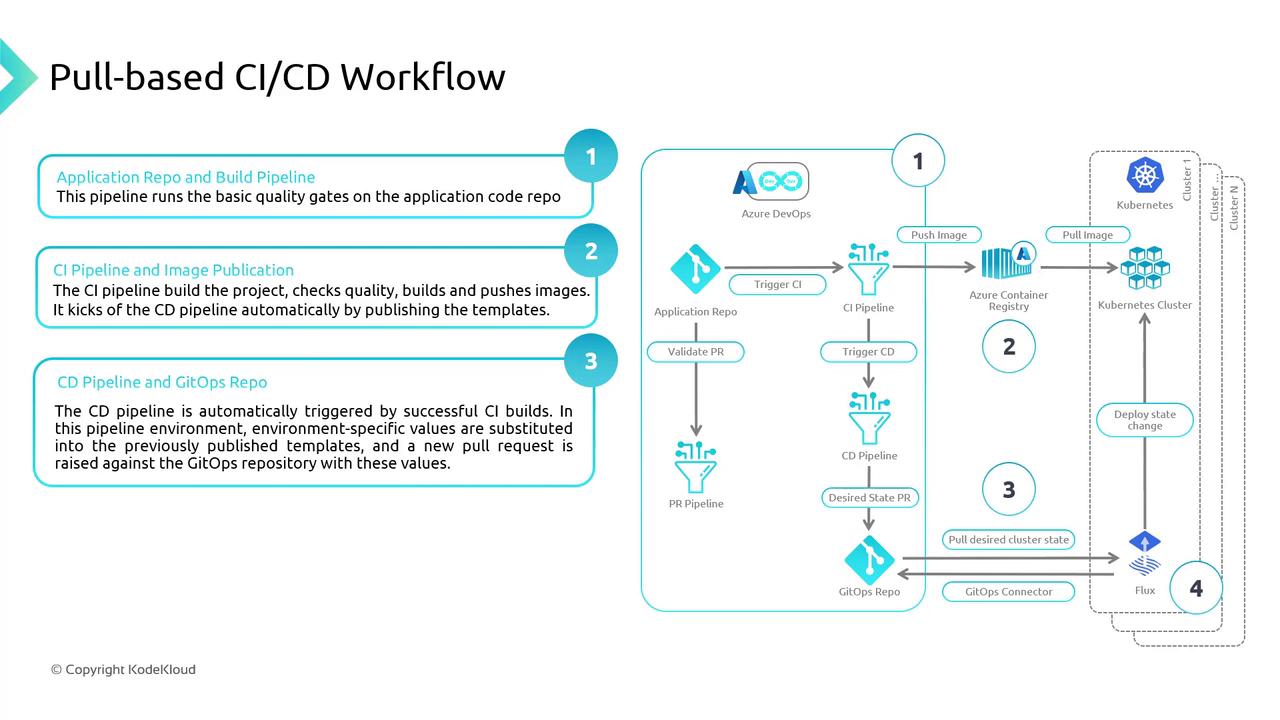
Pull-Based CI/CD Workflow for AKS
A typical GitOps pipeline for Azure Kubernetes Service involves:- Source Control
Store application code and Kubernetes manifests in a Git repo. - CI Pipeline
Build, test, and push container images to Azure Container Registry (ACR). - CD Pipeline
Generate environment-specific YAMLs (e.g., via Kustomize) and commit them to Git. - GitOps Operator
Flux or Argo CD polls Git, detects changes, and applies the new state to AKS.
Demonstration: Deploying a New AKS Cluster with GitOps
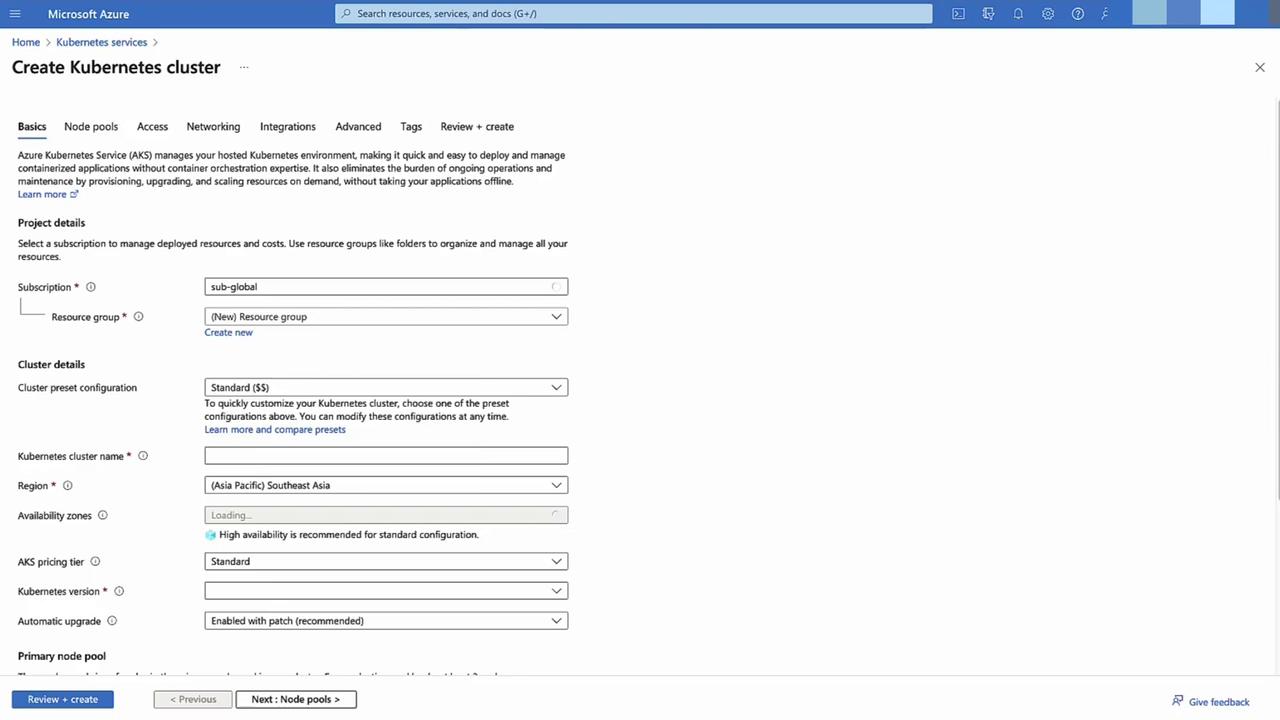
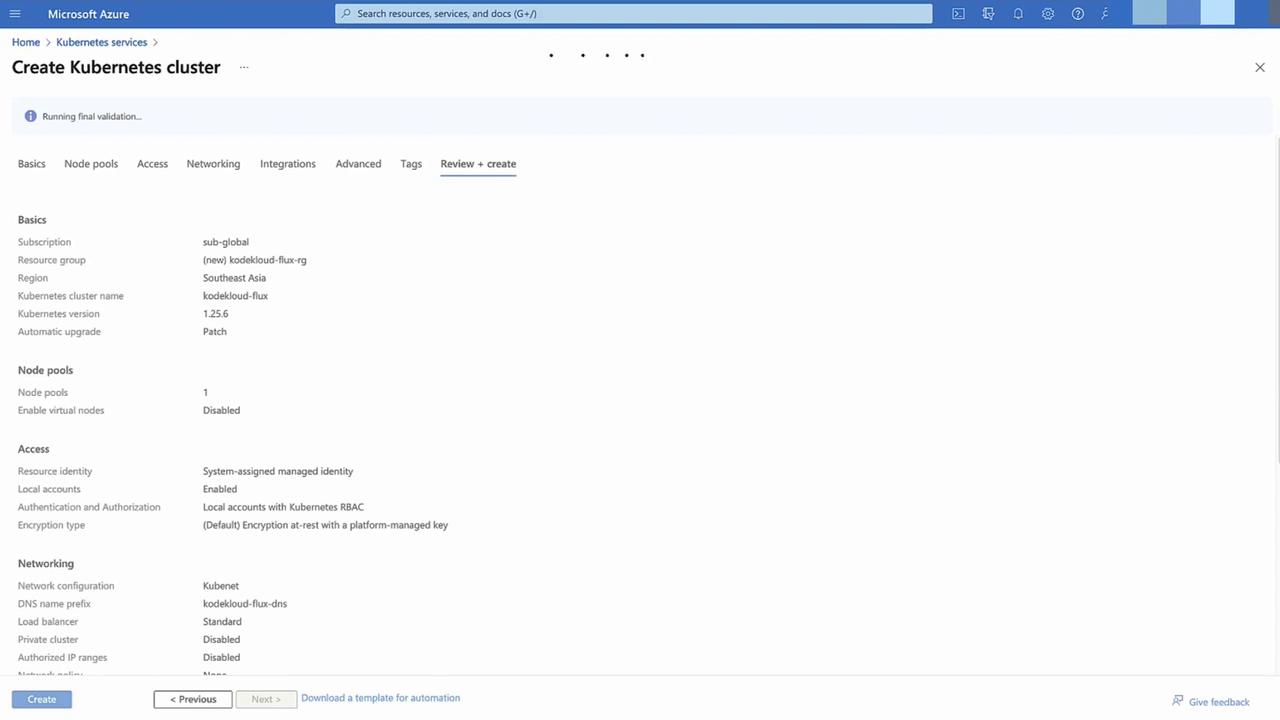
Follow these steps to provision an AKS cluster and configure GitOps using Azure Portal:- Create AKS Cluster
In the Azure Portal, select Kubernetes services → + Add.
Choose a new resource group, use default settings, then Review + Create → Create.
-
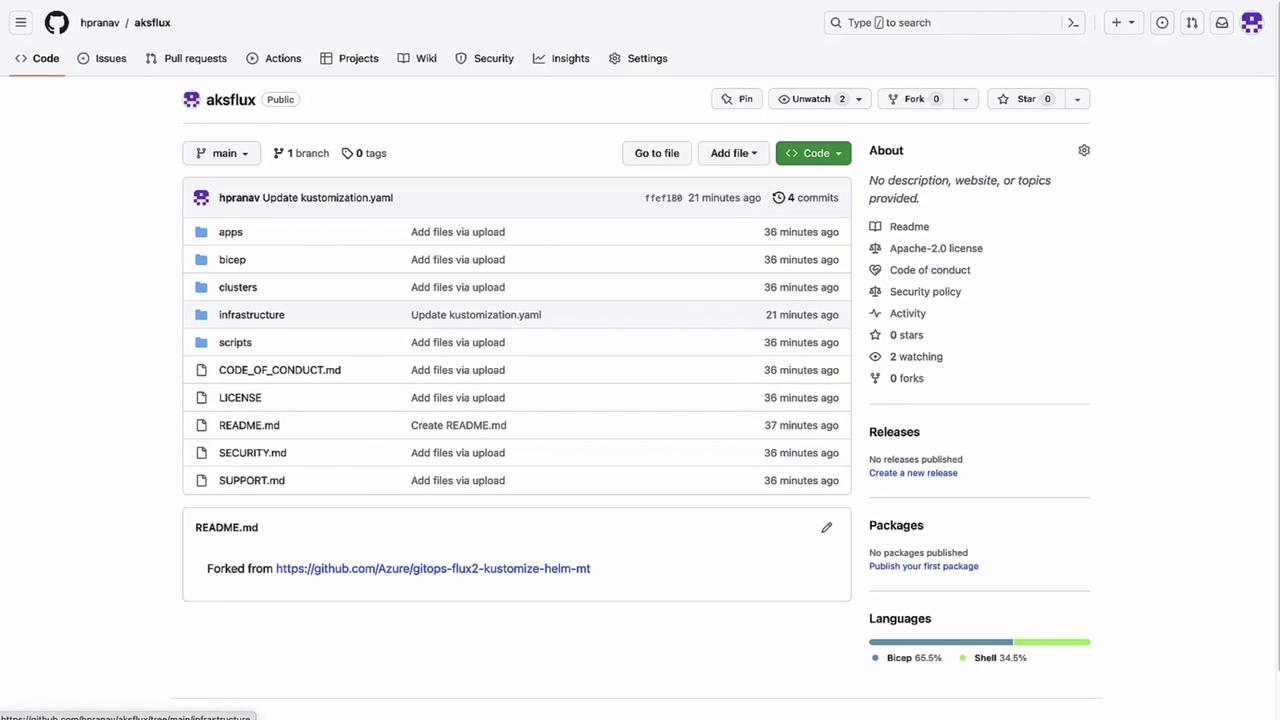
Fork and Prepare Your Git Repository
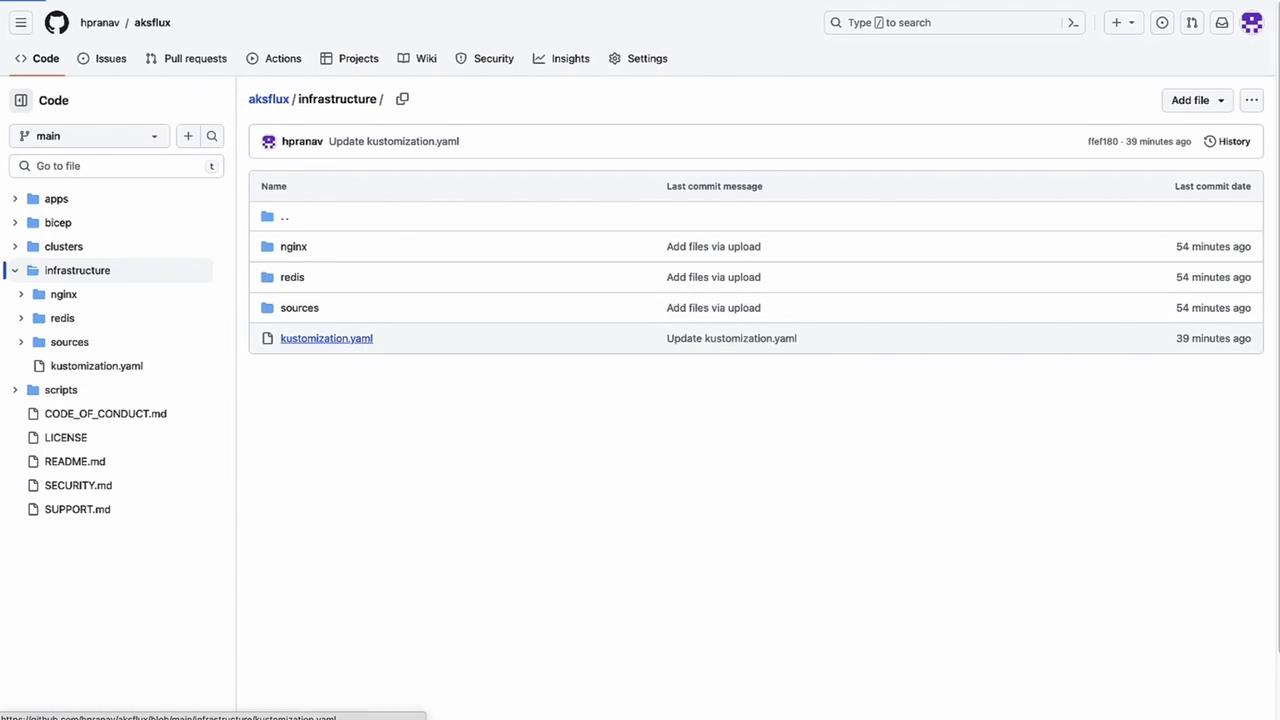
Open your forked repo (e.g.,aksflux) containing Flux YAMLs. In theinfrastructurefolder, inspectkustomization.yaml:You’ll later addredisto demonstrate dynamic updates. Underapps/staging, maintain environment-specific overlays.
- Verify Cluster Deployment
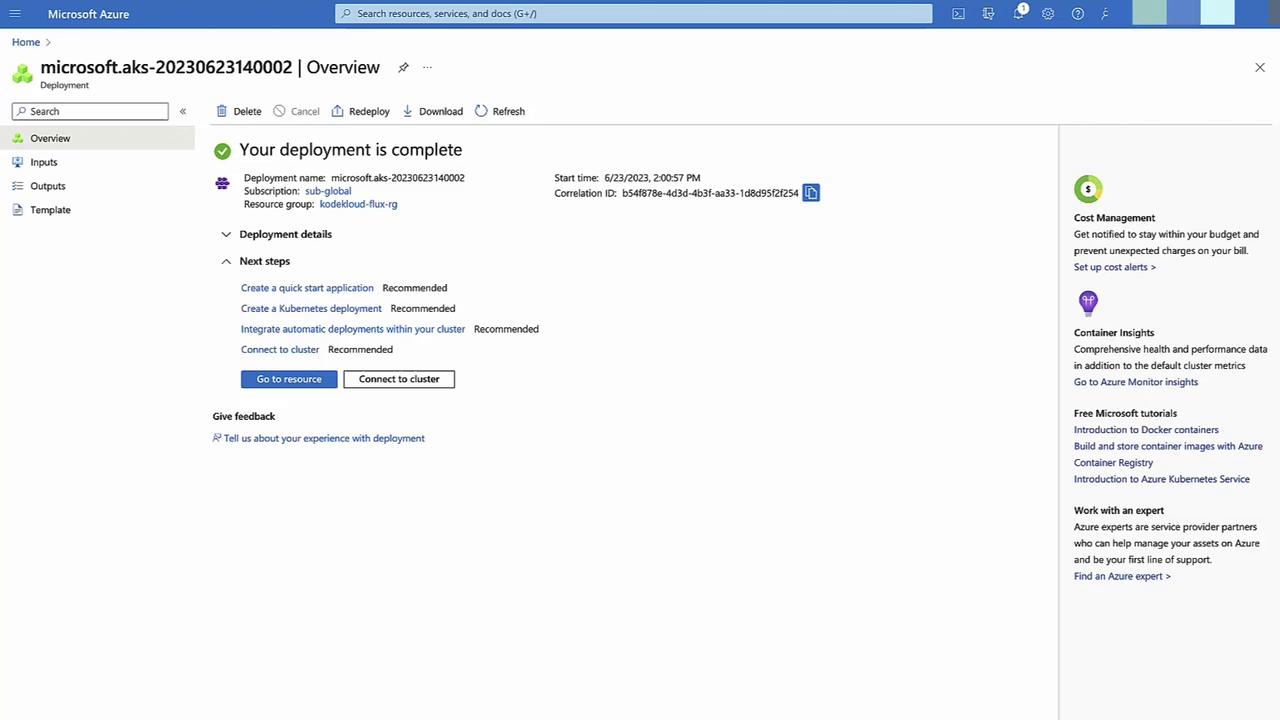
Once provisioning finishes, confirm status in Deployments.
-
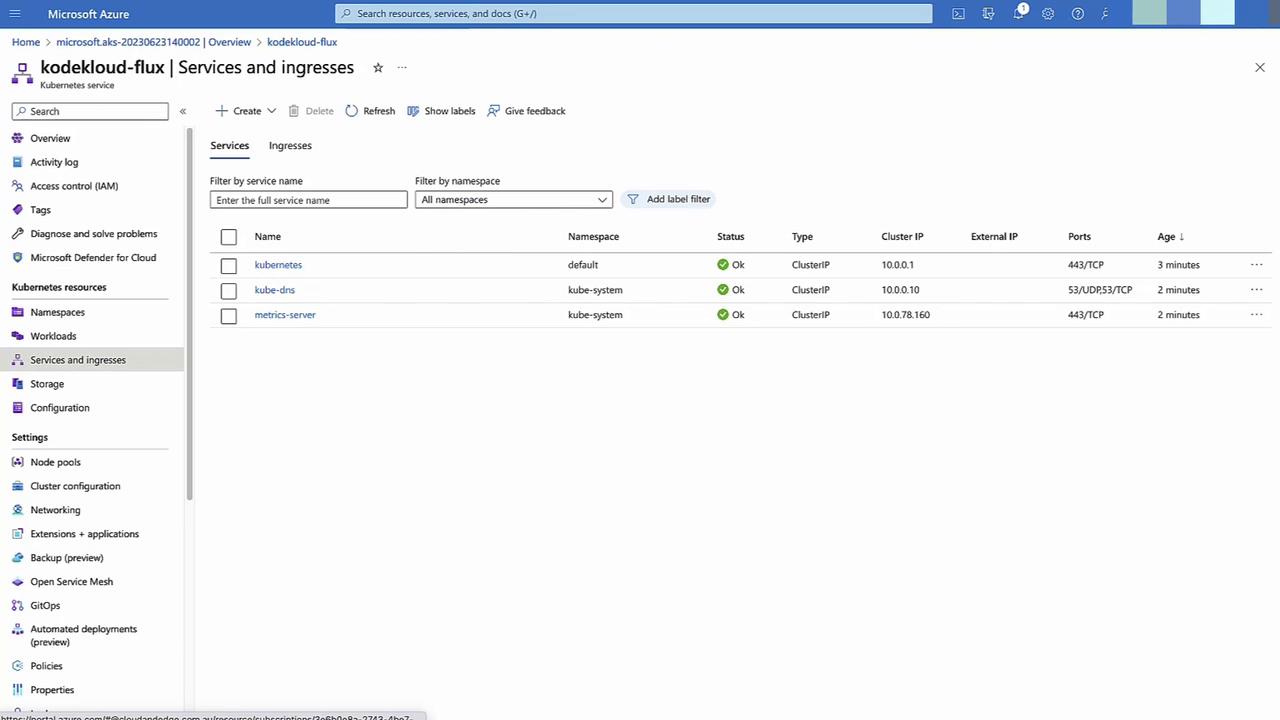
Inspect Default Namespaces & Services
In Namespace and services, view the default AKS resources. -
Configure GitOps in Azure Portal
Go to GitOps → + Configuration.- Name:
cluster-config - Scope: Cluster
- Namespace:
cluster-config
→ Next
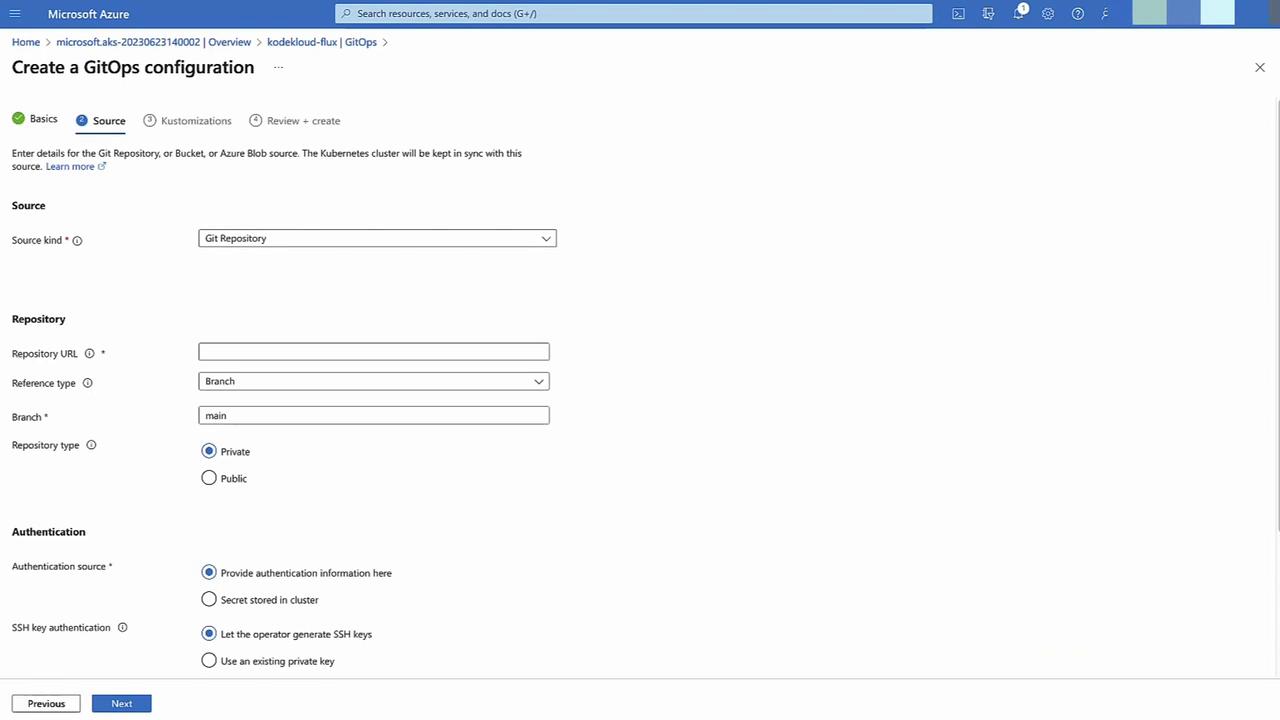
- Name:
main, no auth required.
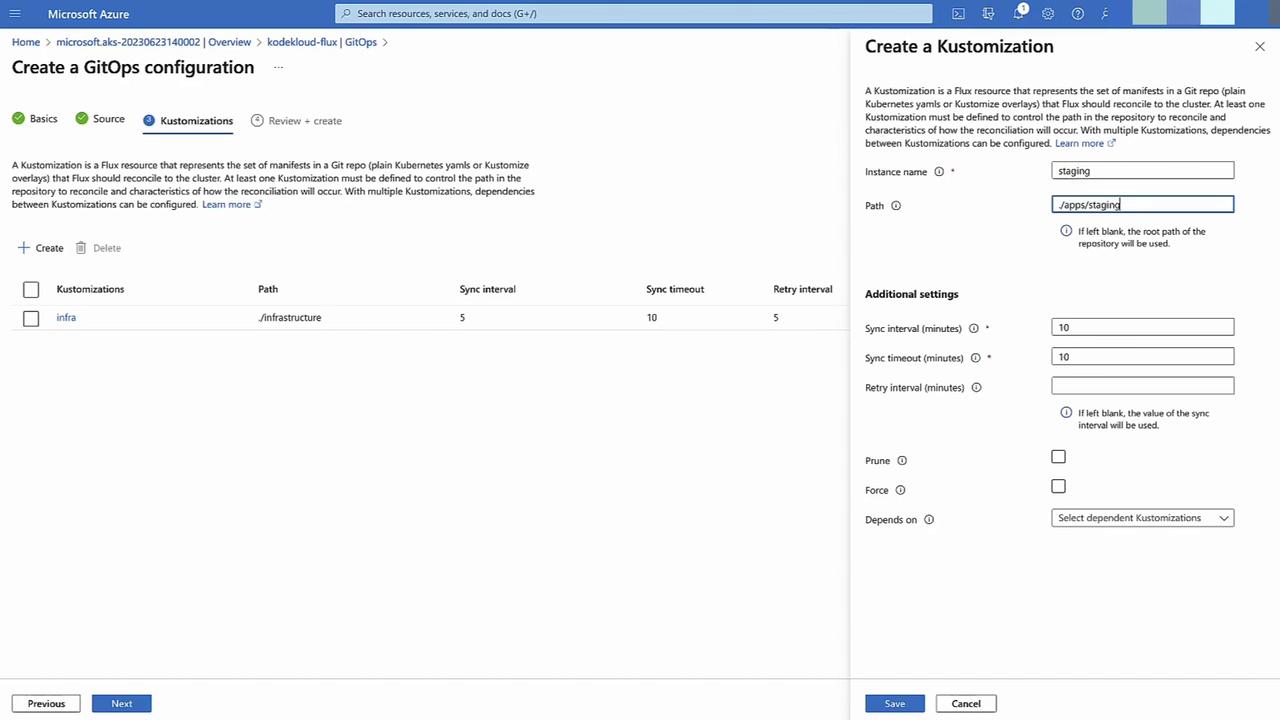
- Define Kustomizations
- Sync interval: 5 minutes
- Infrastructure: path
infrastructure - Staging: path
apps/staging, depends oninfrastructure
- Apply and Monitor
Click Create. Flux begins syncing—infrastructurewill reconcile first, thenstaging. Monitor compliance status in the GitOps pane.
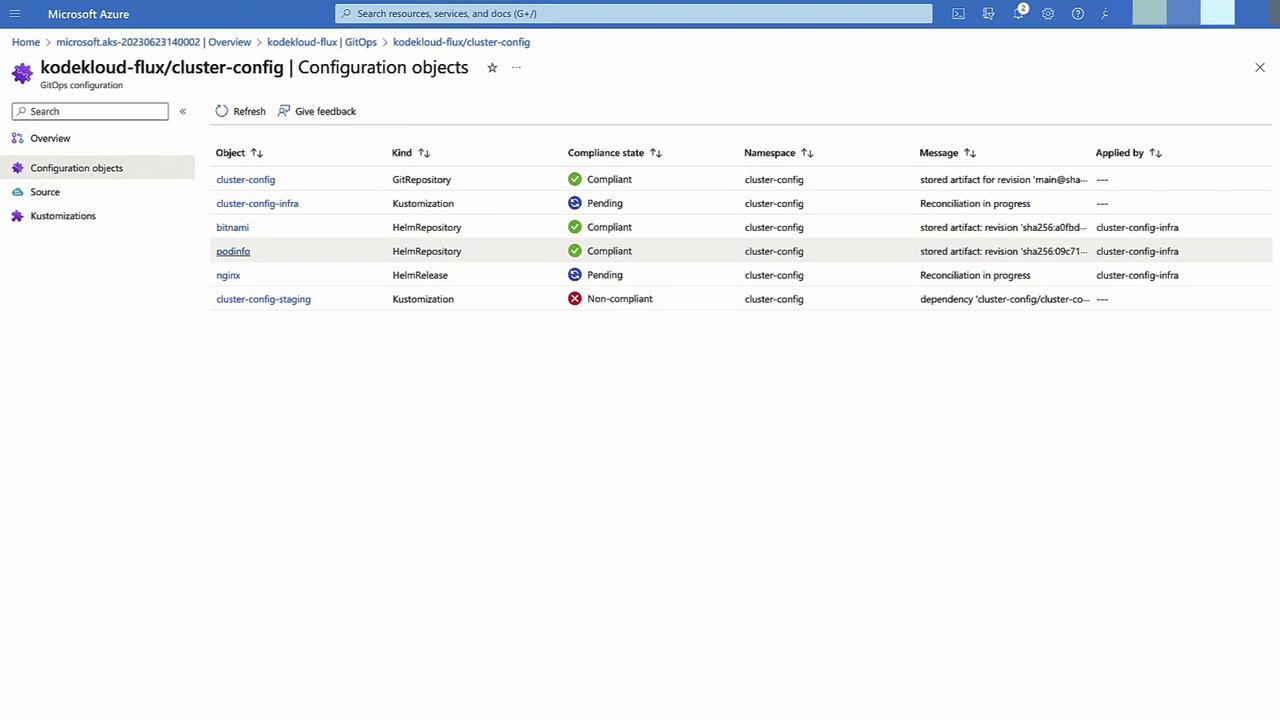
-
Validate Deployment
Return to Namespaces and Services to confirmnginx(and its namespace) is running. -
Demonstrate Drift Correction
In your repo, updateinfrastructure/kustomization.yaml:Commit and push. Within 5 minutes, Flux deploys the Redis namespace and service.