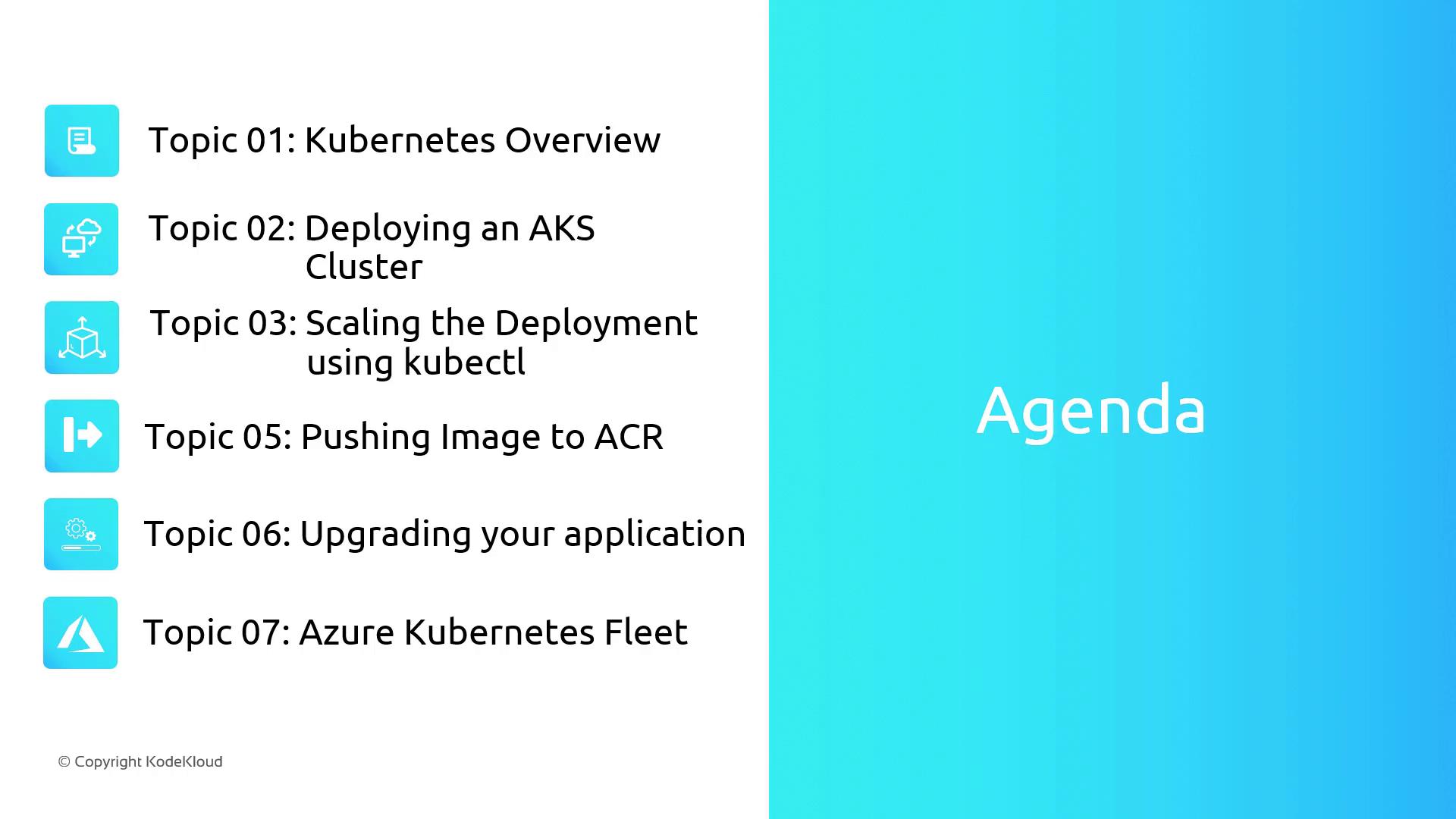
- Understand Kubernetes core components: pods, deployments, services, and namespaces
- Provision and configure an AKS cluster via the Azure portal
- Deploy applications using
kubectland implement scaling strategies - Manage container images with Azure Container Registry (ACR)
- Perform application upgrades and rollbacks in AKS
- Centrally govern multiple clusters using Azure Kubernetes Fleet
Make sure you have:
- An active Azure subscription
- Azure CLI installed and logged in (
az login) - Basic familiarity with Docker containers
Kubernetes Core Concepts
Lesson Overview
-
Kubernetes Fundamentals
Dive into pods, deployments, services, and namespaces—key building blocks for any AKS deployment. -
Provisioning an AKS Cluster
Step through the Azure portal to create your cluster, configure networking, and set up node pools. -
Application Deployment & Scaling
Use kubectl to deploy, scale, and update your applications seamlessly. -
Container Image Management
Push and version images in Azure Container Registry (ACR), and integrate ACR with AKS for secure pulls. -
Upgrades & Rollbacks
Implement rolling updates and rollbacks to maintain availability during application releases. -
Centralized Fleet Management
Orchestrate multiple clusters with Azure Kubernetes Fleet for consistent policy enforcement and simplified operations.