

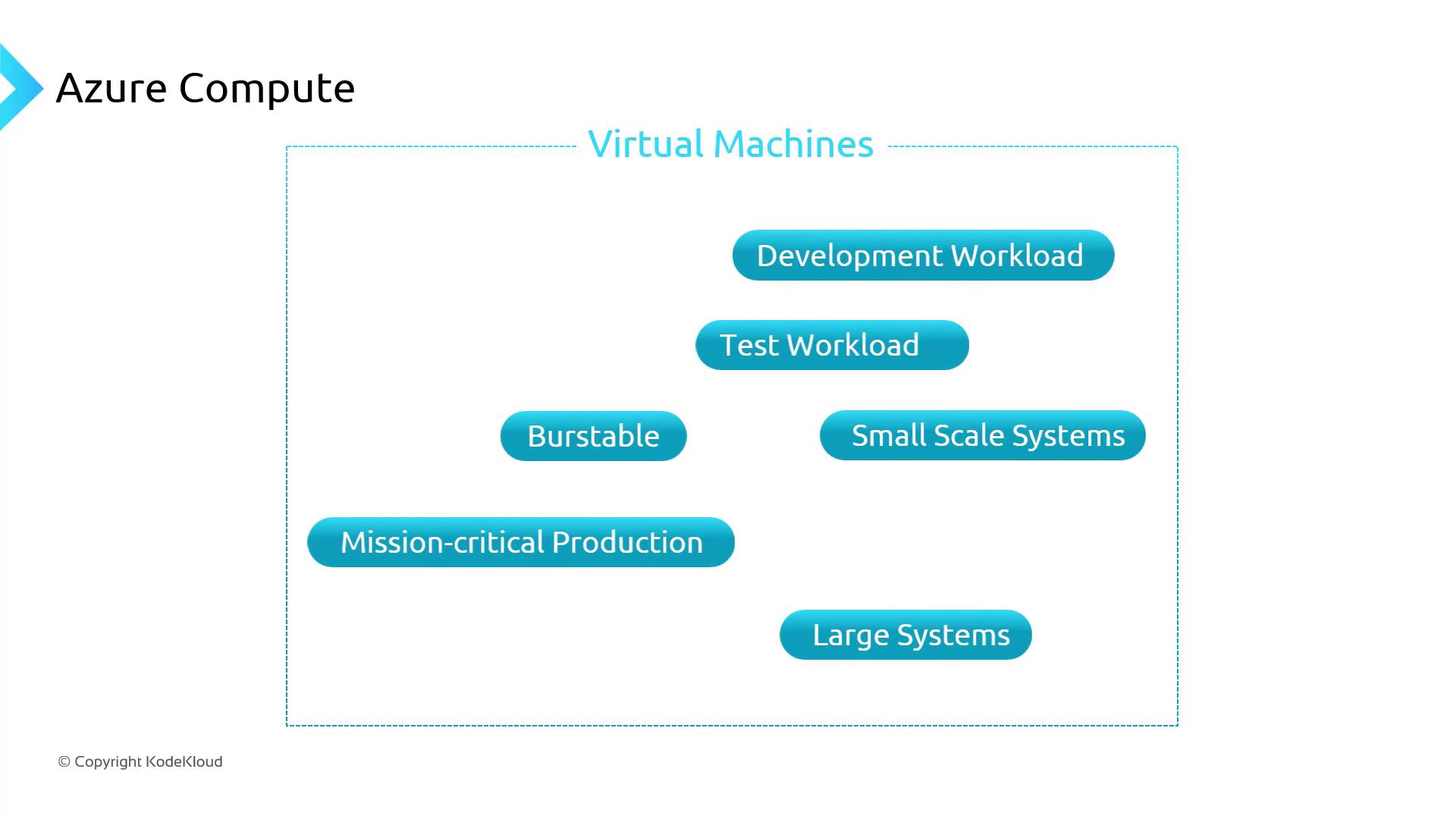
For detailed specifications and regional availability, visit Azure VM Sizes.
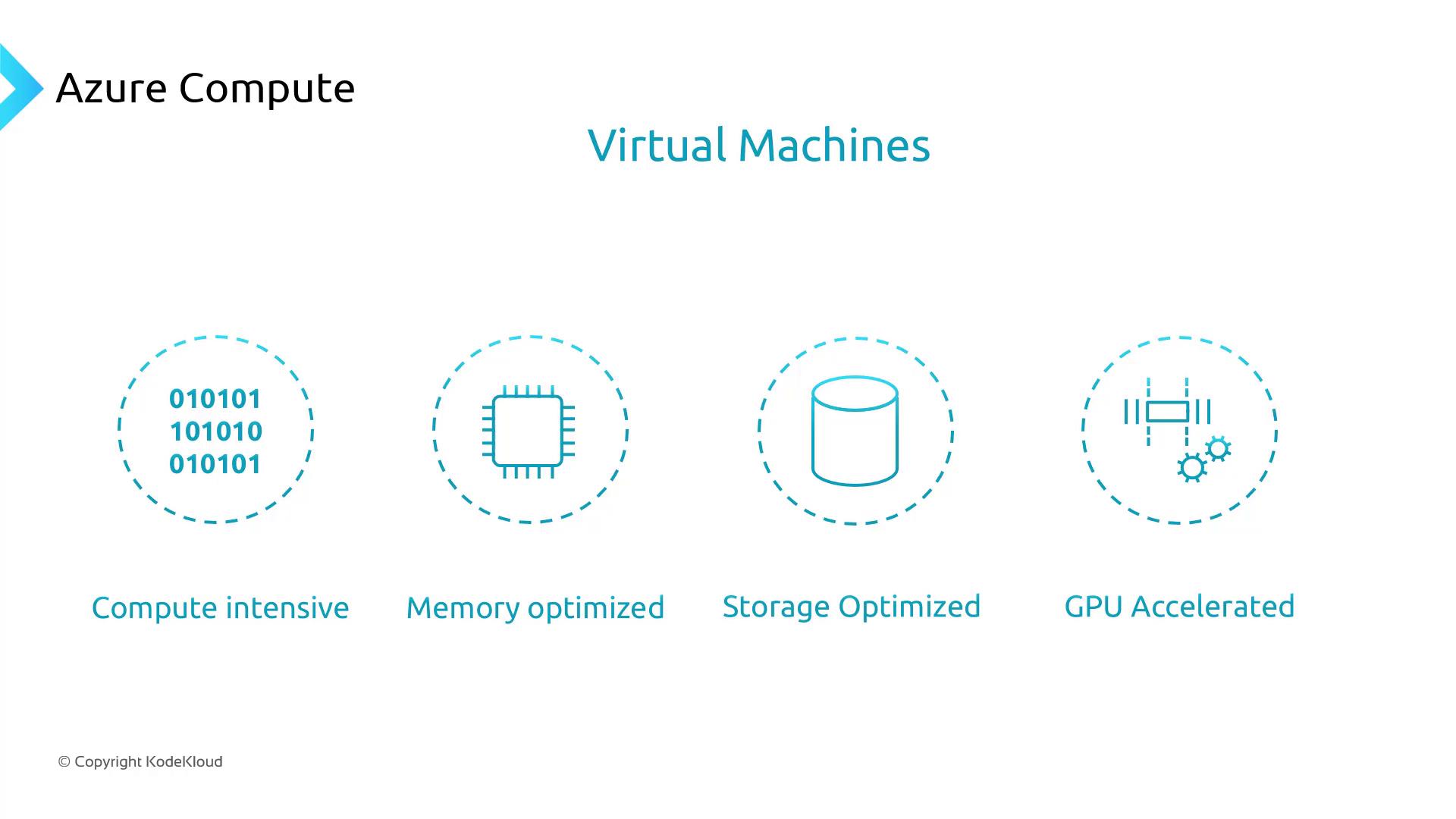
Common Azure VM Series and Use Cases
Choosing the Right VM Series
When selecting a VM series, align its capabilities with your workload requirements:- Memory-optimized (E-series)
Optimal for mission-critical databases and in-memory analytics. - General-purpose (D-series)
Ideal for balanced workloads like web servers and small databases. - Storage-optimized (Ls-series)
Best for applications needing high disk I/O throughput. - GPU-accelerated (N-series)
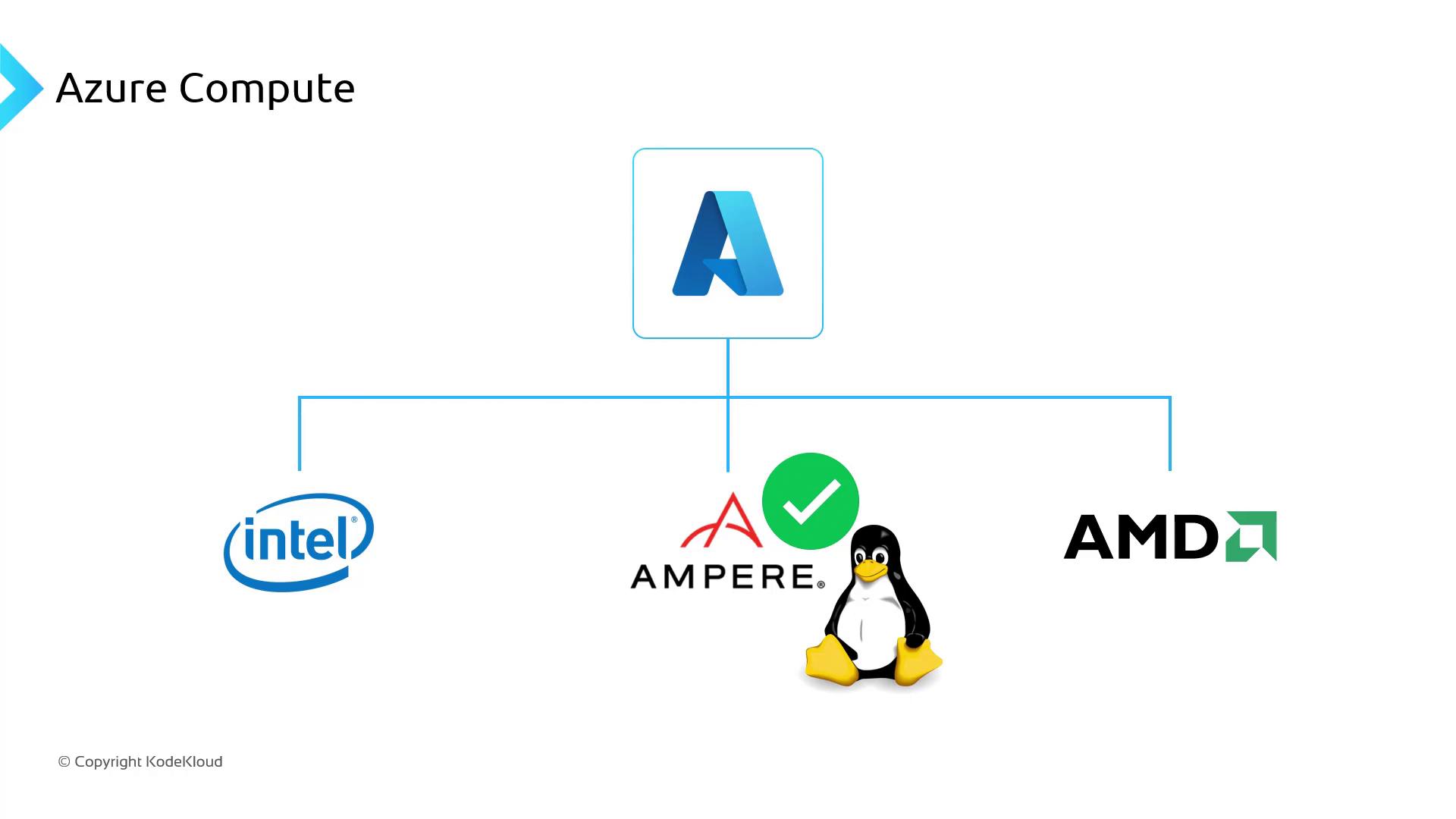
Designed for AI, machine learning, and graphics rendering. - ARM-based (Ampere Altra)
Provides a favorable performance-to-cost ratio for Linux container workloads.
Understanding Azure VM Naming Conventions
Azure VM names encode key details about the series, size, features, and generation. Decoding these names simplifies the selection process:- Standard: Indicates billing tier
- Series (e.g., E, D, Ls, N)
- vCPU count
- Features (d = premium disks, s = support for accelerated networking)
- Version (v<number>)
Selecting an unsupported VM size for your AKS cluster can lead to scheduling failures. Always verify compatibility in the AKS VM compatibility guide.
Links and References
- Azure VM Sizes Reference
- Azure Kubernetes Service (AKS) Documentation
- Compute Optimized VMs Overview
- Azure Pricing Calculator