A service mesh in Kubernetes offers a dedicated communication layer that abstracts networking and infrastructure concerns away from application code. By injecting a lightweight proxy—called a sidecar—next to each service instance, it intercepts all inbound and outbound traffic. This approach provides consistent traffic management, mTLS security, and observability without changing your application. Services (e.g., frontend, middle-tier, backend) run alongside their respective sidecar proxies. Although deployed together, proxies are managed independently, allowing you to update or scale them separately. The result is a clean codebase while the mesh transparently handles retries, circuit breaking, encryption, and more. Open Service Mesh (OSM) for AKS consists of two main layers: the data plane and the control plane.

Data Plane

The data plane is responsible for the actual routing of network traffic between services. Its key functions include:
  • Service discovery: Automatically finding and routing to healthy instances.
  • Traffic management: Implementing retries, circuit breakers, and load balancing.
  • Security: Establishing mutual TLS (mTLS) channels for encrypted, authenticated communication.
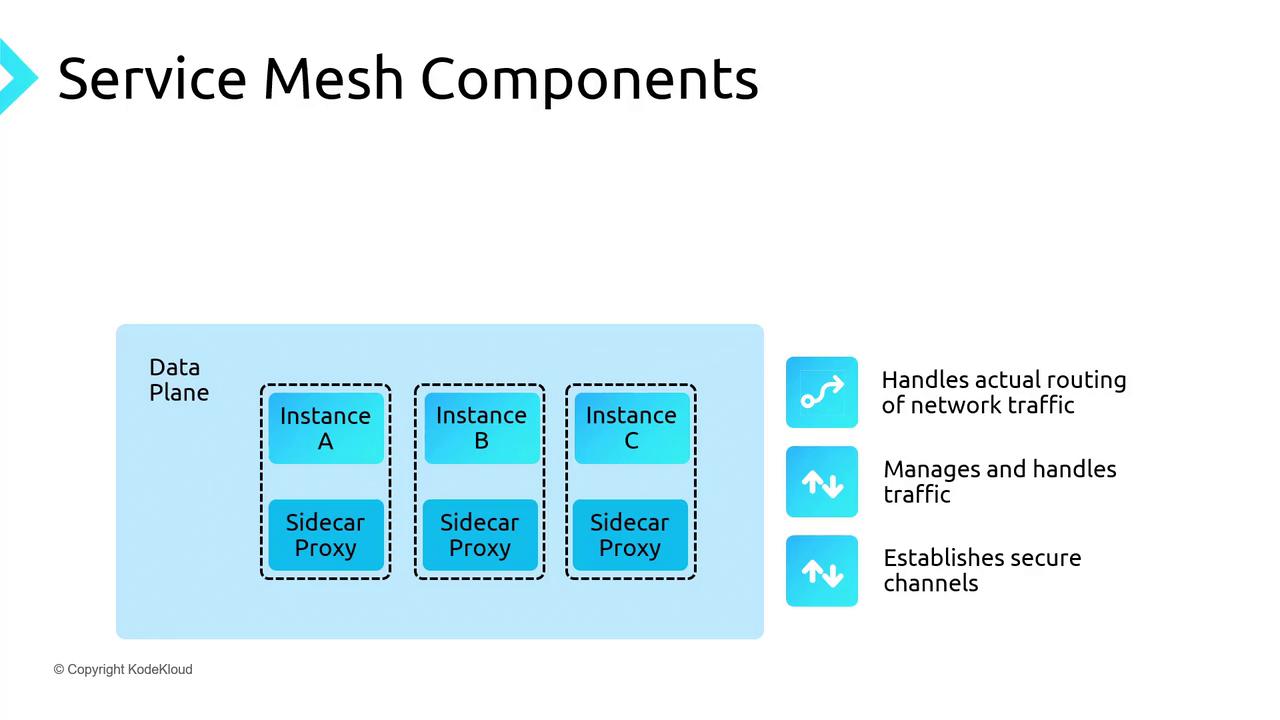
The image illustrates service mesh components, showing a data plane with instances A, B, and C, each paired with a sidecar proxy. It also includes icons representing functions like routing network traffic, managing traffic, and establishing secure channels.

Control Plane

The control plane provides centralized orchestration and visibility. It:
  • Provisions and scales service instances.
  • Monitors pod health and replaces unhealthy instances.
  • Enforces policies such as rate limits, access control, and routing rules.
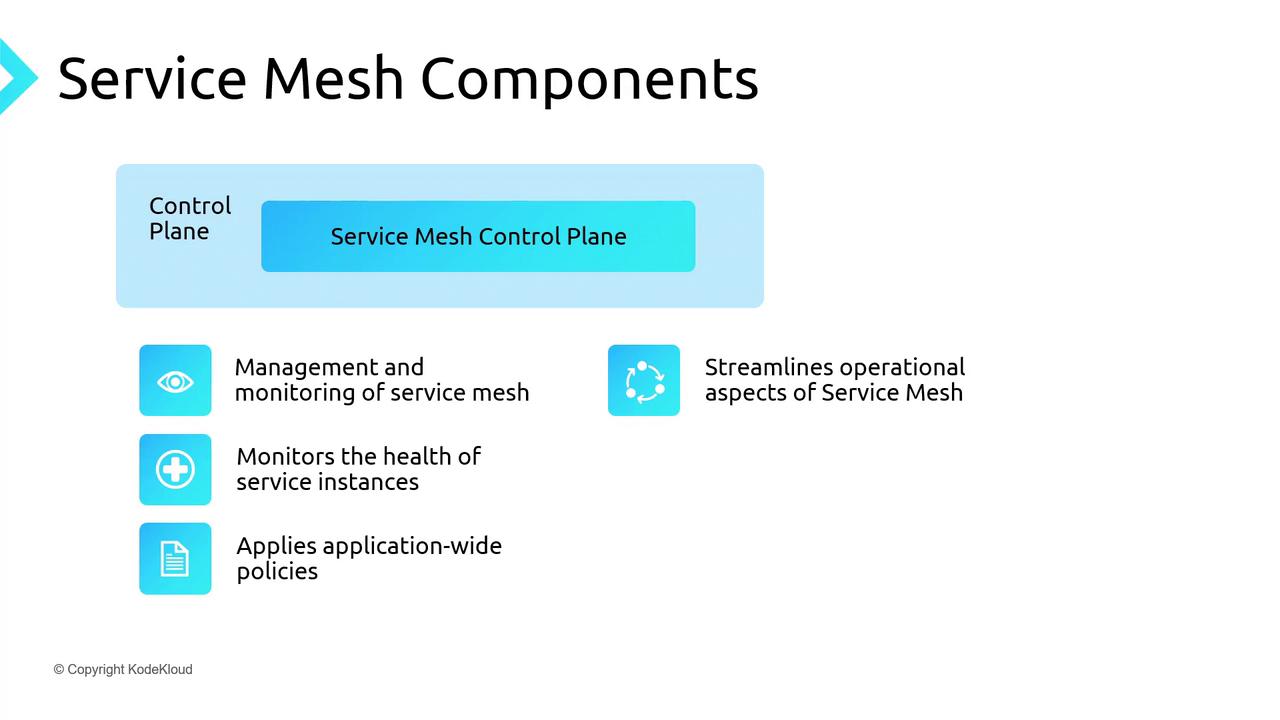
The image is a diagram titled "Service Mesh Components," highlighting the control plane's role in managing and monitoring service mesh, health of service instances, applying policies, and streamlining operations.
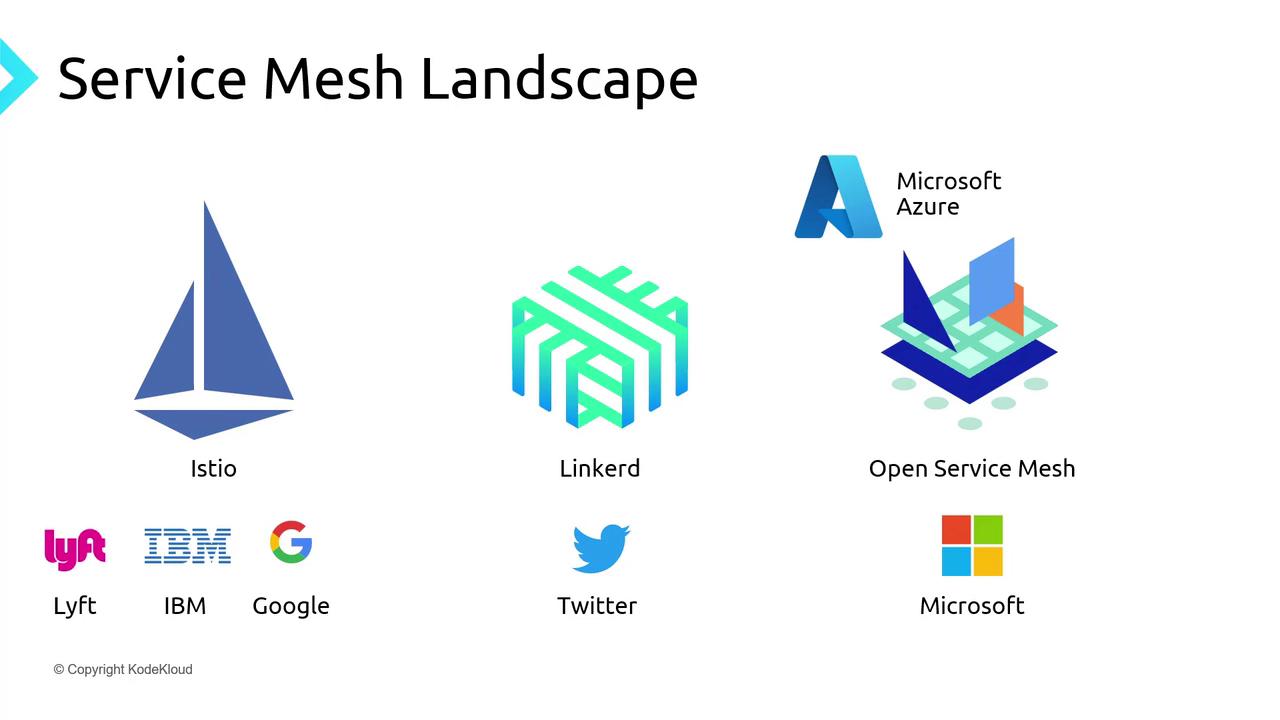
The image shows logos of different service mesh technologies: Istio, Linkerd, and Open Service Mesh, along with their associated companies like Lyft, IBM, Google, Twitter, Microsoft Azure, and Microsoft.
On Azure Kubernetes Service (AKS), OSM was the original built-in mesh, and Istio is now available in preview. This guide will focus on deploying and using OSM on AKS.

Features of Open Service Mesh

  • Simplified control plane for easy operations
  • Envoy sidecars for CNCF-approved, high-performance proxying
  • Traffic policies: access control, traffic splitting, telemetry
  • Fine-grained mTLS for service-to-service encryption
  • Integration with Prometheus, Grafana, Jaeger for monitoring and tracing
  • Support for external certificate authorities in production
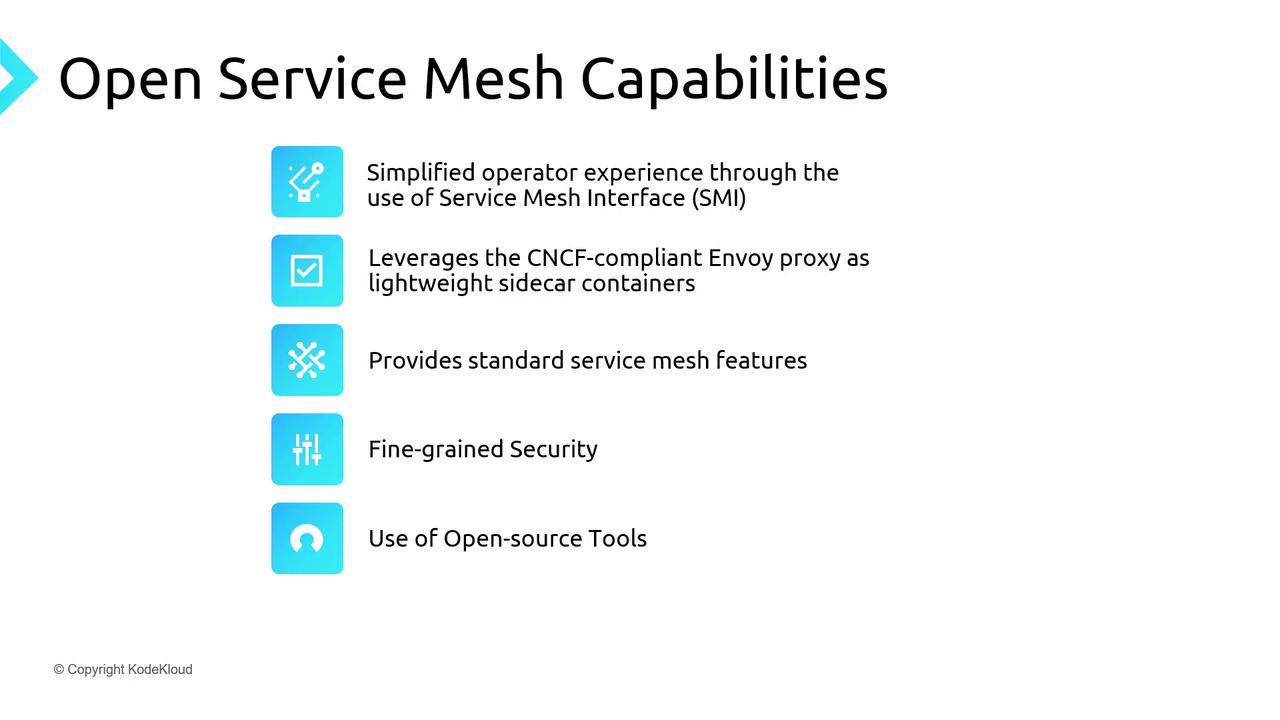
The image lists the capabilities of an Open Service Mesh, including simplified operator experience, use of CNCF-compliant Envoy proxy, standard service mesh features, fine-grained security, and open-source tools.

Demo Architecture

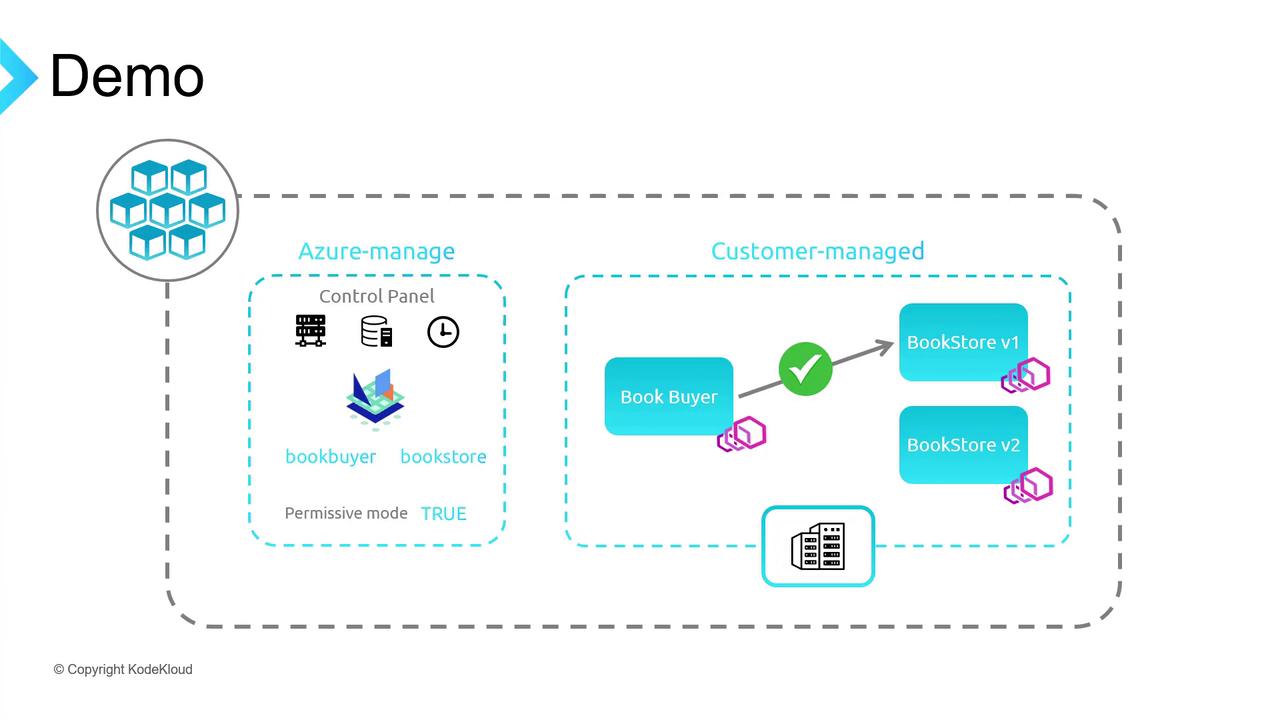
We’ll deploy a sample bookstore application on AKS with OSM in permissive mode. The demo includes:
  • Book Buyer (client)
  • Bookstore V1 (primary backend)
  • Bookstore V2 (for traffic splitting)
  • Book Warehouse (additional service)
The workflow covers enabling OSM, onboarding namespaces, testing default traffic, toggling permissive mode, applying explicit policies, and performing traffic splits.
The image is a diagram illustrating a demo setup with two sections: "Azure-manage" and "Customer-managed." It shows components like a control panel, book buyer, and bookstore versions, with connections and icons representing different elements.

Prerequisites

  • Azure CLI installed
  • kubectl configured locally
  • osm CLI for namespace onboarding

1. Create Resource Group and AKS Cluster

2. Configure kubectl Context

3. Create Namespaces and Onboard to OSM

4. Deploy Sample Applications

Wait for the Book Buyer pod:

5. Port-Forward and Verify Default Traffic

Open http://localhost:8081 to see Book Buyer successfully fetching from Bookstore V1 under OSM’s permissive policy.
Permissive mode allows all services in the mesh to communicate without explicit SMI traffic policies.

6. Disable Permissive Traffic Policy

In the Azure Portal under AKS → Open Service Mesh → Configuration, update:
After saving, Book Buyer will fail to reach Bookstore V1.
Disabling permissive mode without defining traffic policies will block all inter-service communication.

7. Apply Explicit Allow Traffic Policy

This SMI policy permits Book Buyer to call Bookstore. Reload http://localhost:8081 to confirm connectivity.

8. Demonstrate Traffic Splitting

Create traffic-split.yaml:
Apply the split:
Refresh the Book Buyer page—traffic should now be distributed evenly between V1 and V2. Adjust the weight values to shift more traffic to a particular version.
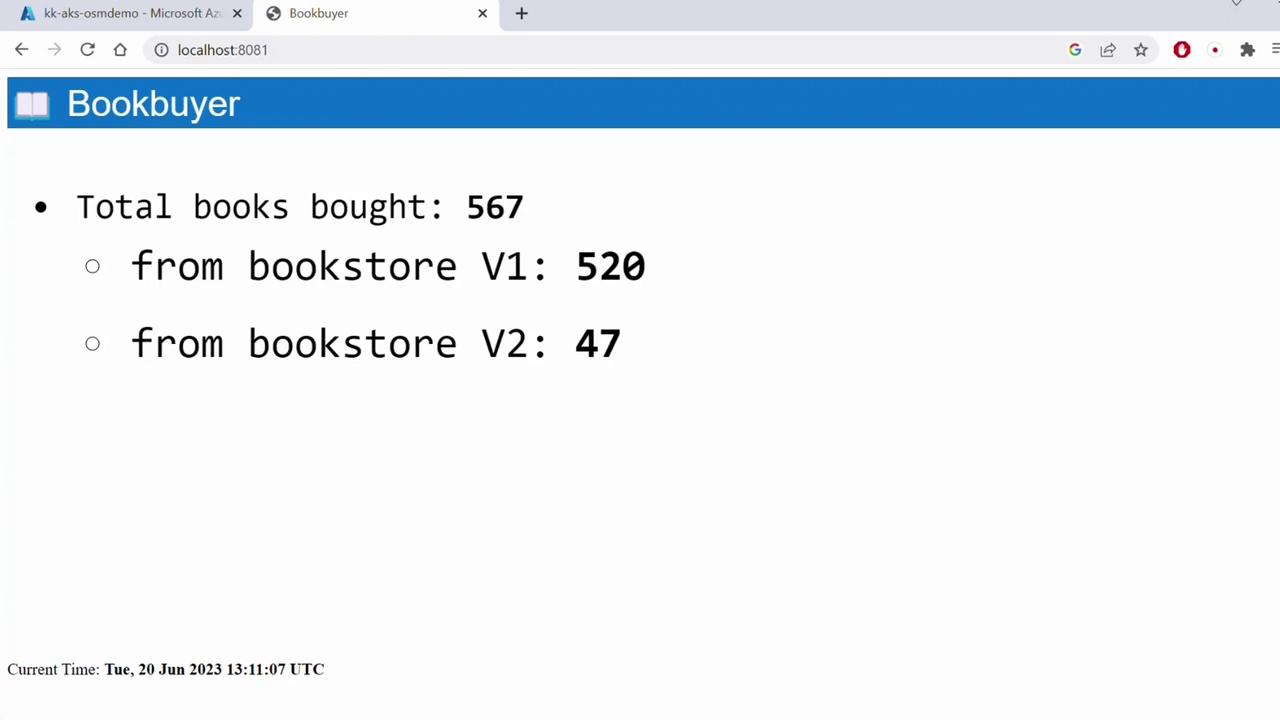
The image shows a webpage titled "Bookbuyer" displaying the total number of books bought (567), with 520 from bookstore V1 and 47 from bookstore V2. The current time is also shown at the bottom.

References

Further Reading

Watch Video