

contacts.db, preserving schema and data where practical and producing audit files plus a short verification report.
This walkthrough covers:
- Why naive shell-based exports can fail (e.g., unescaped apostrophes).
- A robust, repeatable Python migration script using parameterized inserts.
- How to produce companion
.sqlaudit files and a simple verification summary.
This lesson focuses on a small, local migration (≈1,000 rows). For larger or production systems, plan for schema differences, transactionality, backups, and integrity checks before migrating.
Never paste production credentials into public transcripts or third-party tools. This demo uses a local test MariaDB instance and an example password. For production, use ephemeral credentials, environment variables, or an encrypted secrets store.
High-level plan
- Inspect the MariaDB schema and sample data.
- Attempted mysqldump / shell-based techniques to export/import (and why they can be brittle).
- Use a small Python 3 script that:
- Introspects column metadata from
INFORMATION_SCHEMA. - Maps MySQL/MariaDB types to SQLite affinities.
- Creates an approximate SQLite schema.
- Inserts rows with parameterized statements inside a transaction.
- Writes audit
.sqlfiles for schema and inserts. - Produces a verification summary (row counts).
- Introspects column metadata from
Example prompts used to start the migration
Concise prompt:Why simple shell pipelines can fail
Common pattern attempted in demos:- Inspect table:
- Dump schema + inserts with mysqldump:
- Create an approximate SQLite table:
- Naive pipeline that reads rows and runs inline INSERTs (UNSAFE):
- Unescaped single quotes in data (e.g., O’Connolly) break inline SQL, causing syntax errors or creating injection risks.
- Fields may contain separators, newlines, or binary data: naive splitting on tabs/pipes fails.
- MySQL SQL dialect (backticks, engine definitions, collations) is not 1:1 compatible with SQLite.
Sample mysqldump excerpt
mysqldump outputs schema and INSERT statements. Example excerpt (trimmed):Type mapping overview
The migration script uses a conservative mapping from MySQL/MariaDB column types to SQLite affinity types. Example mapping:
Tip: If you prefer storing timestamps as integers (epoch), map
datetime/timestamp to INTEGER and convert the values during the insert loop.
Safer approach: Python migration script
The following production-oriented Python script performs an end-to-end migration of one table. It:- Connects to MariaDB using
mysql-connector-python. - Reads column metadata from
INFORMATION_SCHEMA. - Maps MySQL types to SQLite affinities.
- Creates an approximate SQLite schema.
- Inserts rows with parameterized statements inside a transaction.
- Writes two audit files per table:
<table>_schema.sqland<table>_inserts.sql. - Prints a brief verification summary.
mariadb_to_sqlite.py.
- Uses
INFORMATION_SCHEMAto fetch column metadata and applies a conservative mapping to SQLite affinities. - Parameterized inserts (
?placeholders) avoid quoting issues and SQL injection. - Wraps SQLite writes in a transaction for performance and atomicity.
- Produces
table_schema.sqlandtable_inserts.sqlfor auditing and replay. - To migrate multiple tables, iterate over a table list and call
migrate_tablefor each, resolving dependency order if foreign keys exist.
Example usage (README style)
contacts.db— the SQLite database file with the migrated table.out/contacts_schema.sql— the CREATE TABLE used.out/contacts_inserts.sql— INSERT statements for auditing/replay.
Verification
Compare row counts to ensure basic verification:Handling special type conversions
TheTYPE_MAP is conservative: most temporal types are mapped to TEXT. If you prefer epoch integers:
- Map
datetimeandtimestamptoINTEGERinmap_type. - Convert values when iterating over rows (e.g., parse strings or
datetimeobjects to.timestamp()).
What happened in the demo
- A concise assistant prompt was used to begin the migration.
- A shell-based import failed because of apostrophes in names (e.g.,
O'Connolly). - The assistant produced the Python migration script above, created a virtual environment, installed
mysql-connector-python, and ran the migration. - The script successfully migrated ~1,000 rows from the MariaDB
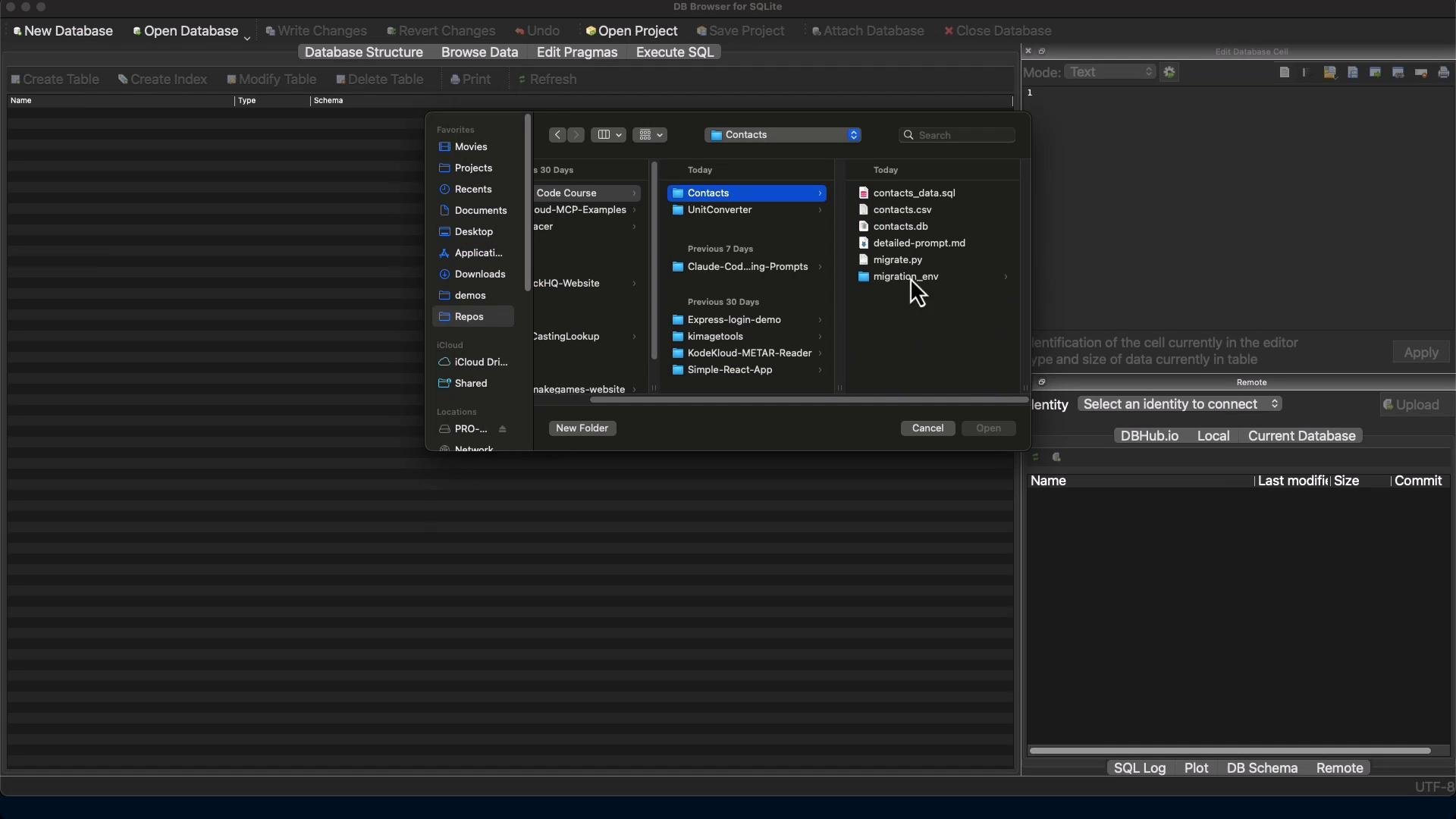
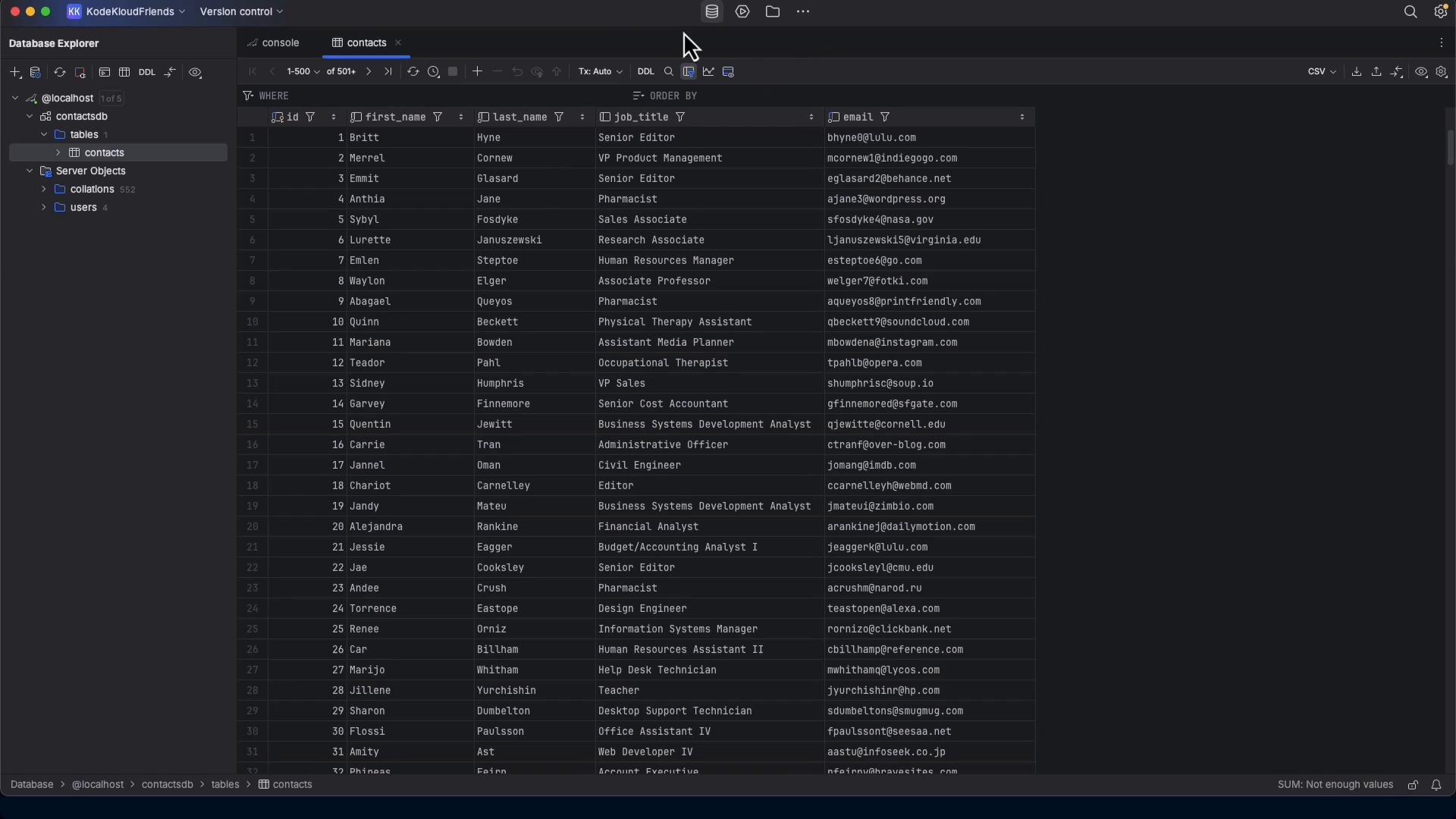
contactstable intocontacts.db. - Verification included counting rows in both databases and sampling a few rows in SQLite.
contacts.db and the contacts table (these images are from the original demo).
Final thoughts and next steps
- For small, local migrations, a compact, well-instrumented script is practical and repeatable.
- Always prefer connector libraries + parameterized queries to ad-hoc shell pipelines to avoid quoting and encoding pitfalls.
- Preserve audit/replay SQL files for review and reproducibility.
- For production or larger databases, consider:
- Migrating in dependency order to respect foreign keys.
- Preserving or approximating indexes and constraints.
- Exporting views, triggers, and stored procedures (or at least documenting them).
- Testing end-to-end with data validation checks (row counts, checksums, sampling).