

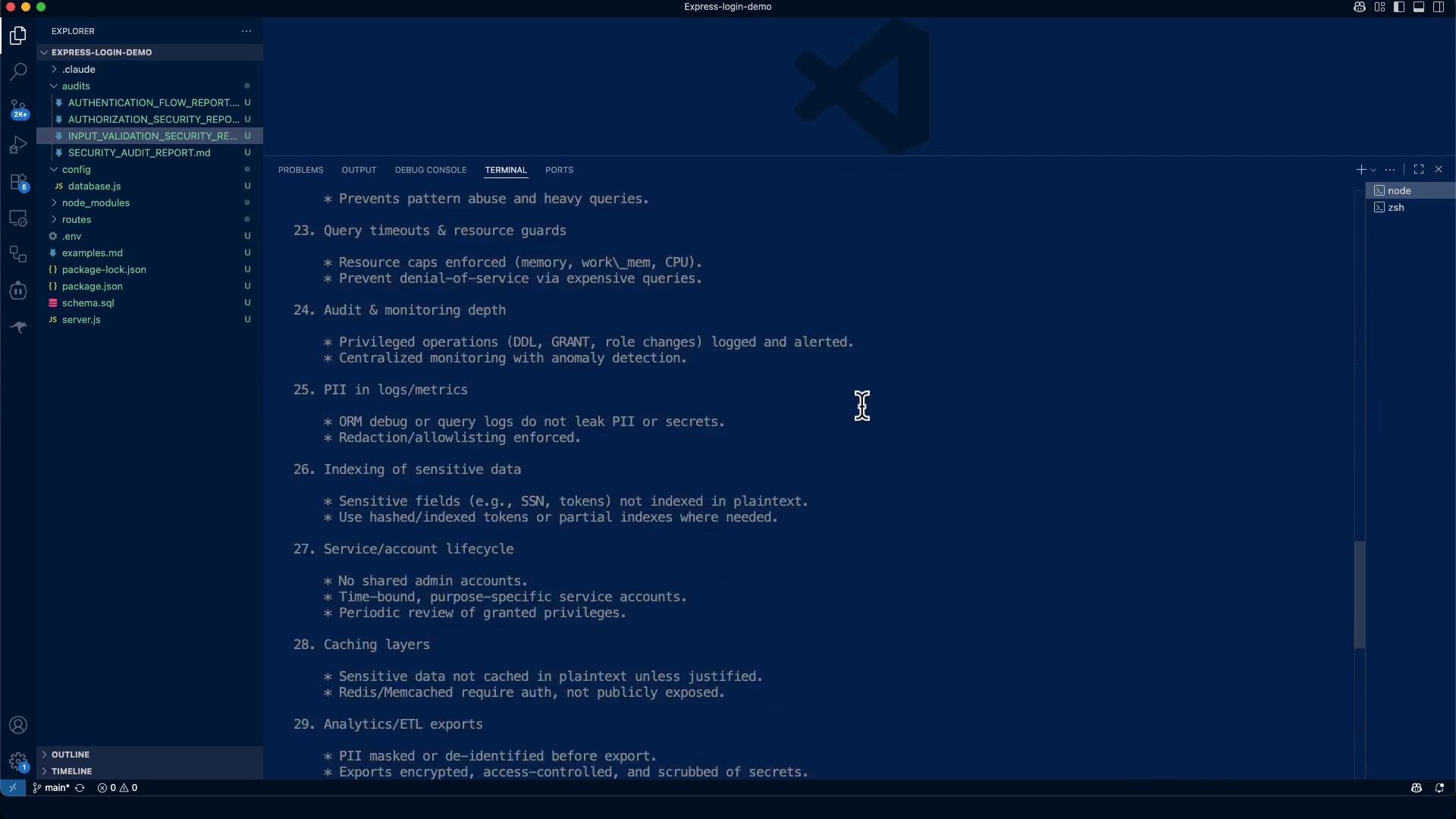
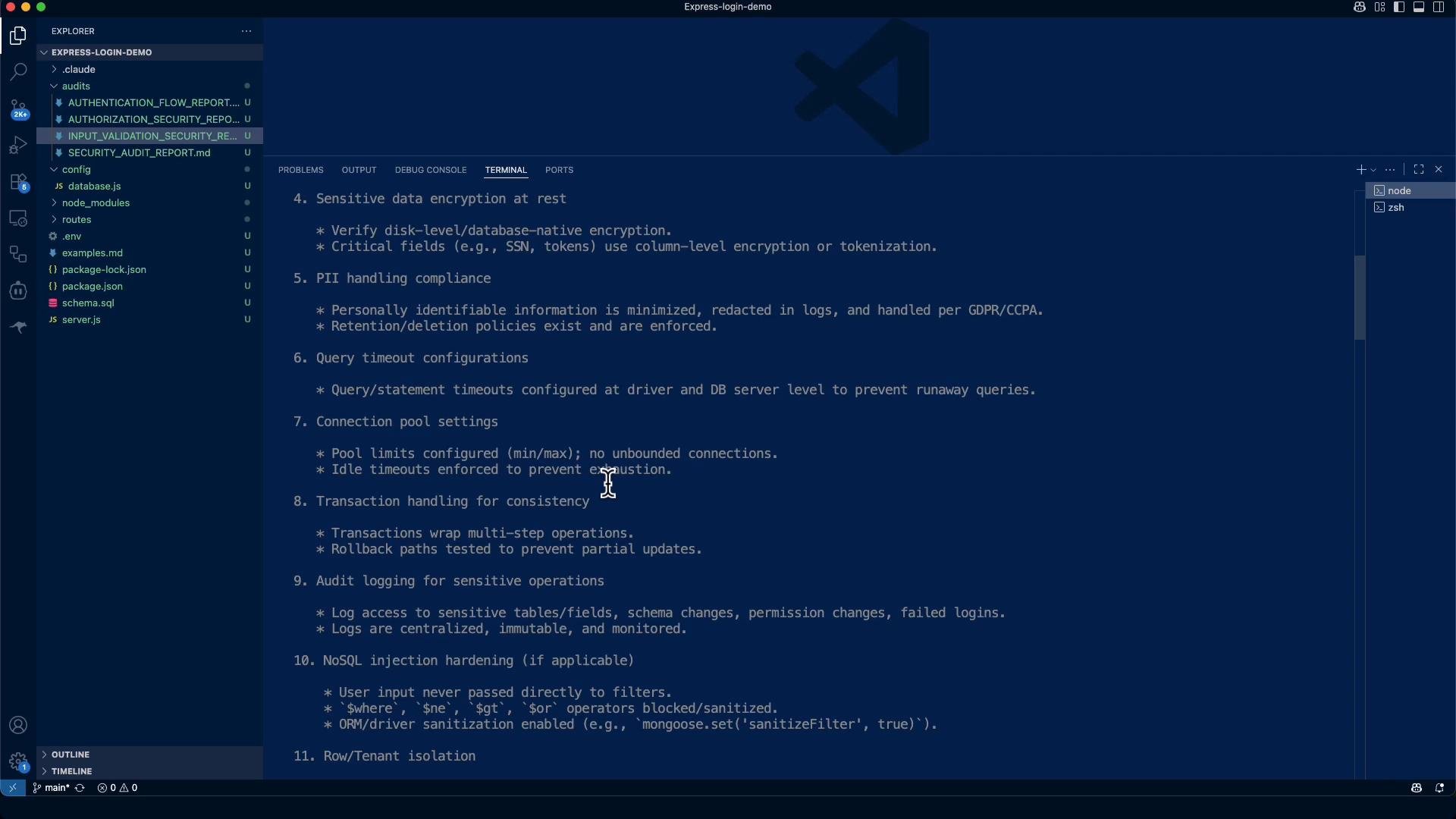
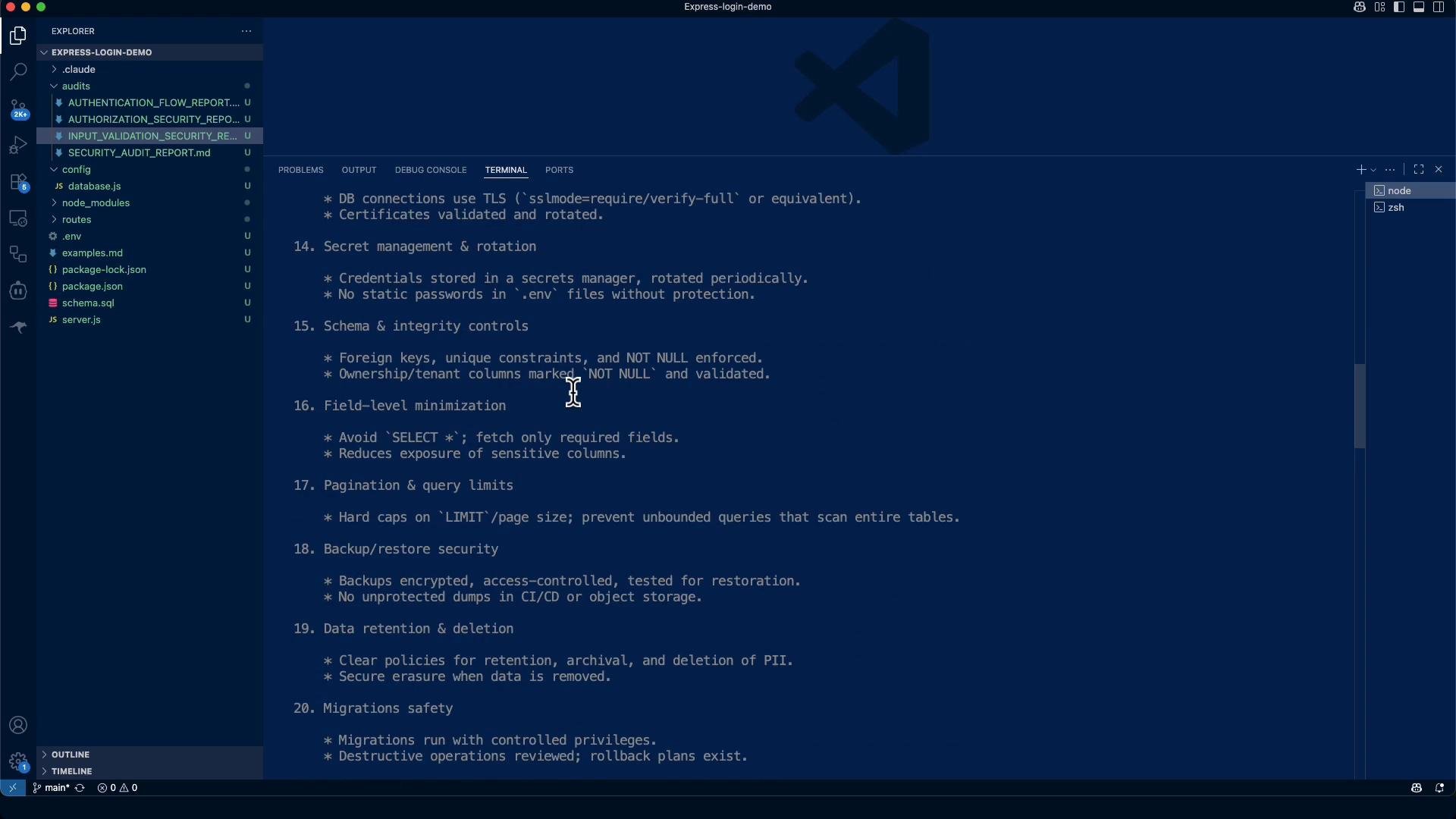
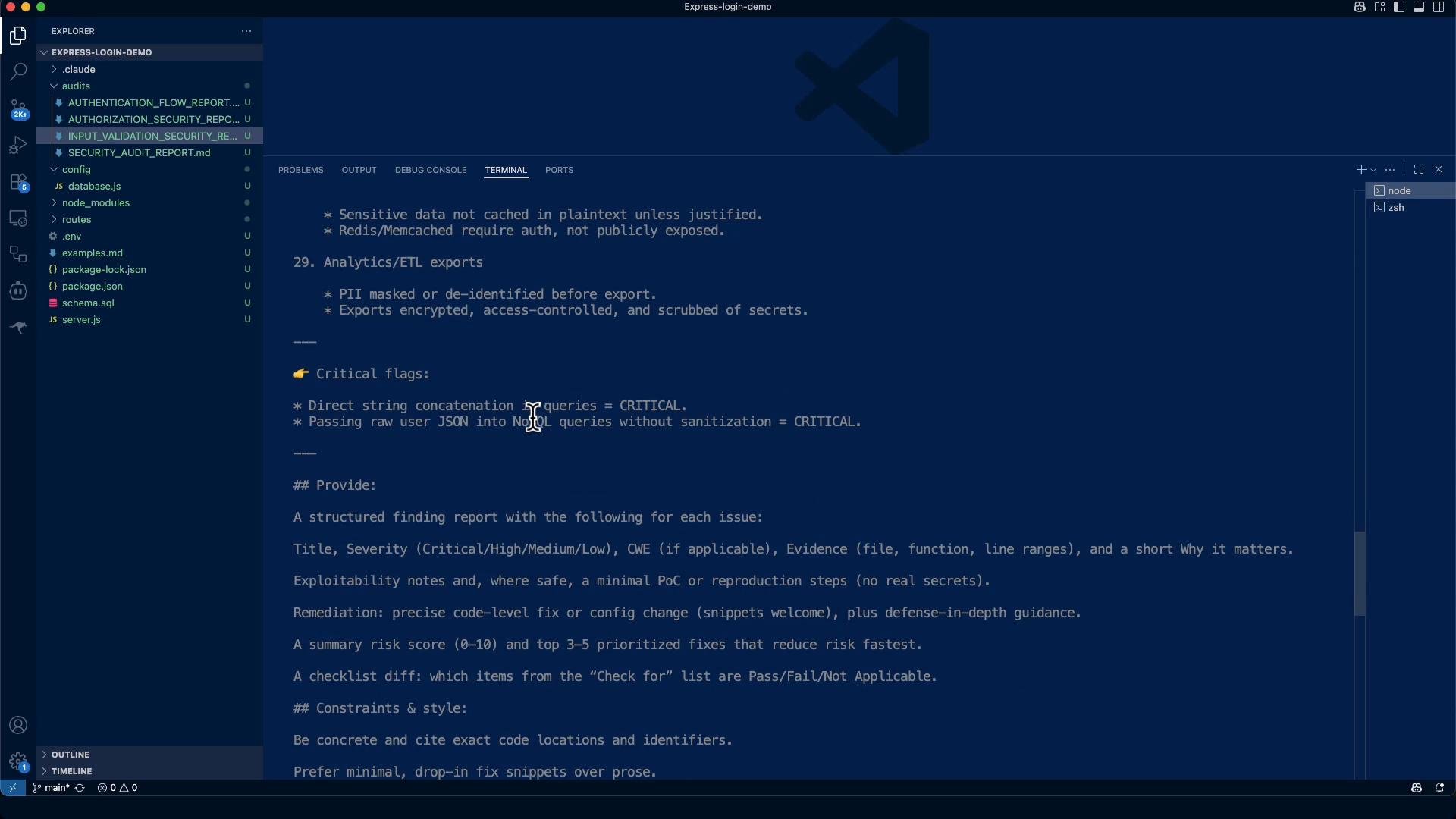
- Goal: Review every DB interaction in the repository and detect common weaknesses (SQL injection, credentials in source, missing TLS, weak pool/timeouts, PII leakage, multi-tenant isolation, etc.).
- Output: A structured Markdown audit report written to
audits/DATABASE_SECURITY_AUDIT_REPORT.mdwith findings, evidence, remediation steps, and a prioritized plan.
The audit tool indexes JavaScript files for DB usage patterns and configuration, extracts evidence snippets, and produces a machine-readable report. You can invoke the tool from the repository root to inspect specific files or produce the full DB audit.
- The tool scanned JS files to locate DB usage patterns (
pool.query,client.query, raw SQL strings), pool usage, SSL/TLS config, and logging that might expose PII. - Grep-style checks look for driver usage, TLS keywords, console logging, and secret-like strings in
.env.
- Strengths: the app uses parameterized queries (
$1style) and bcrypt for password hashing; input validation is present (express-validator). These reduce injection and credential storage risk. - Major gaps to fix before production: missing TLS for DB connections, credentials present in development files, absent connection pool limits and statement timeouts, and lack of DB audit logging / RLS controls where applicable.
- Risk score (pre-remediation): 6.5 / 10 (Medium-High). With prioritized fixes applied, target score: ~2.5 / 10 (Low Risk).
Critical findings (selected)
- Strengths: the app uses parameterized queries (
$1style) and bcrypt for password hashing; input validation is present (express-validator). These reduce injection and credential storage risk. - Major gaps to fix before production: missing TLS for DB connections, credentials present in development files, absent connection pool limits and statement timeouts, and lack of DB audit logging / RLS controls where applicable.
- Risk score (pre-remediation): 6.5 / 10 (Medium-High). With prioritized fixes applied, target score: ~2.5 / 10 (Low Risk).
CRITICAL: No TLS/SSL Encryption in Transit
- Title: Database connections lack encryption
- Severity: Critical
- CWE: CWE-319 (Cleartext Transmission of Sensitive Information)
- Evidence:
config/database.js:3-9— pool configuration does not include SSL settings; connections default to plaintext TCP.
Do NOT disable SSL (
ssl: false) in production. Ensure rejectUnauthorized: true and provide a CA cert (or platform-provided TLS) via environment or secrets manager. Failing to enable TLS exposes credentials and data in transit.CRITICAL: Hard-coded placeholder credentials found
- Evidence:
.envcontainsJWT_SECRET=your_jwt_secret_key_hereandDB_PASSWORD=your_db_password. - Remediation:
- Remove real
.envfrom the repo and purge it from Git history (usegit filter-repoorgit filter-branch). - Add
.envto.gitignore, and commit a.env.examplewith placeholders. - Store production secrets in a secrets manager (AWS Secrets Manager, HashiCorp Vault, etc.) and inject into CI/CD or runtime environment.
- Remove real
HIGH: Test / placeholder bcrypt hash in SQL
- Example:
- Remediation: Remove or isolate test accounts from production data. Generate unique, properly salted bcrypt hashes for any seeded accounts.
- Missing connection pool limits and driver-level statement timeouts (risk: resource exhaustion).
- No DB audit logging or DDL change monitoring identified.
- No Row-Level Security (RLS) policies if multi-tenancy applies.
- Some logging uses
console.log/console.errorand may expose PII — sanitize logs and avoid printing credentials.
- Parameterized queries: SQL uses
$1placeholders (prevents SQL injection). - Password hashing: bcrypt used for passwords.
- Input validation: express-validator used for primary inputs.
- Connection pooling:
pg Poolis in use (needs production limits). - Environment variables: credentials are sourced from environment variables (but
.envneeds secure handling).
Priority remediation plan
Immediate (Week 1)
- Enable TLS/SSL for database connections and verify server certificates.
- Remove
.envfrom repository and add.envto.gitignore. Commit.env.exampleinstead. - Generate and store production secrets in a secrets manager.
- Add connection pool limits, idle timeouts, and statement timeouts.
- Implement DB audit logging for authentication and privileged operations.
- Add client-side query timeouts and resource guards.
- Sanitize error logging to avoid PII leakage.
- Replace placeholder/test hashes and remove test accounts from prod seeds.
- Adopt a secrets management solution (AWS Secrets Manager, HashiCorp Vault).
- Add database monitoring, alerting, and anomaly detection.
- Implement data retention and deletion policies.
- Apply Row-Level Security (RLS) if multi-tenancy is required.
- +3: Missing TLS and credential management (critical exposure)
- -2: Strong use of parameterized queries and input validation
- +1: Missing enterprise controls (audit, timeouts)
- +1: Development defaults not hardened for production
- Enforce per-statement timeouts at the client level (pg example):
- Sanitize logs to avoid PII leaks:
- Use environment-driven pool defaults and sensible production values:
- Example
.env.example(commit this file; never commit real secrets):
- The Express login demo demonstrates solid foundations (parameterized queries, bcrypt, input validation), which reduce injection and credential storage risk.
- Critical production hardening is required before public deployment: enable TLS, remove sensitive files from source, configure pool/timeouts, introduce audit logging, and adopt a secrets manager.
- Implement the prioritized remediation plan above — these concrete fixes will materially reduce risk quickly.
- Expand scope to API and infrastructure security: ingress controls, network ACLs, and cloud resource configuration.
- Validate database server-side controls (encryption at rest, user roles, audit logging, and backups).
- node-postgres (pg): https://node-postgres.com/
- HashiCorp Vault: https://www.vaultproject.io/
- AWS Secrets Manager: https://aws.amazon.com/secrets-manager/
- bcrypt (npm): https://www.npmjs.com/package/bcrypt
- express-validator: https://express-validator.github.io/docs/
- PostgreSQL SSL/TLS documentation: https://www.postgresql.org/docs/current/ssl-tcp.html