

What Is ETL?
ETL stands for:- Extract: Pull data from one or more sources.
- Transform: Shape, enrich, and standardize that data for analytics or consolidation in a data warehouse.
- Load: Write the processed data into a target store (covered in a later lesson).
A robust ETL process ensures high-quality, consistent data for downstream analytics and reporting.
Introducing Azure Data Factory
Azure Data Factory provides a visual, no-code environment to build, schedule, and orchestrate ETL pipelines. ADF’s core components include:- Pipelines: Logical groupings of activities.
- Activities: Individual steps such as copying or transforming data.
- Linked Services: Connection definitions to data stores or compute resources.
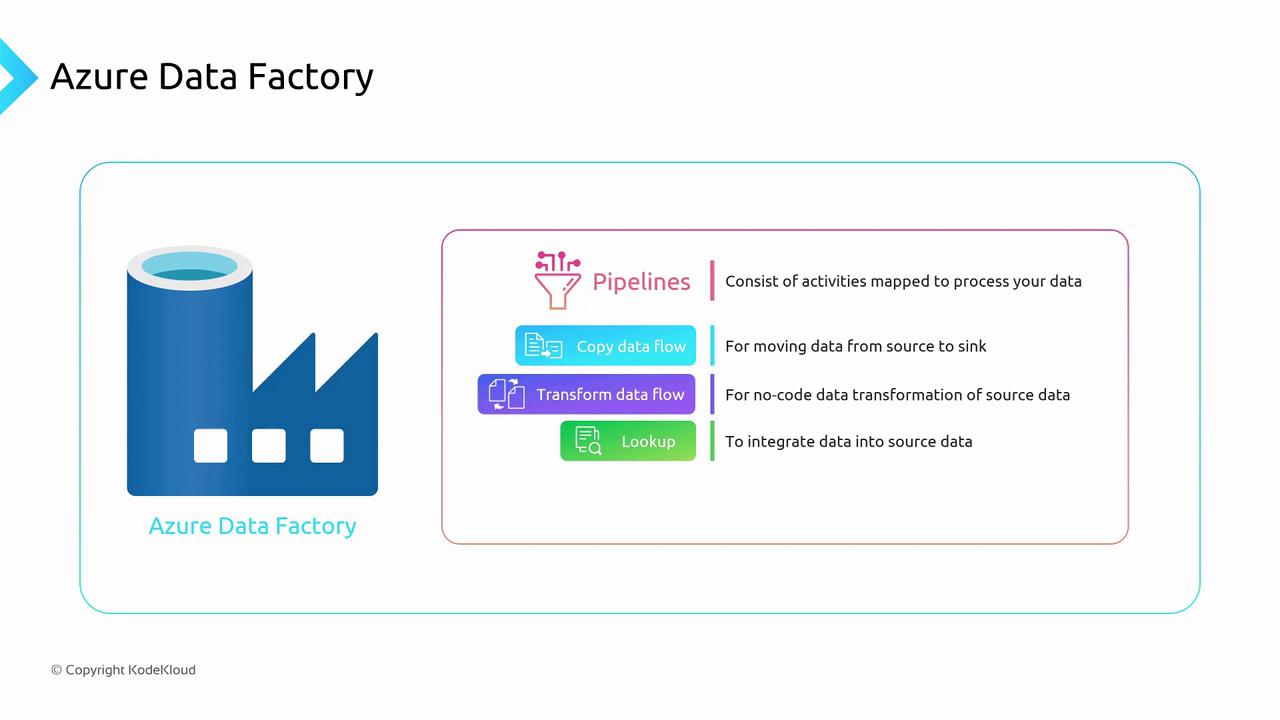
Core Concepts
Pipelines
A pipeline is a workflow of one or more activities. Pipelines help you organize and manage your data integration tasks. You can:- Schedule pipelines on a regular cadence.
- Trigger pipelines manually or via events.
- Monitor pipeline runs and view detailed logs.
Activities
Activities perform discrete operations in your pipeline. Common activity types include:With Data Flow, you get a graphical interface to design complex transformations—no programming required.
Linked Services
Linked services define how ADF connects to data sources and compute environments. Think of them as connection strings or service endpoints.Practical Example: Enriching Customer Data
Imagine your sales team uploads an Excel file with onlyCustomerID and CustomerName. You need to include the customer’s Country in your analytics pipeline:
- Copy Data: Ingest the Excel file from Azure Blob Storage into a staging table in Azure SQL Database.
- Lookup: Use the
CustomerIDto query the staging table and retrieveCountryfrom the reference table in SQL Database. - Data Flow: Join and transform the enriched data—filter out inactive customers, rename columns, and aggregate sales by region.
- Load: Send the final output to your Azure Synapse Analytics data warehouse (covered later).