Hello, and welcome to the DP-900: Microsoft Azure Data Fundamentals course. My name is Peter Vogel, and I will be your instructor. In this lesson we explore Azure’s data storage options and how to choose the right storage for an application. Azure offers a broad set of services to store and manage data across different scenarios:
  • Object and file storage for unstructured data and large binary objects.
  • Relational databases for structured, transactional data.
  • Semi-structured and NoSQL solutions for massive scale and flexible schemas.
  • Geo-replication and redundancy to ensure global availability and resilience.
  • Data integration and analytics to aggregate, transform, and report on data.
You’ll learn why organizations use different storage types and how to match those types to specific application needs. By the end of the course you should confidently answer: How do I pick the right Azure storage option for any application? We’ll cover five main areas of Azure data storage in this course:
  1. File and object storage — for files, media, backups, and unstructured data (e.g., Azure Blob Storage, Azure Files).
  2. Structured storage — relational databases for ACID transactions and relational models (e.g., Azure SQL Database).
  3. Semi-structured and NoSQL storage — for schema-flexible, high-throughput workloads (e.g., Azure Cosmos DB).
  4. Geo-replication and redundancy — strategies and Azure options to protect and replicate data across regions.
  5. Data integration and analytics — bringing data together for ETL, reporting, and insights (e.g., Azure Data Factory, Synapse).
For each area we’ll discuss core concepts, trade-offs (cost, performance, scalability, consistency), and walk through demos that show how to configure and operate the services.
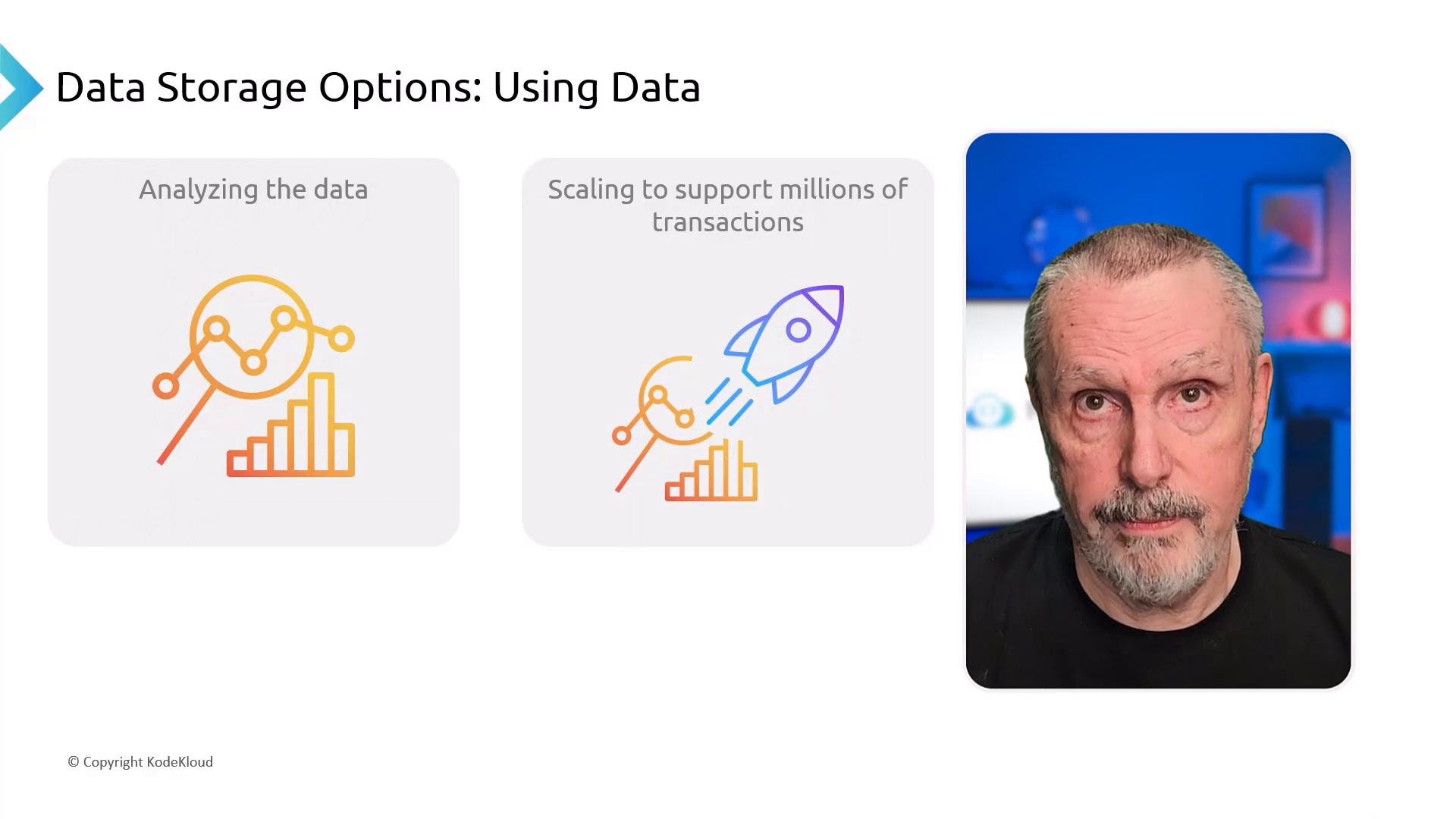
A presentation slide titled "Data Storage Options: Using Data" with two illustrated panels for "Analyzing the data" (magnifying glass and bar chart) and "Scaling to support millions of transactions" (rocket and chart). On the right is a close-up headshot of an older man with a short beard against a blue-lit background.
Each lecture combines concise conceptual explanations with step-by-step demos so you can see the services in action and replicate them on your own.
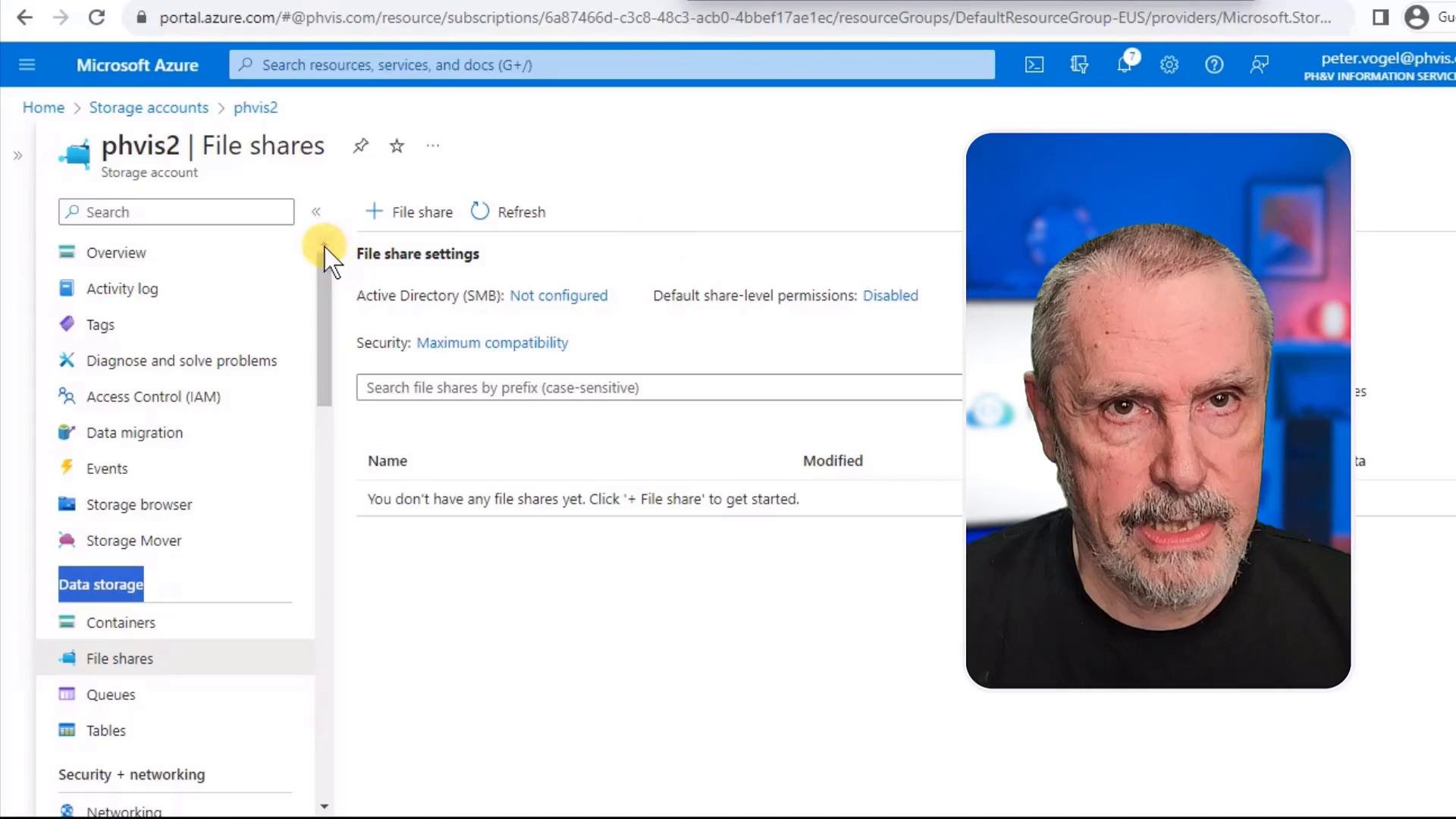
A screenshot of the Microsoft Azure portal open to a "phvis2 | File shares" storage account page, showing menu items and file-share settings. On the right a rounded portrait photo of an older man is overlaid on the screen.
If you have a KodeKloud Pro subscription, use the KodeKloud Playgrounds for hands-on labs that reinforce the demos. Practical exercises are the best way to internalize configuration steps, familiarise yourself with the portal, and practice troubleshooting.
If you plan to pursue the DP-900: Microsoft Azure Data Fundamentals certification, follow the demos and practice in the Playgrounds to reinforce both conceptual understanding and practical skills.
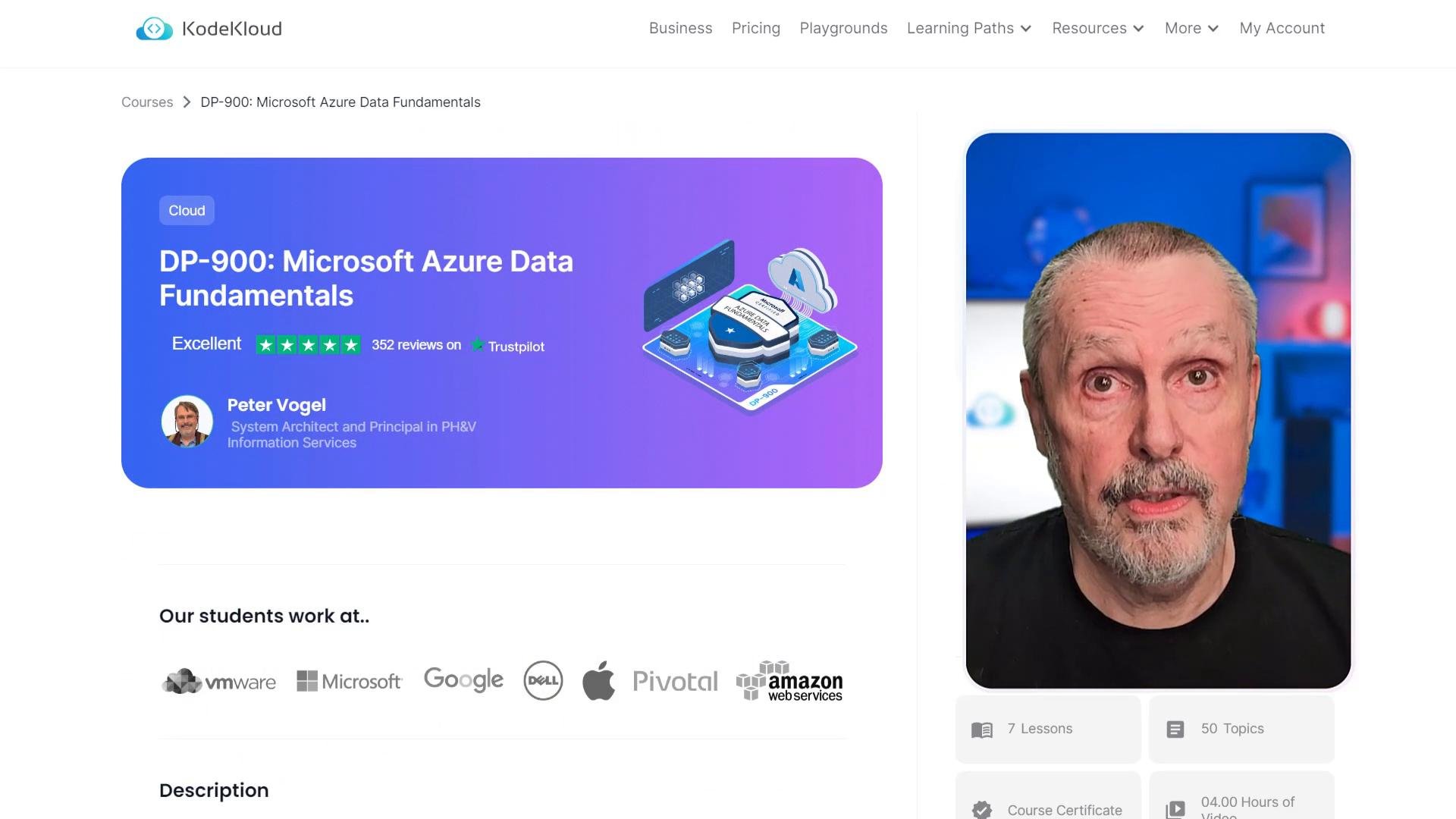
A webpage showing a DP-900: Microsoft Azure Data Fundamentals course card with ratings and a cloud-themed illustration on the left. On the right is a close-up photo of a middle-aged man against a blue-lit background.
KodeKloud also hosts a community forum where you can ask questions, share solutions, and learn from peers. Participation in the forum accelerates learning and helps clarify exam topics and real-world scenarios. I hold multiple Azure certifications relevant to this course. If your goal is to pass the DP-900 exam, this curriculum combines the conceptual foundation and practical labs needed to prepare you. What you’ll learn (high level)
  • Different storage categories in Azure and their primary use cases.
  • How to compare options by cost, performance, availability, and consistency.
  • How to set up basic resources in the Azure portal and via CLI.
  • How to design resilient storage with replication and recovery in mind.
  • How to integrate data for analytics and reporting.
Quick reference — Azure storage categories Recommended study path
  1. Watch each lecture to build the conceptual map.
  2. Reproduce the demo steps in the Playgrounds or your subscription.
  3. Post questions in the community forum to clear doubts.
  4. Review the table above and map each application requirement to a storage pattern.
  5. Take practice assessments to validate readiness for DP-900.
Further reading Next lecture: we’ll dive into object and file storage — when to use Blob Storage vs. Azure Files and how to configure access and performance settings.

Watch Video