

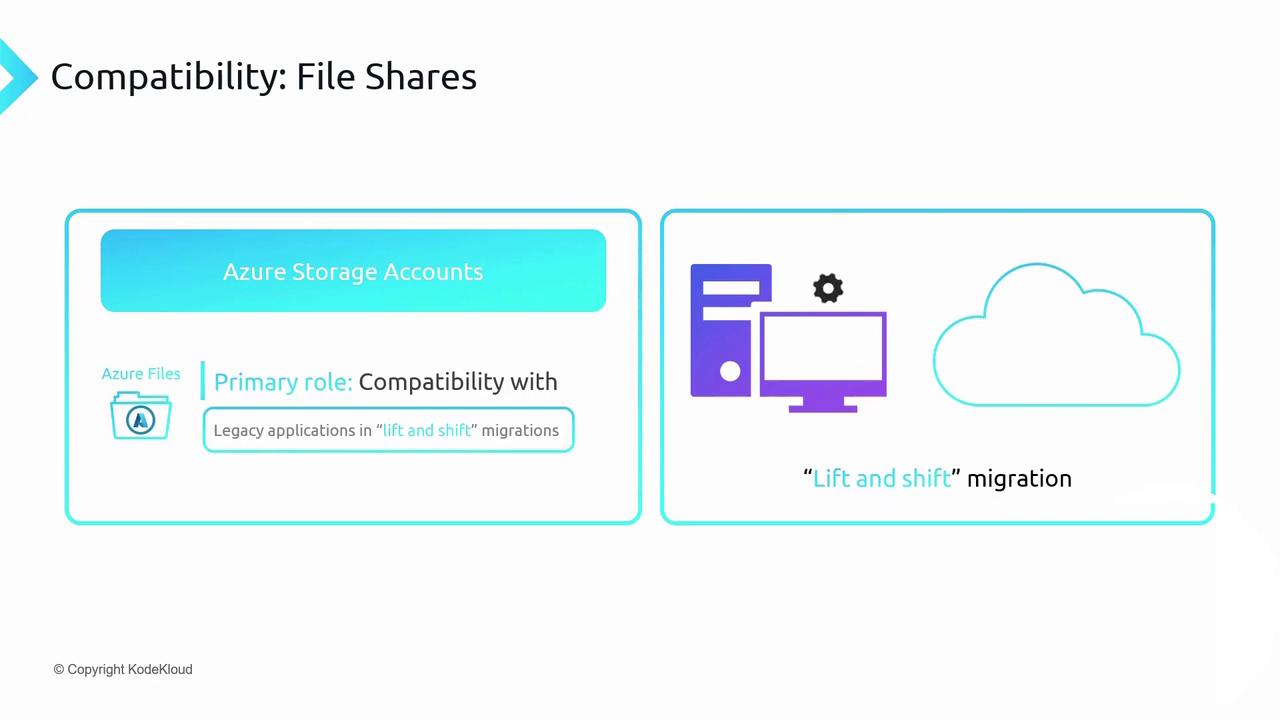
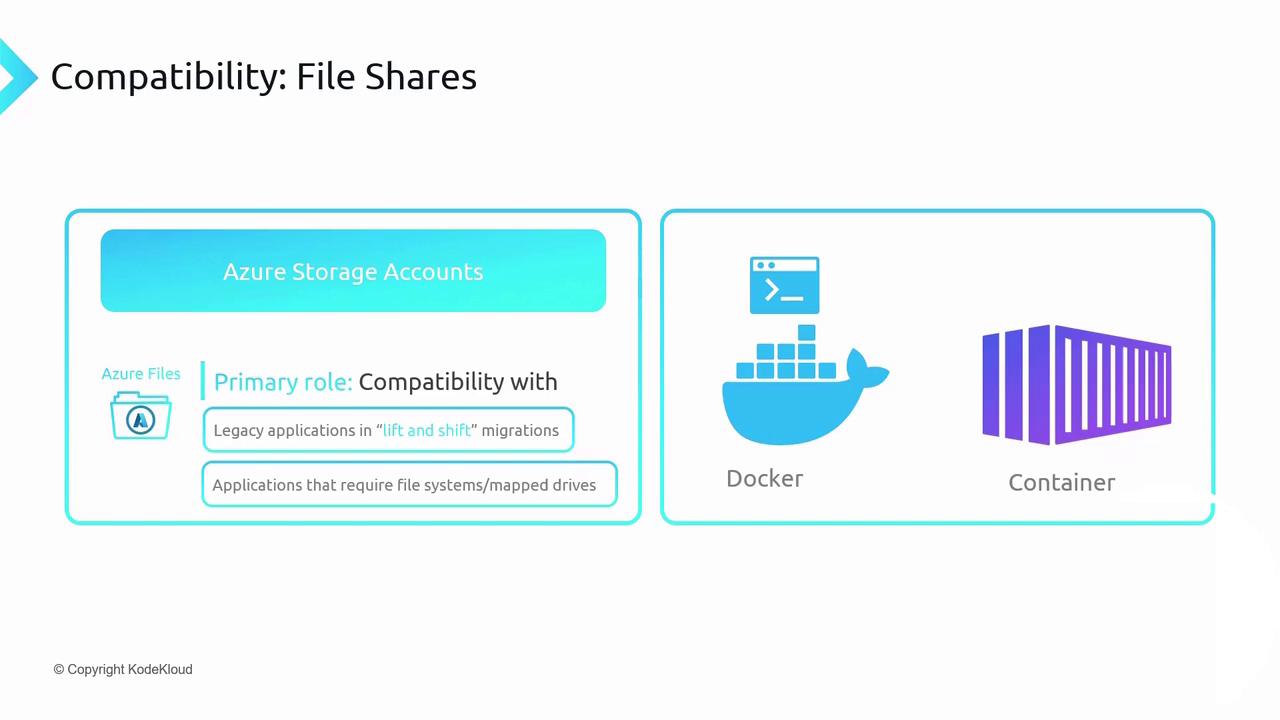
Protocol Support
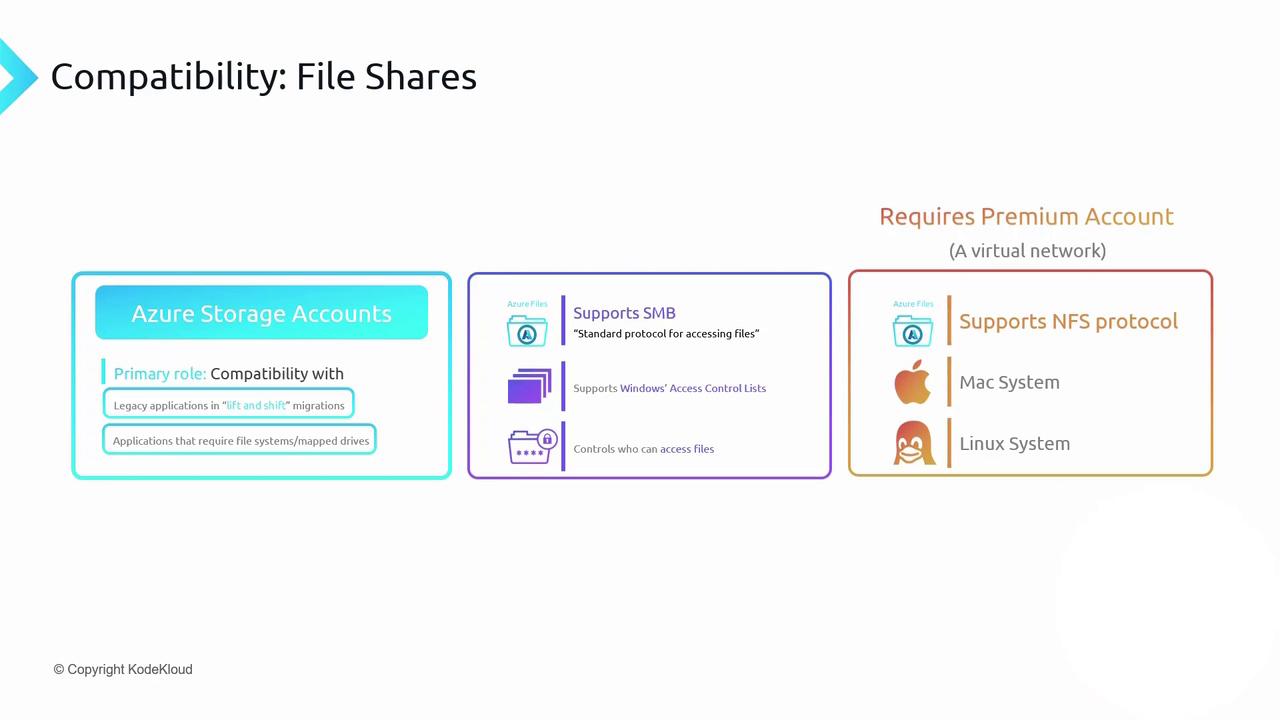
Azure Files provides two primary network file protocols:-
SMB (Server Message Block)
Fully compatible with Windows clients and supports Windows ACLs just as on-premises. -
NFS (Network File System 4.1)
Ideal for Linux and macOS workloads. Available only in Premium storage accounts within a virtual network.
NFS support requires a Premium storage account and VNet deployment.
SMB is available in both Standard and Premium tiers.
SMB is available in both Standard and Premium tiers.
Capacity, Scale, and Quotas
To avoid unexpected costs and uncontrolled growth, configure share quotas to cap the total data stored.
Uploading and Managing Files
You can add, retrieve, and organize files in an Azure Files share using: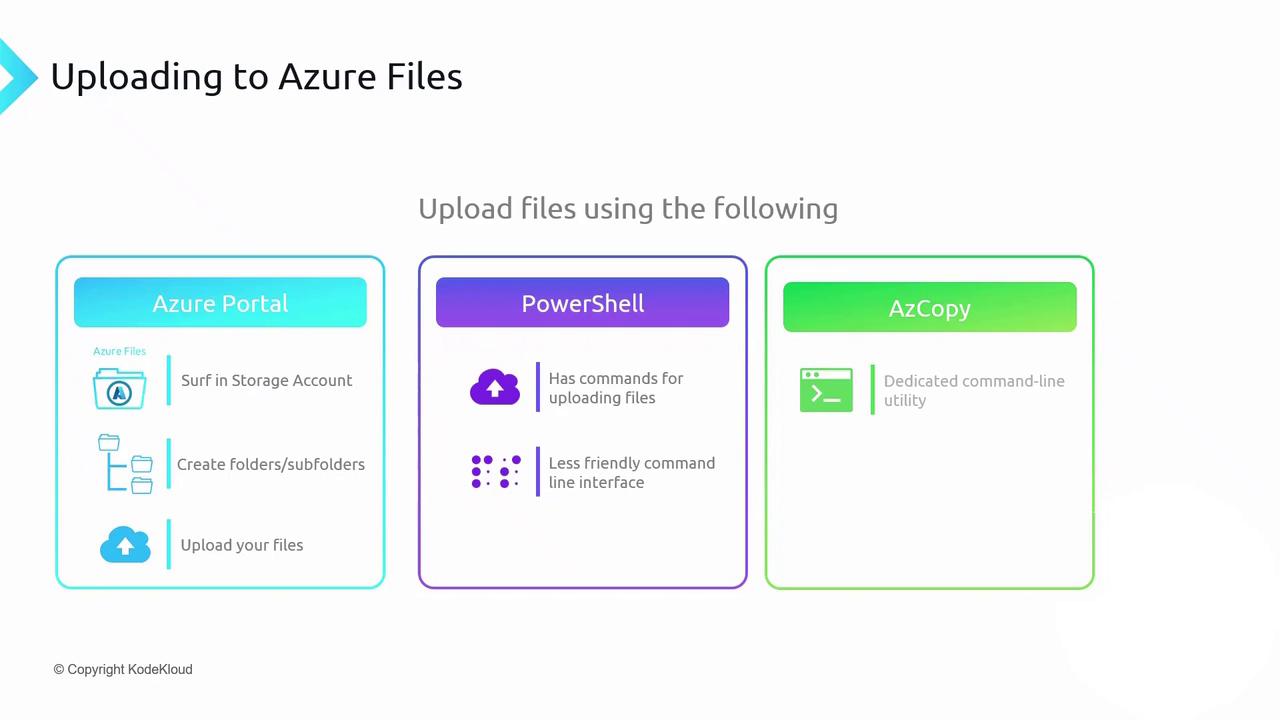
Example: Upload with AzCopy
Azure File Sync
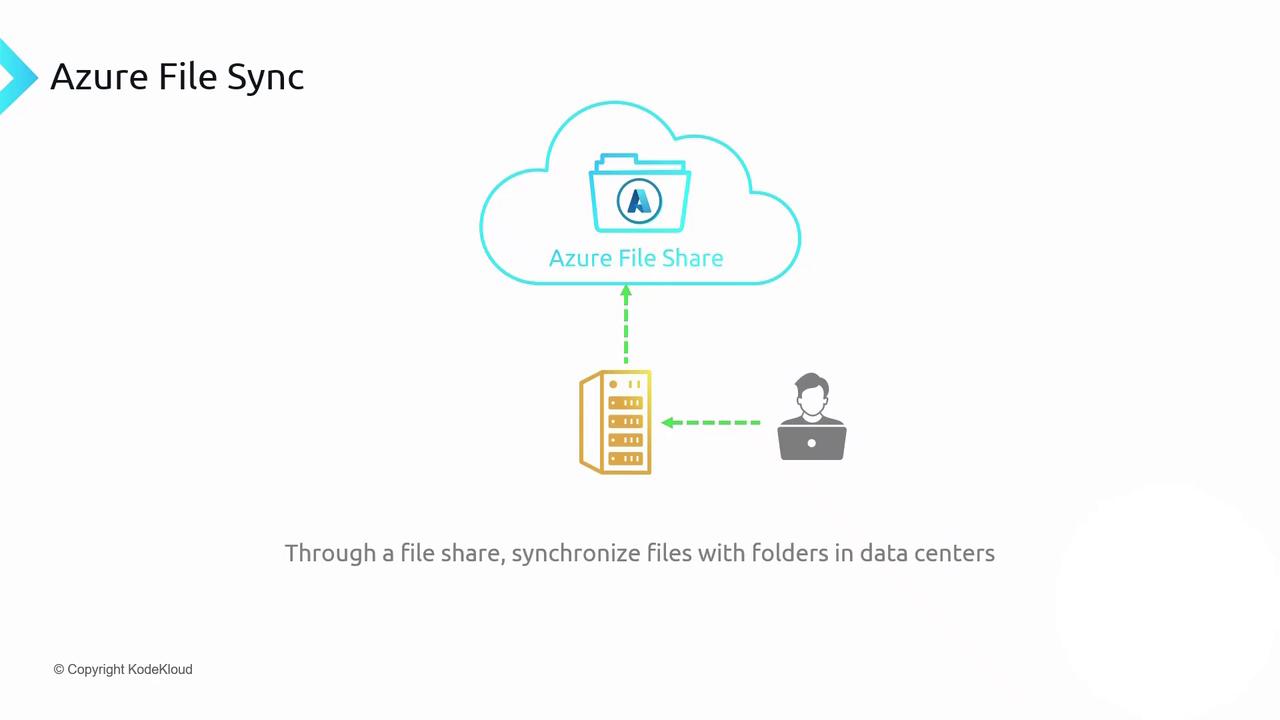
Azure File Sync extends your on-premises Windows file servers into Azure Files. Deploy the Azure File Sync agent, register your server with a Storage Sync Service, and create a sync group to connect local folders to an Azure file share. File changes replicate bidirectionally:- On-prem → Azure: New or modified files upload automatically.
- Azure → On-prem: Updates propagate to all registered servers.
Large-scale synchronization can incur data transfer charges and may impact network performance. Plan your cache settings and sync schedules to optimize costs and user experience.