

- The diversity of organizational data
- Azure’s data storage tools
- Key roles and responsibilities in data management
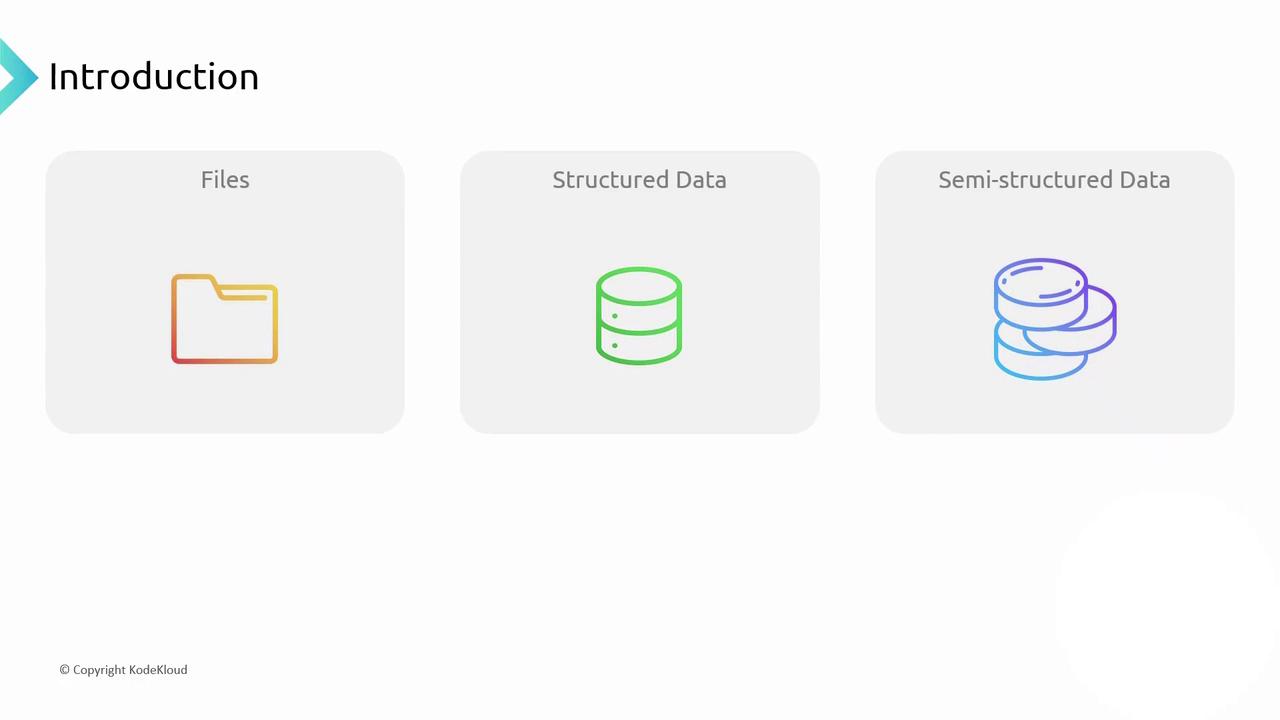
Data Types and Storage Needs
Data formats and usage patterns drive storage requirements:
When storing files—such as pictures or PDFs—you must download each file in its entirety; partial downloads are not practical. Databases, by contrast, read and update only the necessary portions of a record.
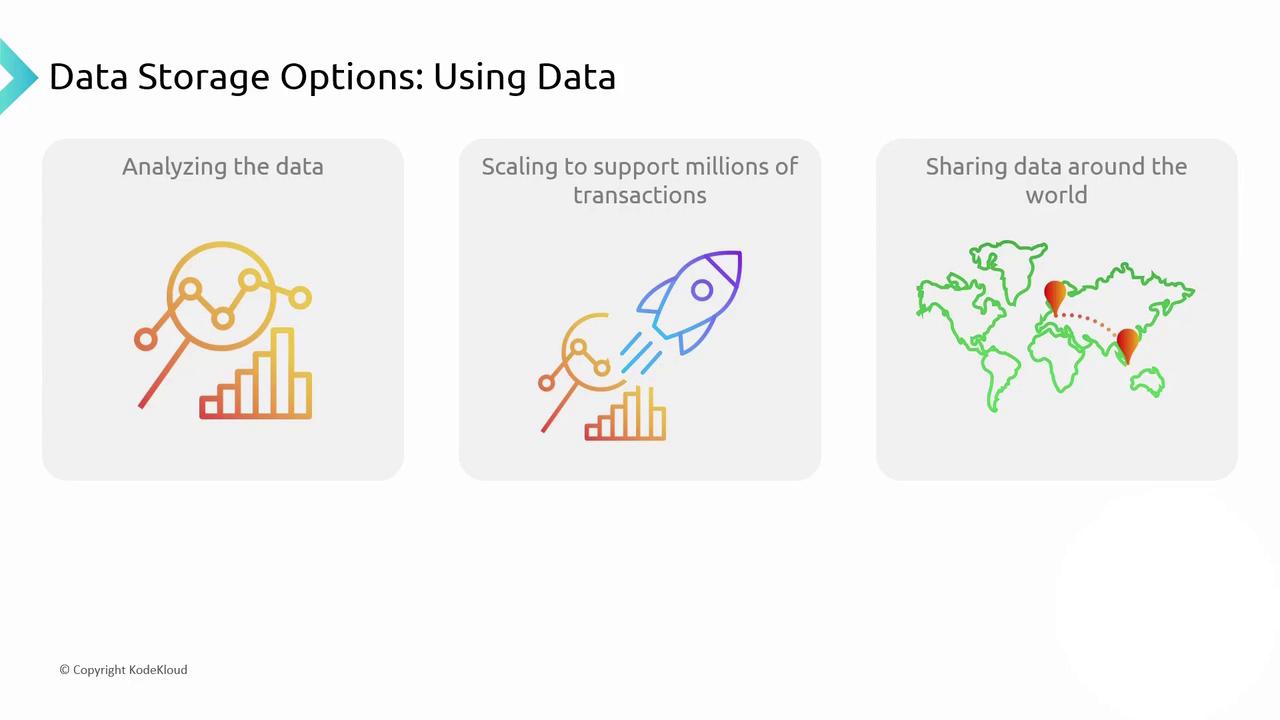
Use cases vary:
- Analyze historical data for trends and forecasting.
- Process hundreds of thousands of transactions per second with low latency.
- Share updates globally so Berlin’s changes appear instantly in Singapore.
Azure Data Storage Solutions
Azure provides a range of storage services for different data scenarios: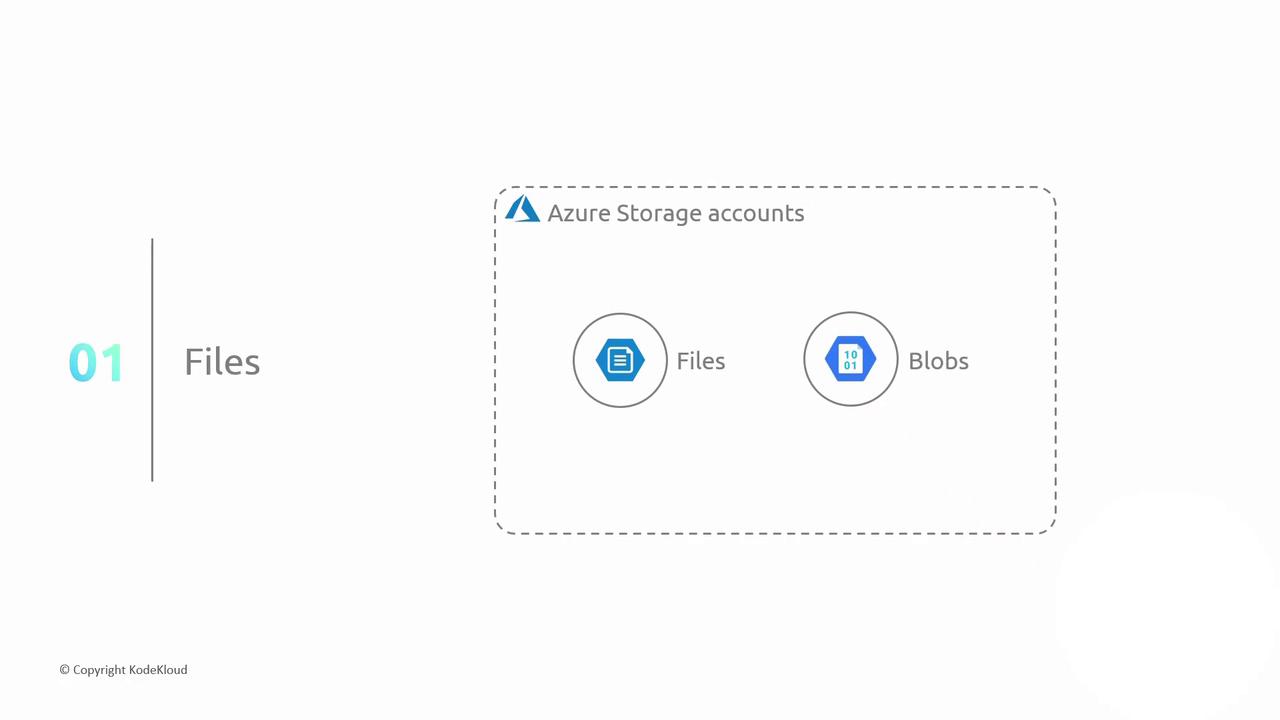
Choosing Between Azure Files and Azure Blobs
- Azure Files: Best for lift-and-shift applications using SMB or NFS protocols.
- Azure Blobs: Optimized for large-scale object storage with REST APIs and tiered access.
Consider lifecycle management policies to move blobs between hot, cool, and archive tiers to optimize cost.
Analytics Workflow
For analytics scenarios, Azure follows an Extract–Transform–Load (ETL) pattern:- Extract data from files, databases, and NoSQL stores
- Transform into a common schema
- Load into a data warehouse for high-performance querying
Azure Synapse Analytics integrates data warehousing, big data, and data integration in a single service—ideal for end-to-end analytics.
Roles and Responsibilities
Data security, privacy, and expertise drive role assignments: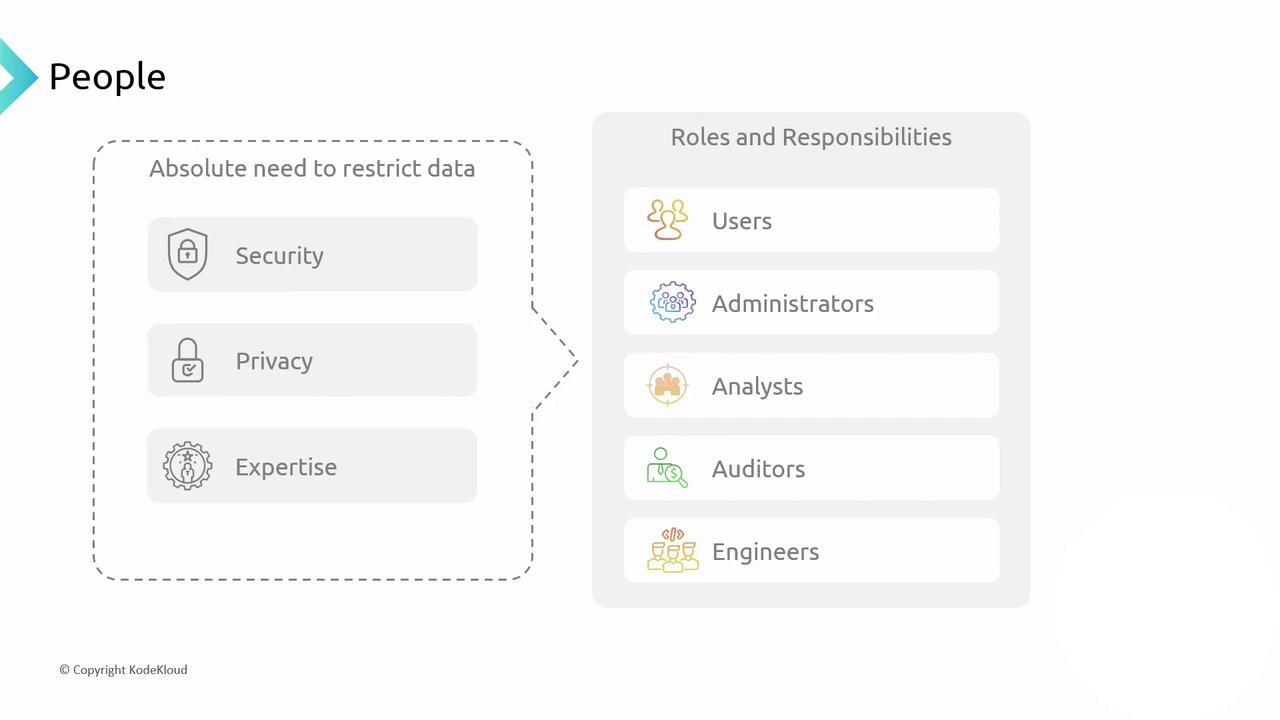
Grant the principle of least privilege. Always assign minimal permissions required for each role to reduce security risks.
In the next sections, we’ll dive deeper into file-based storage with Azure Files and Blob Storage. Stay tuned!
Links and References
- Azure Storage documentation
- Azure Cosmos DB documentation
- Azure Synapse Analytics documentation
- DP-900: Microsoft Azure Data Fundamentals