

In this lesson, we’ll explore how to store and manage file-based (object) data in Azure as part of the DP-900: Microsoft Azure Data Fundamentals certification.Documentation Index
Fetch the complete documentation index at: https://notes.kodekloud.com/llms.txt
Use this file to discover all available pages before exploring further.
What Is File-Based Storage?
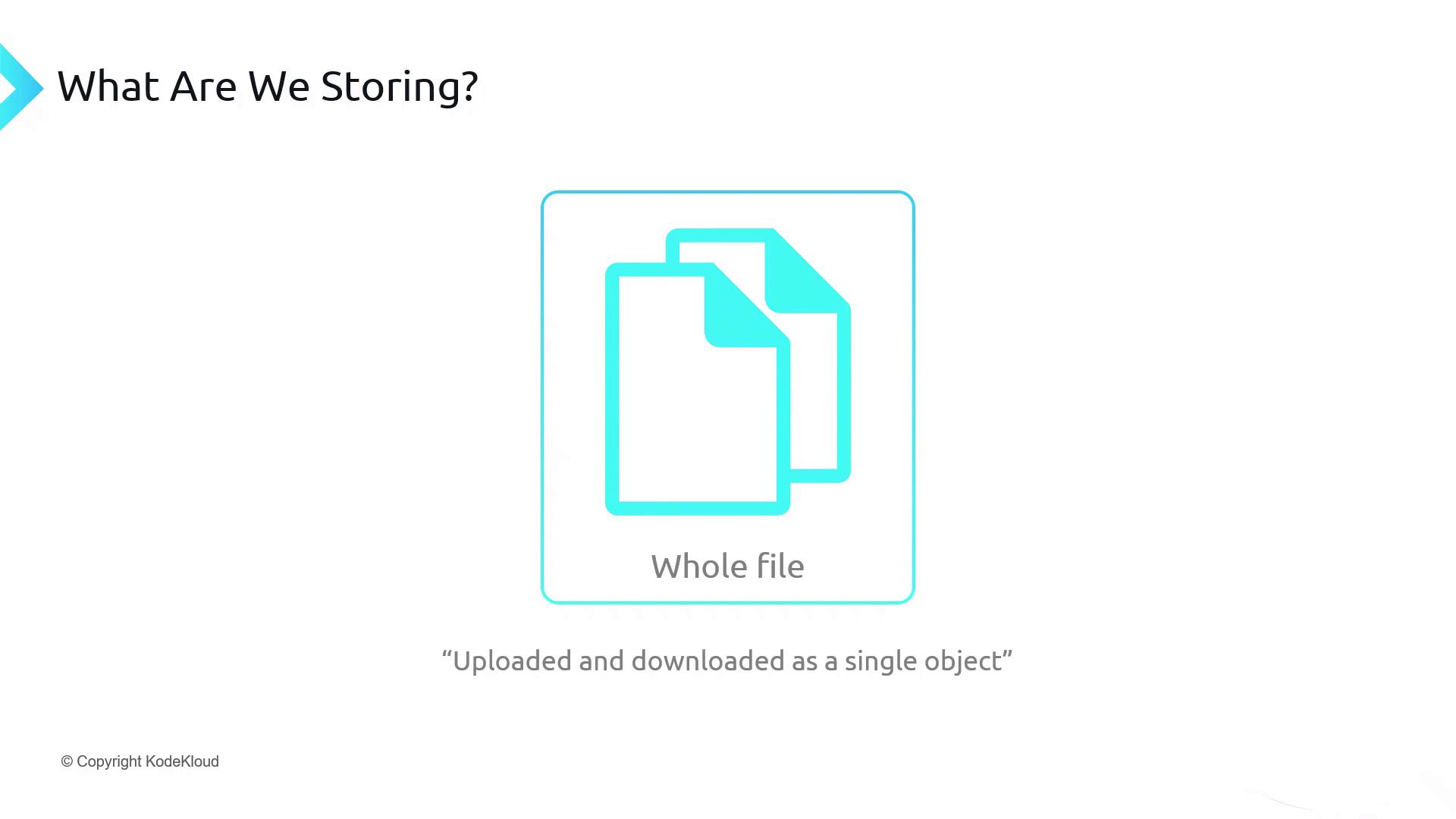
File-based storage—also known as object storage or unstructured data storage—treats entire files (images, documents, archives) as single objects. You upload, download, or access the complete file, not fragments.
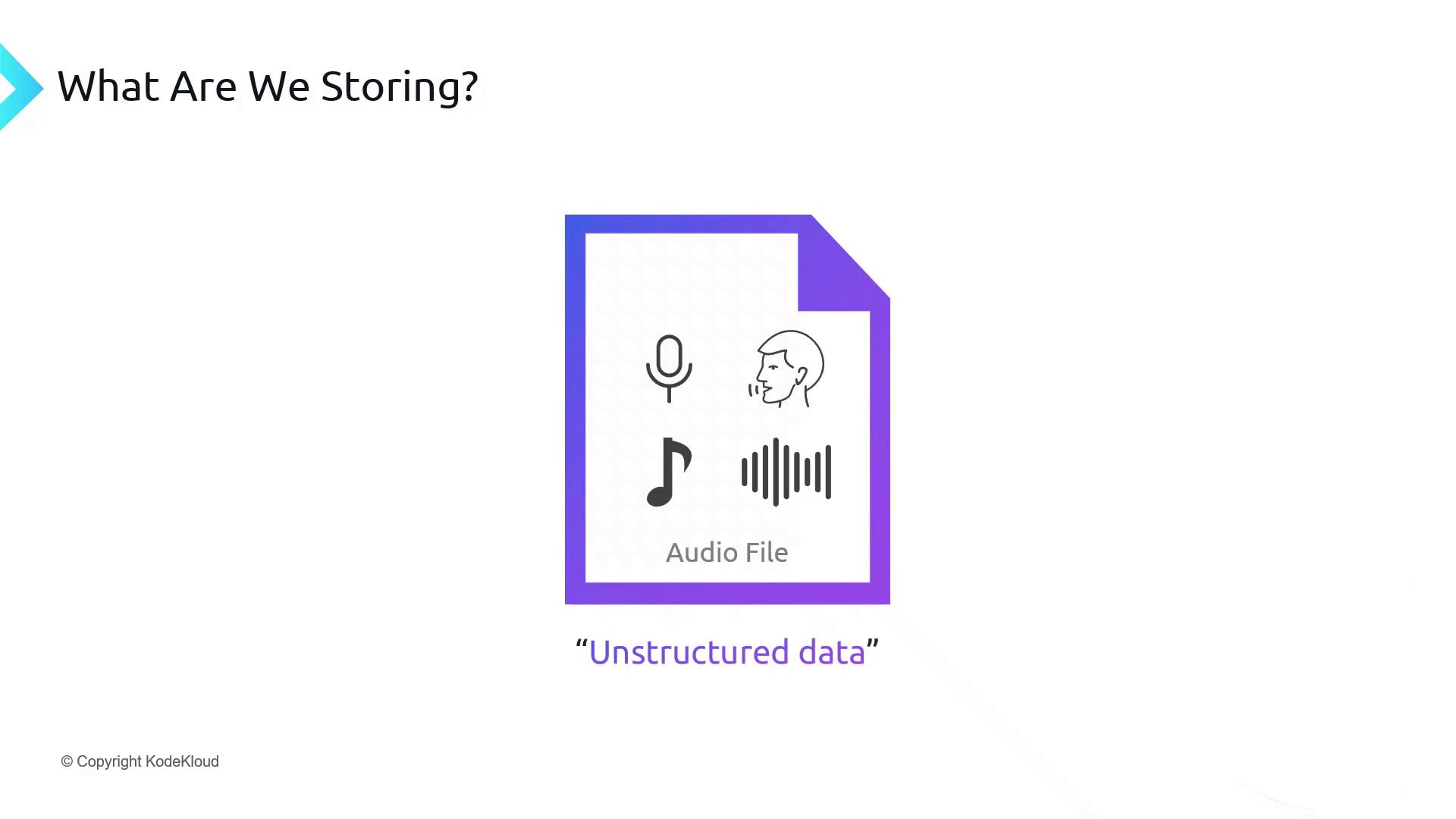
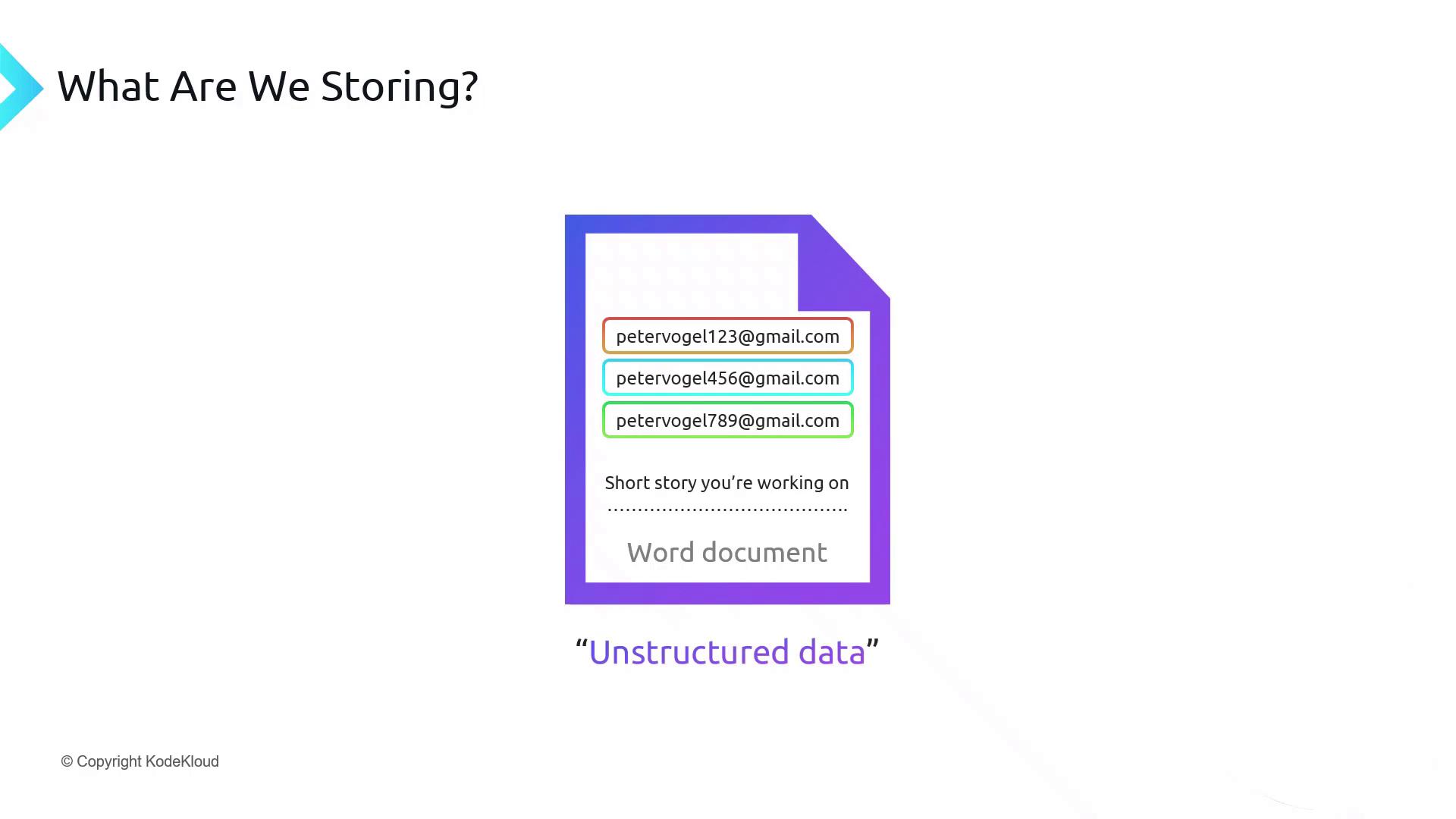
Whether you refer to it as object storage or unstructured data, the key concept is that the file is managed as a single object.
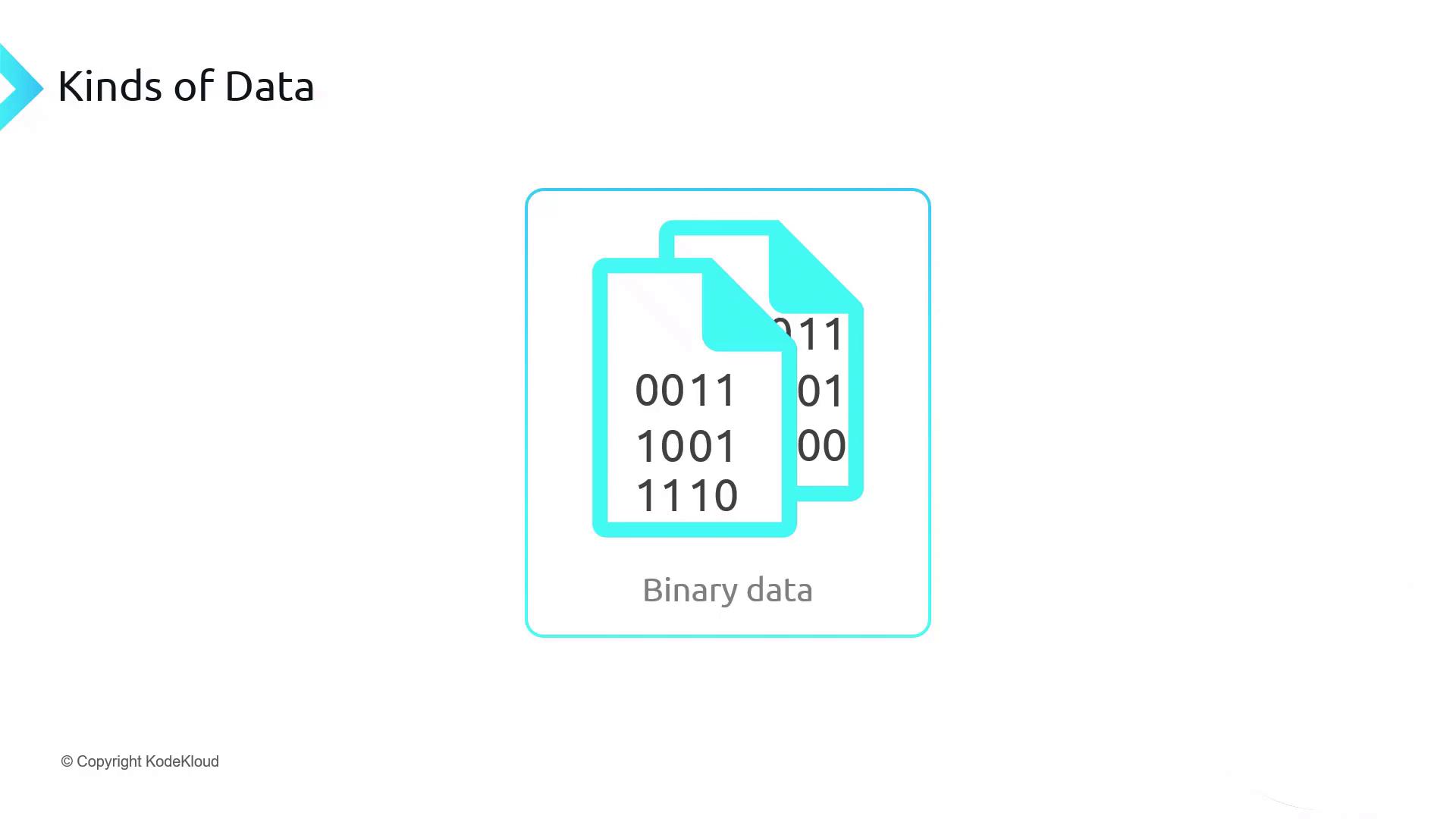
Kinds of File Data
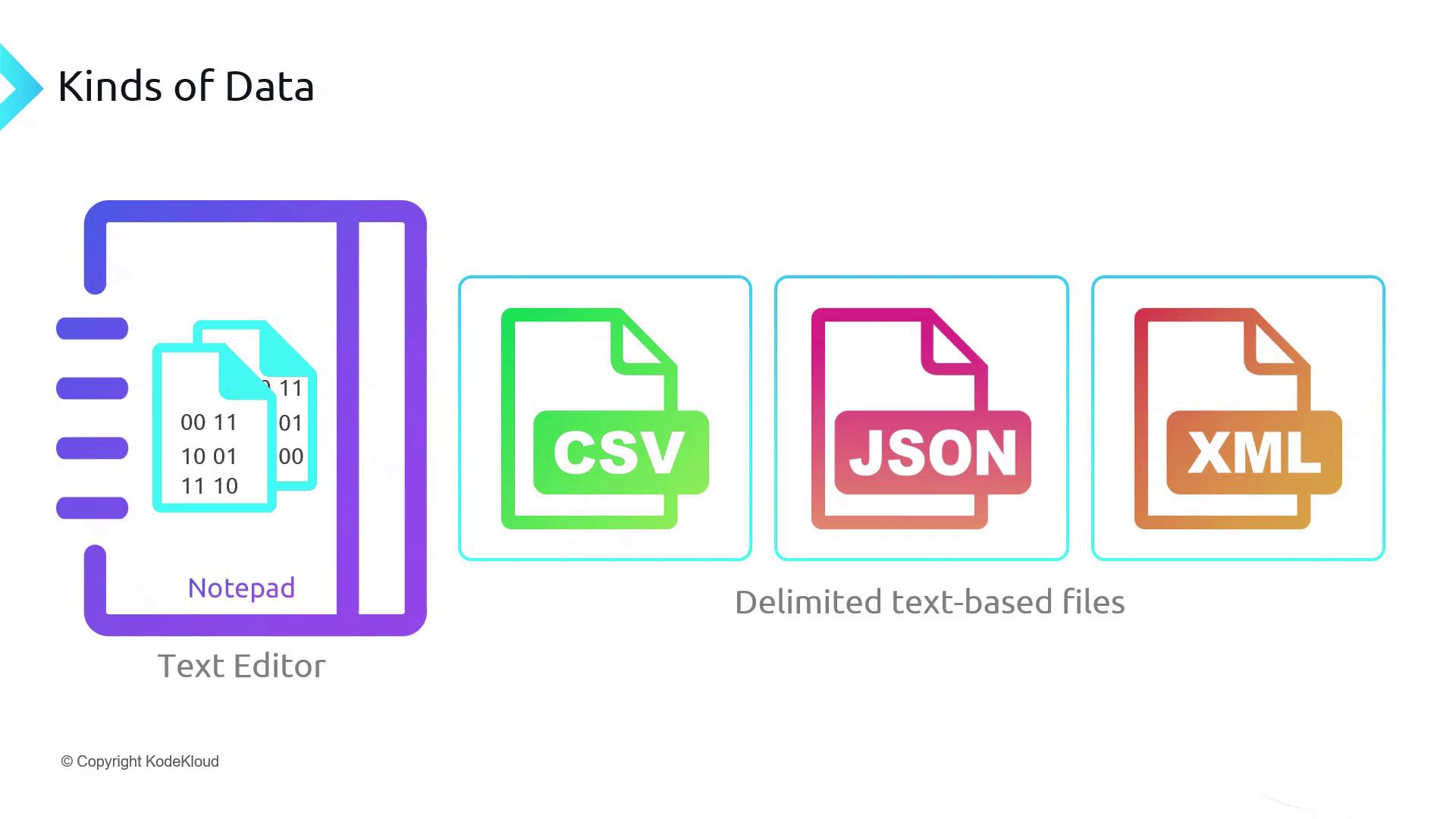
Although all files are stored as binary data in Azure, we categorize them by structure:| Category | Description | Common Extensions |
|---|---|---|
| Text-based | Editable with any text editor | .csv, .json, .xml, .txt |
| Binary | Requires specialized software to interpret | .pdf, .jpeg, .png, .exe |
- CSV (comma-separated values)
- JSON (JavaScript Object Notation)
- XML (eXtensible Markup Language)
Corporate File Types and Export Formats
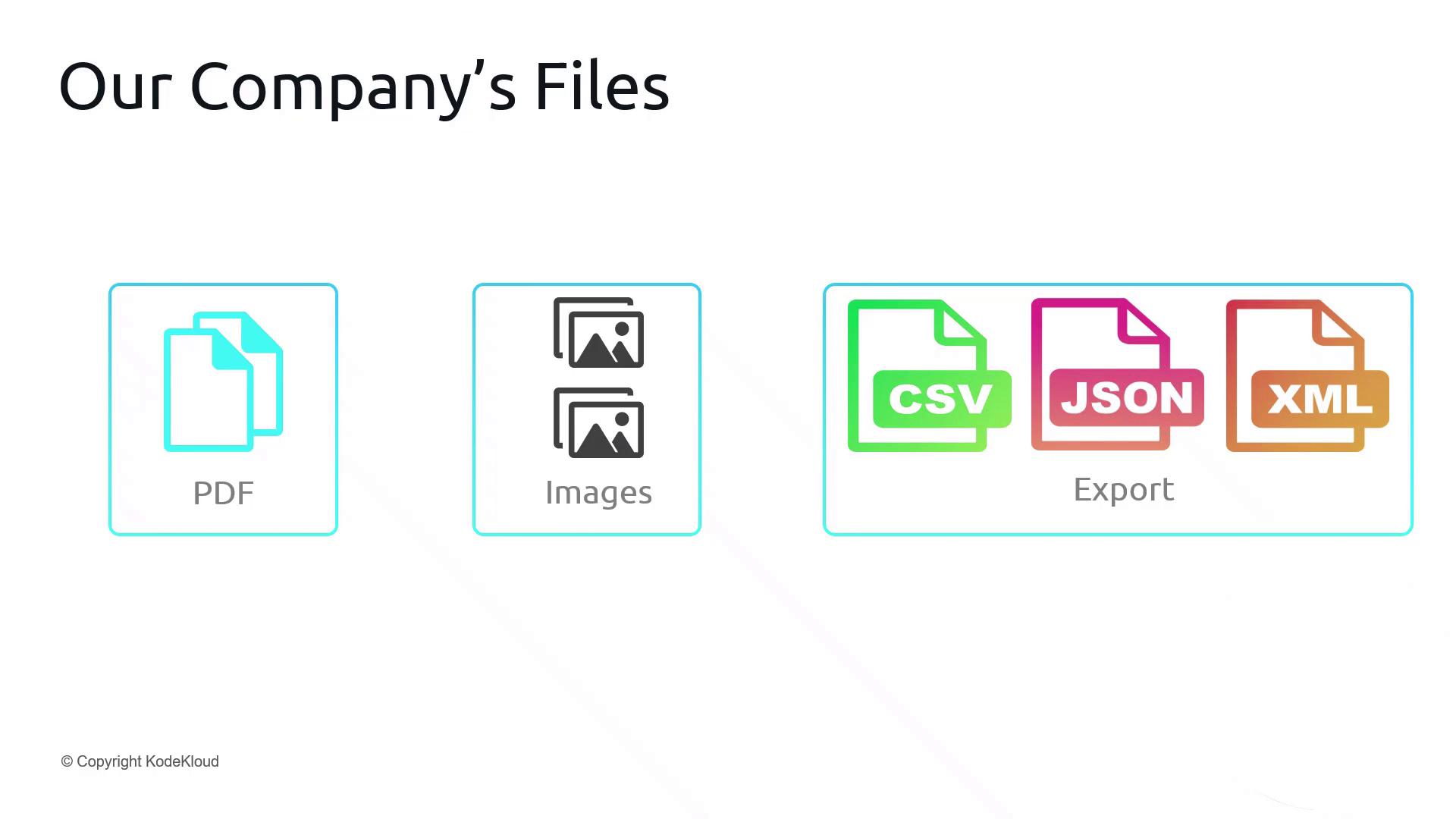
Our global organization maintains a variety of file assets:- PDF catalogs for product listings
- Word documents with specifications
- Image files (PNG, GIF, JPEG)
CSV Example
CSV files use rows ending with CRLF (\r\n) and commas to separate fields:
- The first row often contains column headers.
- Each subsequent row represents a record.
JSON Example
JSON uses arrays ([ ]) and objects ({ }) with key-value pairs for nested structures:
- Flexible schema; fields can vary between records.
XML Example
XML employs tags to define elements and hierarchy:- Ideal for document-centric and hierarchical data.
Other Format: Avro
Avro files combine a JSON schema header with a binary payload: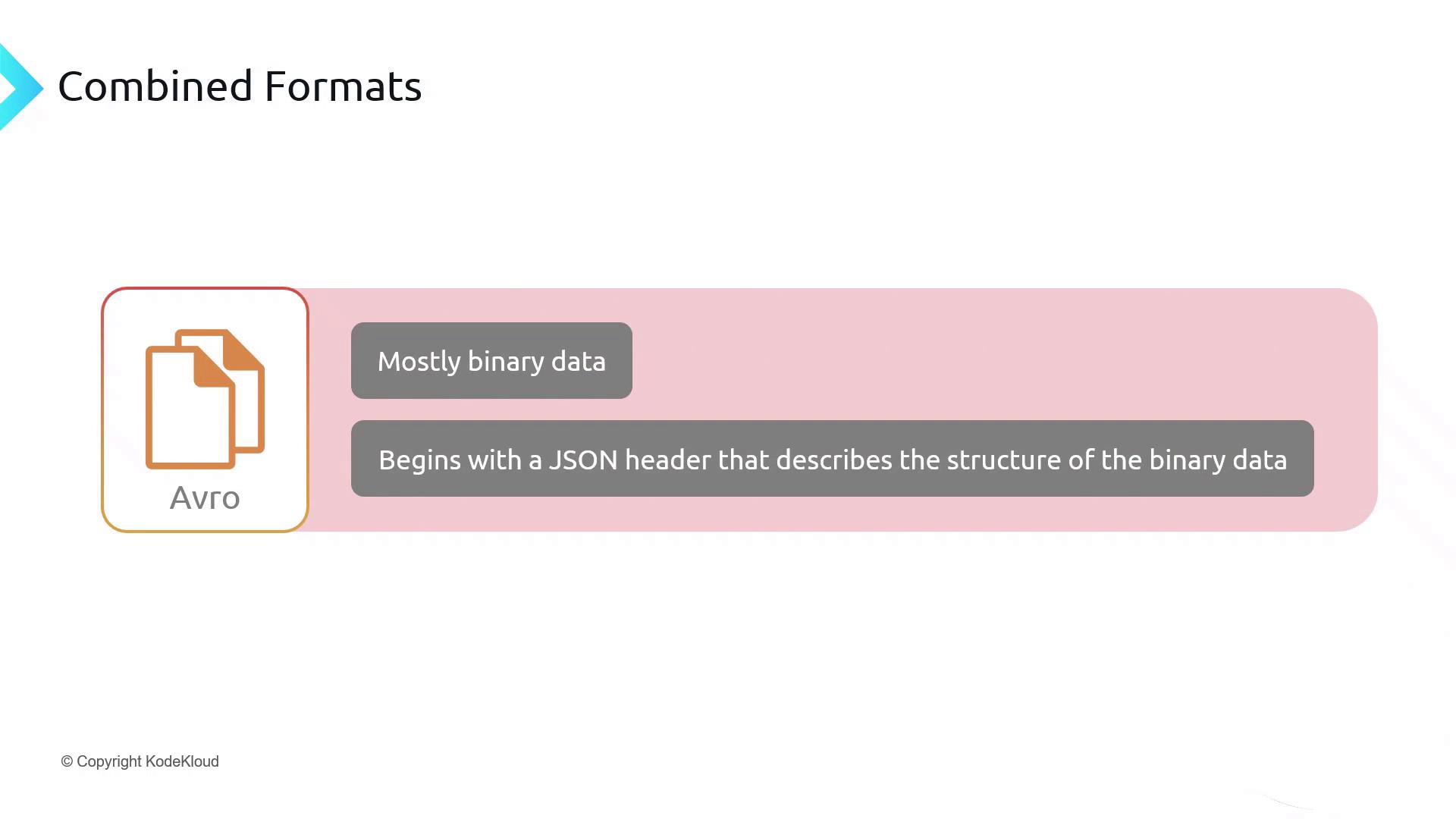
Storing File-Based Data in Azure
Azure Storage Accounts host file-based objects in Blob Storage. You can:- Upload/download entire files via REST API, SDK, or CLI
- Configure access tiers (Hot, Cool, Archive)
- Secure with Azure RBAC and SAS tokens
Azure Blob Storage does not enforce any schema on your files. Always validate and parse unstructured data at the application level.
Links and References
- Azure Blob Storage Documentation
- DP-900: Microsoft Azure Data Fundamentals
- Introduction to Object Storage