

Data Analysis Roles
We categorize data analysis stakeholders into three main roles:- Formulate analysis questions
- Write exploratory scripts (Python, R) | | Administrators| Security, permissions & infrastructure stability | - Grant/revoke user access
- Schedule & monitor ETL/ELT jobs
- Perform backups and restores | | Data Engineers| Pipeline architecture & data integration | - Design & build ETL/ELT workflows
- Integrate heterogeneous data sources
- Optimize performance and resource configurations |
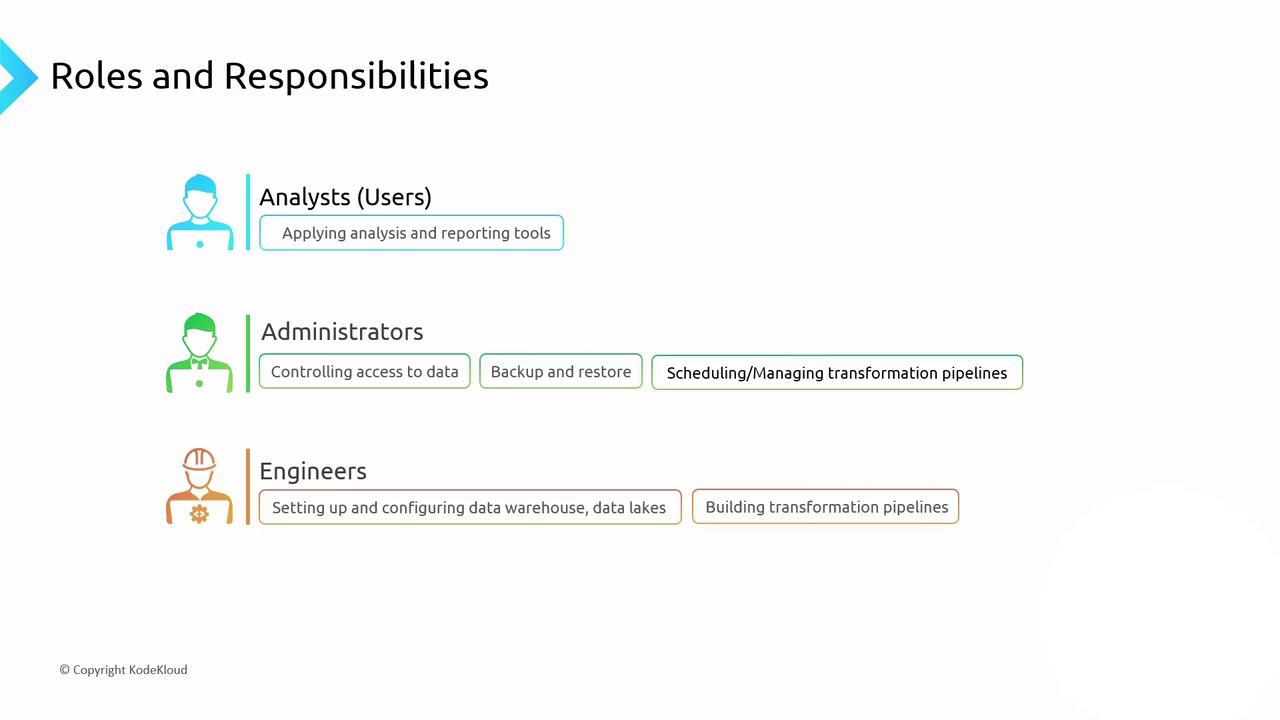
Analysts only need access to their datasets and BI tools, while administrators and engineers require broader interfaces to manage, secure, and optimize pipelines.
Key Takeaways
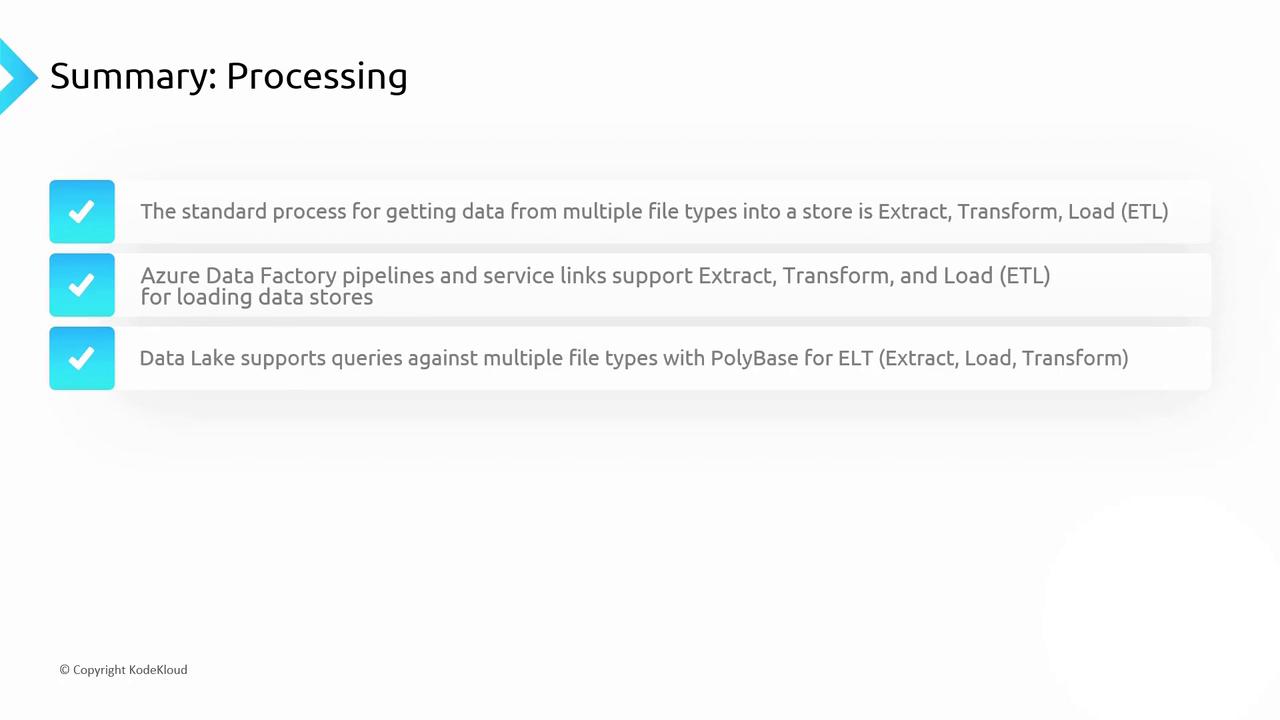
Here’s a summary of the core concepts, tools, and patterns you’ve learned for effective data processing and analysis.1. OLAP & Data Processing Patterns
- Online Analytical Processing (OLAP): Multi-dimensional queries on large datasets for deep insights.
- ETL vs. ELT
- ETL: Extract → Transform → Load
- ELT: Extract → Load → Transform (leverages raw data query engines)
2. Integrated Analytics Platforms
- Azure Synapse Analytics: Unified analytics service combining data warehousing and big data
- Azure Databricks: Managed Apache Spark environment for collaborative data engineering and machine learning
3. Batch & Stream Processing
- Batch Processing: Scheduled jobs for high-volume data transformations.
- Real-time Streaming: SQL-based analytics against streaming sources (e.g., Azure Event Hubs) for immediate insights.
4. Orchestration Tools
- Azure Data Factory: Automate and monitor ETL/ELT workflows across on-premises and cloud data stores.
5. Data Lake Querying
- PolyBase: Query file formats in situ without pre-loading.
- Synapse serverless SQL: On-demand querying of Data Lake Storage via T-SQL.
6. Common Storage & Querying Options
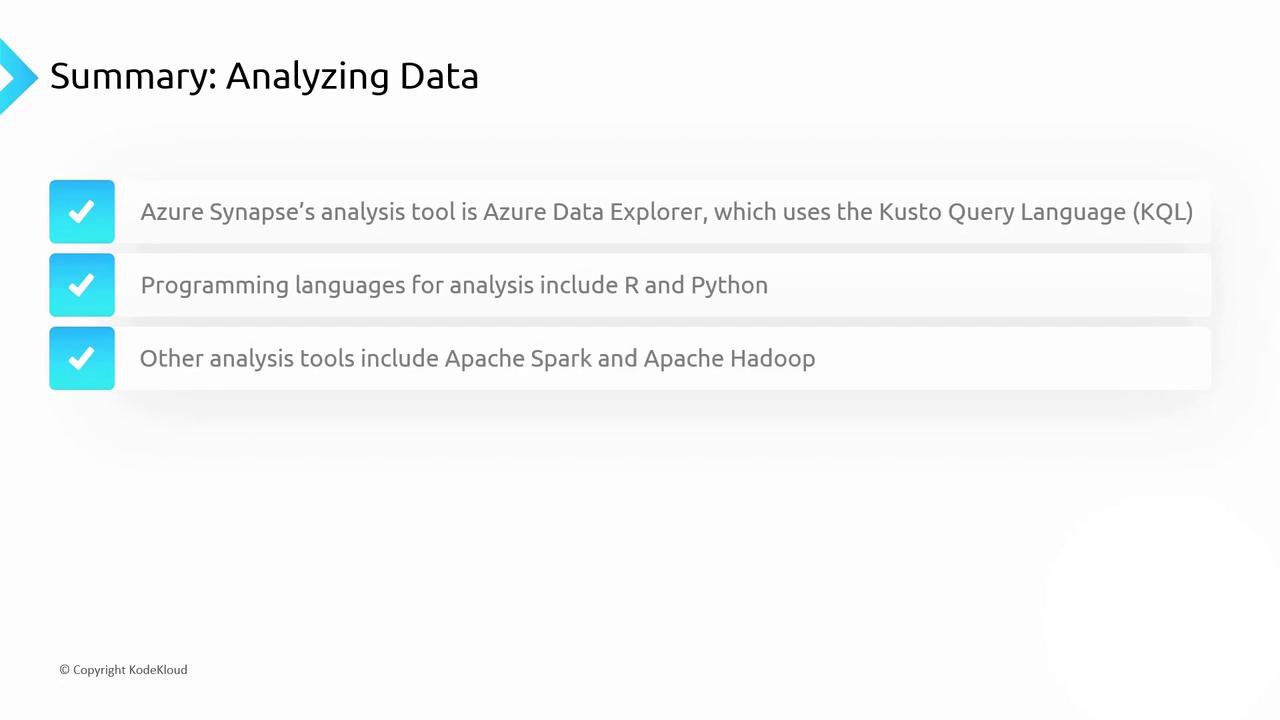
7. Popular Analytics Frameworks & Languages
Power BI Reporting
- Report Types: Descriptive, Diagnostic, Predictive, Prescriptive
- Power BI Desktop: Free authoring environment with integrated Power Query for ETL
- Power BI Service: Cloud-hosted platform for sharing dashboards, paginated reports, and real-time monitoring
Carefully manage dataset permissions in Power BI Service to maintain data privacy and security.
Further Reading
- Azure Synapse Analytics Documentation
- Azure Databricks Documentation
- Azure Data Factory Documentation
- PolyBase Overview
- Power BI Documentation