

1. Indexes
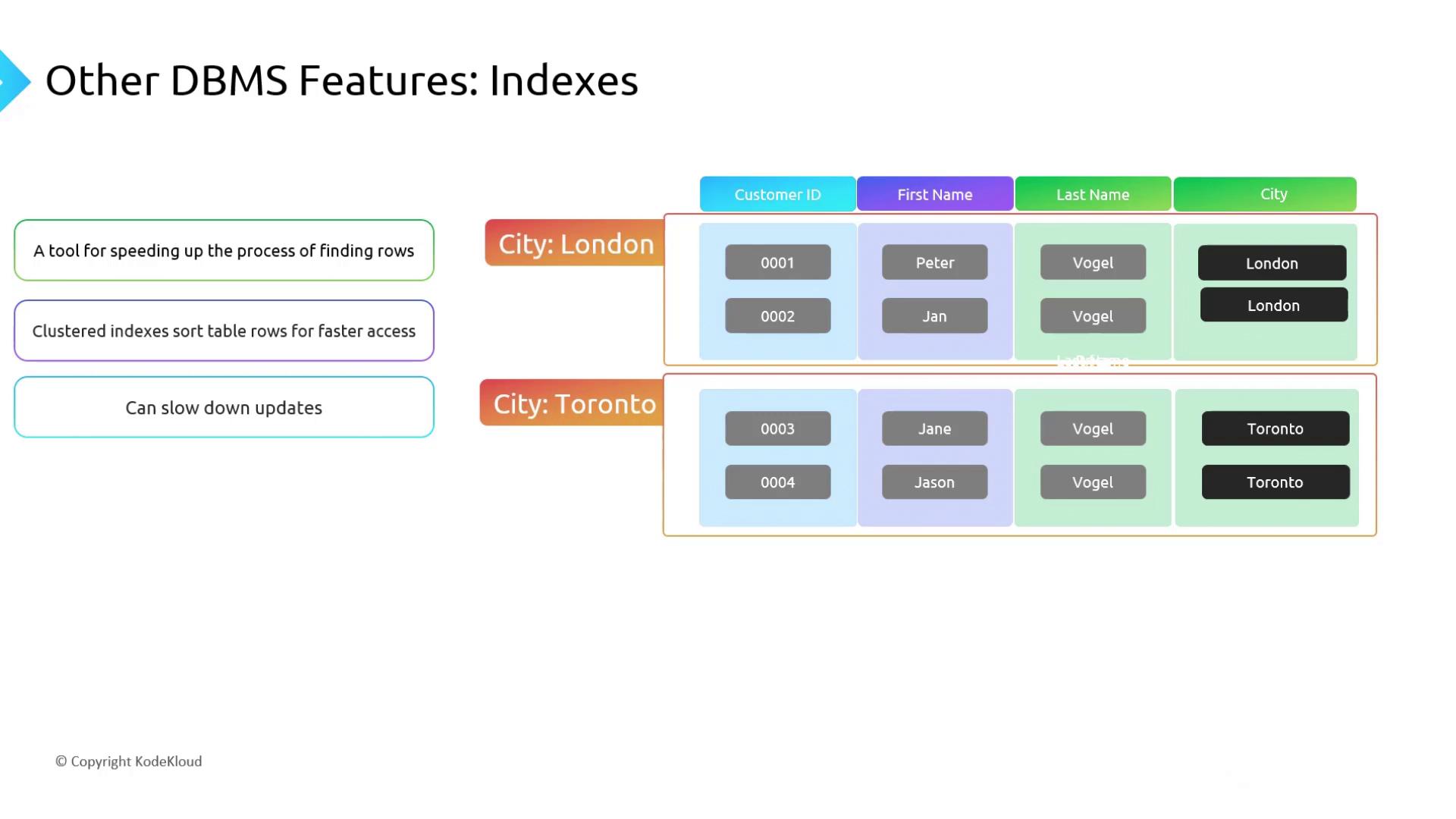
An index works like a book’s index, providing a fast lookup path into large tables. Instead of scanning every row, the database navigates the index structure to find matching records.Clustered vs. Non-Clustered
-
Clustered Index
Defines the physical order of rows in a table. Typically created on the primary key. Only one clustered index per table. -
Non-Clustered Index
Maintains a separate structure that points back to the data rows. You can define multiple non-clustered indexes on different columns.
- Pros:
- Dramatically faster
SELECTqueries on indexed columns.
- Dramatically faster
- Cons:
INSERT,UPDATE, andDELETEoperations incur extra overhead to maintain each index.
Adding too many indexes can degrade DML (Data Manipulation Language) performance. A good rule of thumb is to limit each table to around six non-clustered indexes.
2. Views
A view is a virtual table defined by a SQL query. It can join, filter, and project columns from one or more base tables—simplifying repeated query logic and enforcing column-level security.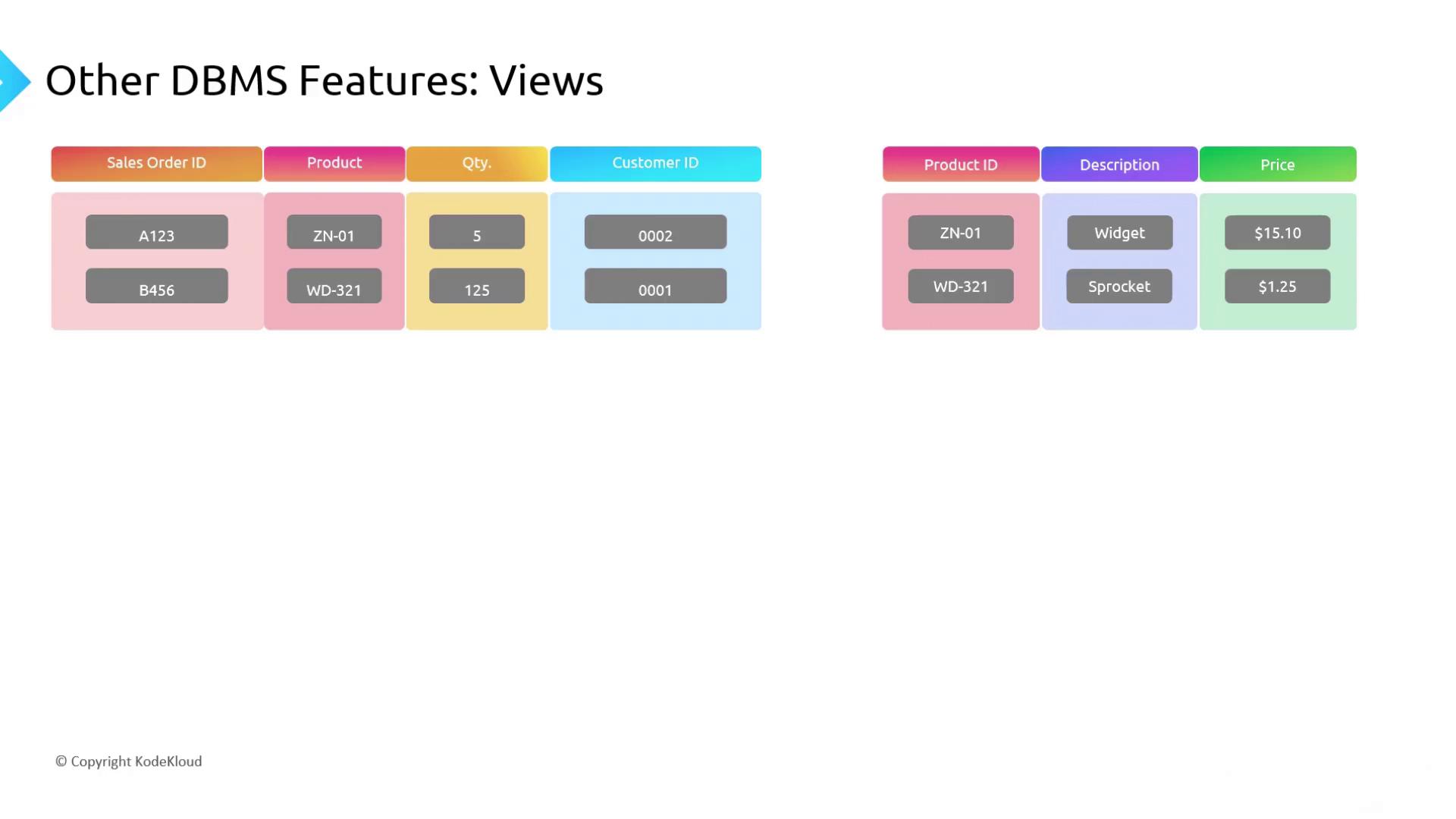
- Simplifies complex joins for developers.
- Restricts access to sensitive columns (e.g., hide
CustomerID) by granting permissions on the view instead of the base tables.
3. Stored Procedures
A stored procedure is a precompiled collection of SQL statements stored on the database server. Executing a stored procedure requires only one network round-trip, improving performance and centralizing business logic.
- Performance: One call replaces multiple client-server interactions.
- Consistency: Business rules run identically every time.
- Maintainability: Updates apply immediately to all applications using the procedure.
Links and References
- Azure SQL Database Concepts
- SQL Server Index Architecture
- Creating Views in SQL Server
- Working with Stored Procedures