

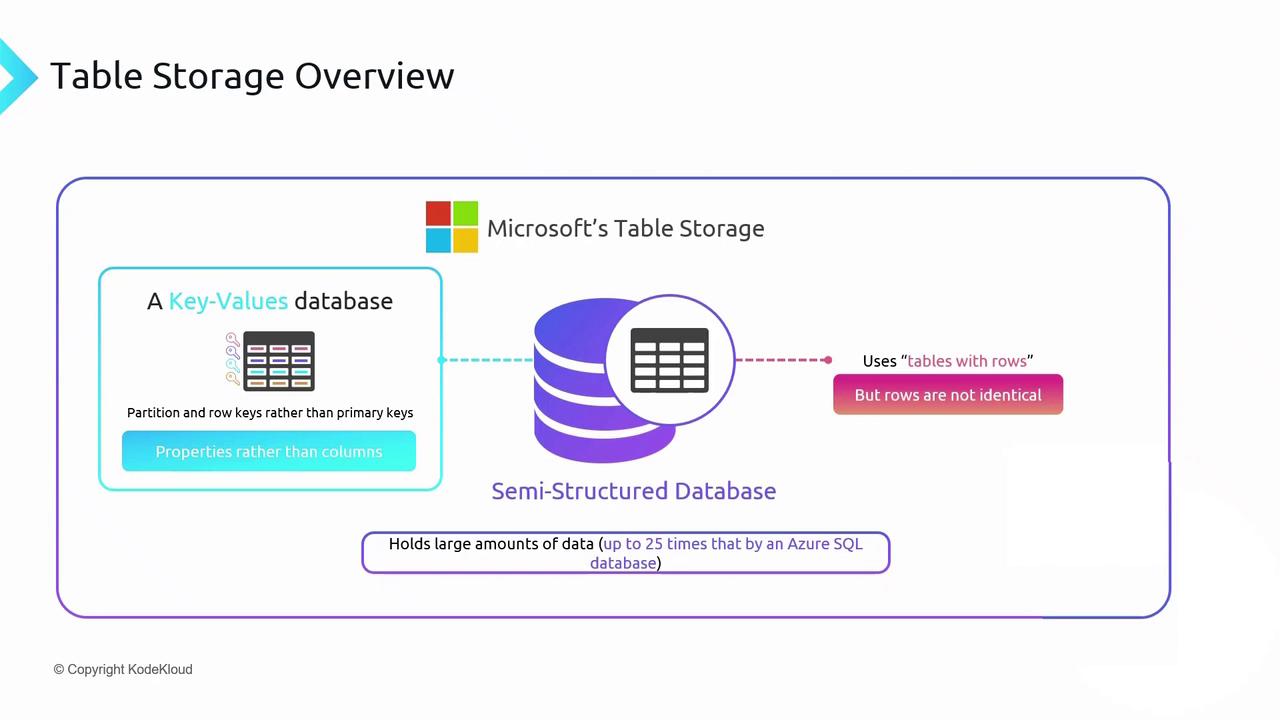
Relational vs. Semi-Structured Databases
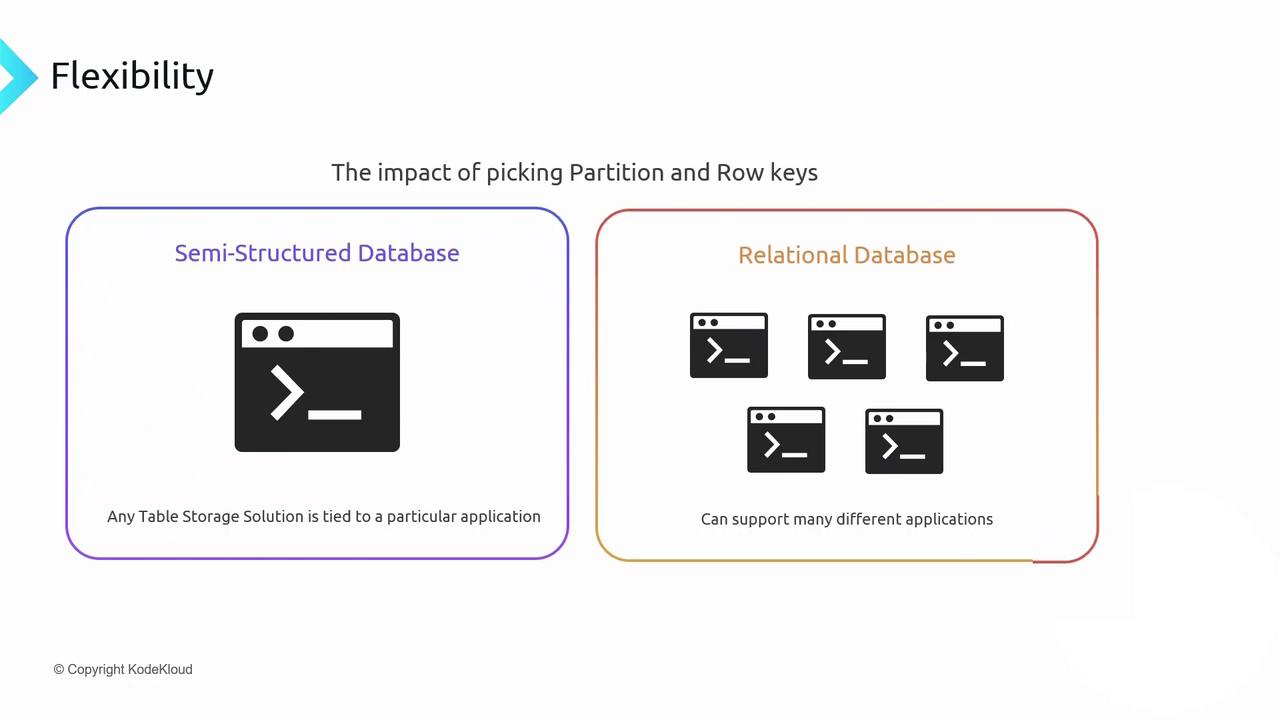
Moving from relational to semi-structured (NoSQL) databases means trading rich relational features for scale and performance.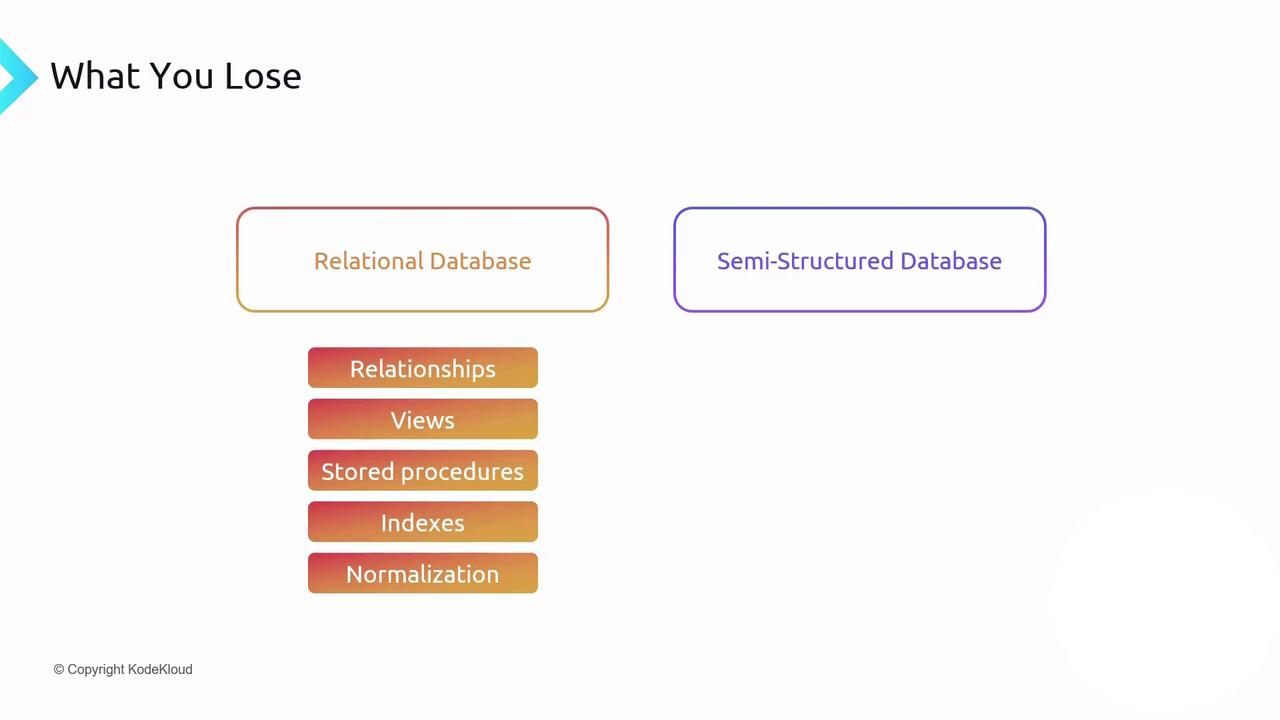
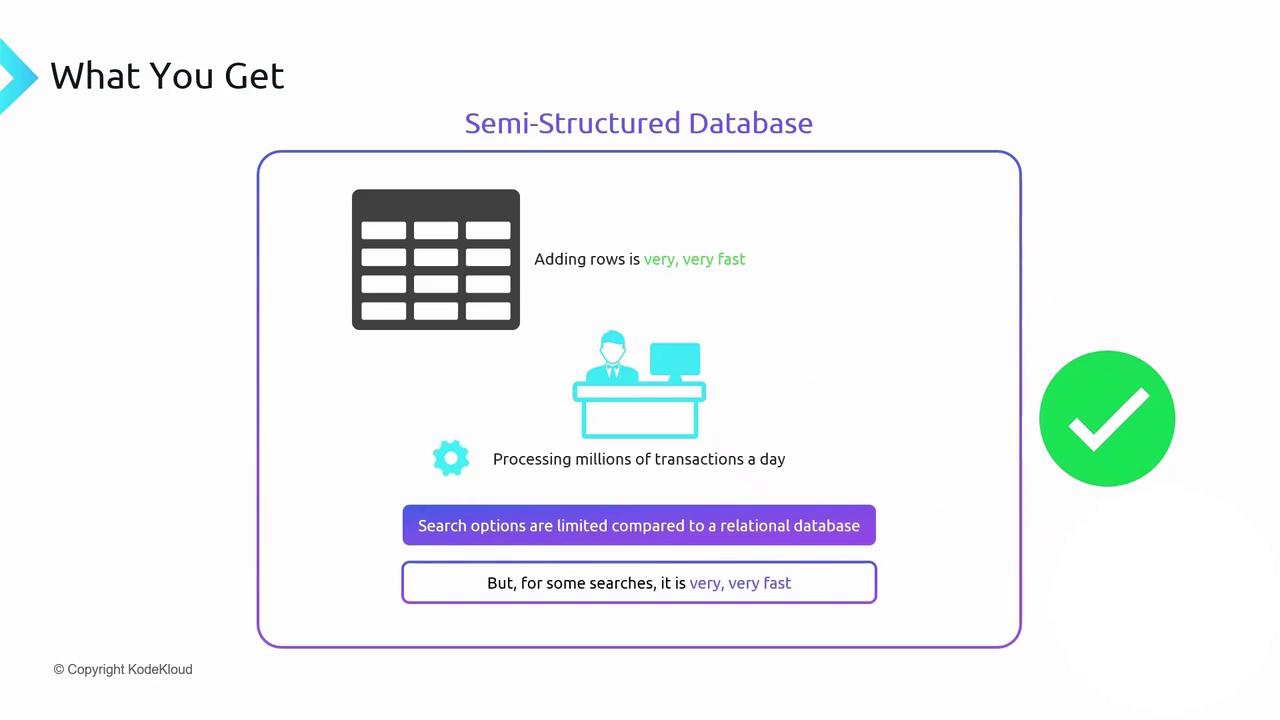
Where to Create Table Storage
You can store table-style NoSQL data in Azure via:
In this guide, we focus on Table Storage within an Azure Storage Account.
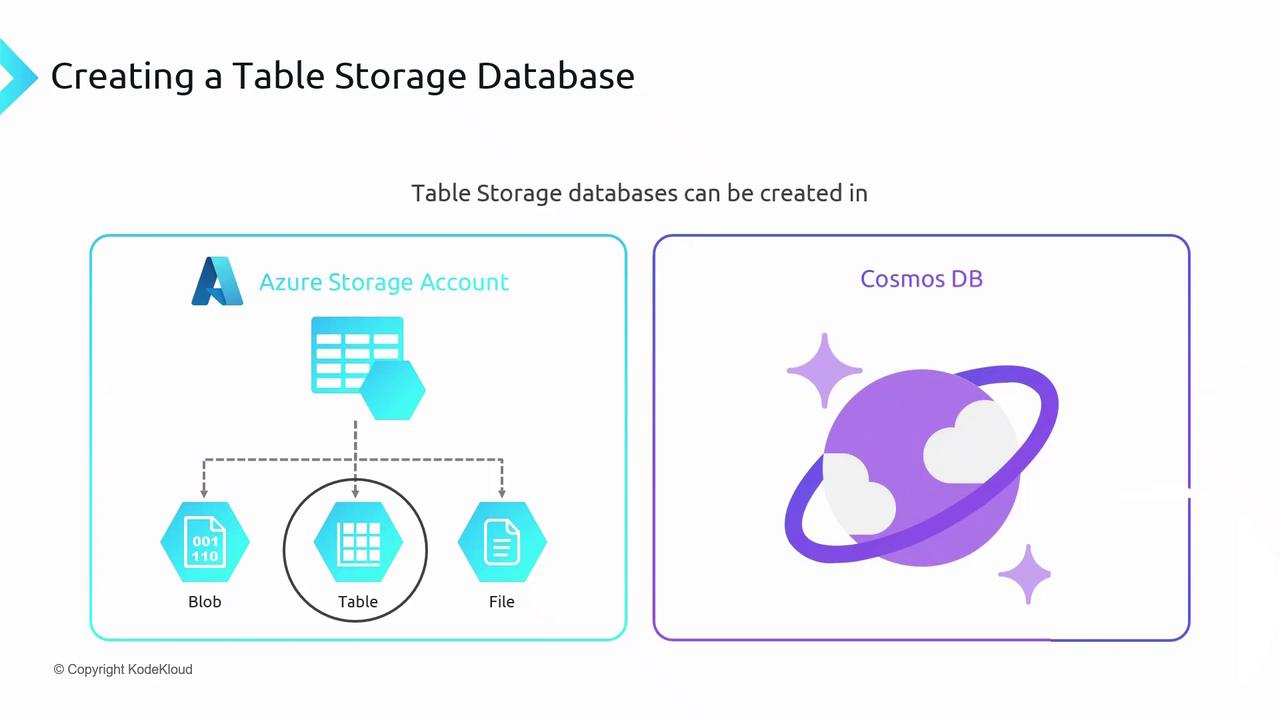
Azure Cosmos DB’s Table API offers global distribution and automatic indexing, but at a higher cost compared to native Azure Storage Table.
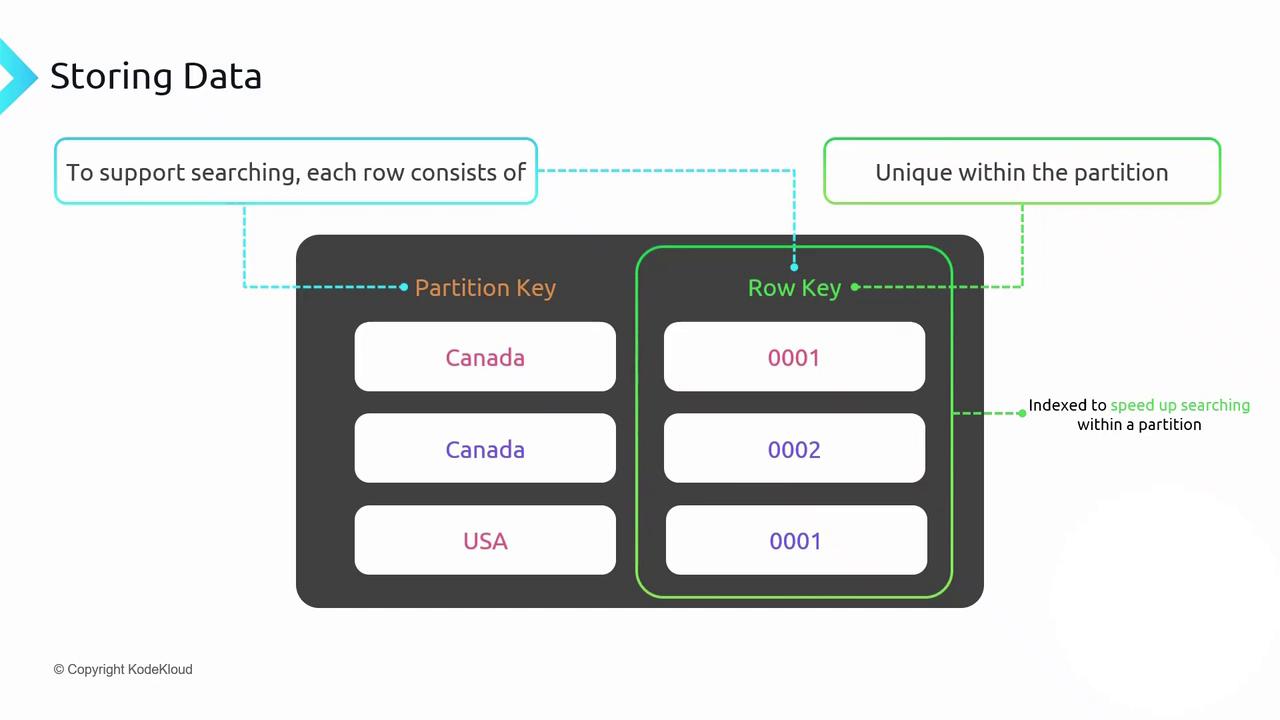
PartitionKey and RowKey
Every row in Table Storage must include these system properties:
The combination of PartitionKey + RowKey is automatically indexed—queries specifying both keys return results in sub-millisecond time.
Choosing a PartitionKey
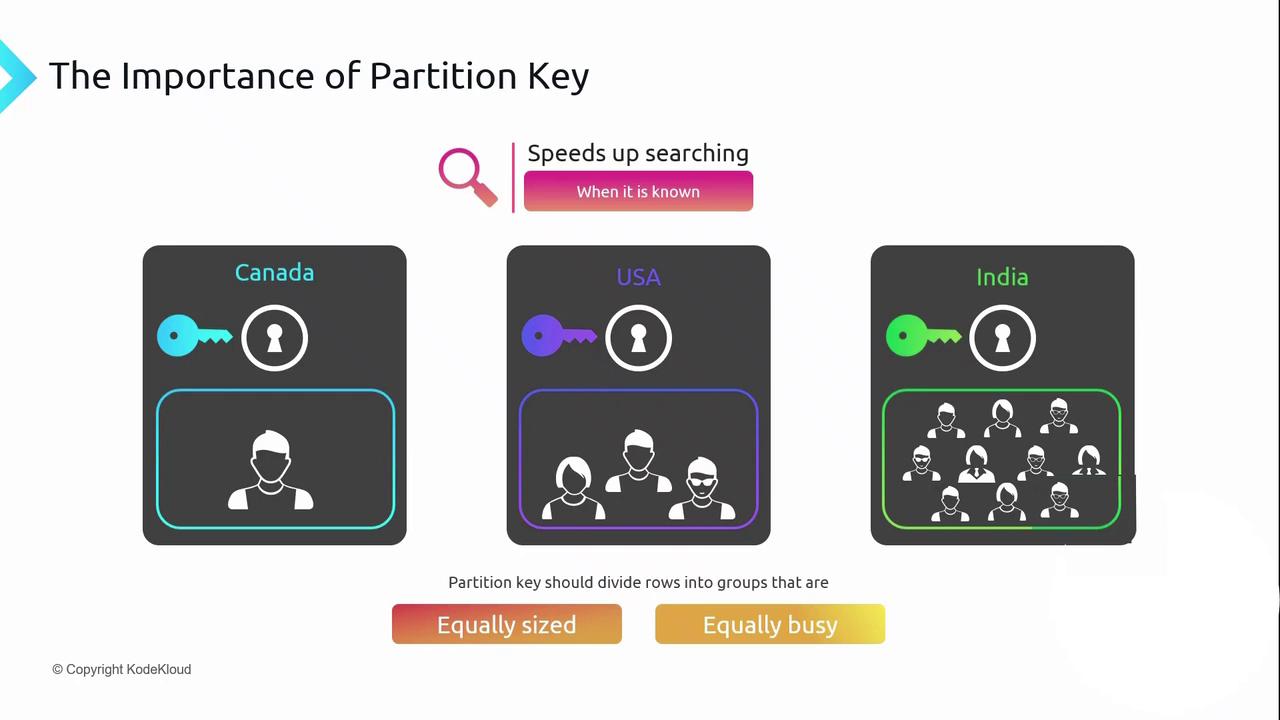
A well-designed PartitionKey evenly distributes data and request load across partitions. For example, a customer database keyed by country:- Canada: few customers → light traffic
- USA: many customers → heavier traffic
- India: very large customer base → potential hotspot
Application Scope and Access Patterns
Relational systems let you index many columns; Table Storage limits fast lookups to PartitionKey and RowKey. Design your tables around your application’s primary access patterns.- Customer Management
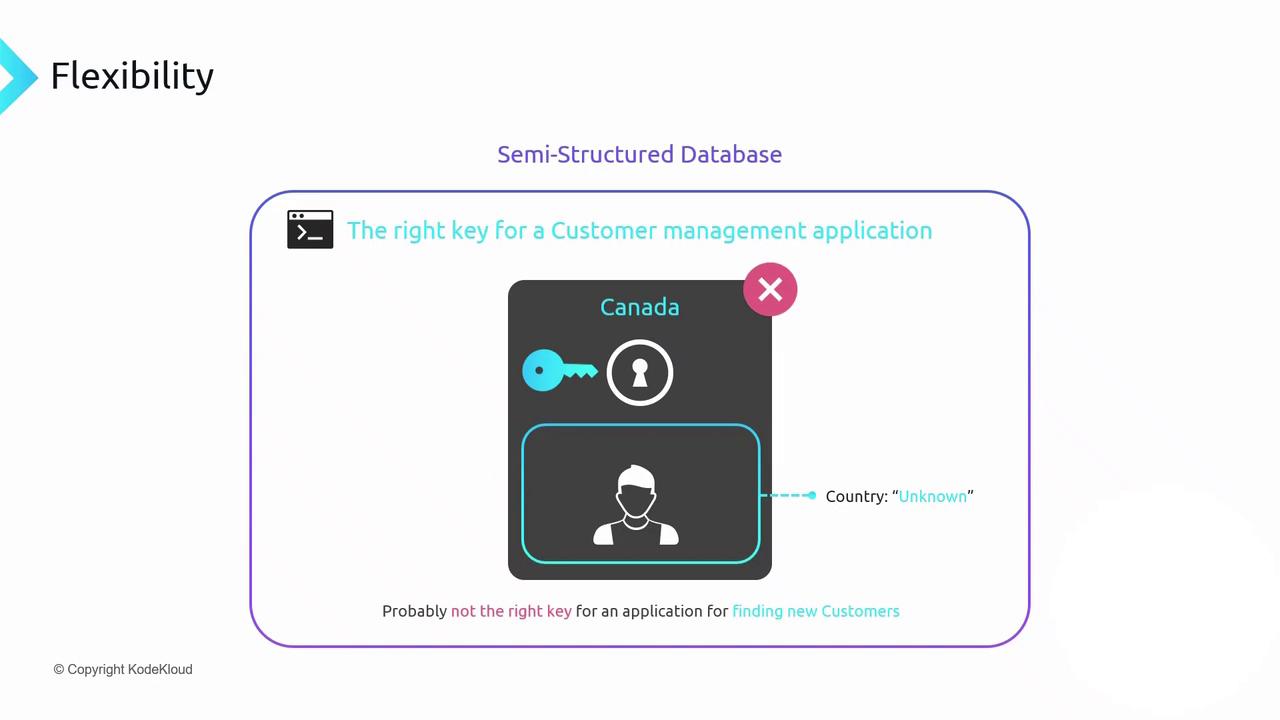
PartitionKey = country works if you always filter by country when retrieving data. - New Customer Onboarding
If the country is unknown at insert time, a country-based PartitionKey may not fit this scenario.
Designing the wrong PartitionKey for your access patterns can lead to inefficient queries or throttling under load.
Timestamp Property
The Timestamp property is updated automatically on any row insert or update. Use it for optimistic concurrency: compare the stored timestamp before writing to ensure no concurrent modification occurred.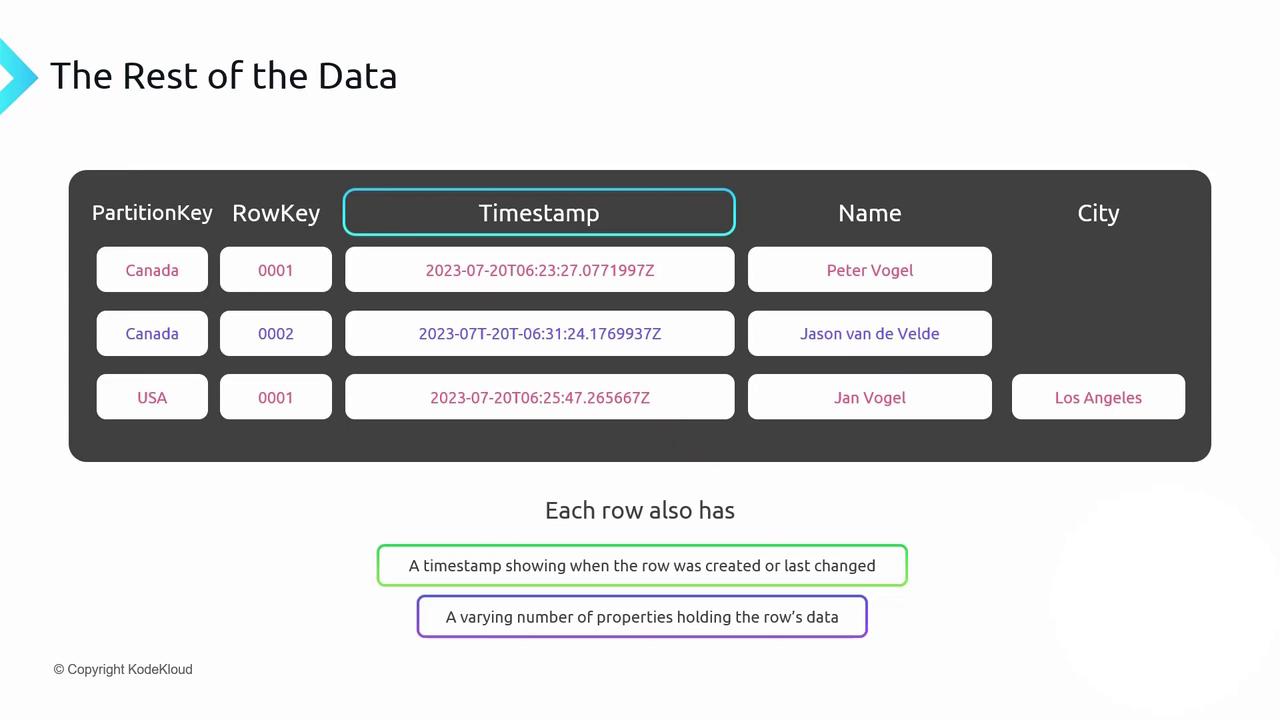
Browsing and Managing Table Storage
You can inspect and manage Table Storage with:-
Storage Browser
Available in the Azure portal. View and edit tables, rows, and properties directly in your browser without any local installation. -
Azure Storage Explorer
A standalone desktop app for Windows, macOS, and Linux. Provides rich table-management capabilities, including bulk import/export and advanced filtering.
Download & Documentation