Architecture and Namespace
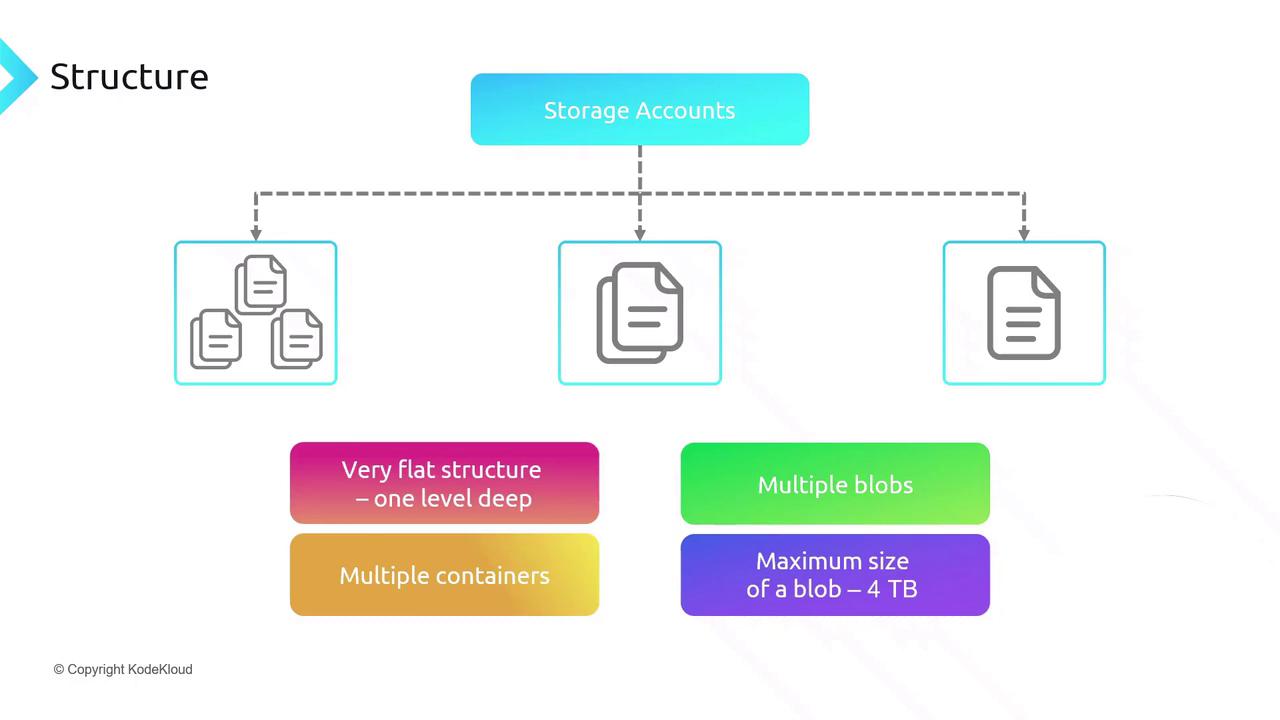
Within an Azure Storage account, you organize data into containers—each holding an unlimited number of blobs (files). This flat namespace means:- Containers cannot be nested, ensuring concise URLs (e.g.,
https://<account>.blob.core.windows.net/<container>/<blob>). - Each blob can be up to 4 TB in size.
- You can create as many containers as needed.
Blob Types and Use Cases
Azure supports three blob types to optimize for different scenarios:
Access Tiers in Standard Storage Accounts
Optimize costs by selecting the right access tier: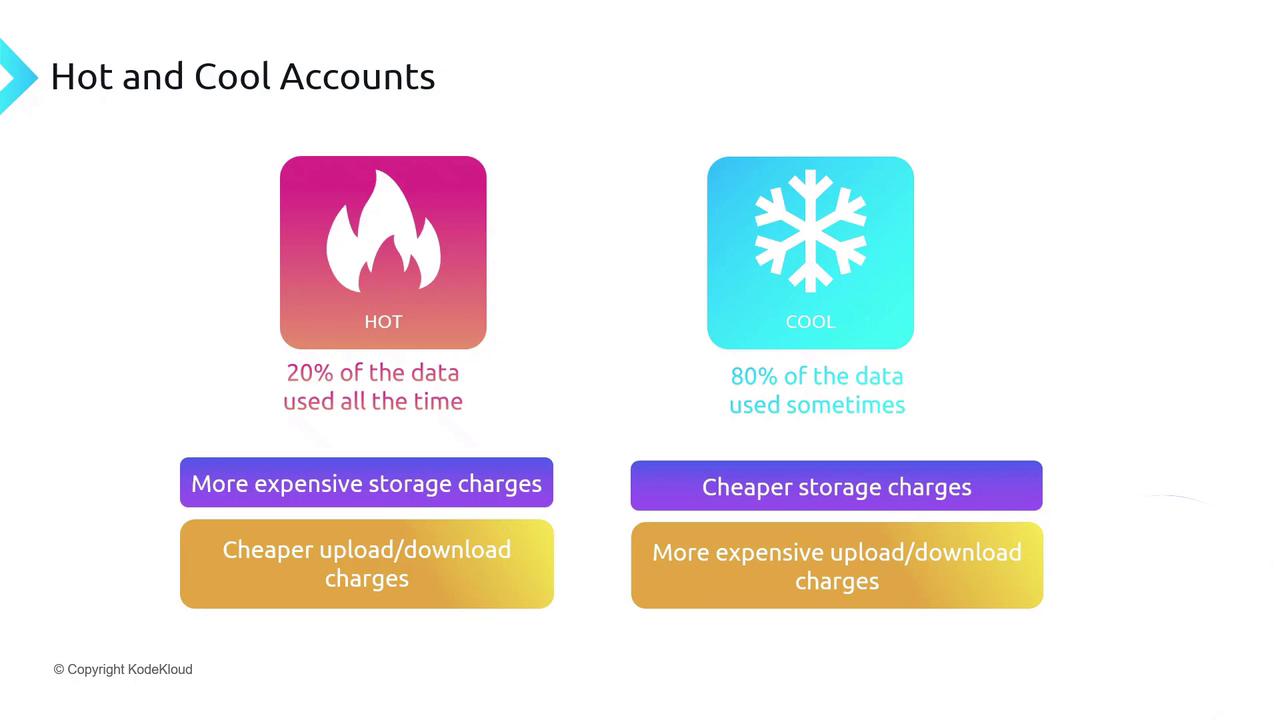
Archive Tier
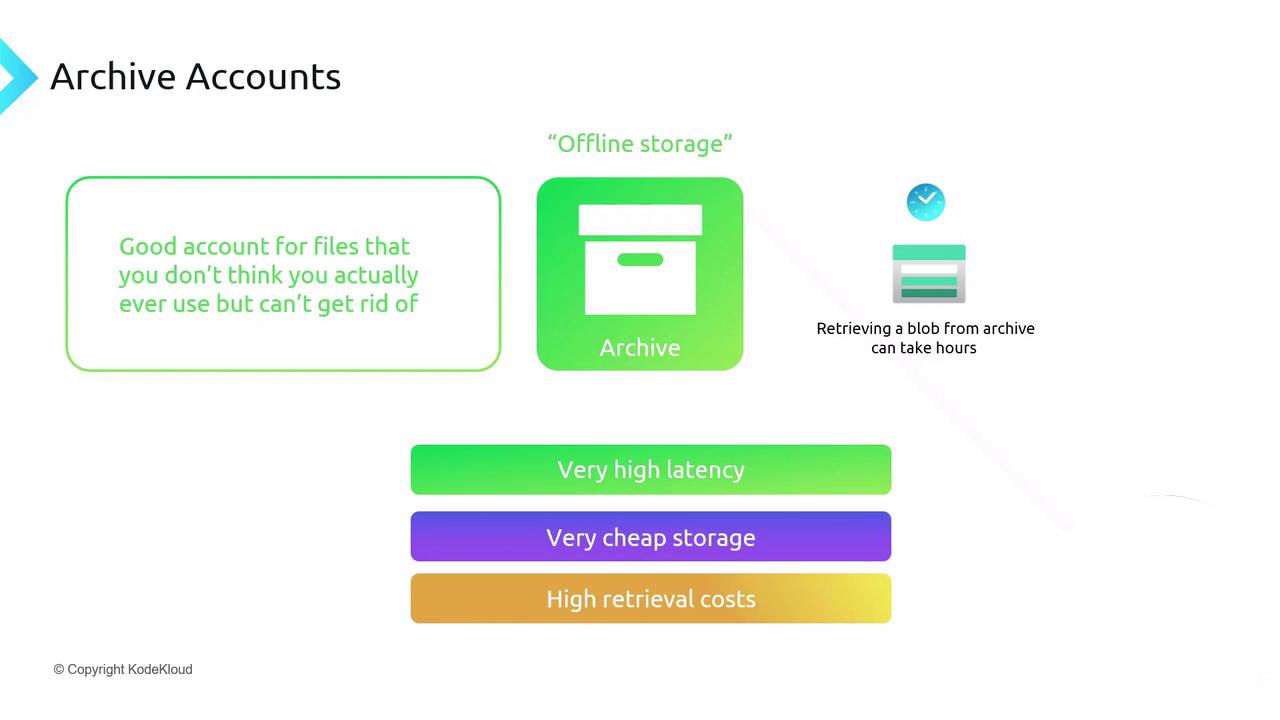
For long-term retention of rarely accessed data:- Archive: Lowest storage cost, highest retrieval latency (up to 15 hours) and cost.
Storage Account Options at a Glance
Choose from these account types and tiers:- Premium: Low-latency, high-throughput workloads.
- Standard Hot: Frequently accessed data.
- Standard Cool: Infrequently accessed data.
- Archive: Long-term storage for rarely accessed files.

Pricing and Retention Policies
Billing factors include:- Data stored (GB/month)
- Data operations (ingress/egress)
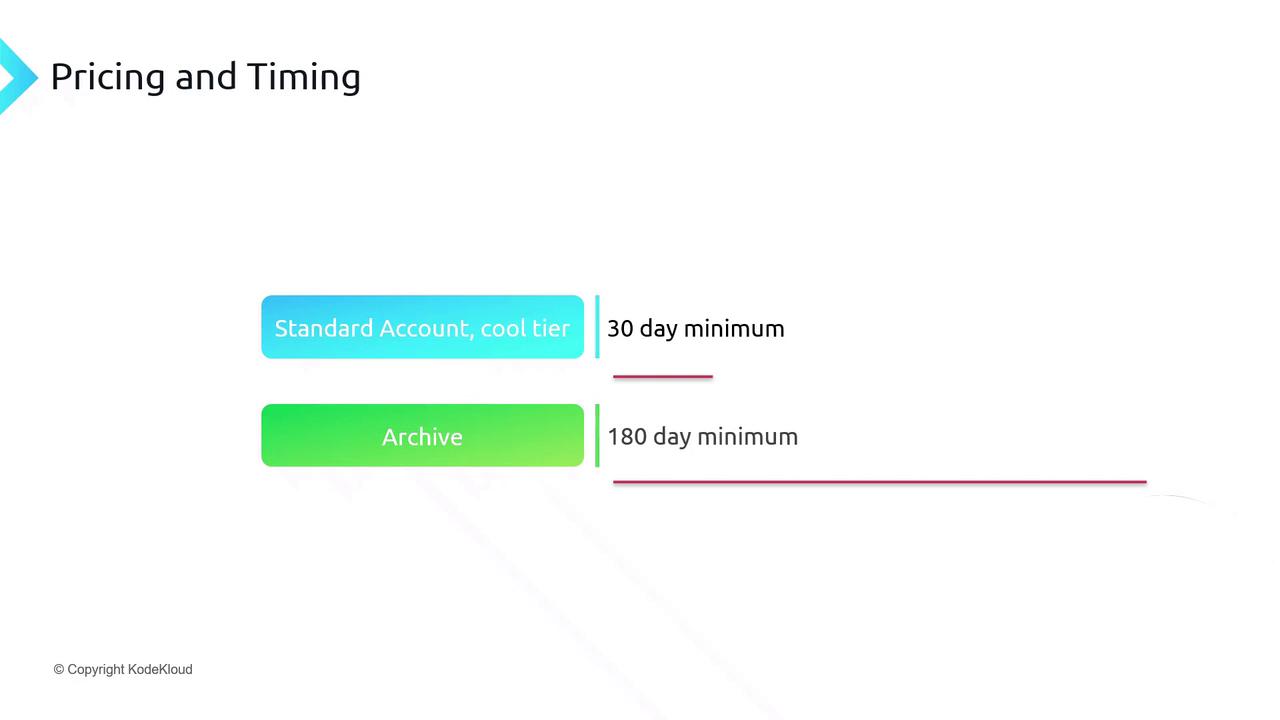
Early deletion in cool or archive tiers incurs an early deletion fee for any data removed before the minimum retention period.
Automating Data Lifecycle with Policies
Use Azure Blob Lifecycle Management to transition blobs between tiers or delete stale data automatically based on rules (e.g., age, last modified).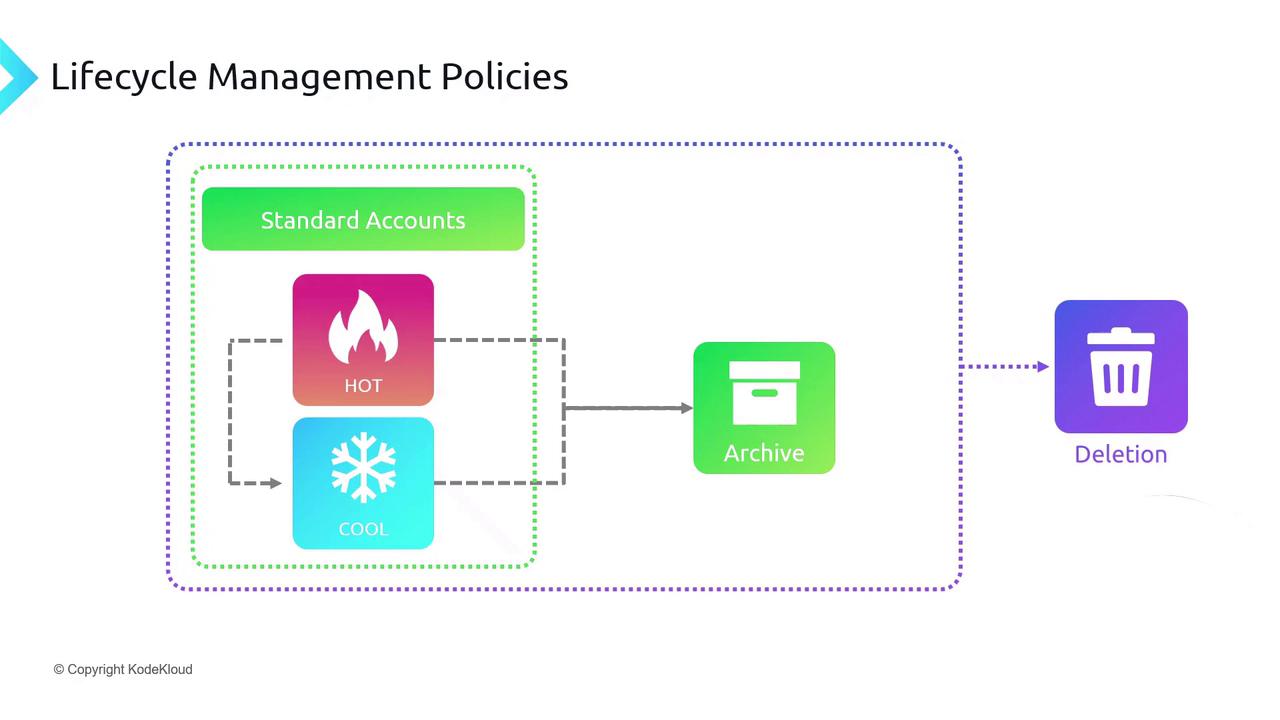
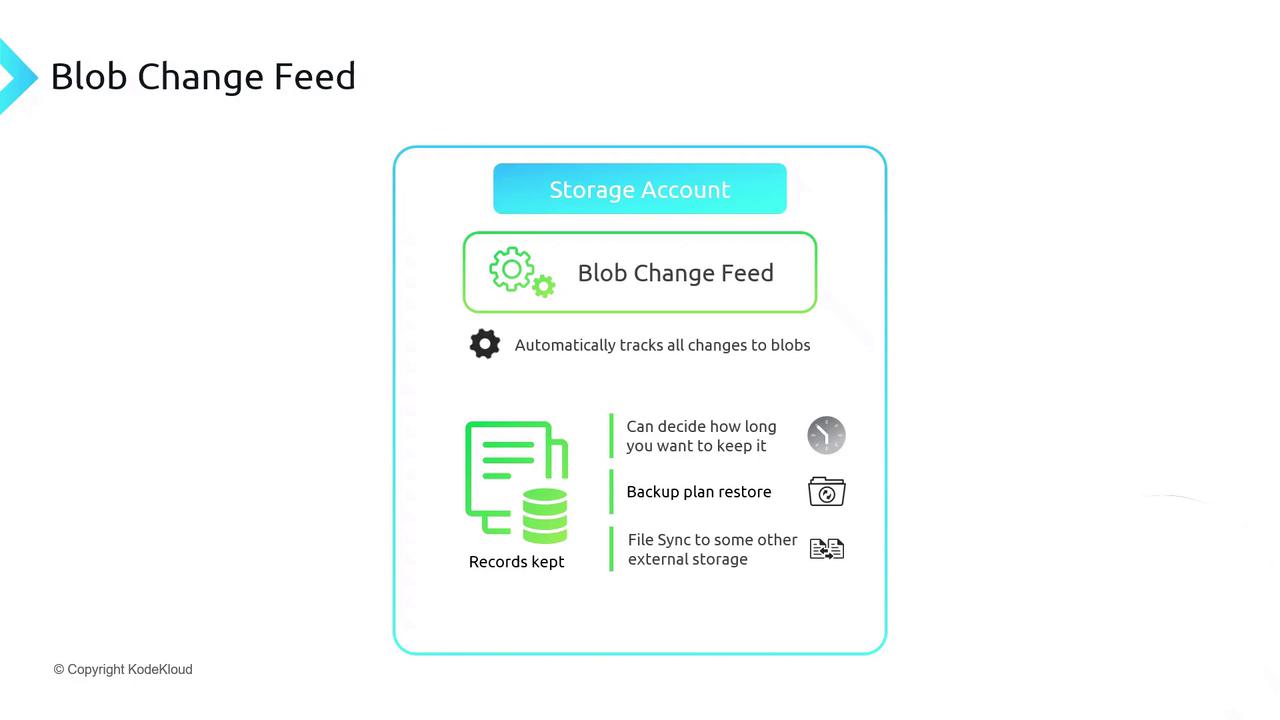
Change Tracking with Blob Change Feed
Enable Blob Change Feed to record every change (create, update, delete) in a durable, replayable log. This supports:- Point-in-time restores
- Auditing and compliance
- Data synchronization across accounts