

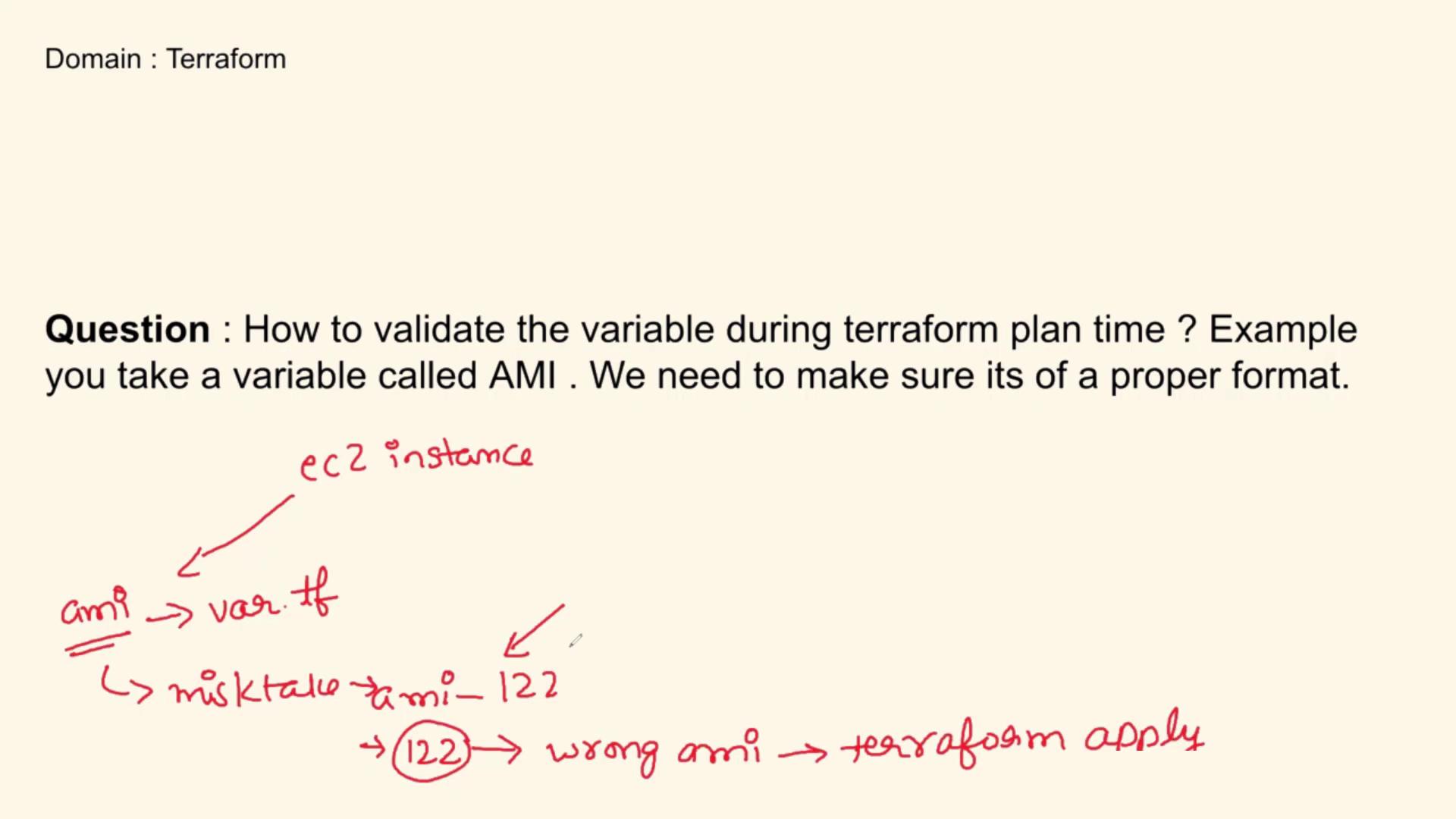
Explanation
Breaking Down the Code
-
Variable Declaration
Theamivariable is defined with several attributes:- Type: It is declared as a string.
- Description: Provides context about what the variable represents.
- Default Value: Supplies a fallback AMI ID in case the user doesn’t define their own.
-
Validation Block
The validation block contains a condition that checks two requirements:- The provided AMI string must be longer than 4 characters.
- The first four characters of the string must be “ami-”.
This check is performed using thesubstr()function to extract the initial segment of the string.
-
Custom Error Message
If the AMI ID does not meet the conditions (for instance, if it is too short or does not start with “ami-”), Terraform will output the custom error message: “Enter a proper AMI ID.” This process runs during the plan phase, ensuring any errors are caught early.
Implementing validation blocks in Terraform not only prevents runtime errors but also enhances the overall robustness of your infrastructure code. This proactive approach is beneficial both for production deployments and technical interviews.
Why Validate During the Plan Phase?
Validating variables during the plan phase offers significant advantages:- Error Prevention: Catch formatting errors before any changes are applied.
- Efficient Troubleshooting: Identify mistakes quickly, reducing downtime.
- Robust Configurations: Maintain high-quality and error-resistant Terraform code.