Welcome back. In this lesson we’ll show practical ways to translate technical concepts so people without a technical background can understand them and act on them. The goal is clarity—not dumbing down—so stakeholders can make informed decisions, ask better questions, and avoid costly misunderstandings. Why simplification matters:
  • Improves understanding and speed of decision-making
  • Increases stakeholder buy-in
  • Reduces miscommunication and rework
  • Empowers non-technical listeners to participate effectively
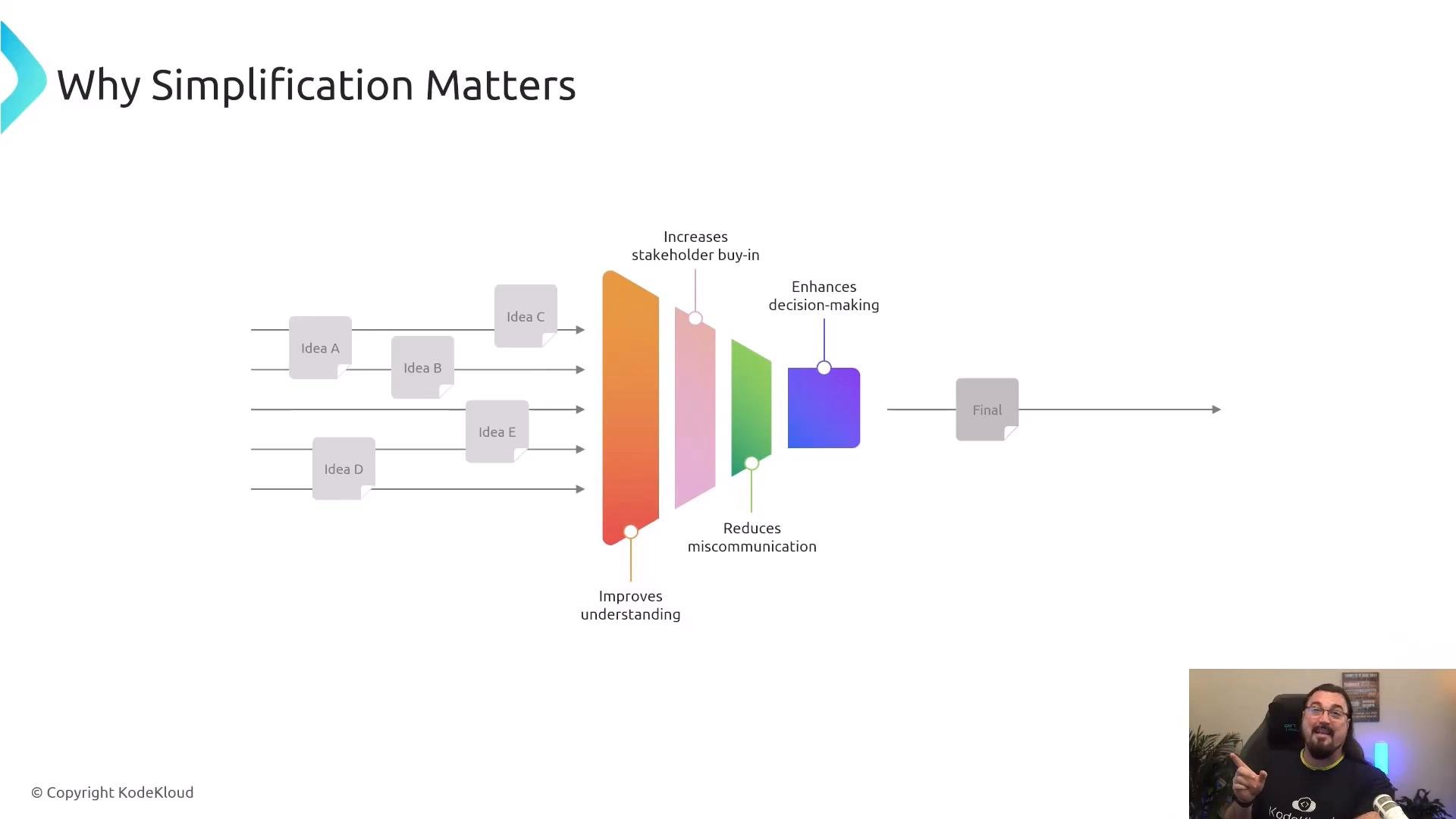
A presentation slide titled "Why Simplification Matters" shows multiple idea boxes (Idea A–E) flowing through colored filter shapes representing benefits and converging into a single "Final" box. A person is visible in a small webcam window at the bottom-right, pointing toward the slide.
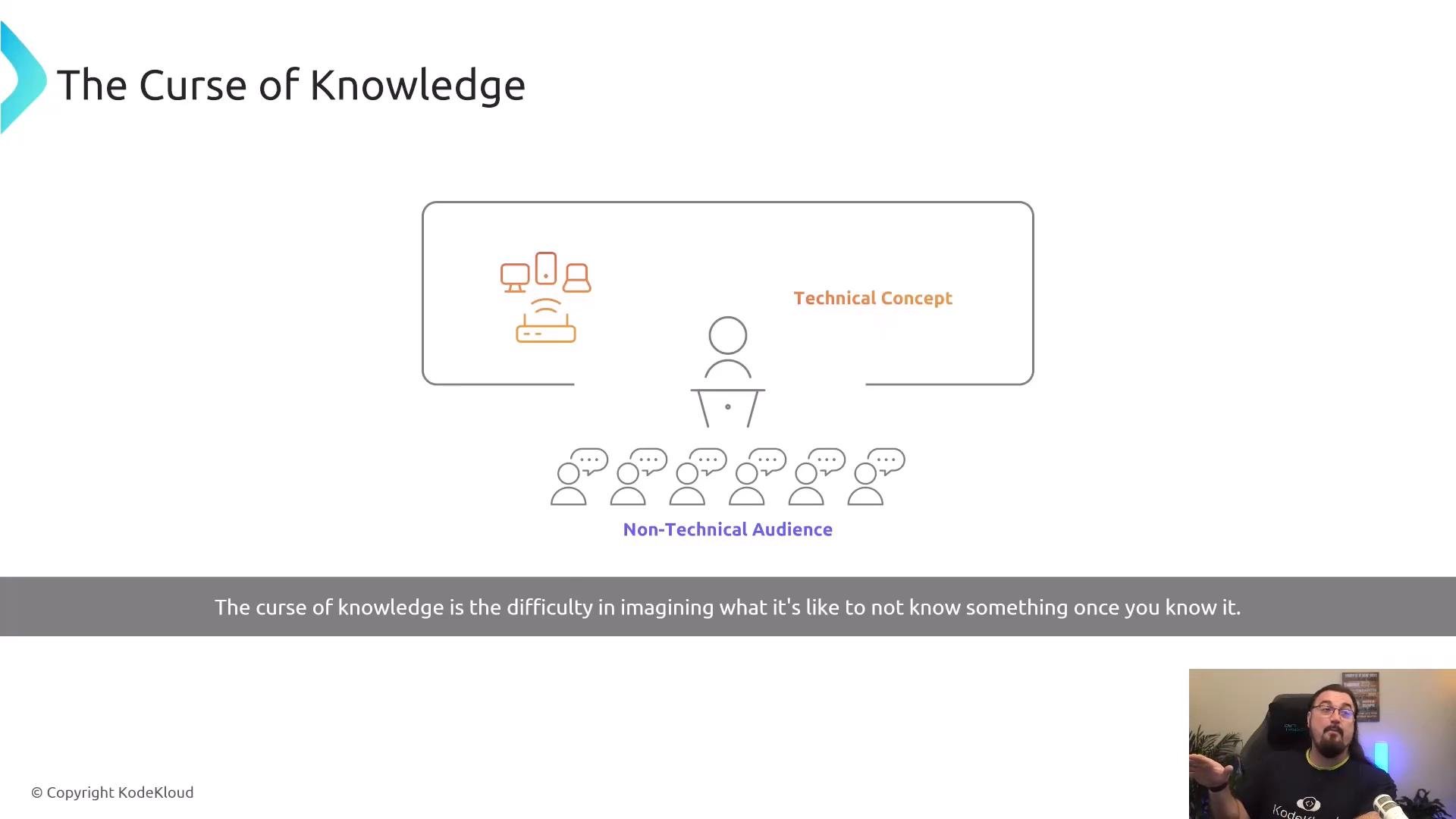
A major communication trap is the “curse of knowledge”: once you’re familiar with a domain, it’s hard to imagine what newcomers don’t know. Every field—medicine, engineering, logistics—has jargon and implicit assumptions. When preparing explanations for non-technical audiences, deliberately surface those assumptions and remove unnecessary detail.
A presentation slide titled "The Curse of Knowledge" showing a presenter at a podium explaining a technical concept to a row of non-technical audience icons, with device icons on the board and a caption across the bottom. A small video thumbnail of a person speaking appears in the lower-right corner.
Practical techniques to bridge the gap
  1. Explain Like I’m Five (ELI5)
    • Use short, concrete metaphors that map to everyday experience.
      • Router = traffic cop directing packets between networks.
      • Switch = intersection that connects local streets (devices).
      • IP address = a device’s numeric “home address” on a network.
    • Aim for clarity, not condescension. The goal is an accurate mental model a listener can use.
  2. Use analogies
    • Map an unfamiliar workflow to a familiar real-world process so listeners can transfer intuition.
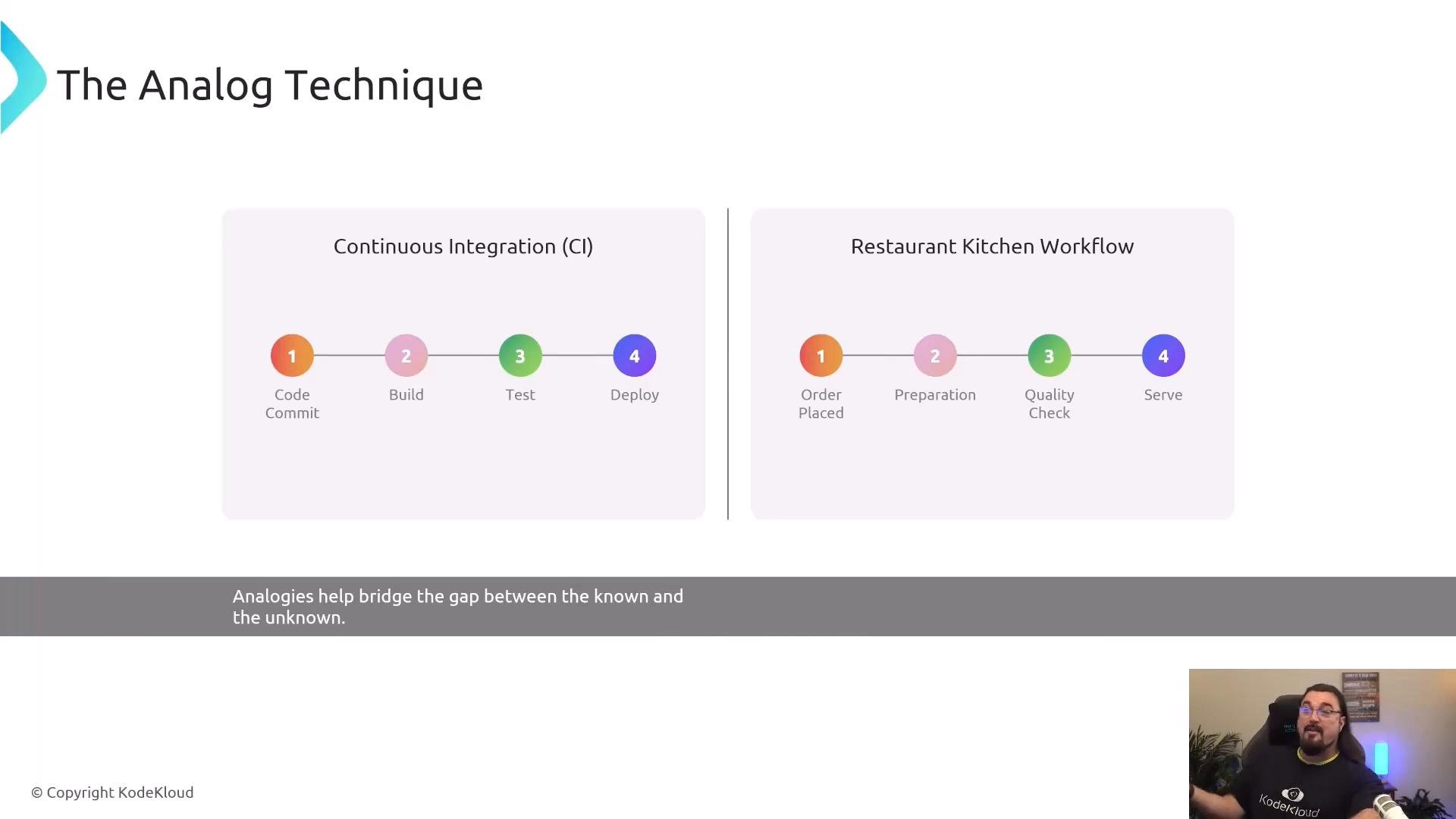
      • Continuous integration and delivery → restaurant workflow:
        • Code commit → Build → Test → Deploy
        • Order placed → Food prepared → Quality check → Serve
    • Analogies make abstract sequences tangible and memorable.
A presentation slide titled "The Analog Technique" showing two side-by-side flows: Continuous Integration (Code Commit → Build → Test → Deploy) and a Restaurant Kitchen Workflow (Order Placed → Preparation → Quality Check → Serve). A small webcam feed of the presenter appears in the lower-right corner.
  1. Layer information progressively
    • Begin with the big picture (what and why), then add one layer of detail at a time (how), validating comprehension at each step.
    • This prevents overwhelming listeners and makes it easier to pause for questions or clarifications.
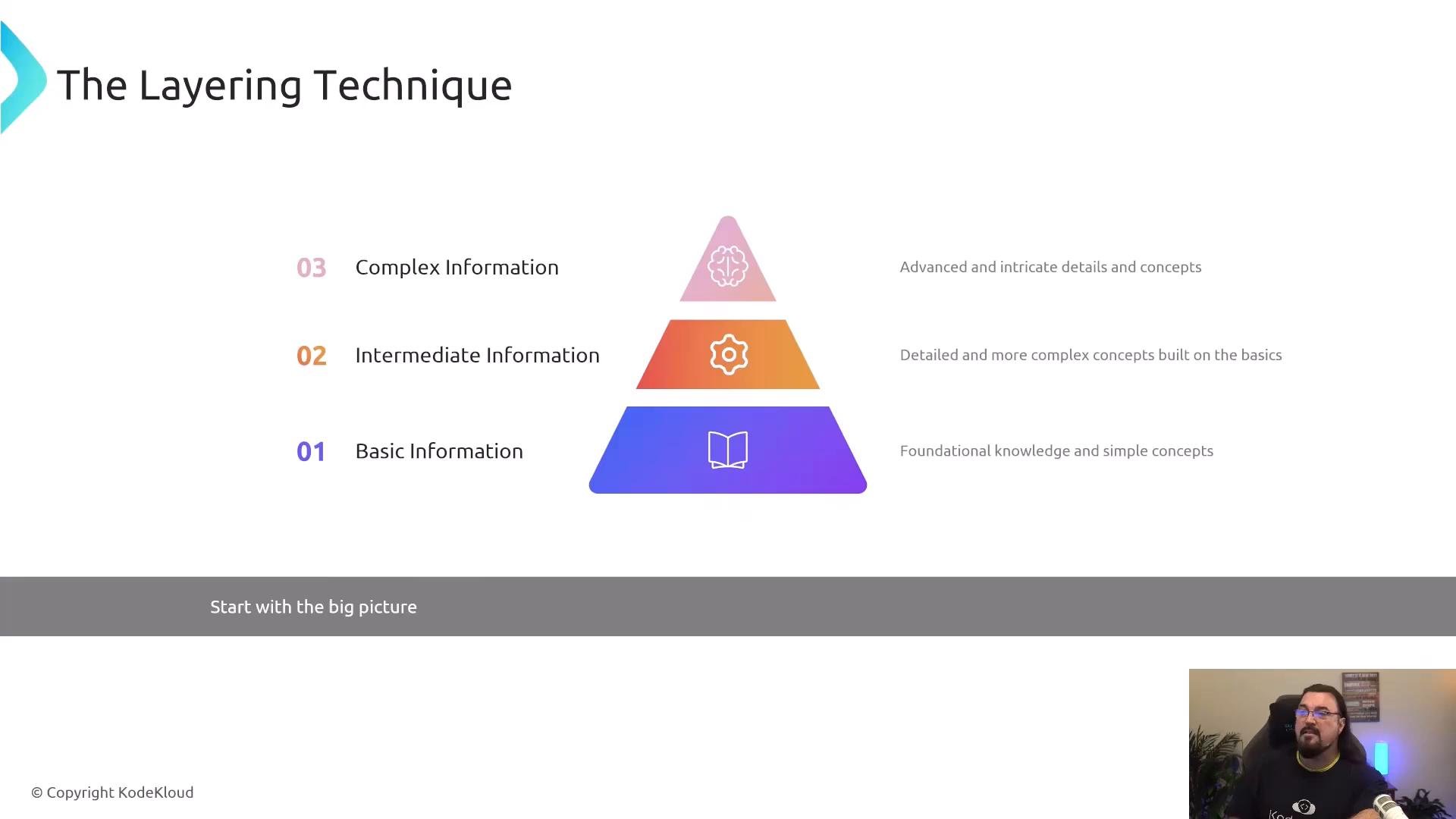
A presentation slide titled "The Layering Technique" showing a three-tiered colored pyramid labeled 01 Basic Information, 02 Intermediate Information, and 03 Complex Information with brief descriptions. A small video thumbnail of a person appears in the bottom-right corner.
  1. Use visual aids
    • Diagrams, simple charts, and icons help people “see” relationships faster than long verbal explanations.
    • Choose visuals that emphasize key steps and dependencies; avoid cluttered diagrams that invite questions about every minor detail.
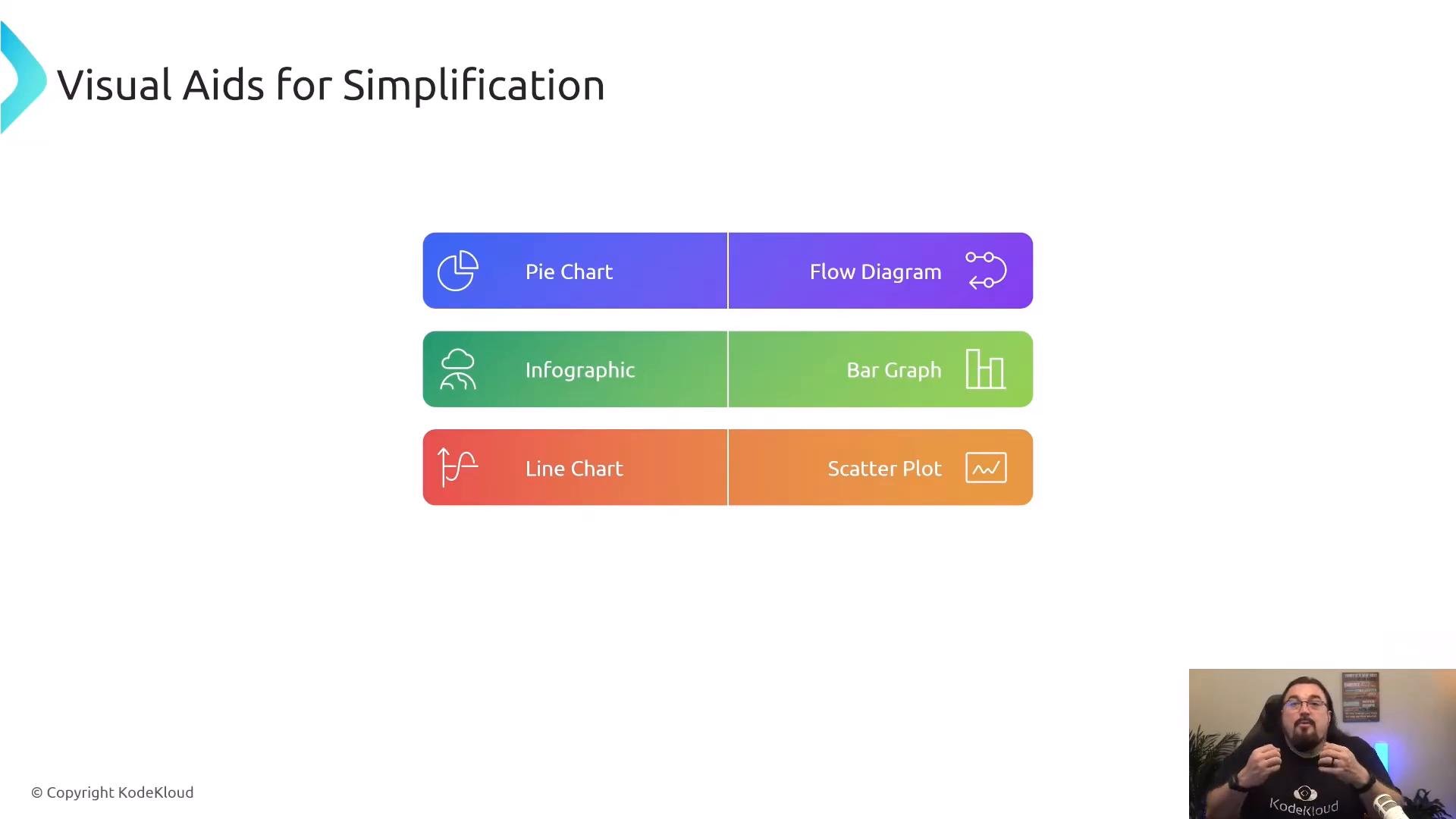
A presentation slide titled "Visual Aids for Simplification" displaying three colorful rows of paired buttons for chart types: Pie Chart/Flow Diagram, Infographic/Bar Graph, and Line Chart/Scatter Plot. A small presenter video window appears in the bottom-right corner.
  1. Follow a continuous improvement cycle
    • Treat communication like any engineered process: prepare, present, solicit feedback, refine, and repeat.
    • Test with small audiences first (1–3 people) to surface confusion quickly, then iterate before wider delivery.
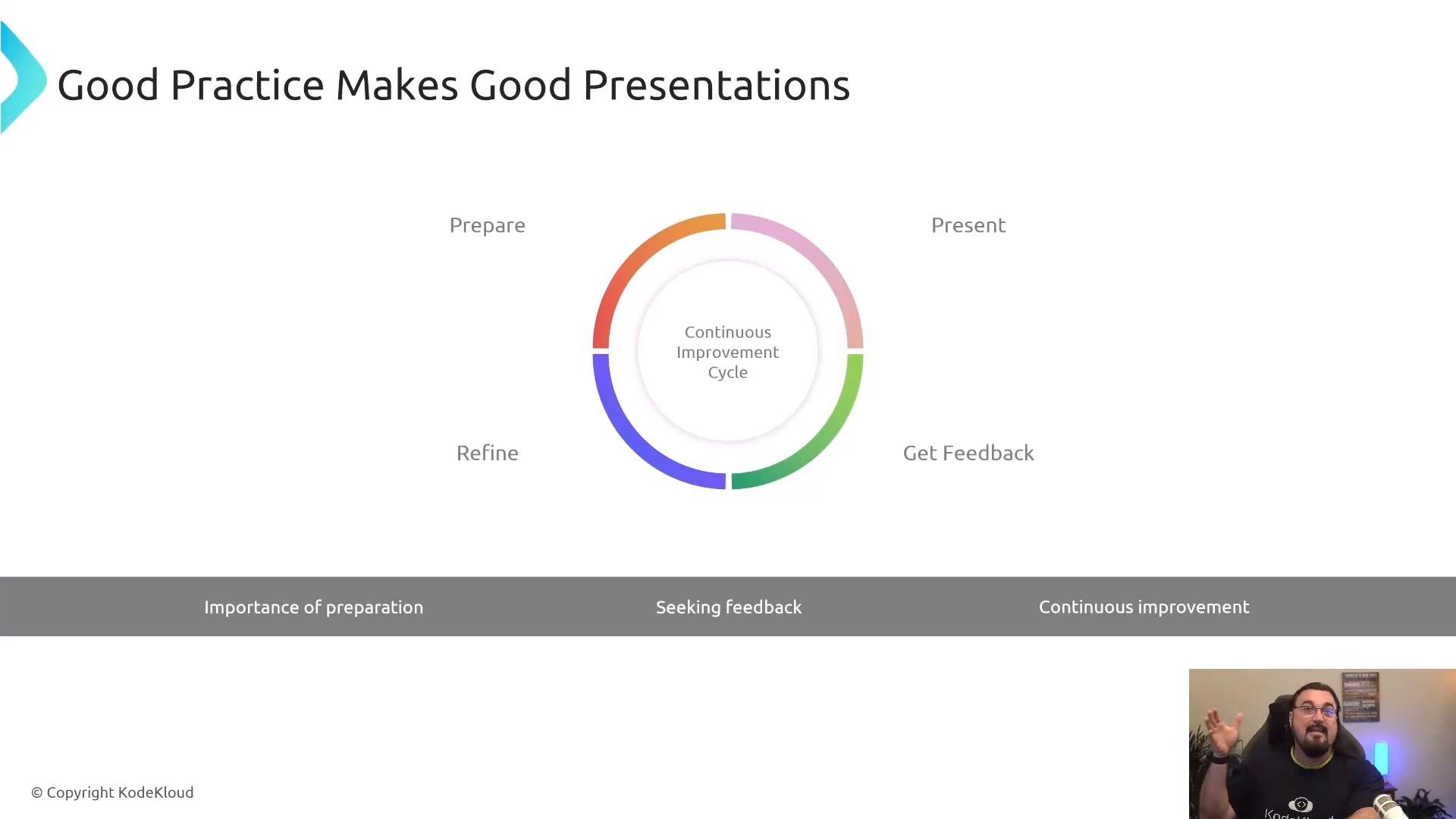
A presentation slide titled "Good Practice Makes Good Presentations" with a colorful circular "Continuous Improvement Cycle" diagram showing Prepare, Present, Get Feedback and Refine. In the bottom-right corner there's a small webcam inset of a bearded man gesturing while speaking.
Quick reference: Techniques, purpose, and examples Key takeaways
  • Use plain language and concrete analogies to create decision-ready mental models.
  • Start broad, then add detail in layers; check comprehension as you go.
  • Choose visuals that simplify, not complicate.
  • Practice presentations with small audiences, solicit feedback, and refine continuously.
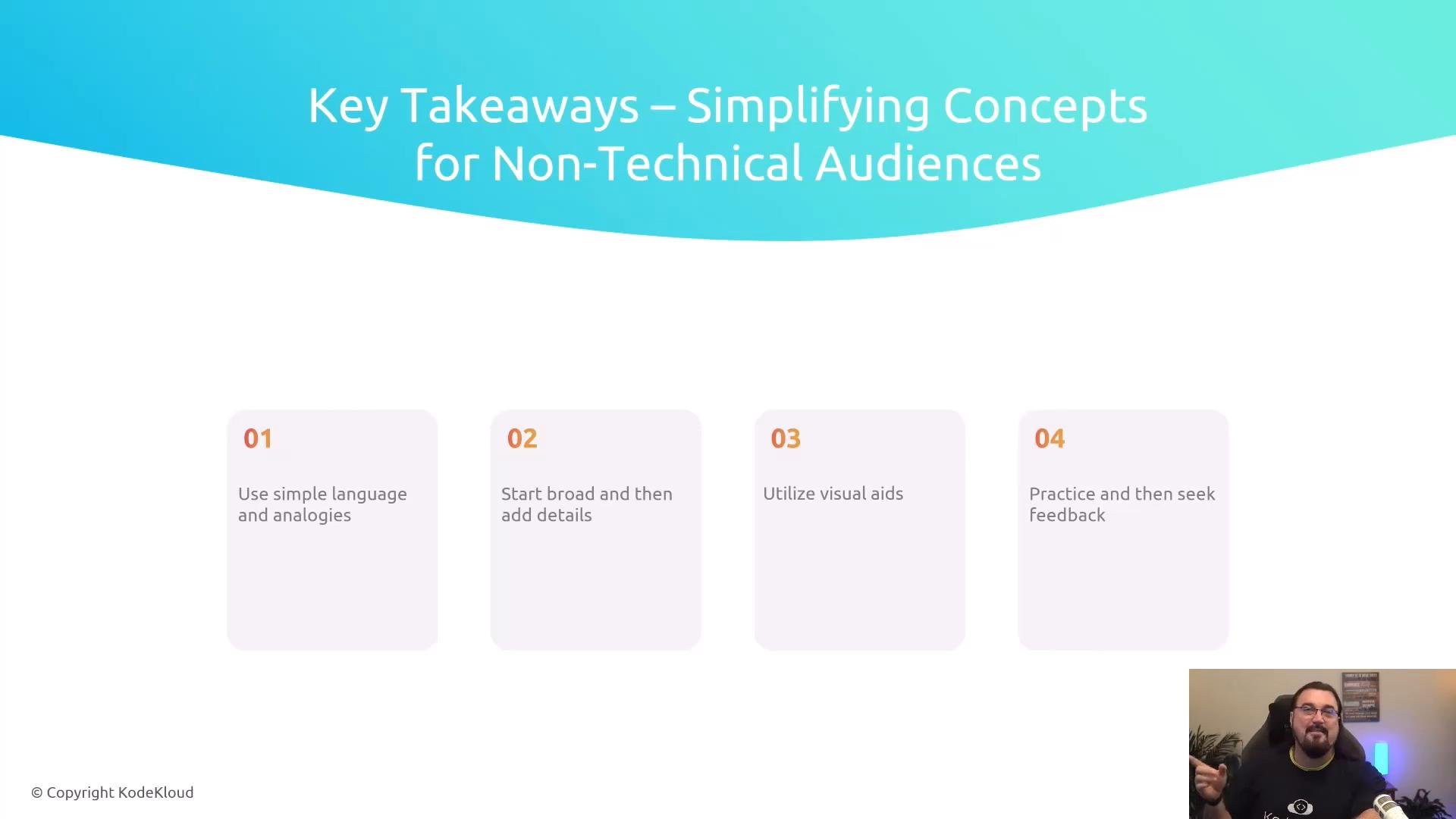
A presentation slide titled "Key Takeaways – Simplifying Concepts for Non-Technical Audiences" showing four numbered tips (use simple language and analogies; start broad then add details; utilize visual aids; practice and seek feedback). A small webcam feed of the presenter appears in the bottom-right corner.
Simplification is about clarity, not condescension. Aim to create mental models your audience can use to make decisions and ask better questions.
Further reading and references

Watch Video