Why Emscripten Matters
- Brings established C/C++ applications to the Web platform
- Enables game engines, graphics libraries, and frameworks to run in browsers
- Supports modern optimizations and a simulated file system
Emscripten in Action
Emscripten powers ports of: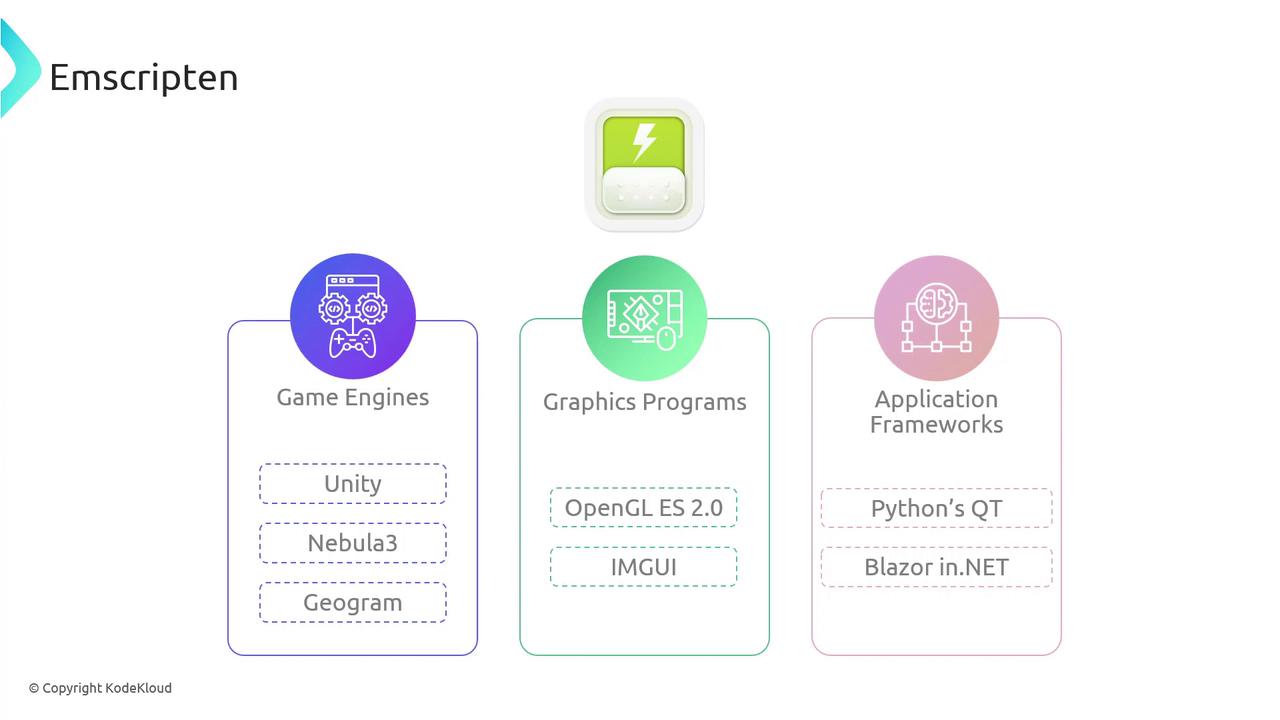
A Closer Look at Emscripten
Emscripten integrates the LLVM toolchain—Clang and LLVM—plus Google’s Closure Compiler to output optimized WebAssembly modules and JavaScript glue code.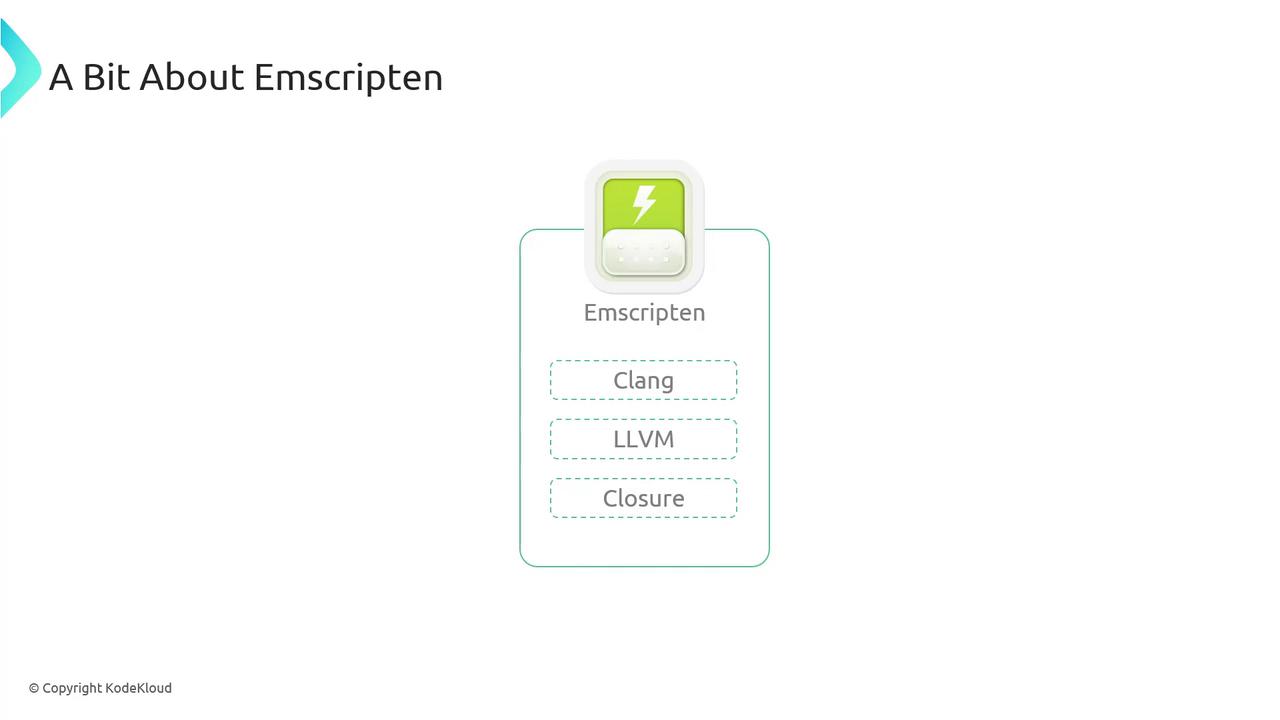
emcc just like gcc or clang:
emcc generates:
*.wasm— WebAssembly binary*.js— JavaScript loader
Installation Options
Choose the approach that suits your workflow:For local development, install the Emscripten SDK (EMSDK). It bundles
emcc, LLVM, Node.js support, and utility scripts.Verifying Your Installation
Ensureemcc is on your PATH and run:
Your First WebAssembly Program
- Create
hello_world.c:
- Compile with Emscripten:
a.out.wasm— WebAssembly modulea.out.js— JS loader
- Run in Node.js:
JavaScript Fallback
Force pure JavaScript output for environments without WASM: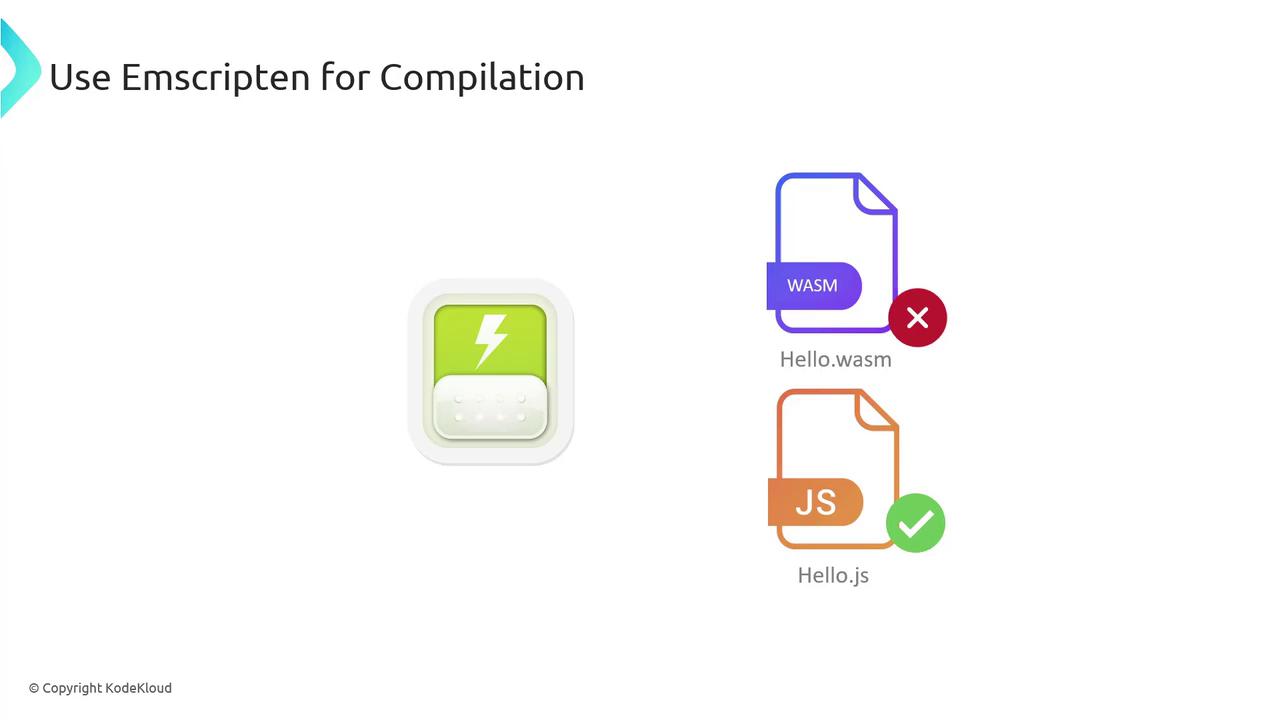
Creating an HTML Wrapper
Generate an HTML file that auto-loads your module:hello.html in a browser (or via a local server) to see “Hello, World!” rendered on the page.
Enforcing Strict Mode
Use-s STRICT=1 to catch deprecated or unsafe code patterns.
Strict mode treats deprecated patterns as errors. Ensure your code adheres to modern C/C++ standards.
Exporting Custom Functions
By default, onlymain is exported. Use -s EXPORTED_FUNCTIONS to expose additional functions:
Simulated File System
Emscripten provides a virtual file system so your C/C++ code can use standard I/O in the browser:
test/hello_world_file.cpp:
hello.html via HTTP to view the file contents in the browser.
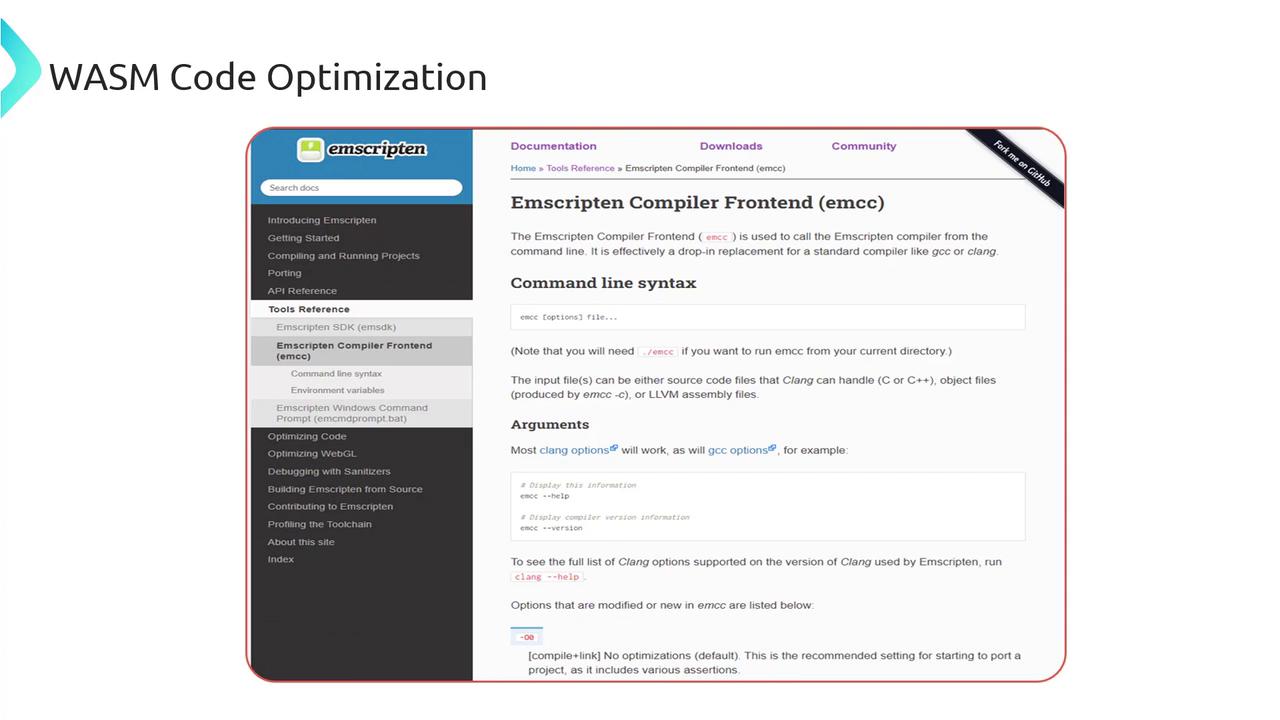
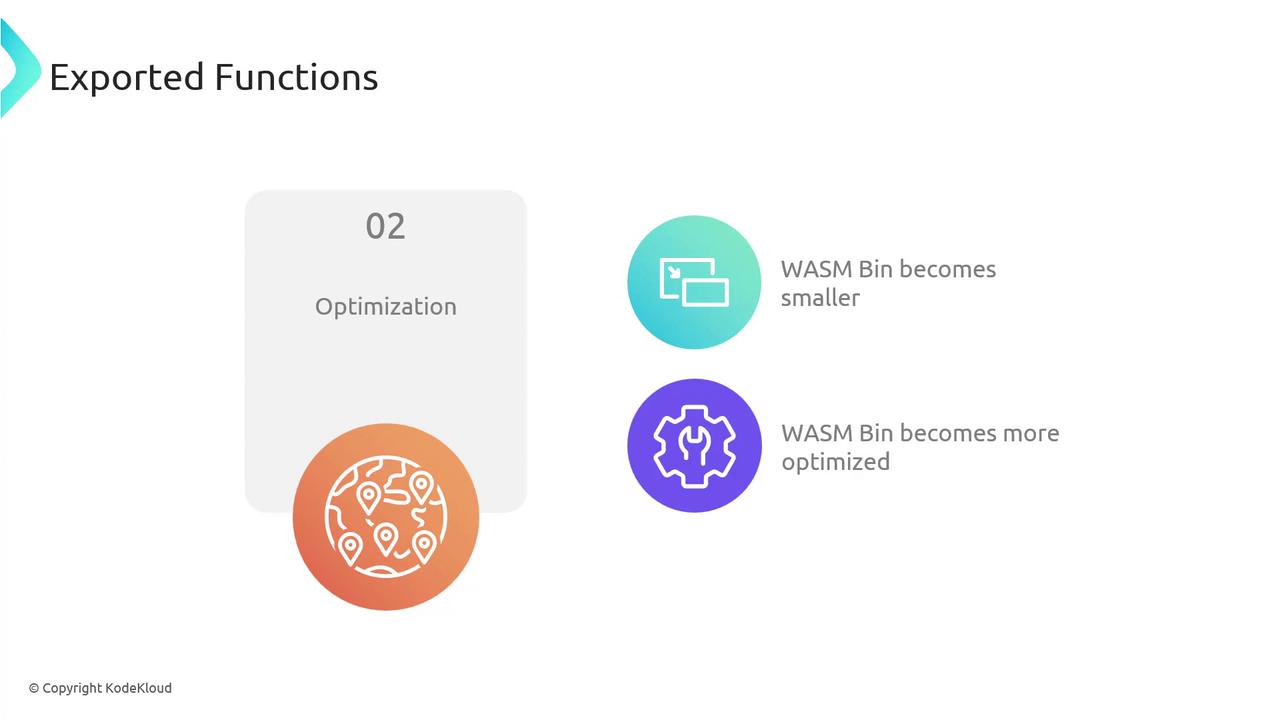
Build Optimizations
Fine-tune performance with standard optimization levels:- O1: removes assertions, minimal size reduction
- O2: faster runtime with code replacements
- O3: extensive optimizations for release builds
Further Reading & References