

- A compact binary format (
.wasm) - A human-readable text format (
.wat)
.wasm binary—examining each section, representative bytecode snippets, and how these modules load and execute in a runtime.
Compiling a C++ Program to WebAssembly
To analyze real-world binaries, let’s compile a simple C++ “Hello, WebAssembly!” program. Ensure you have Emscripten installed:Make sure your Emscripten SDK installation is up to date and the
emcc command is in your PATH.hello.js (loader/JavaScript glue) and hello.wasm (binary module) for inspection.
Module Header: Magic Number & Version
Every WebAssembly binary starts with an 8-byte header:- Magic number
0x00 0x61 0x73 0x6Didentifies the file as WebAssembly. - Version
0x01 0x00 0x00 0x00corresponds to the current WASM spec.
Section Layout
After the header, a.wasm file is organized into sequentially numbered sections. Each section has:
- A one-byte section ID
- A ULEB128-encoded section length
- A payload (raw bytes)
We’ll now explore the key sections in detail.
1. Type Section (ID 1)
Defines function signatures. Each entry begins with0x60 (function type), followed by parameter and return types:
0x7Fdenotesi32.- The leading
0x60indicates a function signature.
2. Import Section (ID 2)
Imports functions, memory, tables, or globals from the host environment:- Module and field names are length-prefixed UTF-8 strings.
- Import kind
0x00refers to a function.
3. Function Section (ID 3)
Lists the type index for each function defined in this module:4. Table Section (ID 4)
Specifies tables of function references, used bycall_indirect:
0x70=funcref.- Flags = 0 → only an initial size is provided.
5. Memory Section (ID 5)
Defines the module’s linear memory (in 64 KiB pages).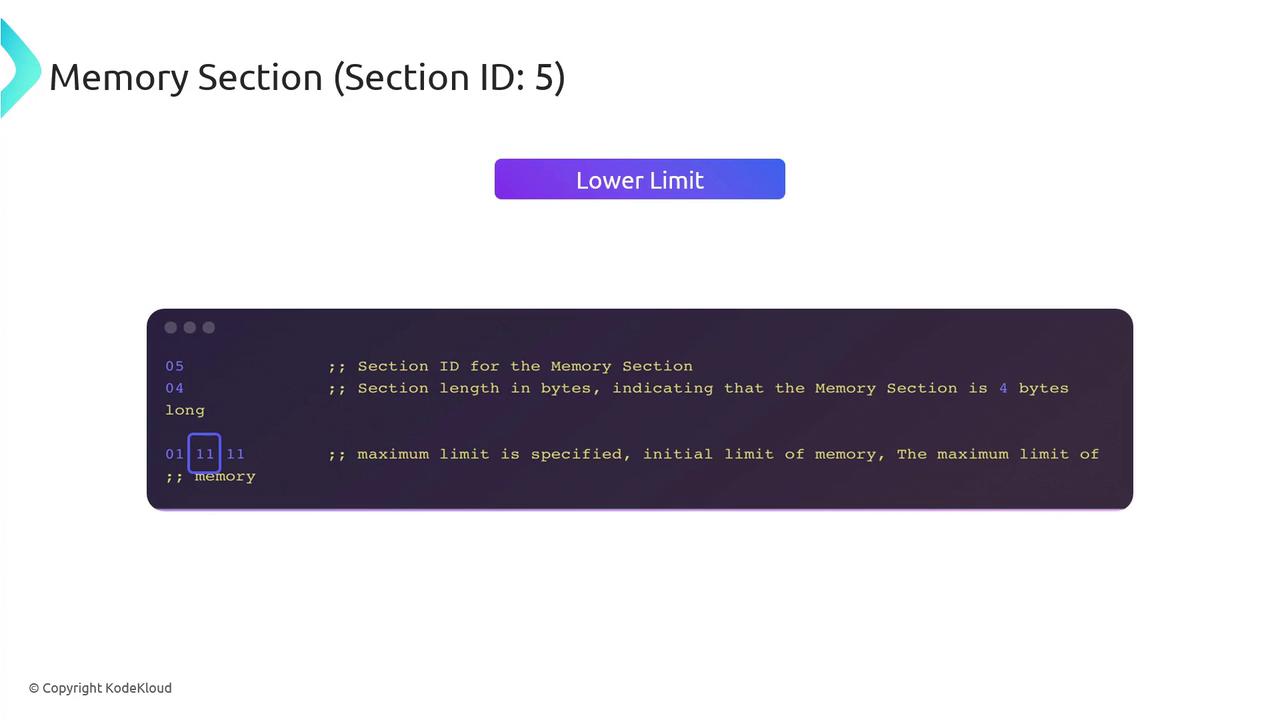
- Flags=0 indicates only an initial limit.
- Limits are ULEB128-encoded page counts (1 page = 64 KiB).
6. Global Section (ID 6)
Declares module-level globals with type, mutability, and initialization:7. Export Section (ID 7)
Exports functions, memory, tables, or globals to the host:- Export kind codes:
0x00=Function,0x02=Memory, etc.
Additional Sections
- Start (ID 8): Designates an entrypoint function.
- Element (ID 9): Table initialization data.
- Code (ID 10): Function bodies (local variables + opcodes).
- Data (ID 11): Memory data segments.
- Custom (ID 0): Arbitrary metadata and debug info.
When to Dive into the Binary Format?
Inspecting raw bytecode isn’t required for everyday WebAssembly development, but it shines in: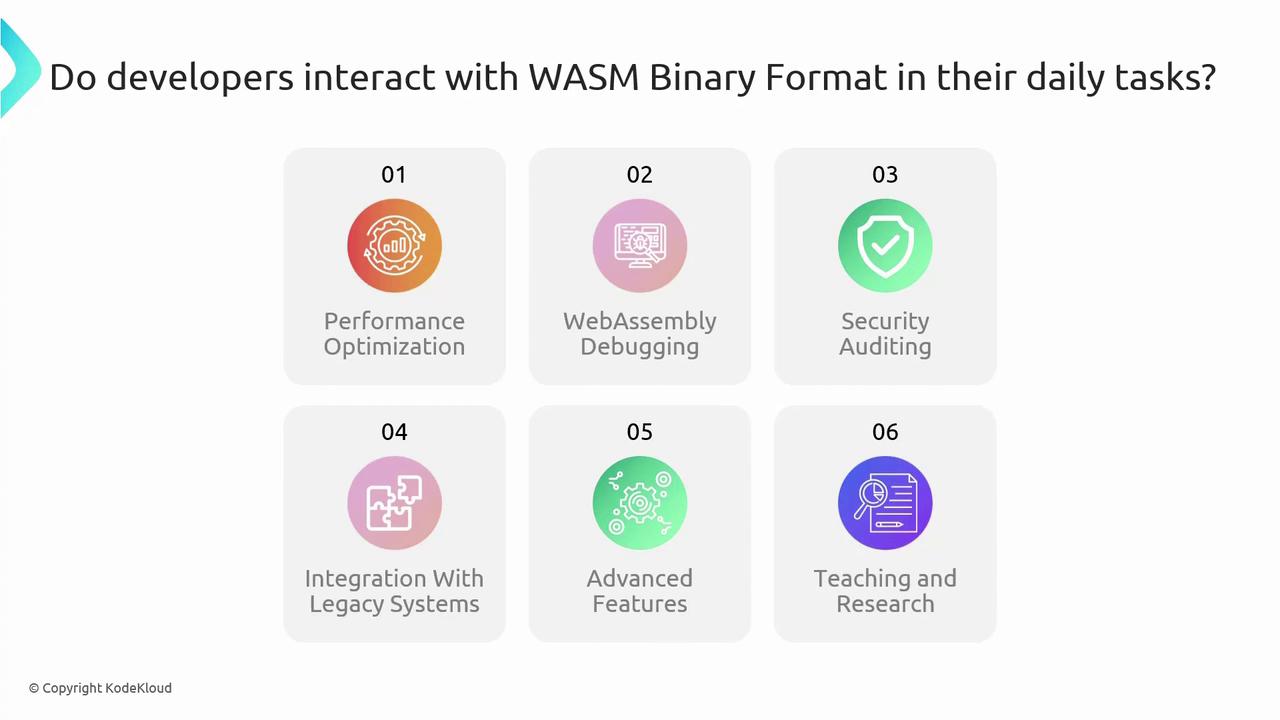
- Performance optimization
- Low-level debugging & inspection
- Security auditing & fuzzing
- Legacy system integration
- Custom features via custom sections
- Teaching, research, and compiler comparison
Deep diving into the
.wasm layout can help troubleshoot toolchain issues and squeeze out maximum performance.Links and References
- WebAssembly Specification
- Emscripten Documentation
- MDN WebAssembly Guide
- Binaryen Toolkit
- Official WebAssembly Site