

1. WebAssembly in Browsers
When you load a WASM module in a browser, it runs inside the JavaScript engine’s virtual machine via a specialized WASM runtime. This runtime handles compilation, linear memory management, boundary checks, and secure interop with JavaScript.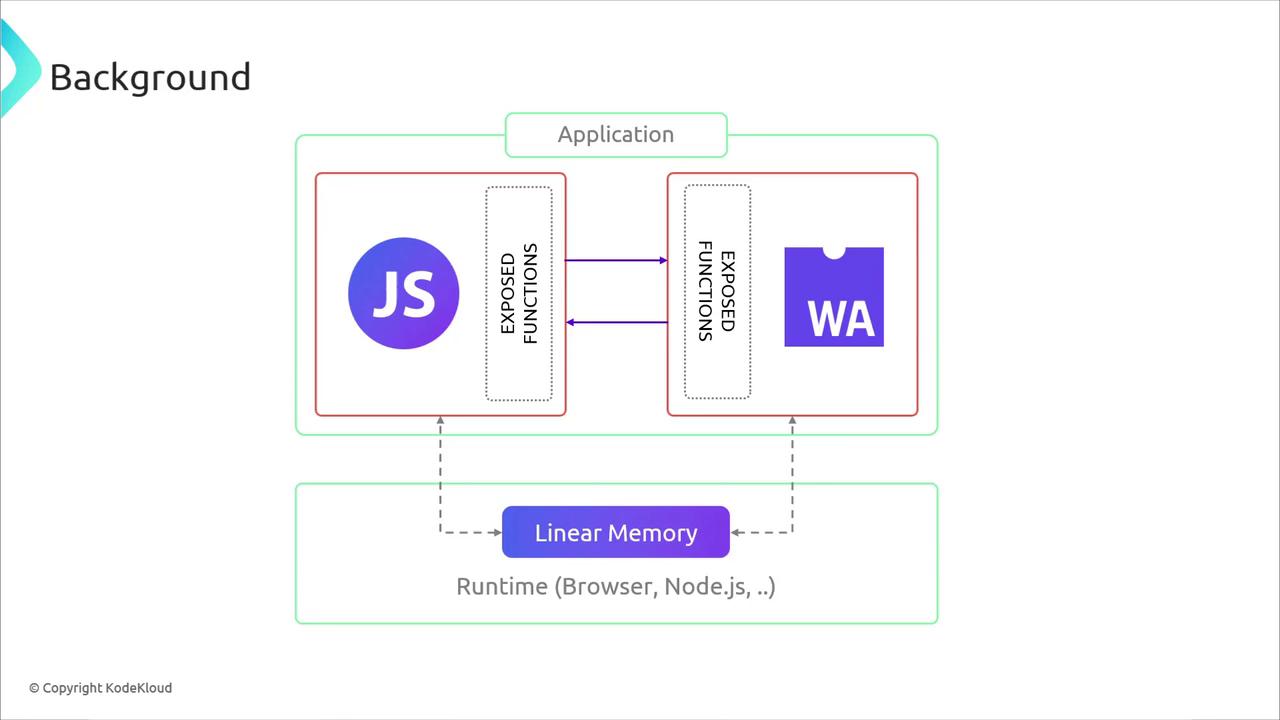
2. Server-Side WASM Runtimes
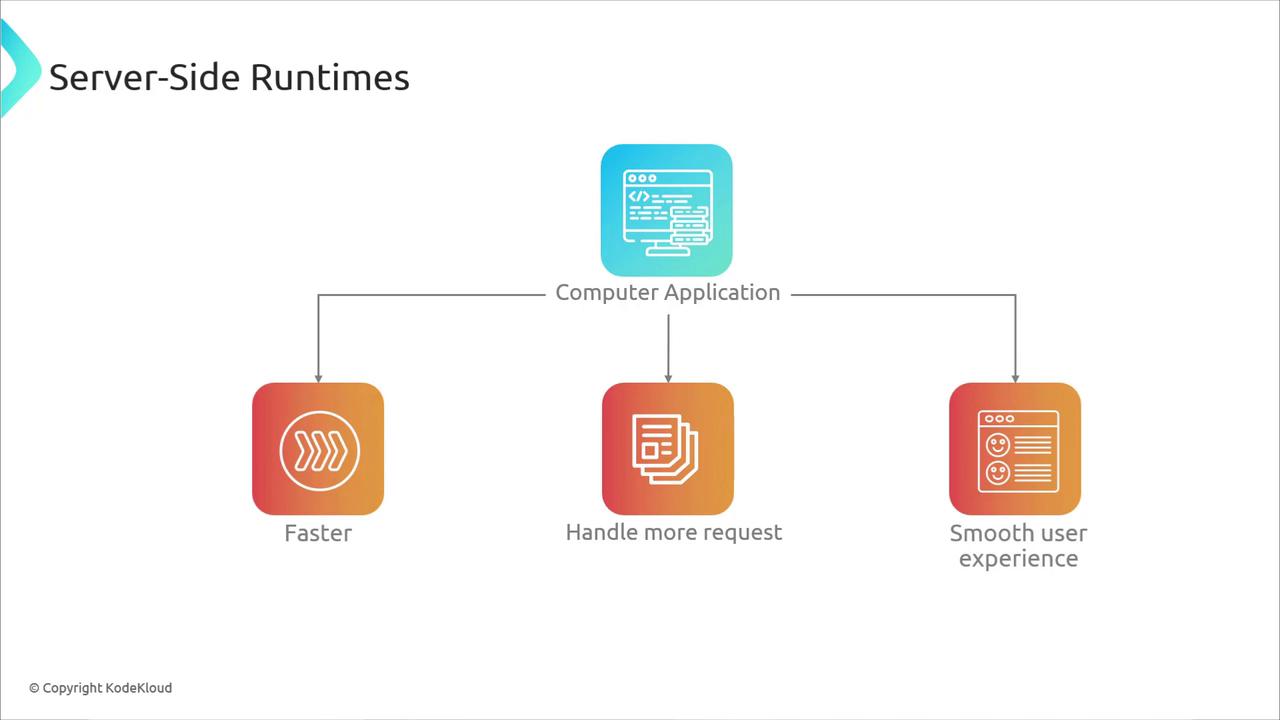
Bringing the browser’s WASM runtime model to servers unlocks faster request handling, better scaling, and consistent performance. Popular standalone runtimes include: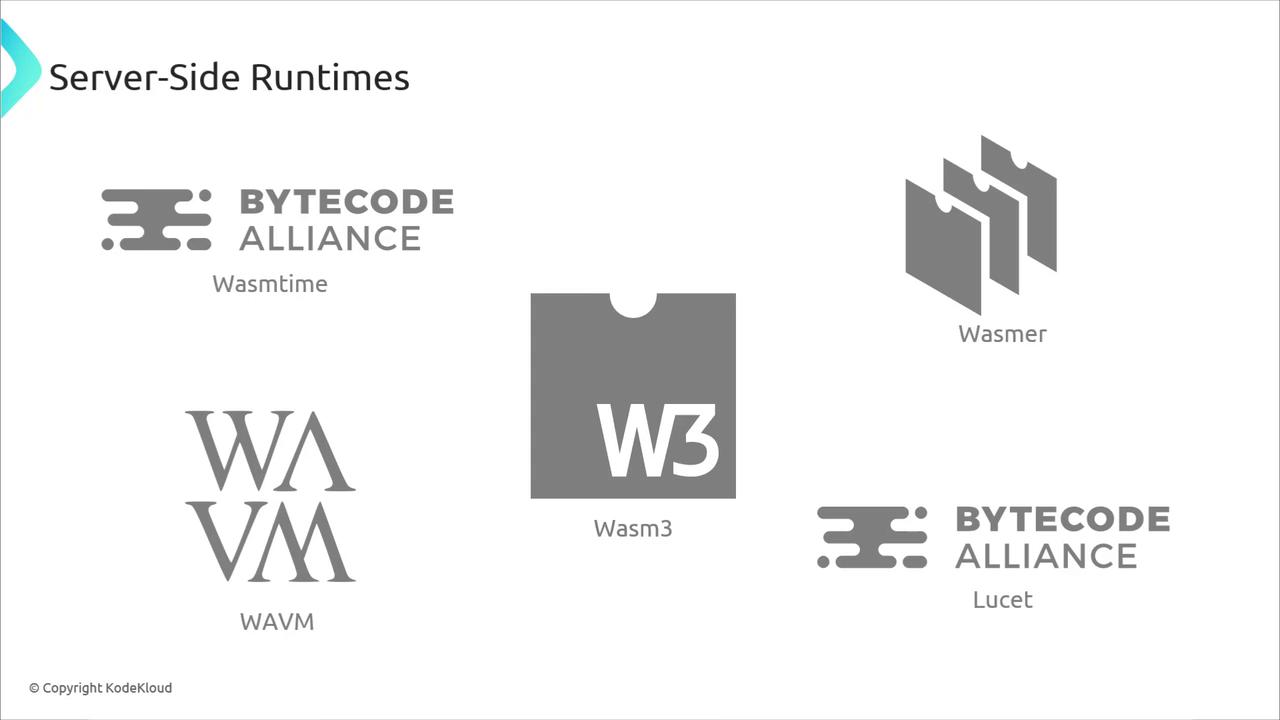
- Execute plugins or user-provided code securely
- Maintain a consistent deployment artifact across platforms
- Improve cold-start times with Ahead-Of-Time (AOT) compilation
3. WASM in Action: C → WASM with Emscripten
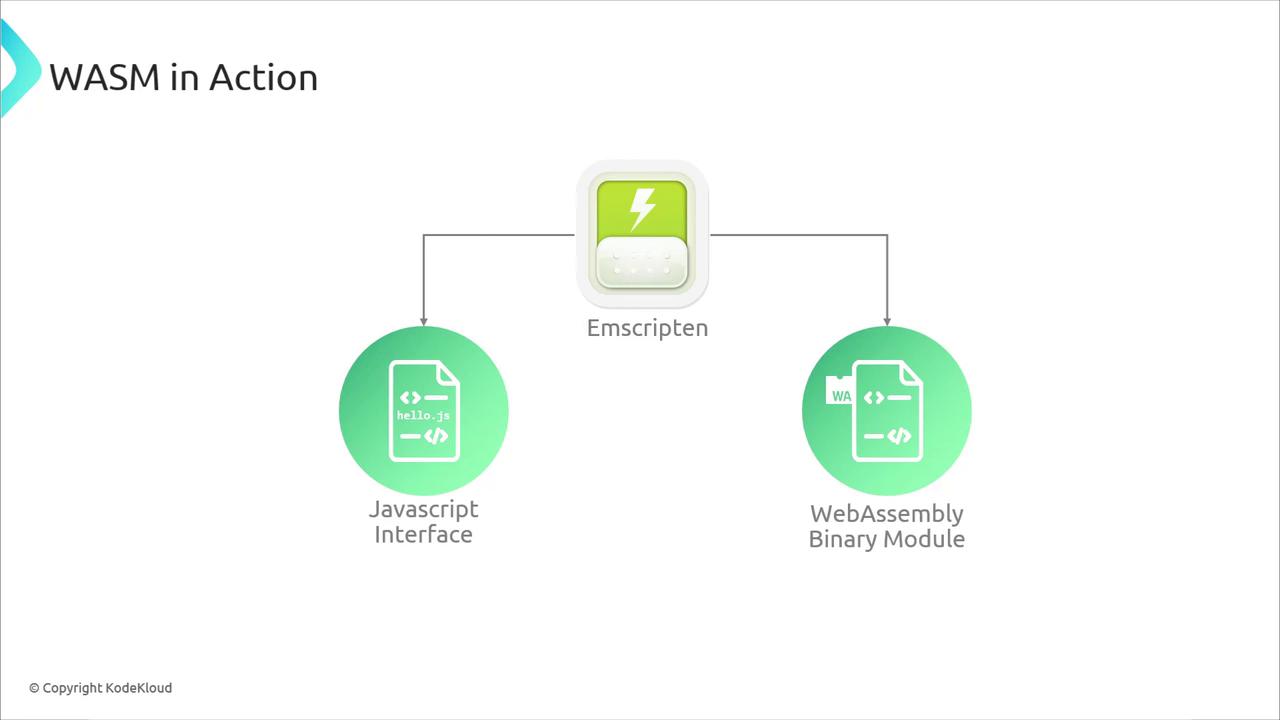
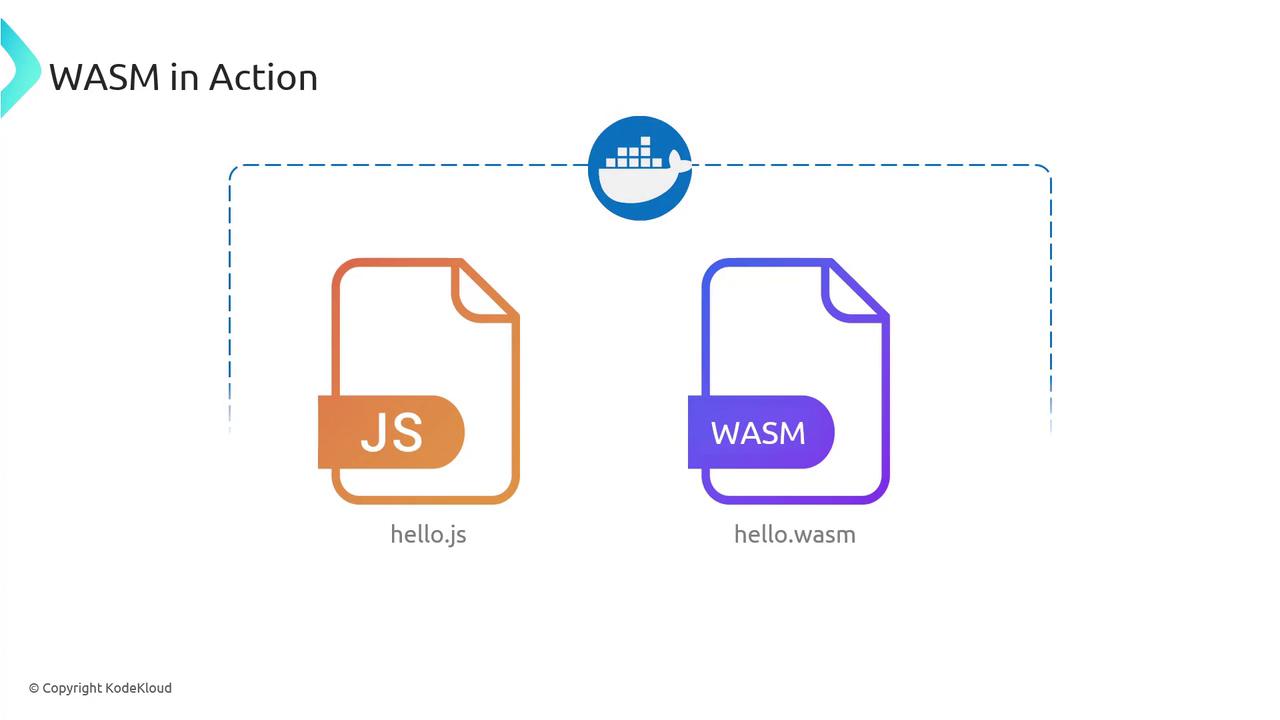
Emscripten compiles C/C++ to WASM, producing both a binary module and JavaScript “glue” code. Createhello.c:
- hello.wasm — the portable WebAssembly binary
- hello.js — JavaScript loader and bindings
4. Running WASM with Node.js
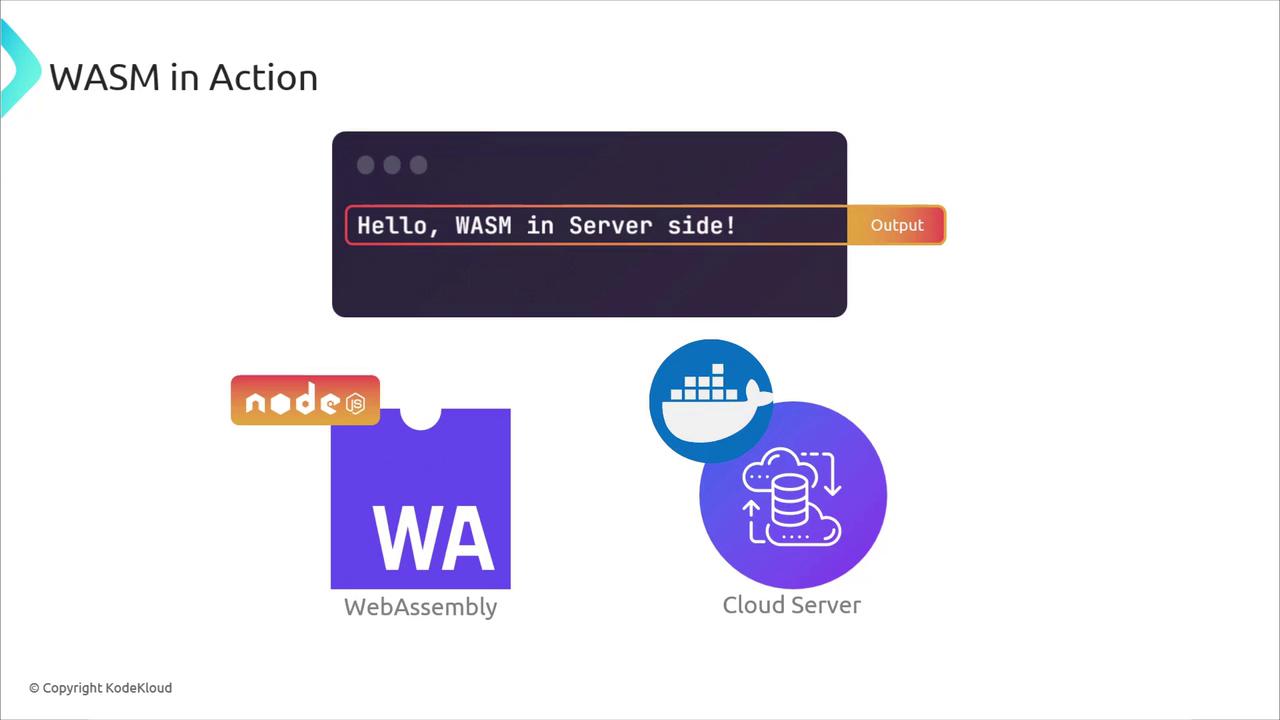
Node.js (on V8) can execute WASM modules just like in the browser:5. Containerizing WASM with Docker
Package your Node.js + WASM service into a Docker container for consistent cloud deployments.Use a multi-stage Dockerfile to minimize image size by separating build and runtime dependencies.
server.js:
Dockerfile:
http://localhost:3000/hello or:
6. Edge Computing with WebAssembly
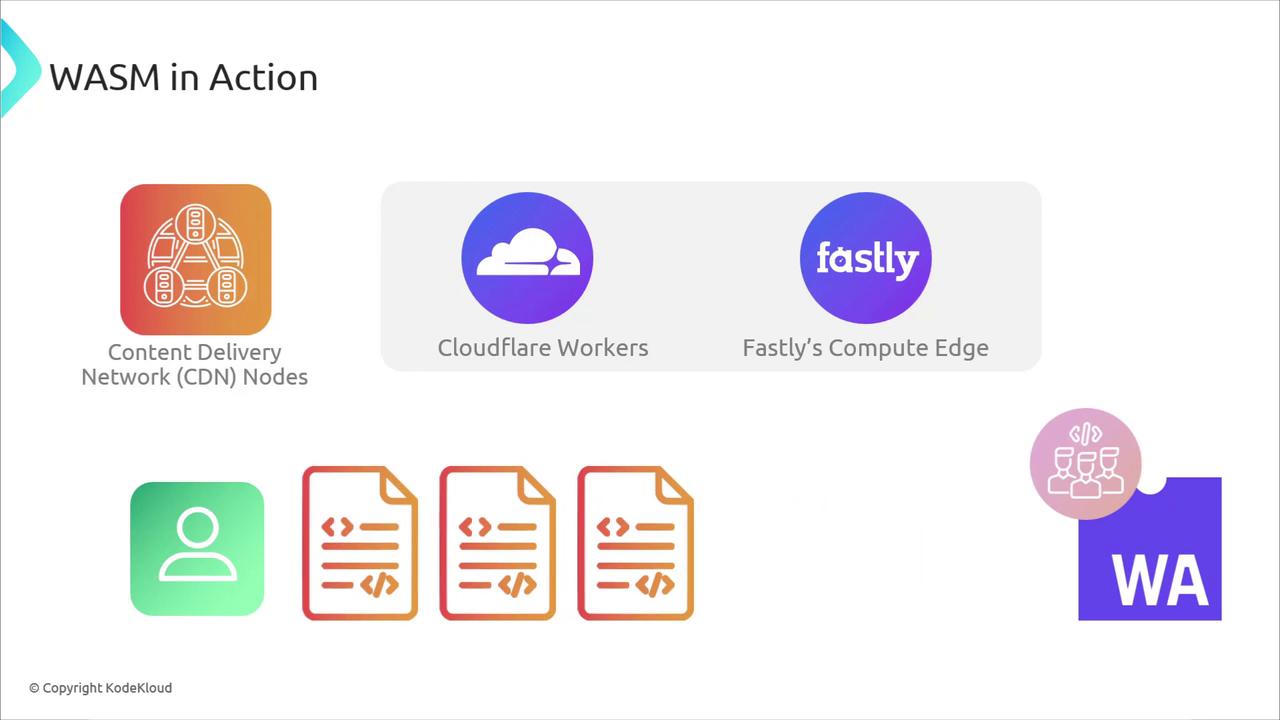
Edge platforms reduce latency by running code near users or data sources. CDNs and edge services using WASM include:- Cloudflare Workers: lightweight JavaScript/WASM functions at the edge
- Fastly Compute@Edge: WASM applications with full crate support
- AWS Wavelength / Azure Edge Zones: containerized workloads closer to 5G networks
Conclusion
You’ve seen how WebAssembly extends:- From the browser’s sandbox to high-performance server workloads
- Into cloud containers for easy scaling and portability
- All the way to edge nodes for minimal latency