JavaScript has long been the cornerstone of web development, powering interactive experiences in all modern browsers. Yet, as applications demand more real-time graphics and heavy computation, JavaScript’s interpreted nature and single-threaded model can introduce performance bottlenecks.
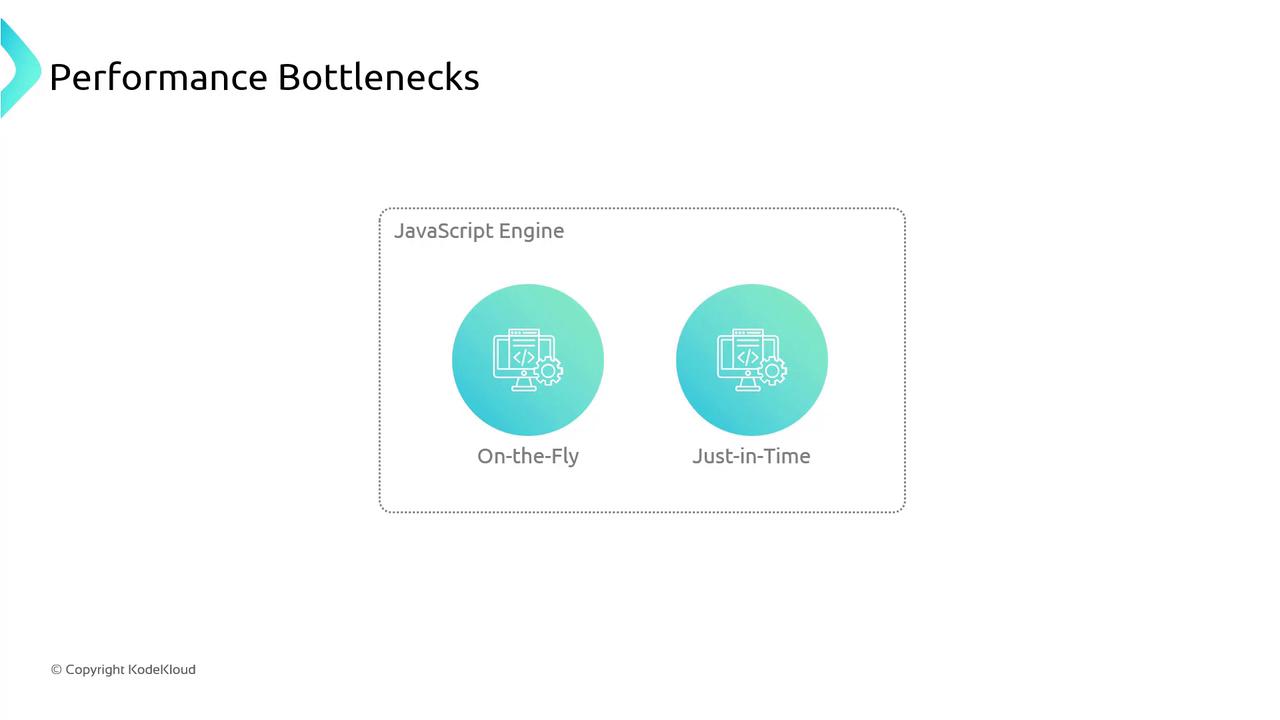
The image illustrates performance bottlenecks in JavaScript engines, highlighting "On-the-Fly" and "Just-in-Time" processes.

JavaScript Performance Limitations

  1. On-the-Fly Interpretation & JIT Compilation
    Browsers like Chrome (V8) and Firefox (SpiderMonkey) convert JavaScript into machine code at runtime. Just-in-time (JIT) compilation speeds things up, but overhead remains for compute-heavy loops and graphics rendering.
  2. Garbage-Collected Memory
    While automatic memory management helps avoid leaks, garbage collection can cause unpredictable pauses:
    let user = { name: "John" };
    // Later...
    user = null;  // triggers potential garbage collection
    
  3. Single-Threaded Event Loop
    async/await and Promises organize callbacks but don’t offer true parallelism:
    console.log('Hi');
    
    setTimeout(() => {
      console.log('there');
    }, 5000);
    
    console.log('JSConFEU');
    // Output:
    // Hi
    // JSConFEU
    // there   (after ~5 seconds)
    

Enter WebAssembly (WASM)

WebAssembly is a low-level binary format designed as a compilation target for languages like C, C++ and Rust. It runs alongside JavaScript in the browser at near-native speed, enabling performance-critical code and large codebases to execute without bulky downloads or installs.

Why Choose WebAssembly?

FeatureJavaScriptWebAssembly
Execution ModelInterpreted + JITPrecompiled binary (near-native)
Memory ManagementGarbage-collectedLinear memory with manual control
ThreadingSingle-threaded event loopPotential for Web Workers & threads
Application ScopeUI, light logicGraphics, simulations, codecs, games
WebAssembly modules interoperate seamlessly with JavaScript. You can call exported WASM functions from JS and vice versa.

Docker, Kubernetes & WebAssembly

Docker has introduced a technical preview for running WASM modules, prompting questions about the future of containers and orchestration with Kubernetes. While WASM isn’t a direct replacement for containers, it offers a lightweight sandbox for microservices and edge workloads.

A “Hello, World!” Example

Let’s compile a simple C program to both a native executable and WebAssembly module.

1. C Source Code

#include <stdio.h>

int main() {
    printf("Hello, World!\n");
    return 0;
}

2. Compile Natively with GCC

gcc -o wasmdemo/helloworld.exe wasmdemo/helloworld.c
Run it:
> wasmdemo/helloworld.exe
Hello, World!

3. Compile to WebAssembly with Emscripten

Install and activate the Emscripten SDK:
git clone https://github.com/emscripten-core/emsdk.git
cd emsdk
./emsdk install latest
./emsdk activate latest
source ./emsdk_env.sh    # On Windows: emsdk_env.bat
Ensure your browser supports WebAssembly threads if you plan to use shared memory and parallelism.
Compile the C code to WASM:
emcc wasmdemo/helloworld.c -o wasmdemo/helloworld.html
This generates three files:
  • helloworld.html – Minimal HTML page to load the module
  • helloworld.js – JavaScript “glue” for instantiation
  • helloworld.wasm – The WebAssembly binary

Inspecting the Loader

Inside helloworld.js, Emscripten handles fetching and instantiating the .wasm file:
var wasmBinaryFile = 'helloworld.wasm';
if (!isDataURI(wasmBinaryFile)) {
  wasmBinaryFile = locateFile(wasmBinaryFile);
}
function getBinary(file) {
  try {
    if (file === wasmBinaryFile && wasmBinary) {
      return new Uint8Array(wasmBinary);
    }
  } catch (e) {
    console.error(e);
  }
}

4. Execute in the Browser

Open helloworld.html in any modern browser. You should see:
Hello, World!
Congratulations! You’ve just compiled C to WebAssembly and run it alongside JavaScript—unlocking high-performance web applications for graphics, games, and more.

References