

- Writing the C conversion function
- Compiling to a
.wasmbinary with Emscripten - Loading and invoking the module from JavaScript
Make sure you have the Emscripten SDK installed and configured on your system. A basic understanding of C and JavaScript is assumed.
1. Defining the Celsius→Fahrenheit Function
Create a file namedconverter.c with the following implementation:
2. Compiling to WebAssembly with Emscripten
Use theemcc compiler driver to produce a .wasm binary:
You can experiment with
-O0 (no optimizations) for faster builds during development.converter.wasm will export the Celsius_to_Fahrenheit function for JavaScript to consume.
3. Loading and Running the WASM Module in JavaScript
To invoke your WASM module from the browser, follow these steps: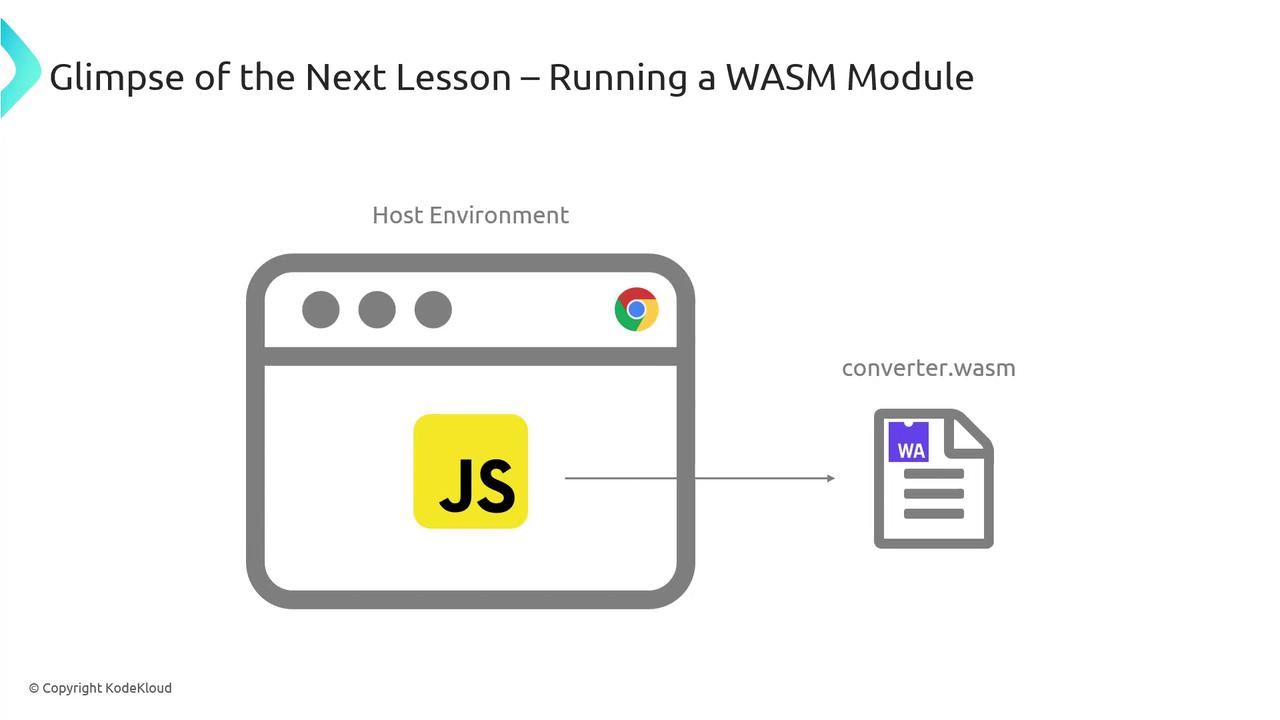
Some older browsers may not support streaming compilation or certain WASM features. Test on the latest versions of Chrome, Firefox, or Edge.
How It Works
- Fetch: Retrieve
converter.wasmvia thefetchAPI. - Instantiate: Convert the response into an
ArrayBufferand pass it toWebAssembly.instantiate. - Execute: Call
instance.exports.Celsius_to_Fahrenheitwith a numeric argument.