- Fetching and instantiating a
.wasmmodule - Sharing memory between JavaScript and WebAssembly
- Building a minimal HTML example
- Understanding how browsers run WebAssembly
1. Loading and Instantiating WASM with JavaScript
The easiest way to download and compile a.wasm module in one step is with WebAssembly.instantiateStreaming. Modern browsers support this API, but if you need to support older environments, a two-step fallback is required.
Your server must serve
.wasm files with application/wasm. Otherwise, streaming instantiation will fail.Streaming Instantiation
Fallback for Older Browsers
instance whose exports object contains your converter function.
2. JavaScript ↔ WebAssembly Memory Sharing
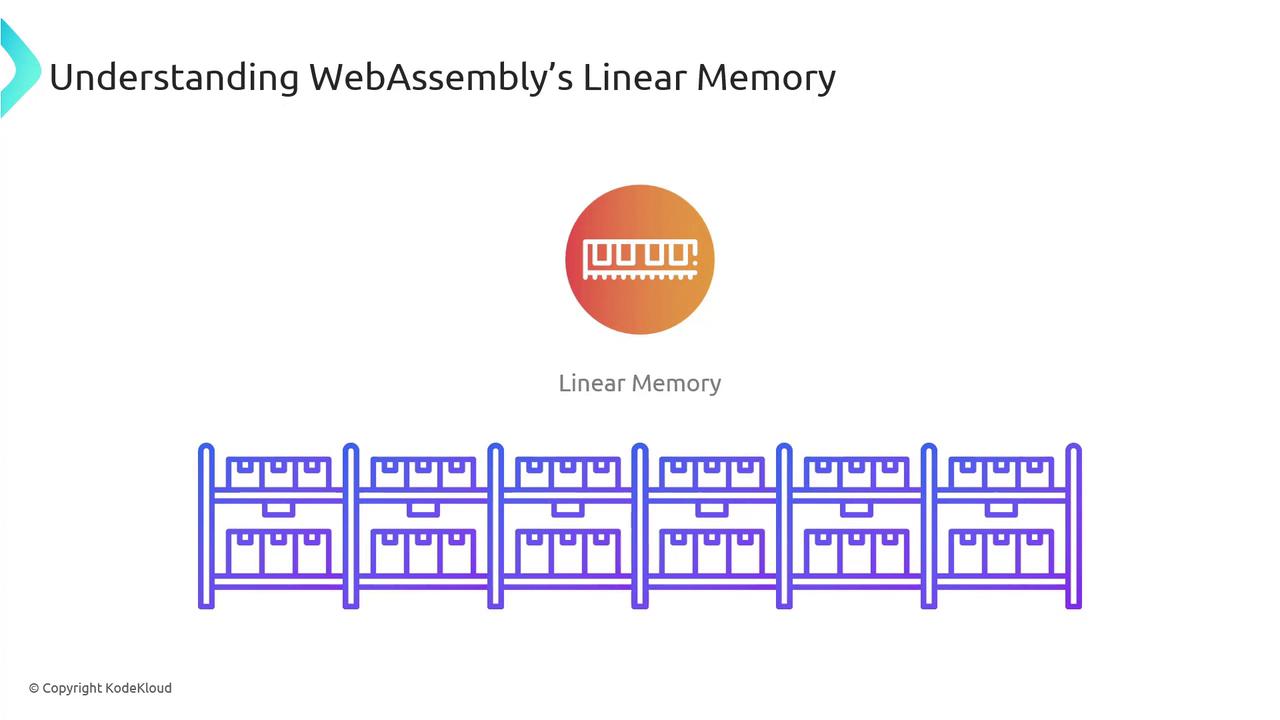
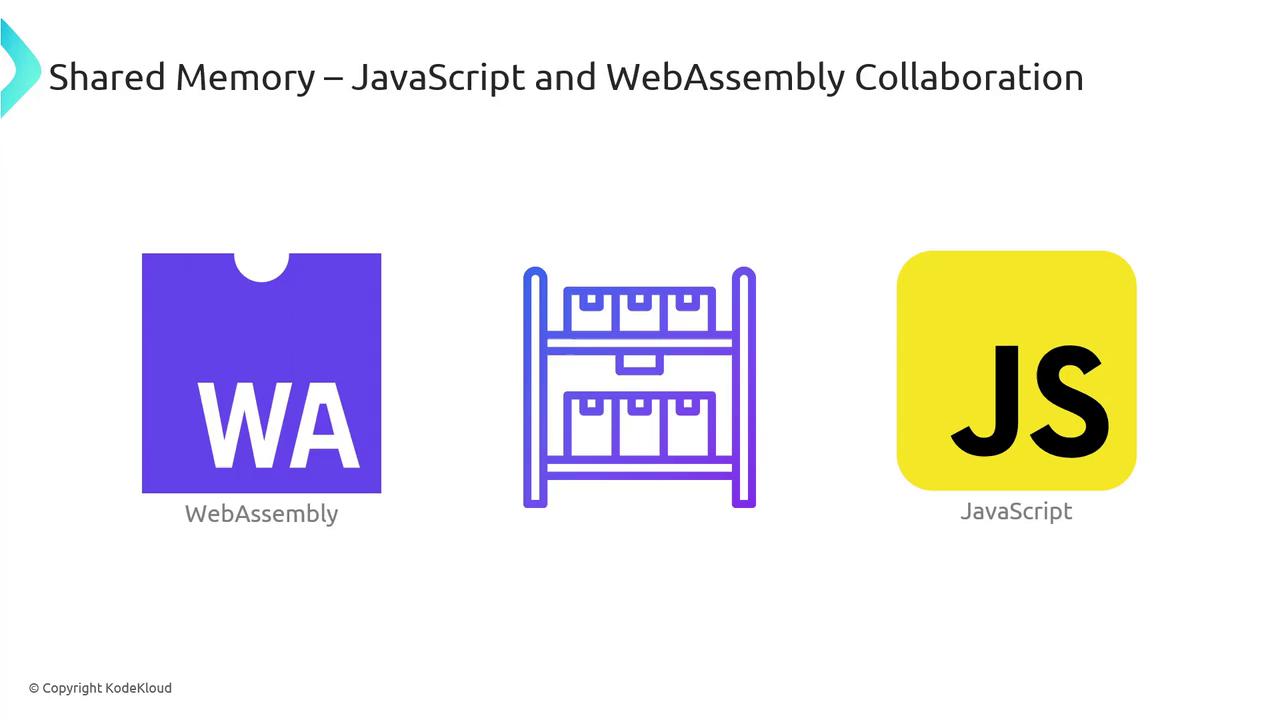
JavaScript and WebAssembly exchange data through linear memory—a sharedArrayBuffer where both sides can read and write.
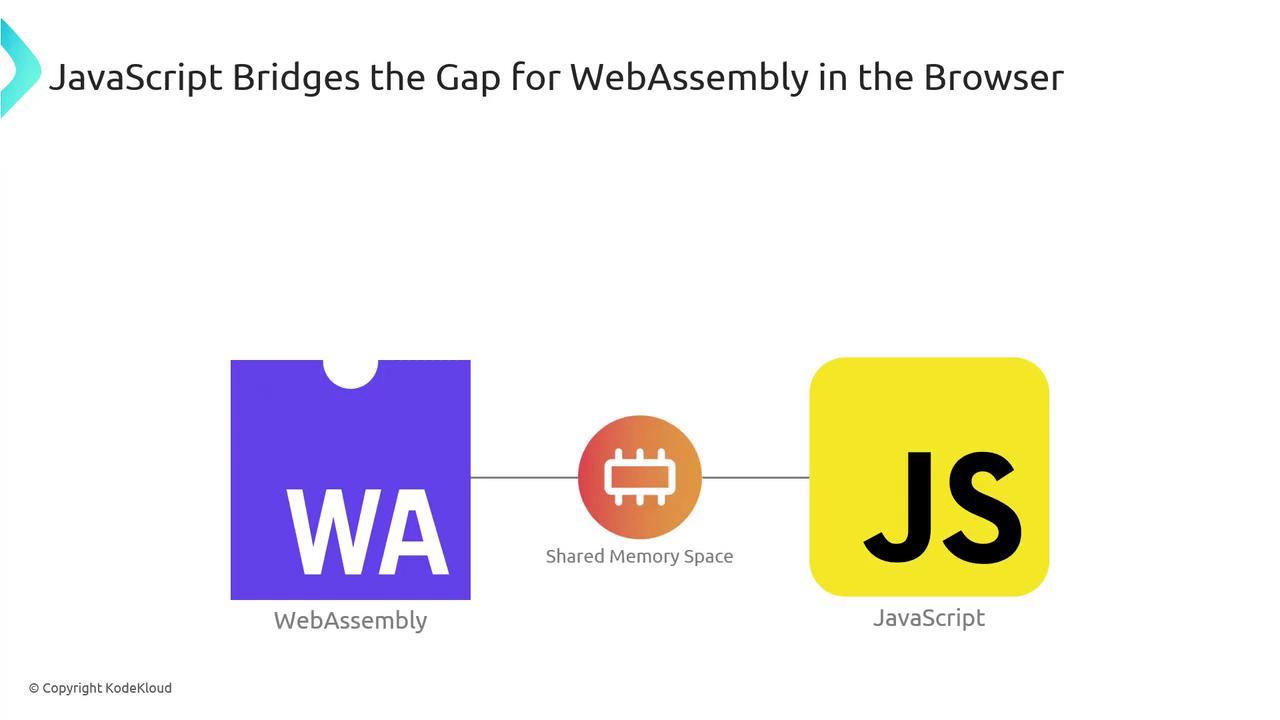
- JS writes the value into the shared buffer.
- WASM reads it, performs the conversion, and writes the result back.
- JS reads the converted value (e.g., 77) from the same buffer.
By default, linear memory grows in 64 KB pages. You can configure initial and maximum sizes in your toolchain.
3. A Simple HTML Example
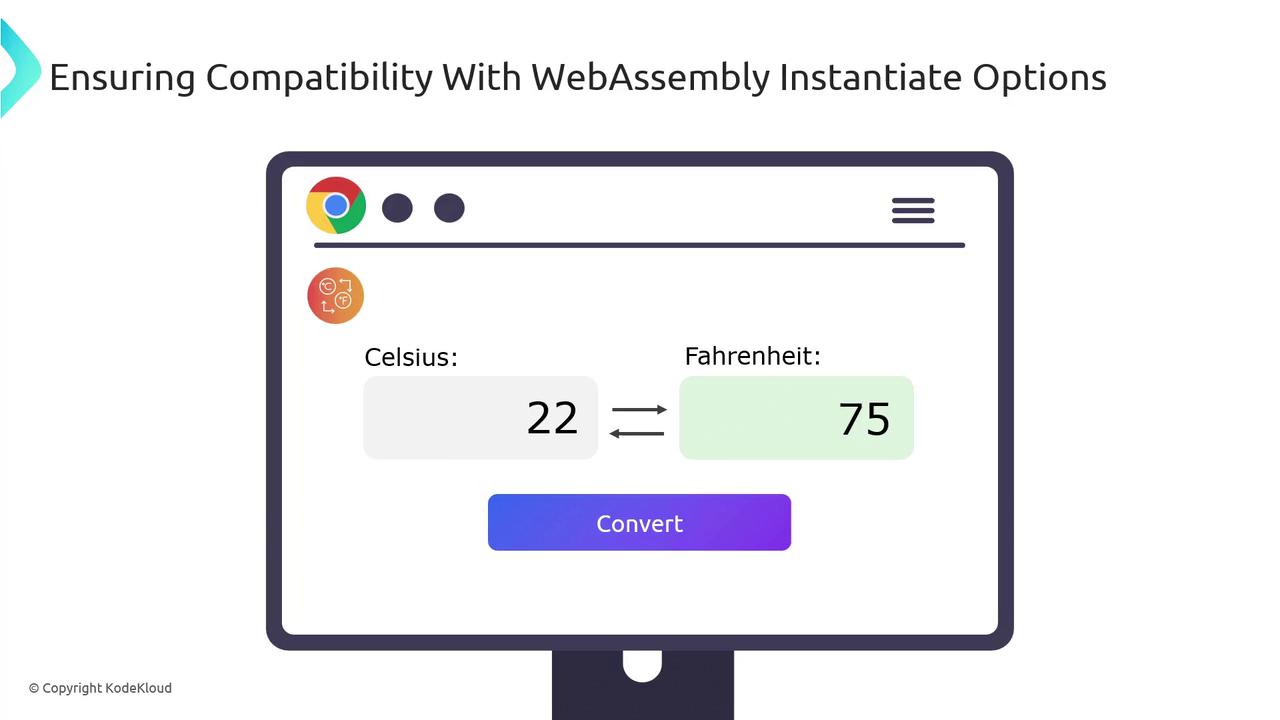
Combine everything into a minimal web page:convert() function:
4. How Browsers Run WebAssembly
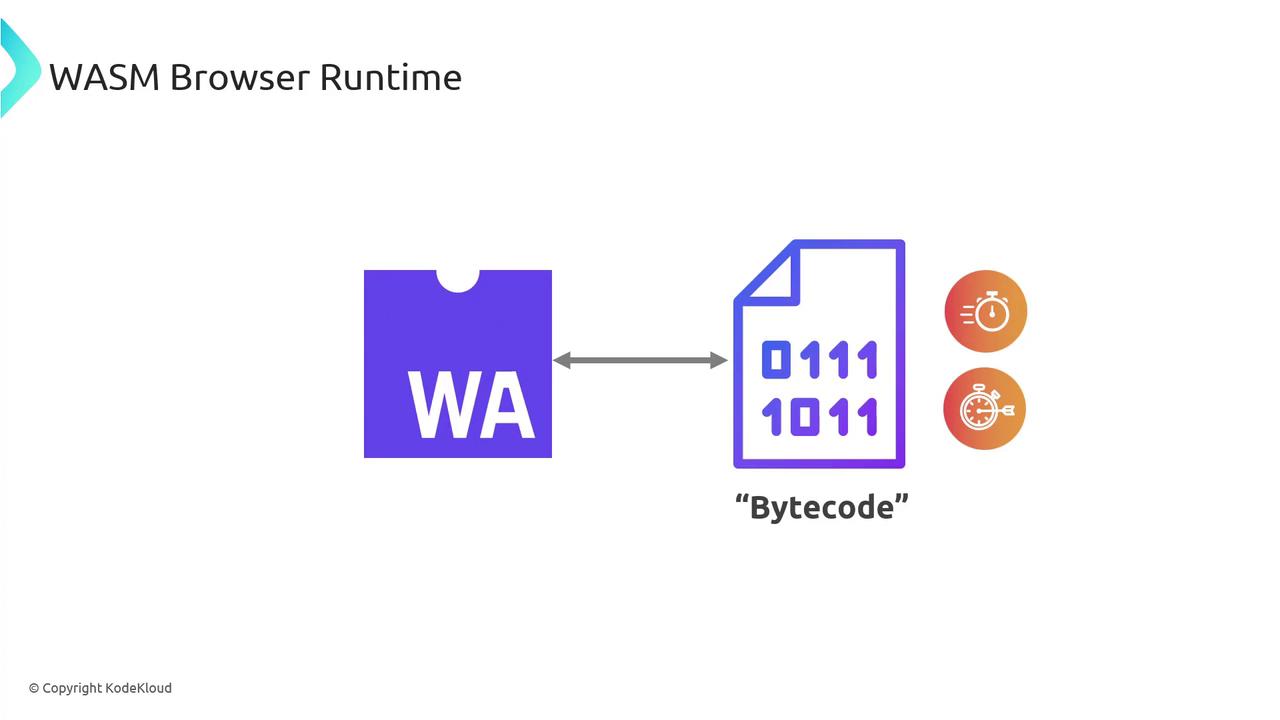
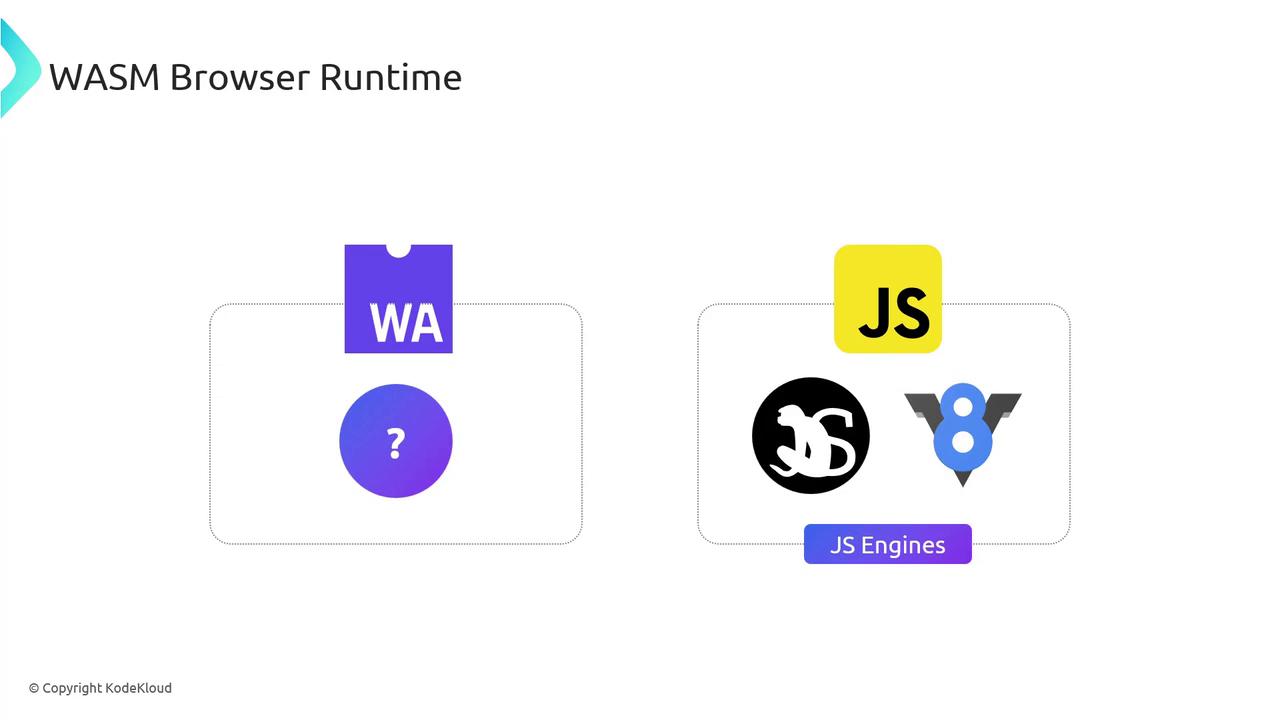
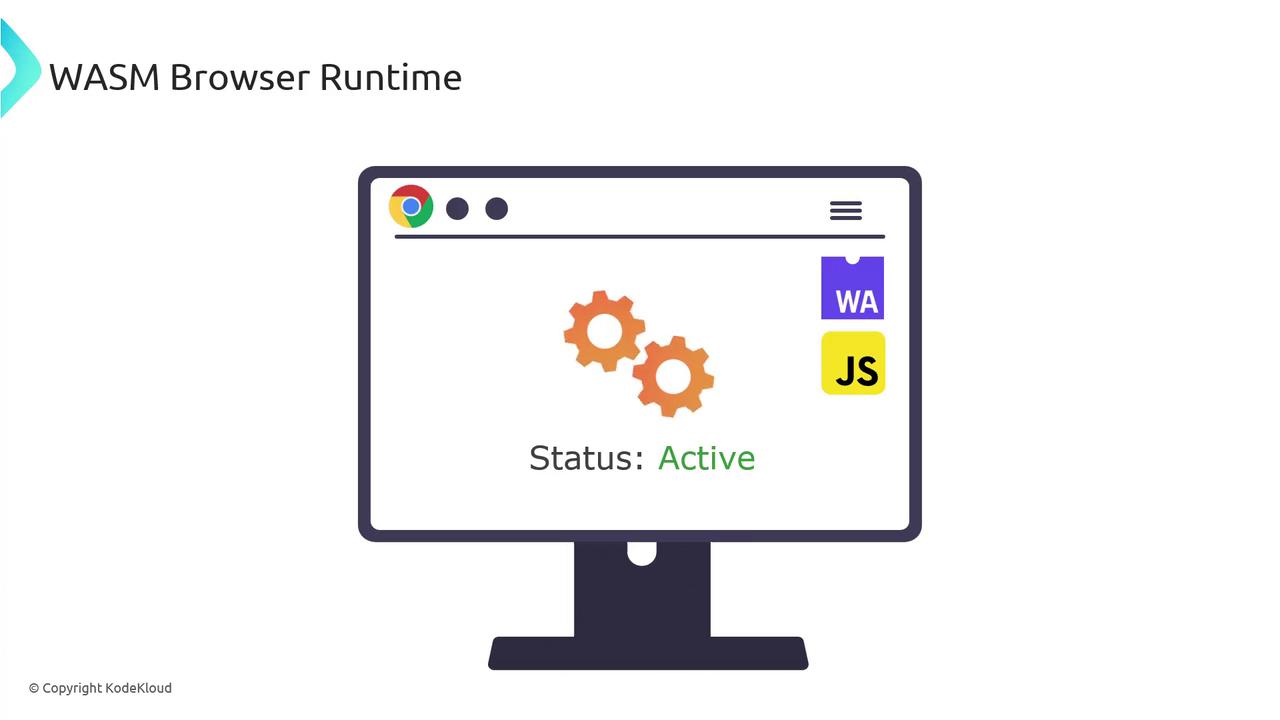
Browsers like Chrome (V8), Firefox (SpiderMonkey), Safari, and Edge integrate WebAssembly support directly into their JavaScript engines. They treat.wasm as bytecode, decoding and compiling it alongside JS.
When a .wasm module loads, the engine:
- Parses the binary format.
- Compiles it to native machine code.
- Links it with the JS context (including linear memory).