

- Emscripten SDK installed and configured
- Visual Studio Code (or any code editor)
- A modern browser (e.g., Google Chrome)
1. Create the C Source File
- Open your project folder (e.g.,
WASM) in Visual Studio Code. - Create a file named
hello.cwith the following content:
2. Compile to WebAssembly
In the integrated terminal, run:
Verify the files:
Ignore any
cache:INFO messages during compilation—they’re just Emscripten diagnostics.3. Run in the Browser
Serve the folder with a static server (for example, Live Server in VS Code) and openhello.html. You should see:
4. Explore the Generated Loader
Openhello.html to inspect how it integrates the loader:
hello.js:
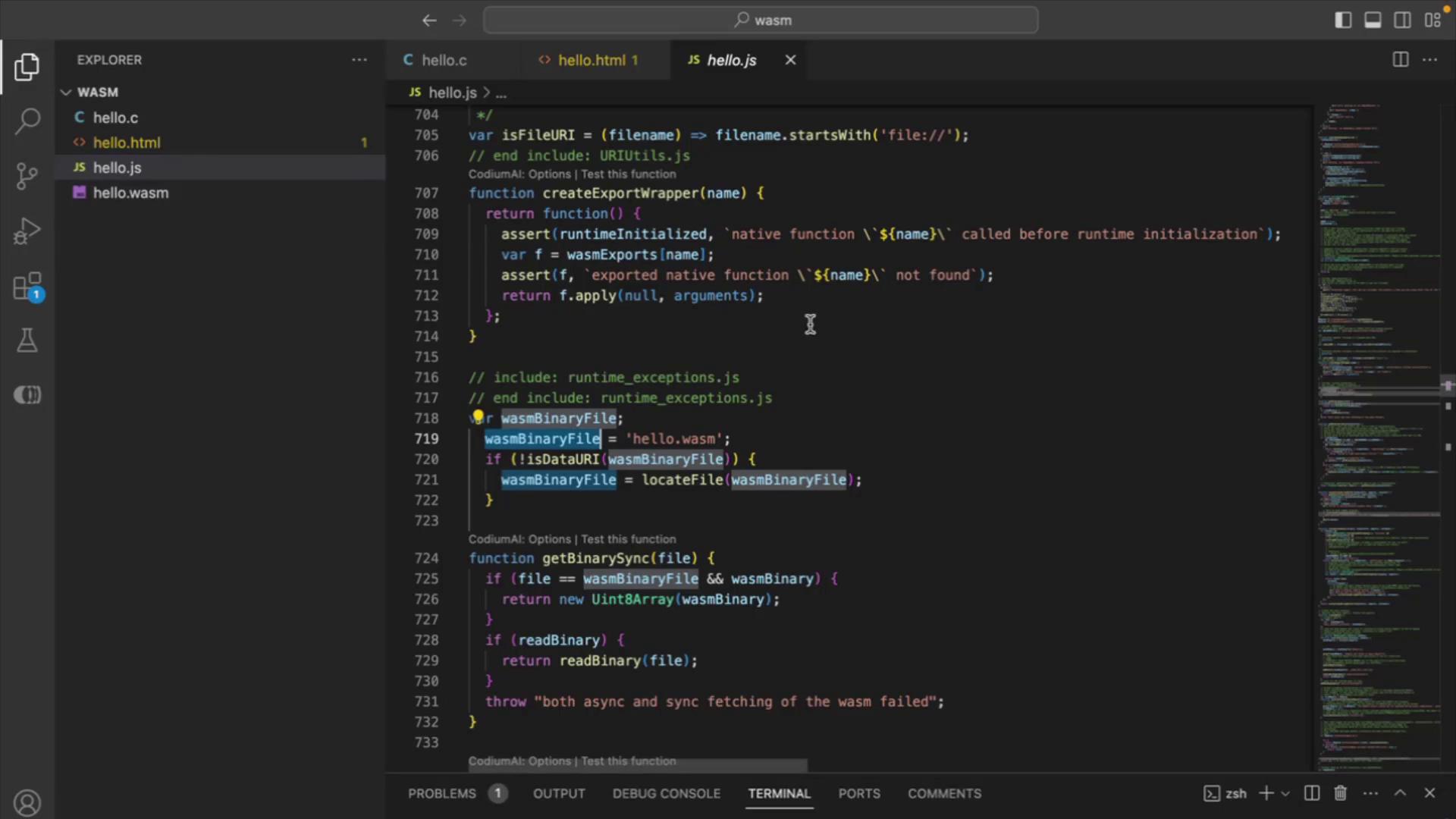
.wasm binary is fetched and instantiated, completing the path from C source to browser execution.