

Prerequisites and Licensing
Terraform Cloud Drift Detection requires a Business Tier license. If you’re evaluating this feature, ensure your organization has the correct plan.
Overview of Workspaces and Health Status
From the Terraform Cloud UI, you can quickly see which workspaces are “Errored,” “Applied,” or have drift: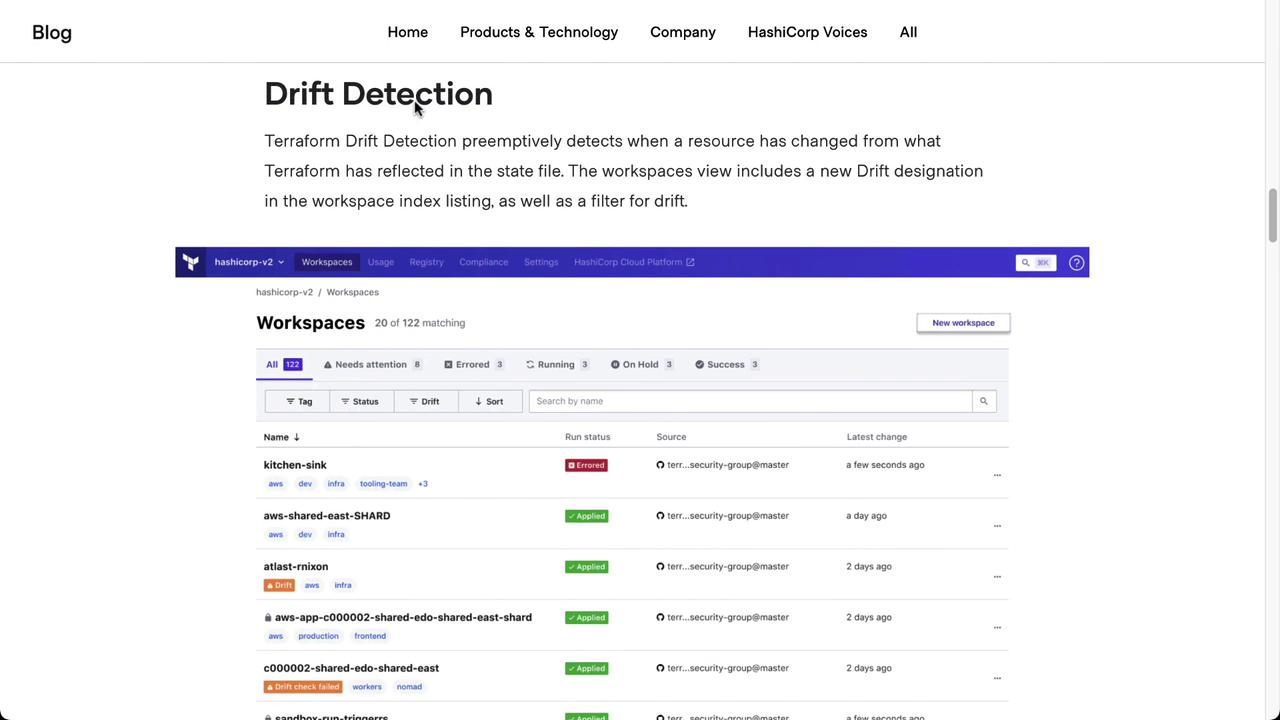
Enable Drift Detection
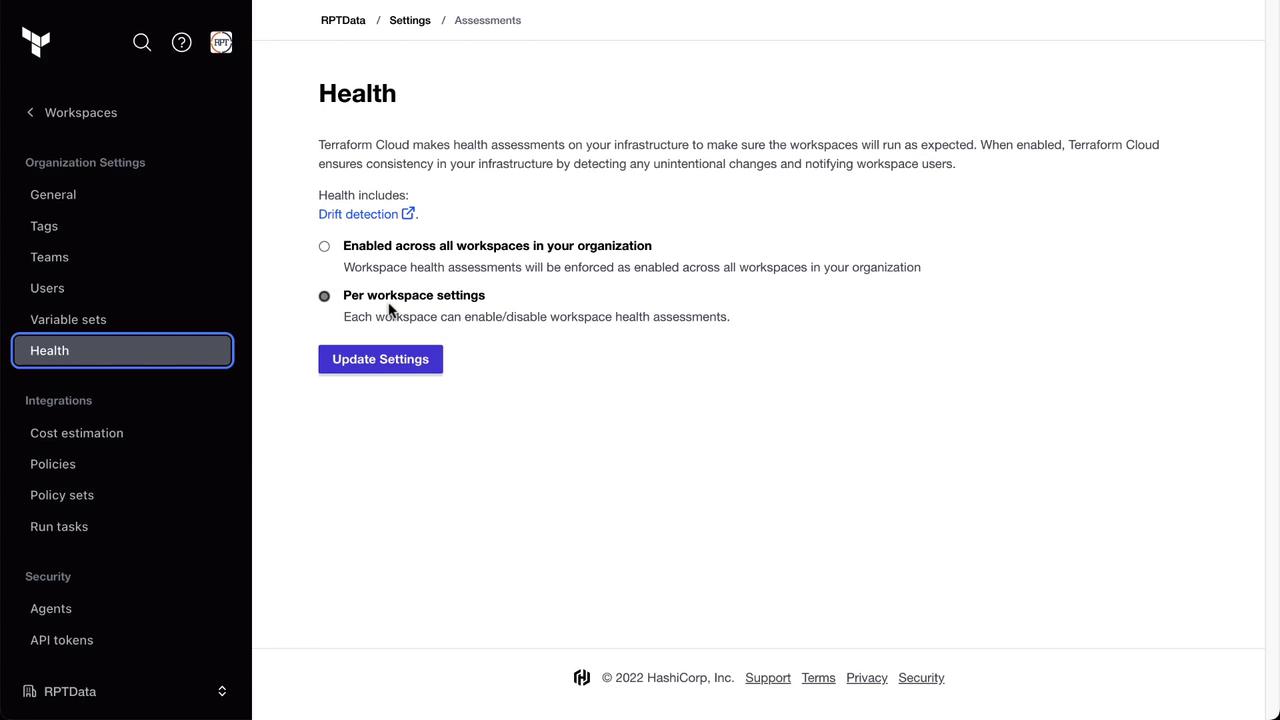
You can enable health assessments — including drift detection — either globally or per workspace.- Navigate to Settings in your organization.
- Select Health and choose your preferred scope.
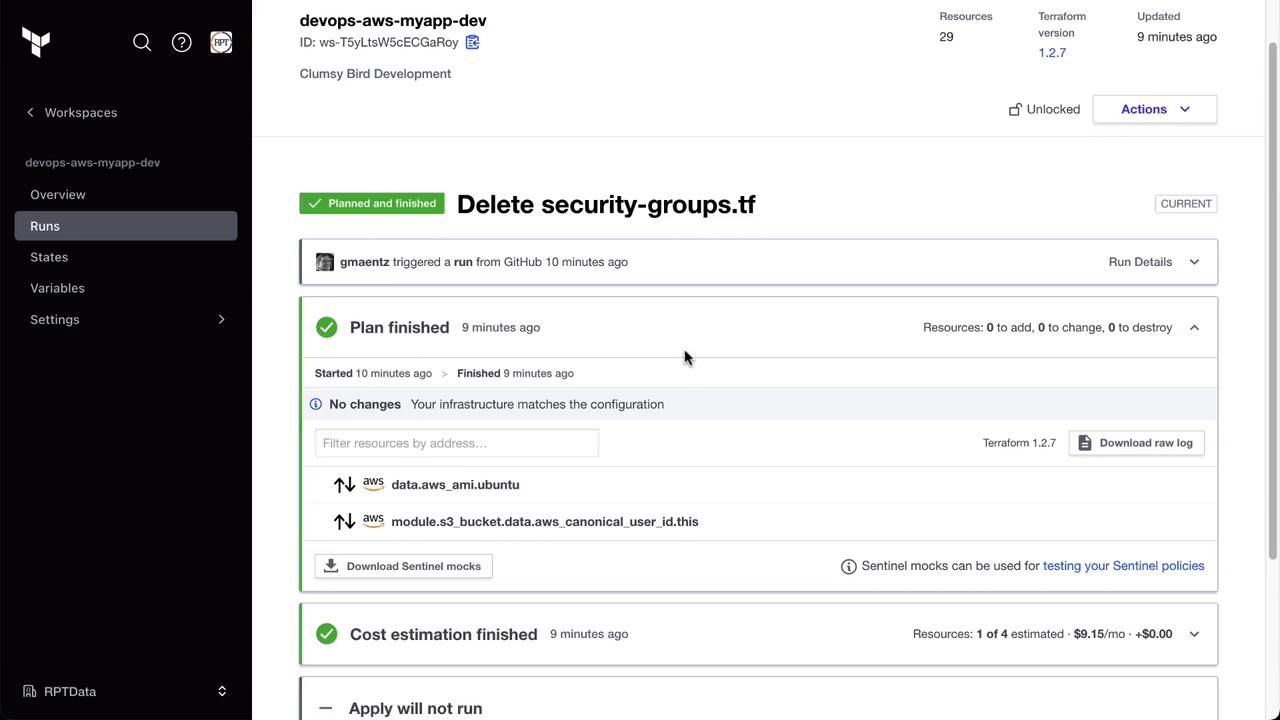
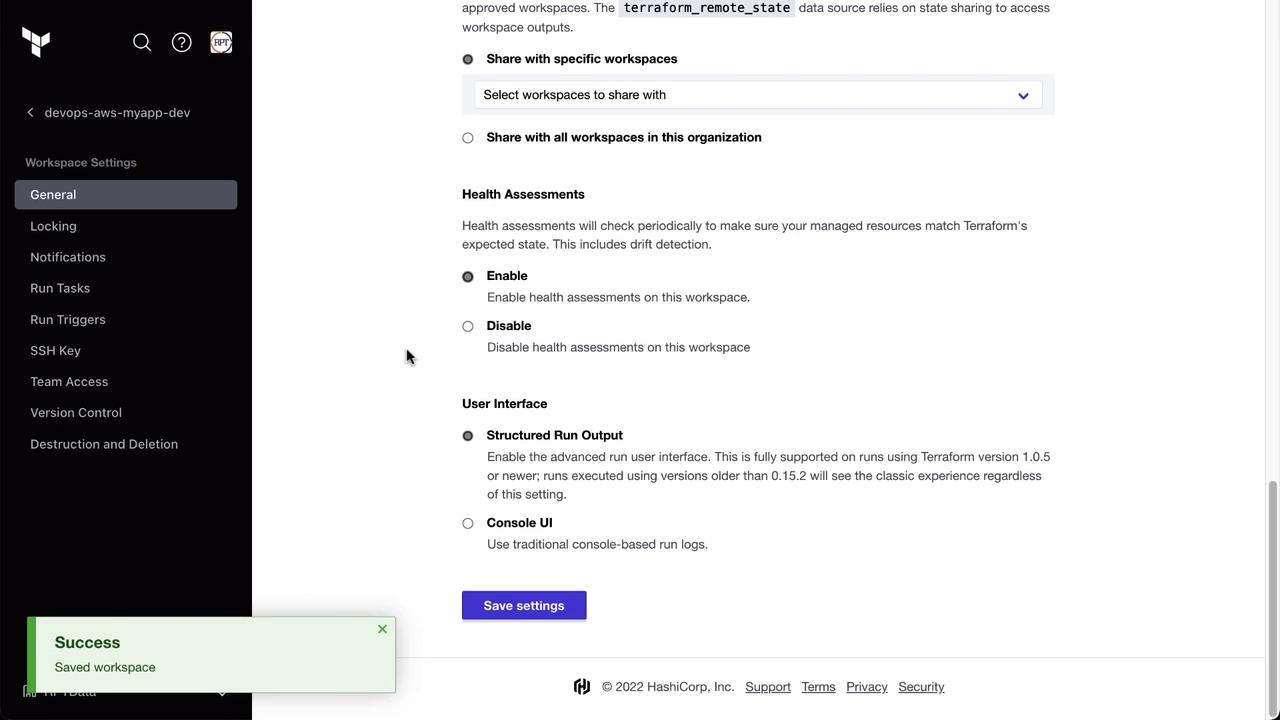
Verifying the Baseline State
Before simulating drift, confirm that your deployed infrastructure matches code. For example, check your AWS EC2 dashboard for the Clumsy Bird instance: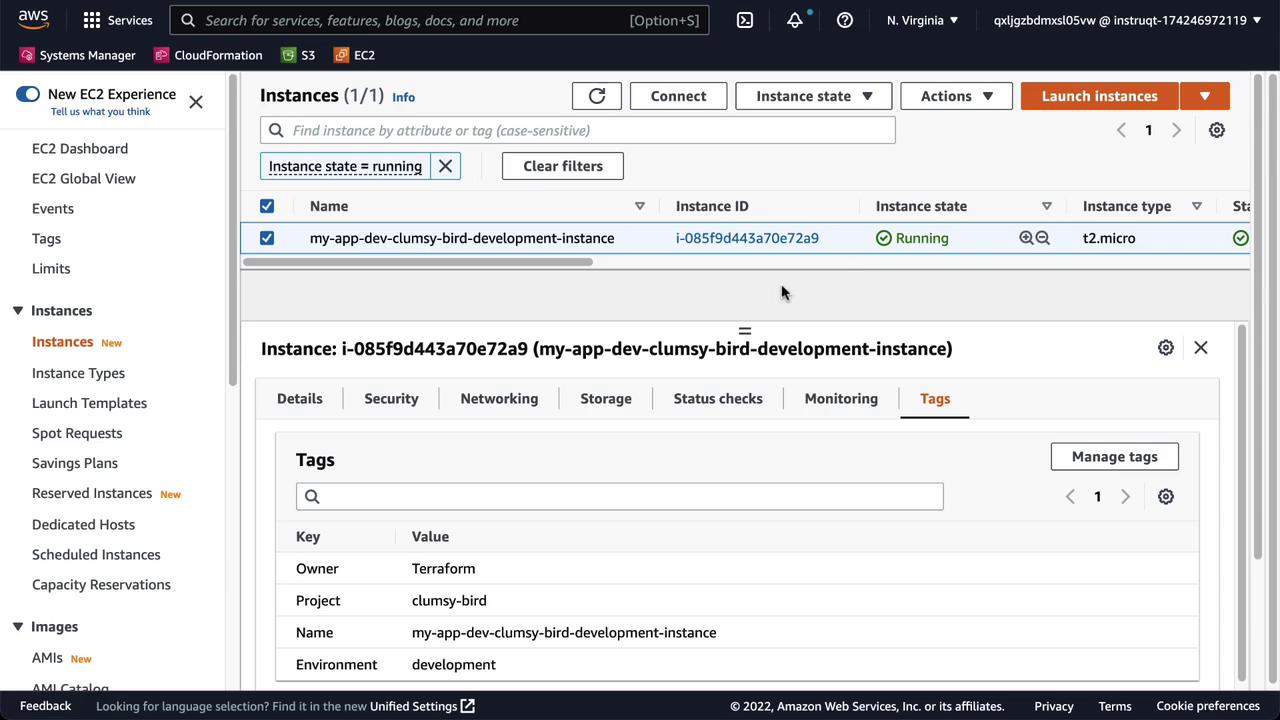
Simulate Drift
In the AWS Console, modify the Environment tag fromdevelopment to production:

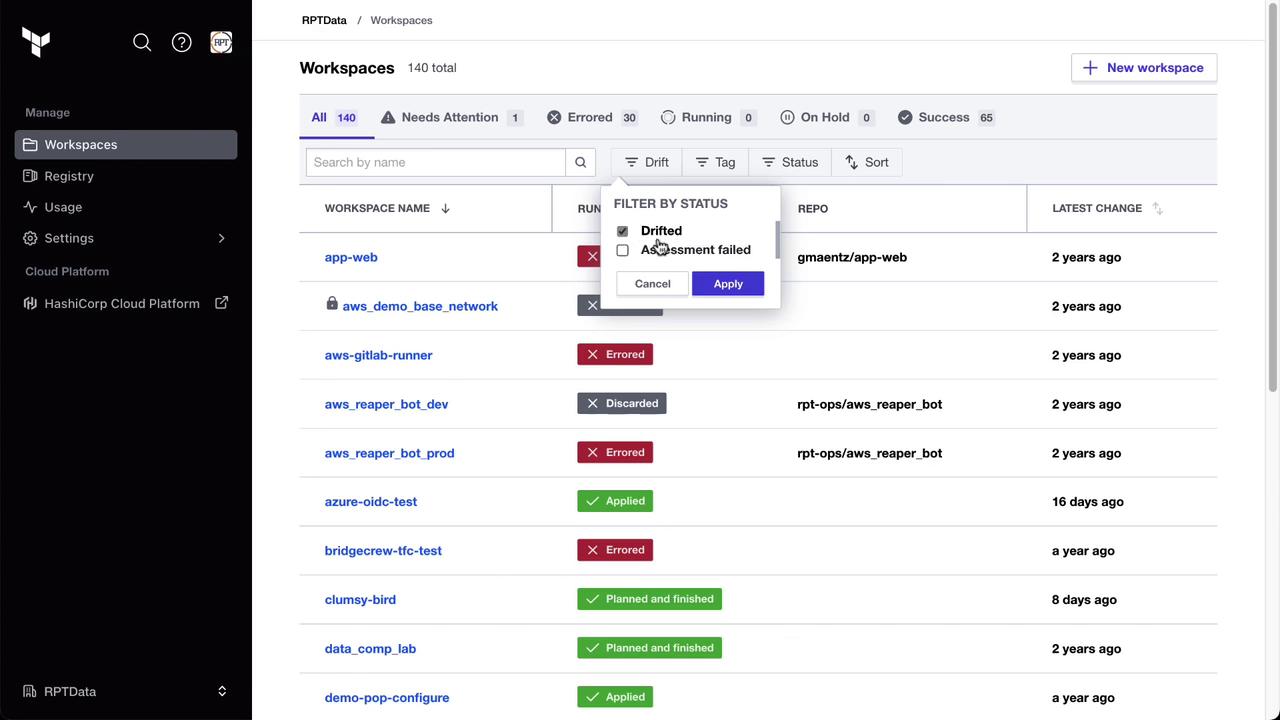
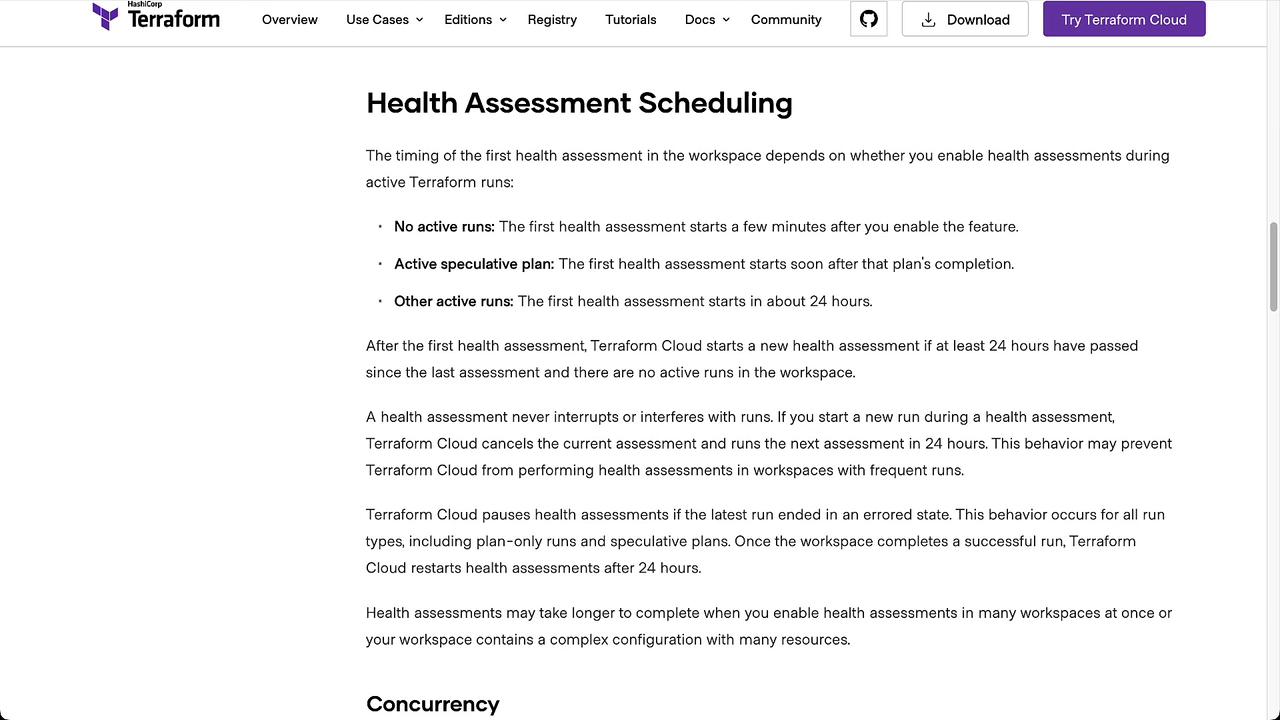
The first health assessment typically runs 24 hours after your last active Terraform run. Learn more in the Health Assessment Scheduling documentation.
Detecting and Reviewing Drift
Once the assessment completes, Terraform Cloud will highlight any discrepancies. In the Clumsy Bird workspace, drift is detected and detailed under the Health tab: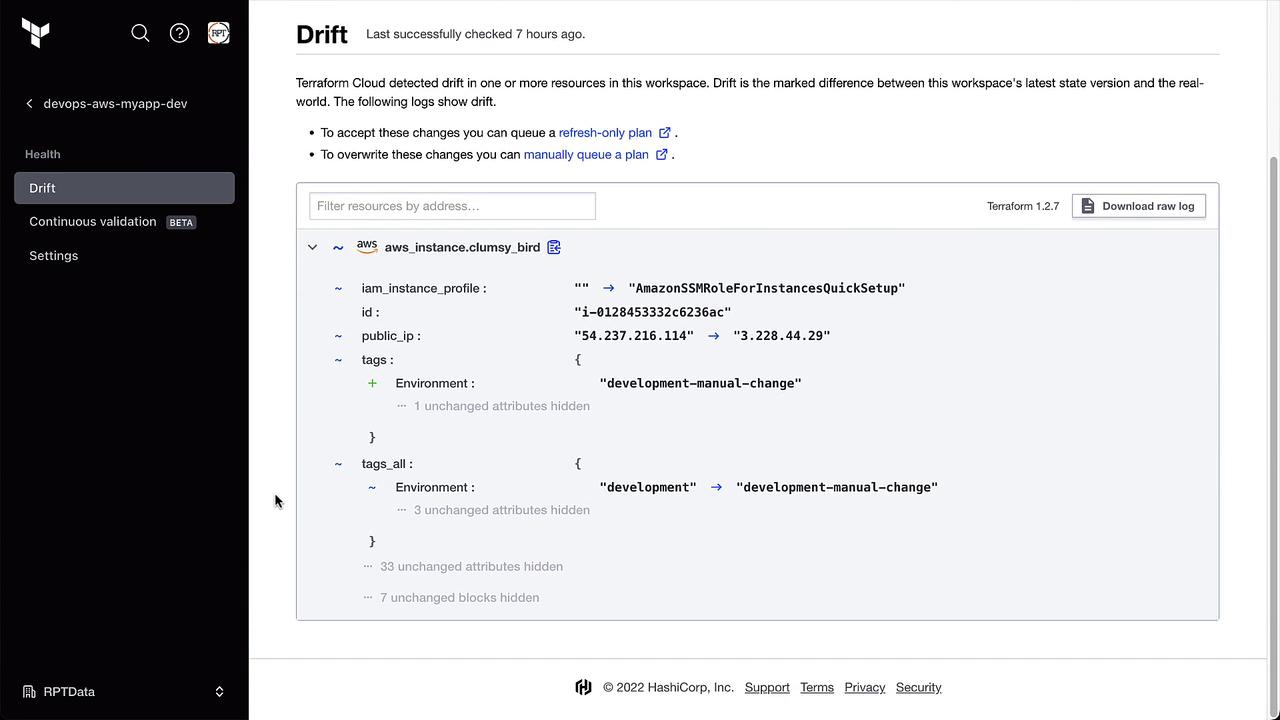
Handling Detected Drift
Terraform Cloud offers two primary options:
Example of a detected drift diff:
Accepting the Drift
Click Start New Run and select Refresh State. This updates the Terraform state to reflect the manual change.Overriding the Drift
Select the usual Plan and Apply workflow to revert the tag back todevelopment:
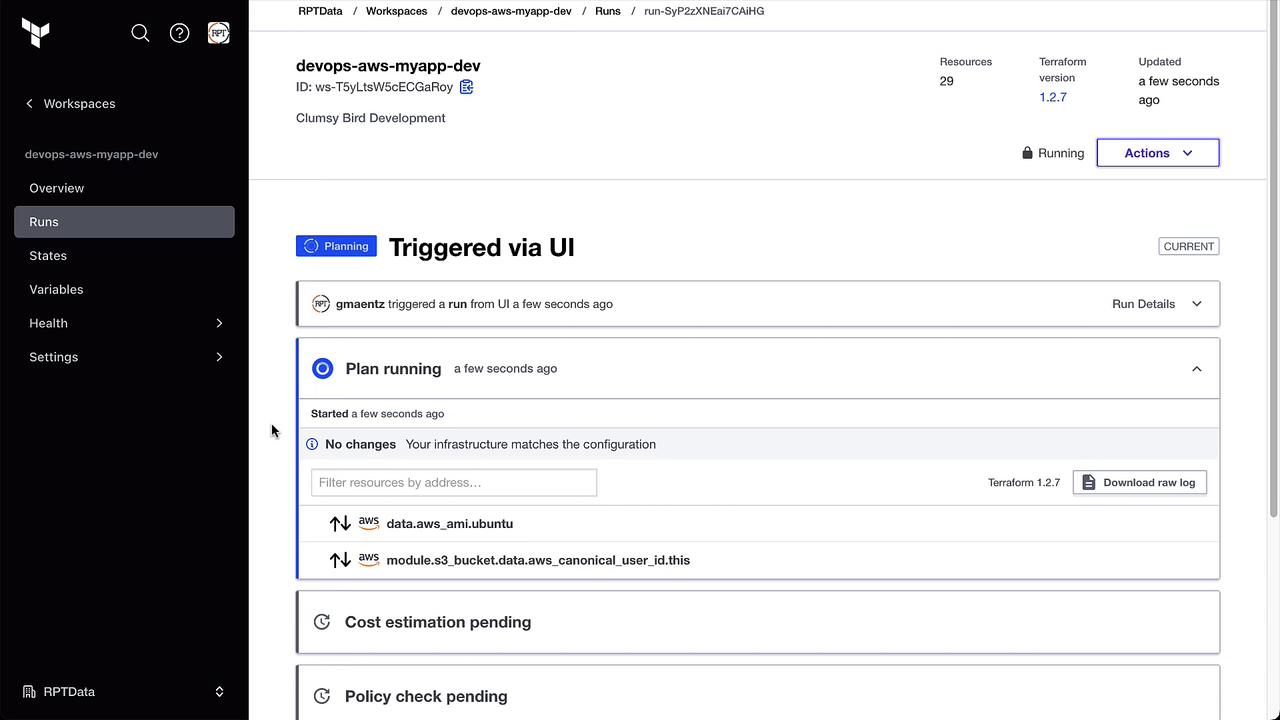
development. The Health tab will now show No drift detected.
Configuring Drift Notifications
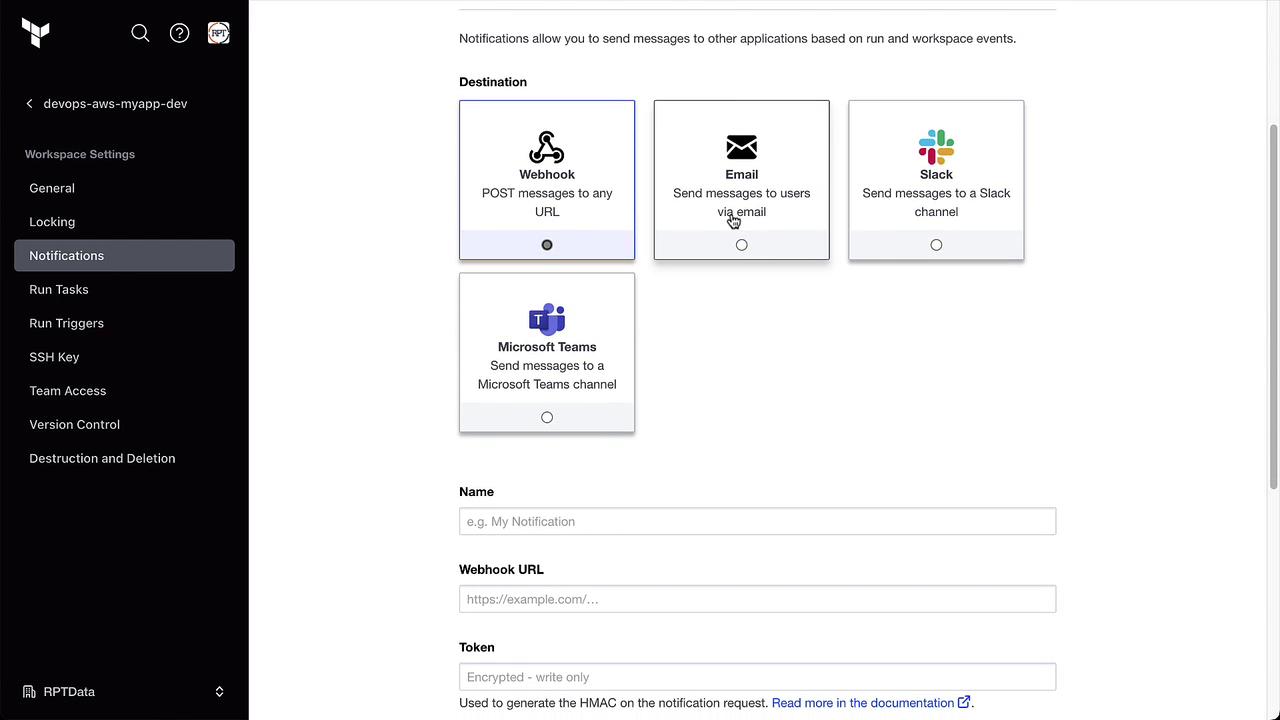
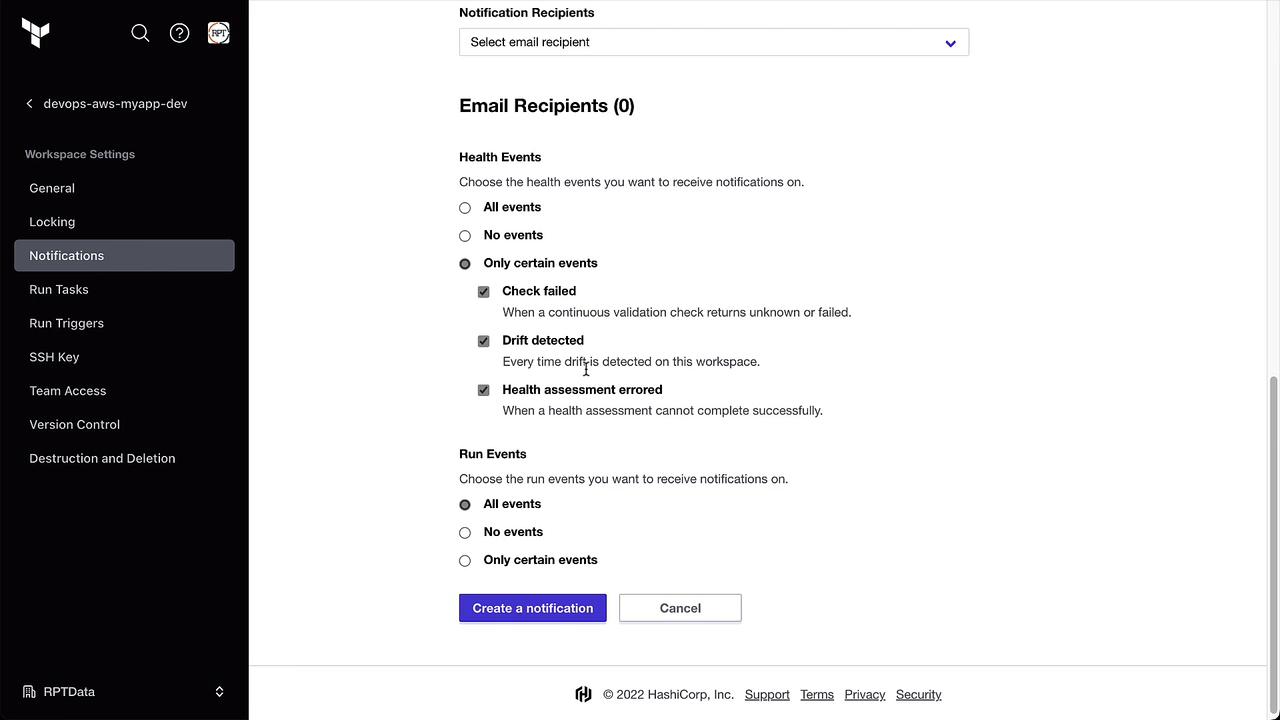
Stay informed by setting up notifications under Notifications. For example, send an email or Slack message whenever drift is detected: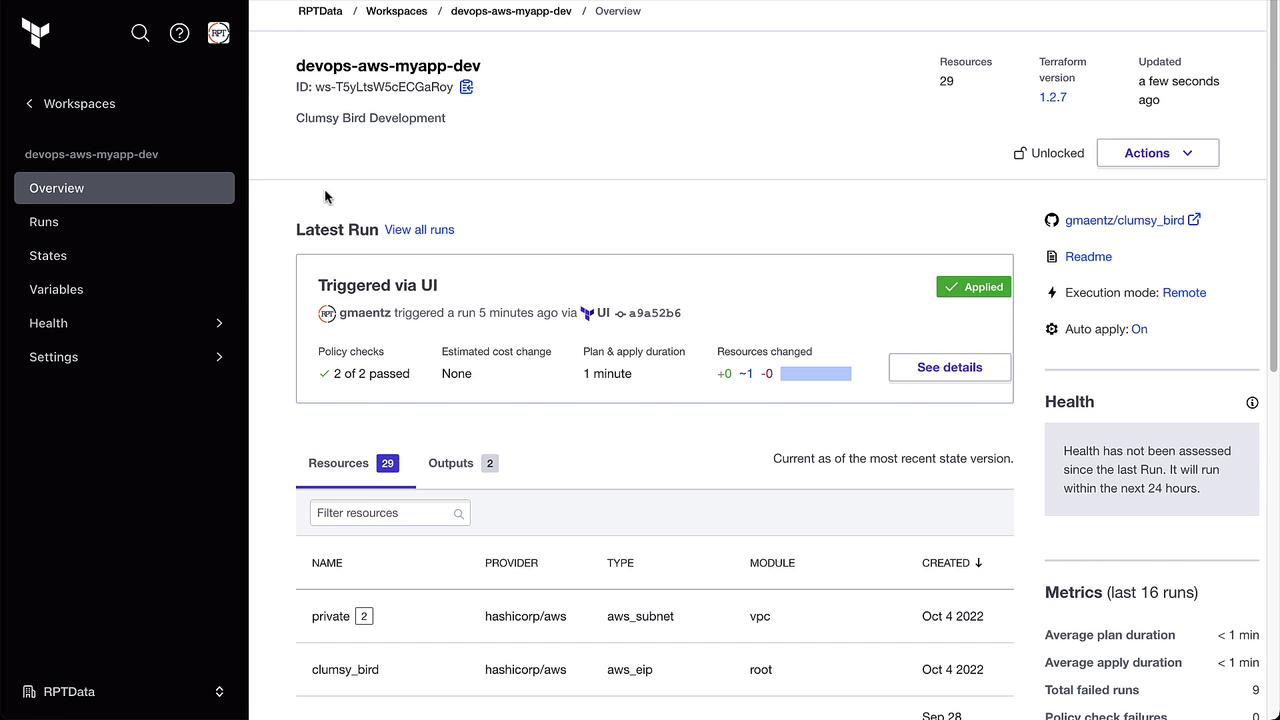
Summary
Terraform Cloud Drift Detection (Business Tier) ensures your infrastructure matches your code by:- Continuously checking for out-of-band changes
- Highlighting drift under the Health tab
- Providing options to accept or override detected drift
- Allowing notifications to alert your team immediately
- Terraform Cloud Health Assessment Scheduling
- Terraform Cloud Overview
- AWS EC2 Documentation