

Table of Contents
- Task 1: Sign Up for Terraform Cloud
- Task 2: Create a Terraform Cloud Organization
- Task 3: Authenticate via the CLI
- Summary of Tasks
- Links and References
Task 1: Sign Up for Terraform Cloud
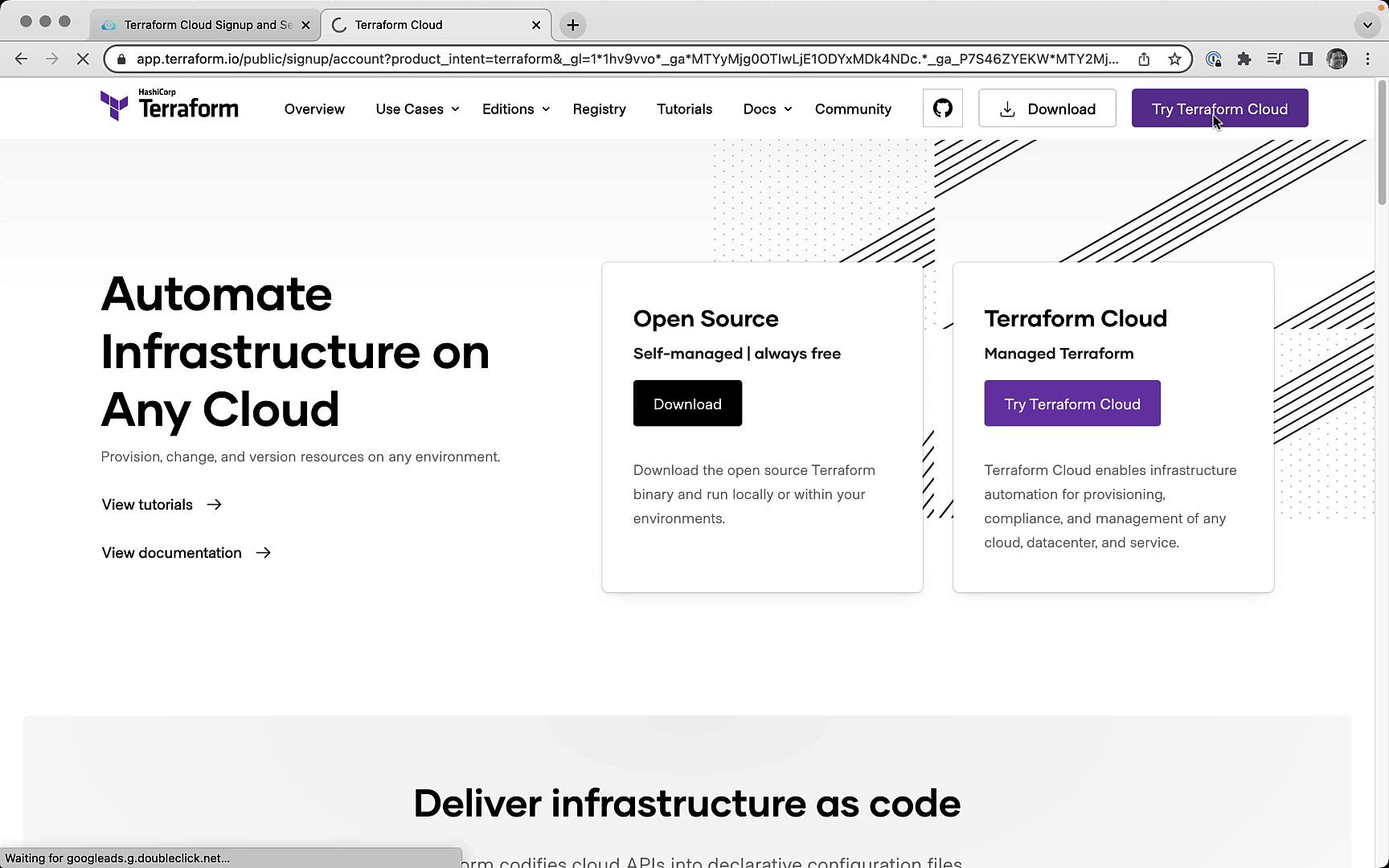
Begin by navigating to the Terraform website:- Go to terraform.io and click Try Terraform Cloud.
- On the signup form, enter your desired Username, Email, and Password, then submit.
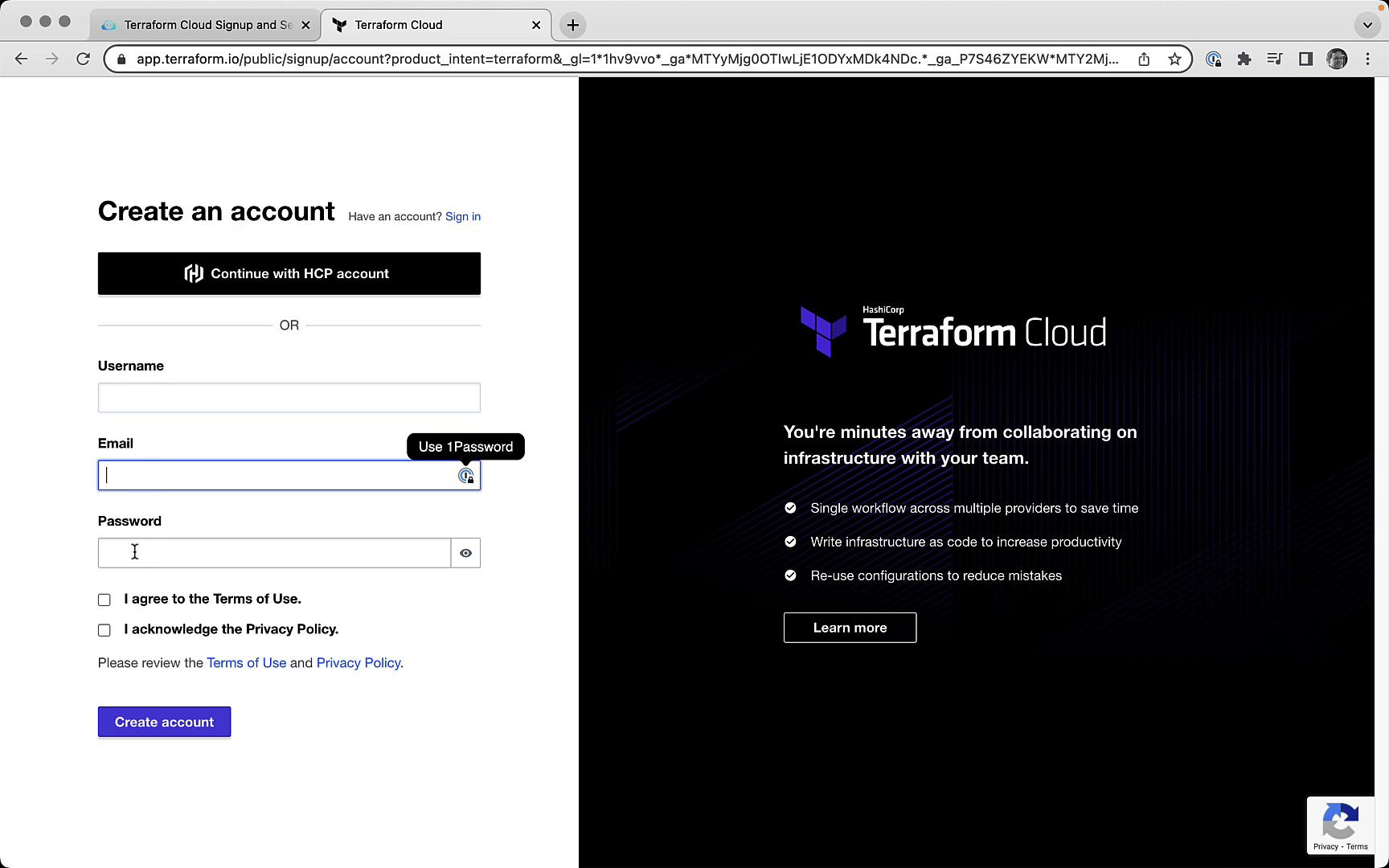
If you already have an account, click Sign In instead of creating a new one.
Task 2: Create a Terraform Cloud Organization
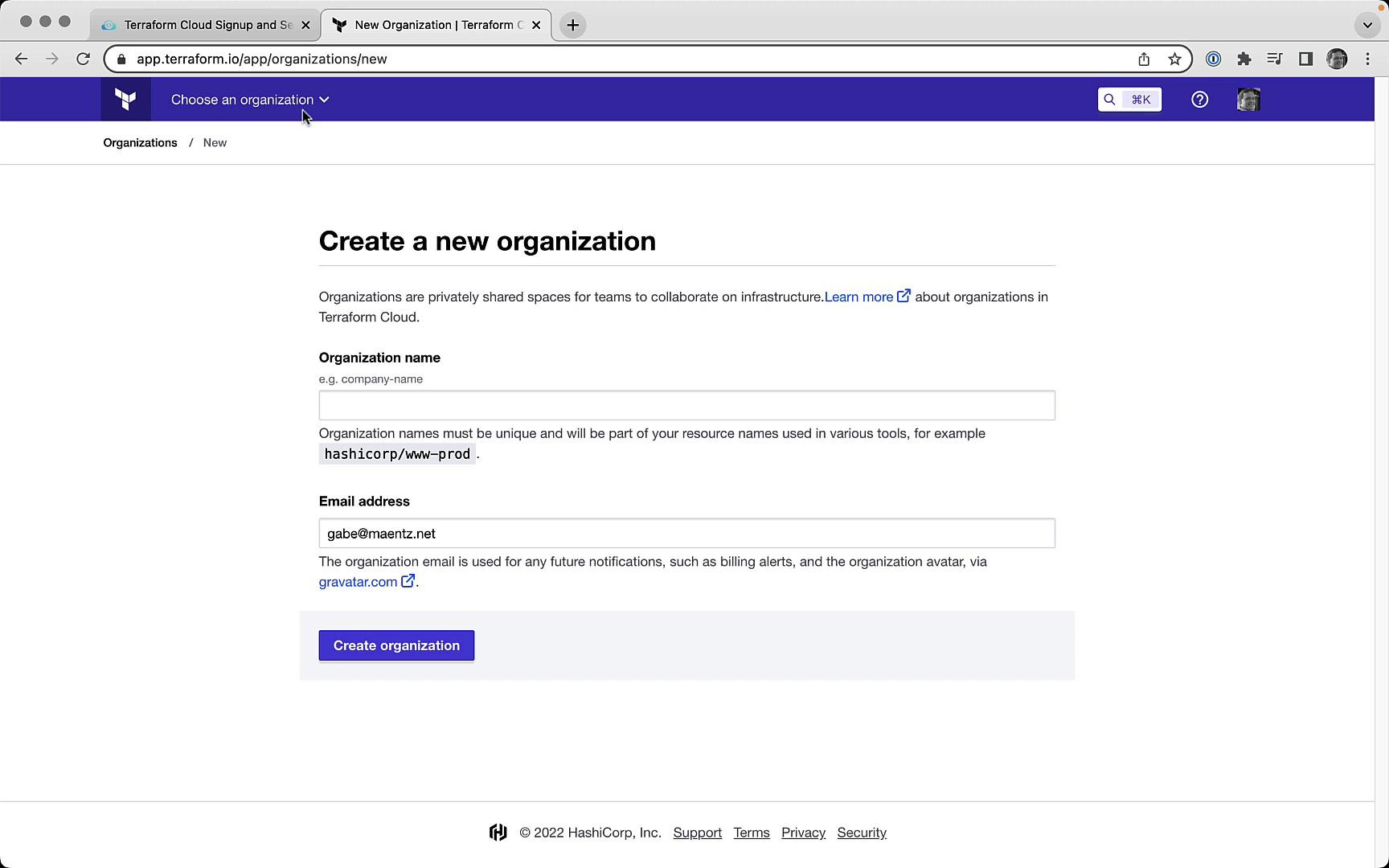
Once you’re logged in, Terraform Cloud prompts you to create a new organization if none exists. Organization names must be unique across all Terraform Cloud users.- Enter a globally unique Organization Name.
- Confirm your email address.
- Click Create organization.
Task 3: Authenticate via the CLI
To link your local Terraform CLI to Terraform Cloud, generate an API token:- Run the login command in your terminal:
- When prompted, confirm by typing
yes: - Terraform opens a browser window to the tokens page:
- On the Terraform Cloud website, create a new token (e.g., Terraform login – Mastering Terraform Cloud) and copy it.
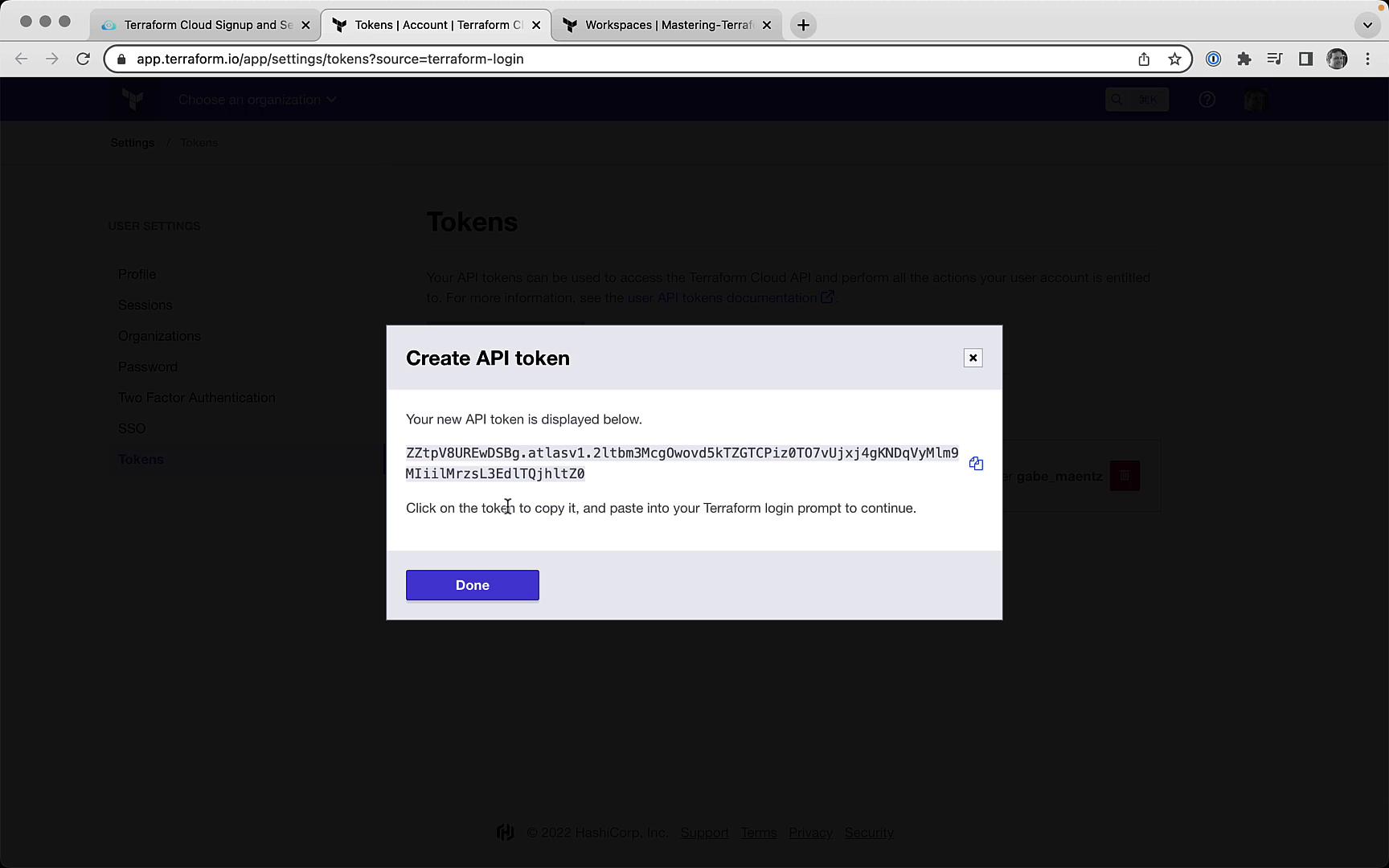
- Paste the token back into the CLI (it will be hidden as you type):
Your API token is stored in plain text at
~/.terraform.d/credentials.tfrc.json. To remove it, run: