

Key Features
Terraform Cloud’s private registry helps you centrally store, version, and share approved modules and providers. With it, you can:- Enforce standardized infrastructure patterns
- Control which providers and modules your teams can use
- Track and roll out new versions without disrupting existing users
Providers and Modules in Terraform
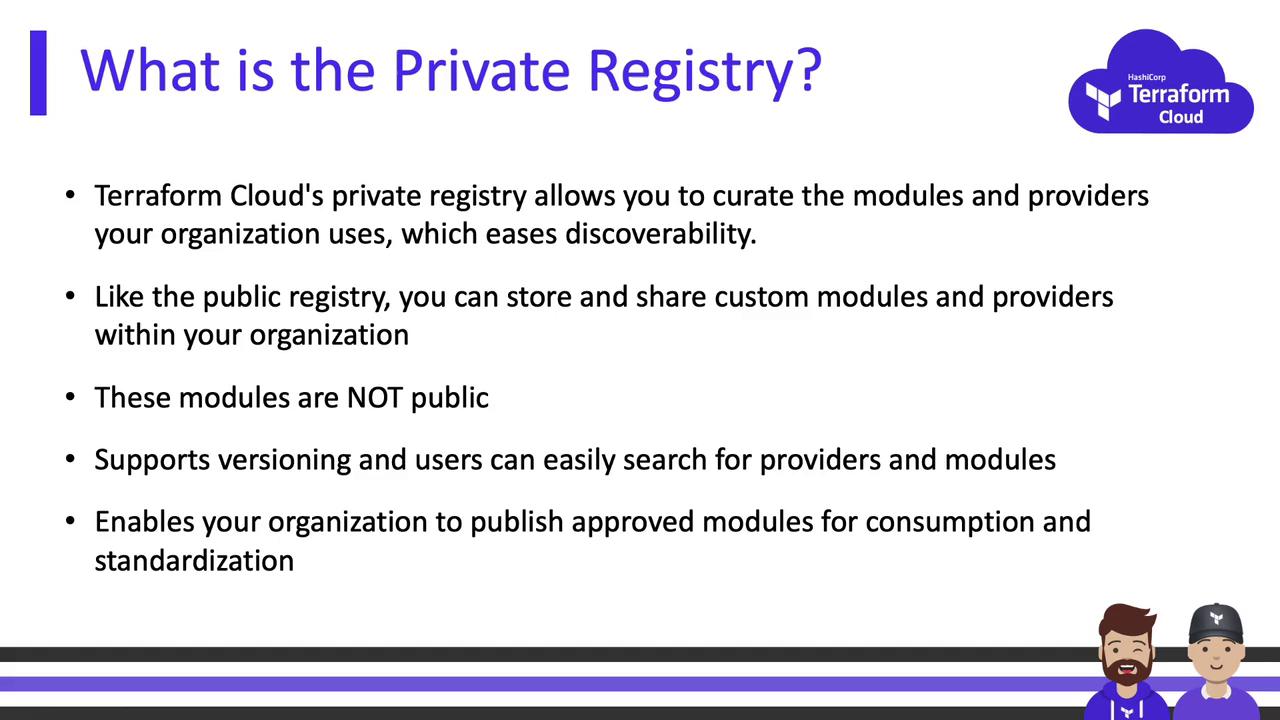
Terraform components fall into two categories:- Providers: Plugins that manage infrastructure resources (e.g., AWS, Azure).
- Modules: Reusable collections of Terraform code packaged together.
Providers
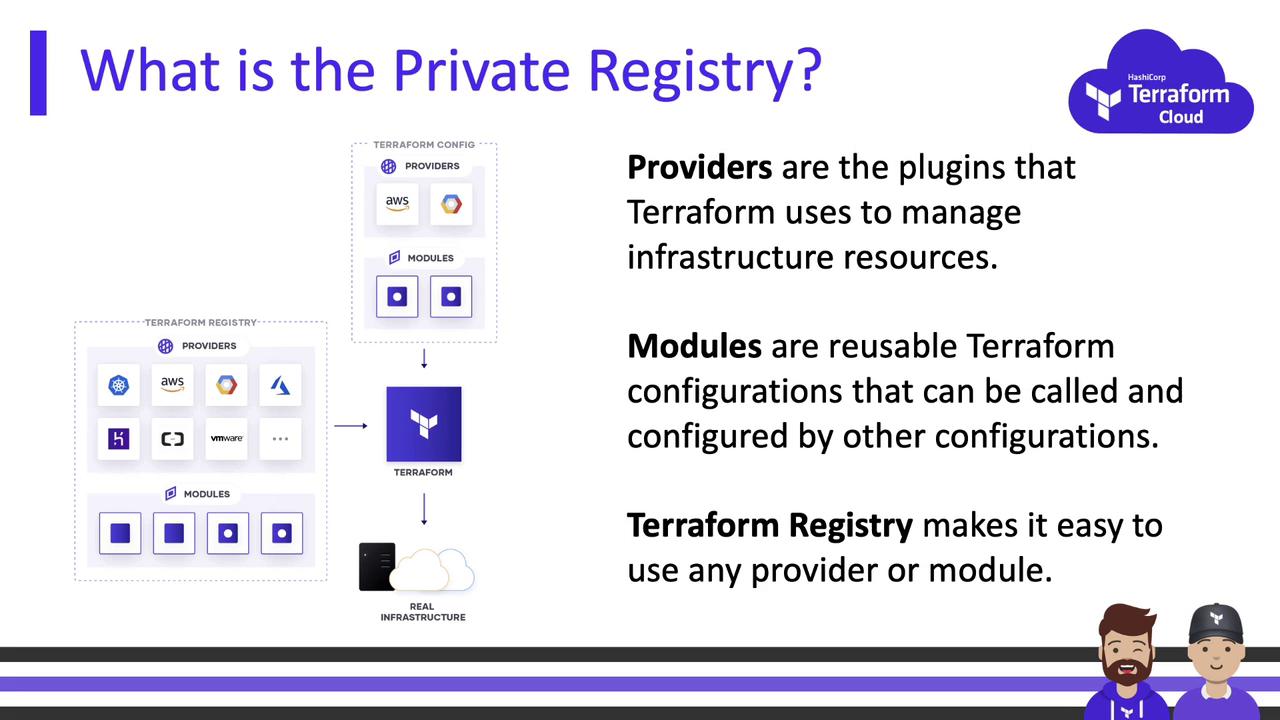
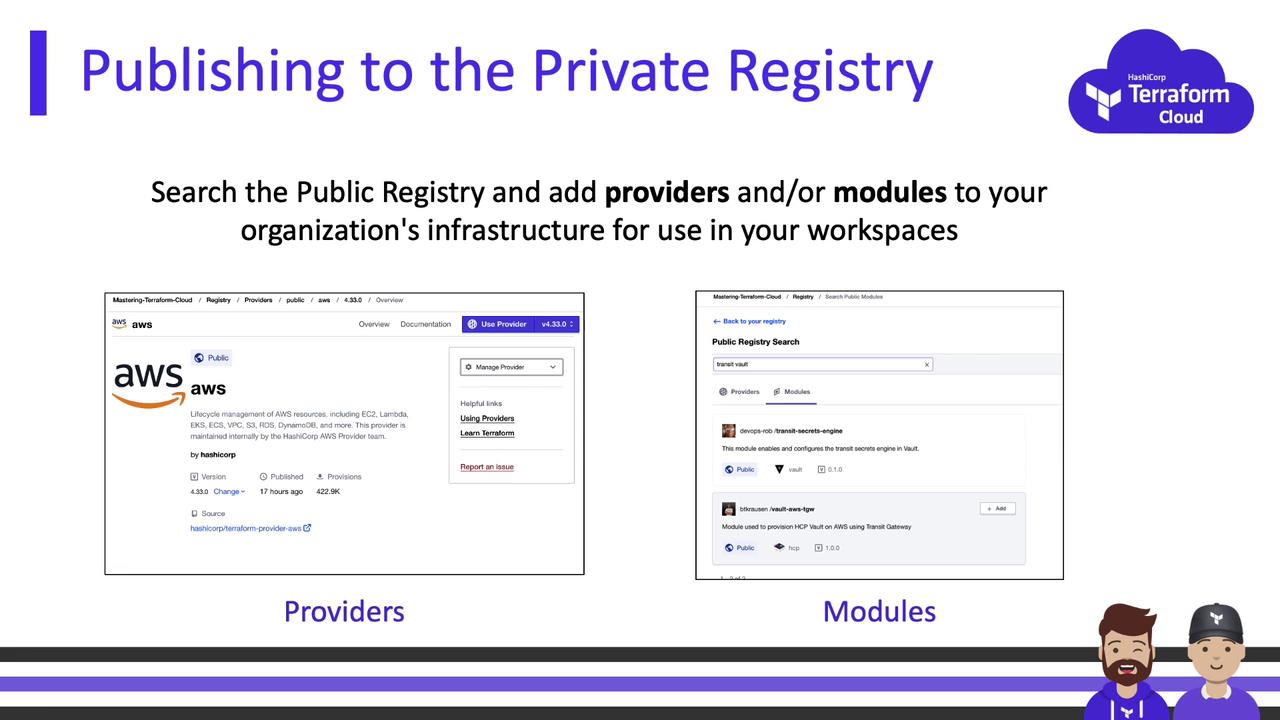
In your private registry, you can:- Recommend or pin specific public providers.
- Automatically sync updates from the public Terraform Registry.
- Publish custom, organization-specific providers.
Modules
Modules abstract complexity into reusable patterns. For example, the “S3 bucket” module on the public registry looks like this: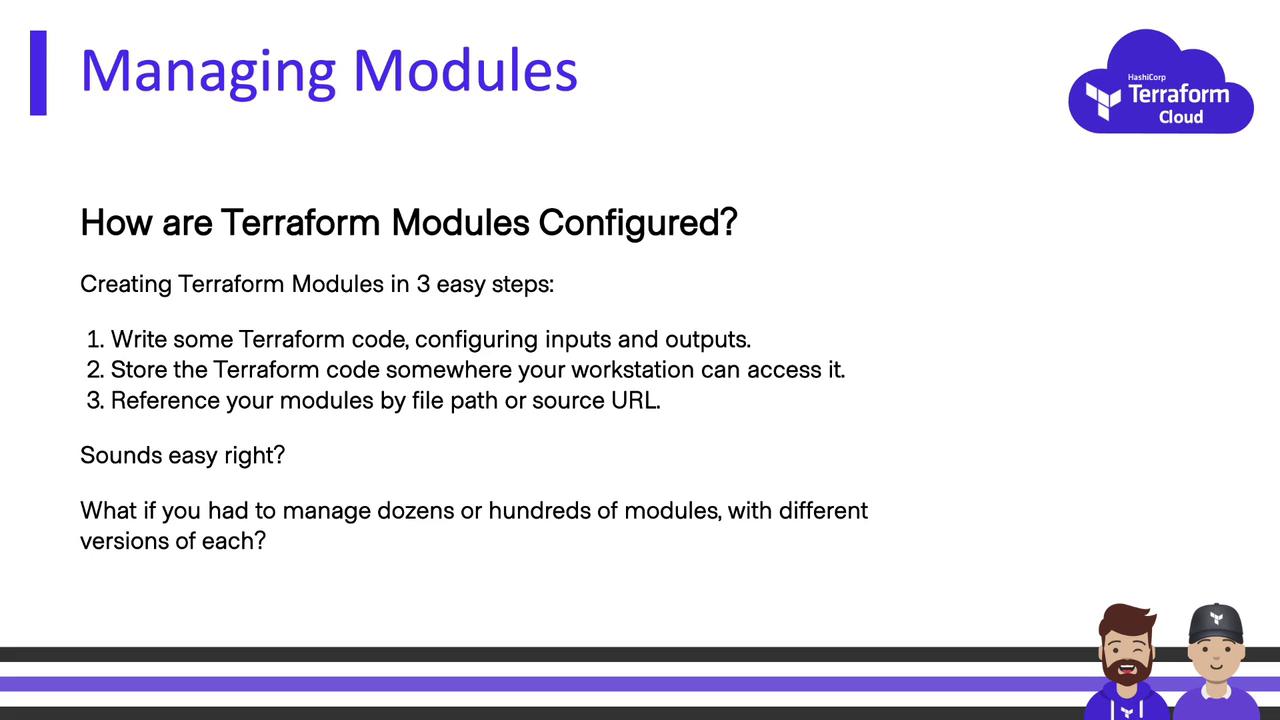
Managing Modules at Scale
When you have dozens of modules with multiple versions, file shares and manual versioning become error-prone. Terraform Cloud’s private registry integrates with version control systems (VCS) to help you:- Migrate modules into Git repositories
- Publish and version for discoverability
- Support new releases while retaining older versions
Publishing Modules
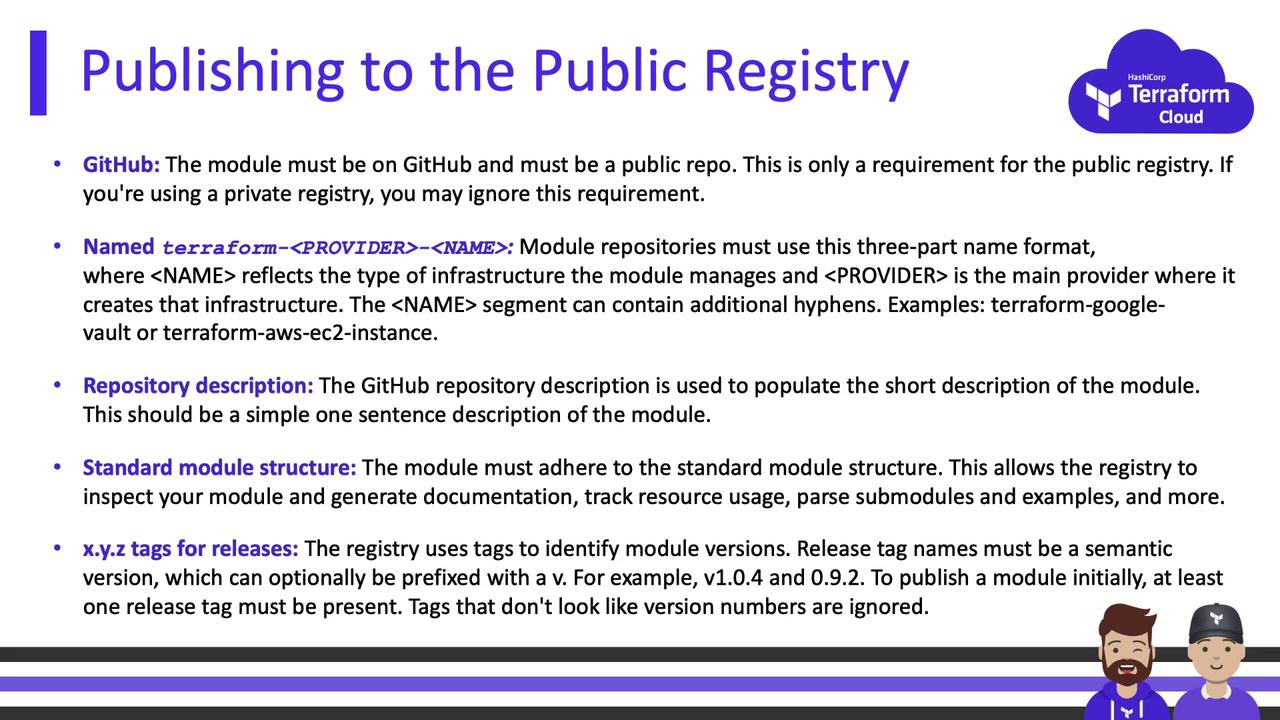
Publishing to the private registry follows public registry guidelines—except that your Git repositories can stay private. Public registry rules include: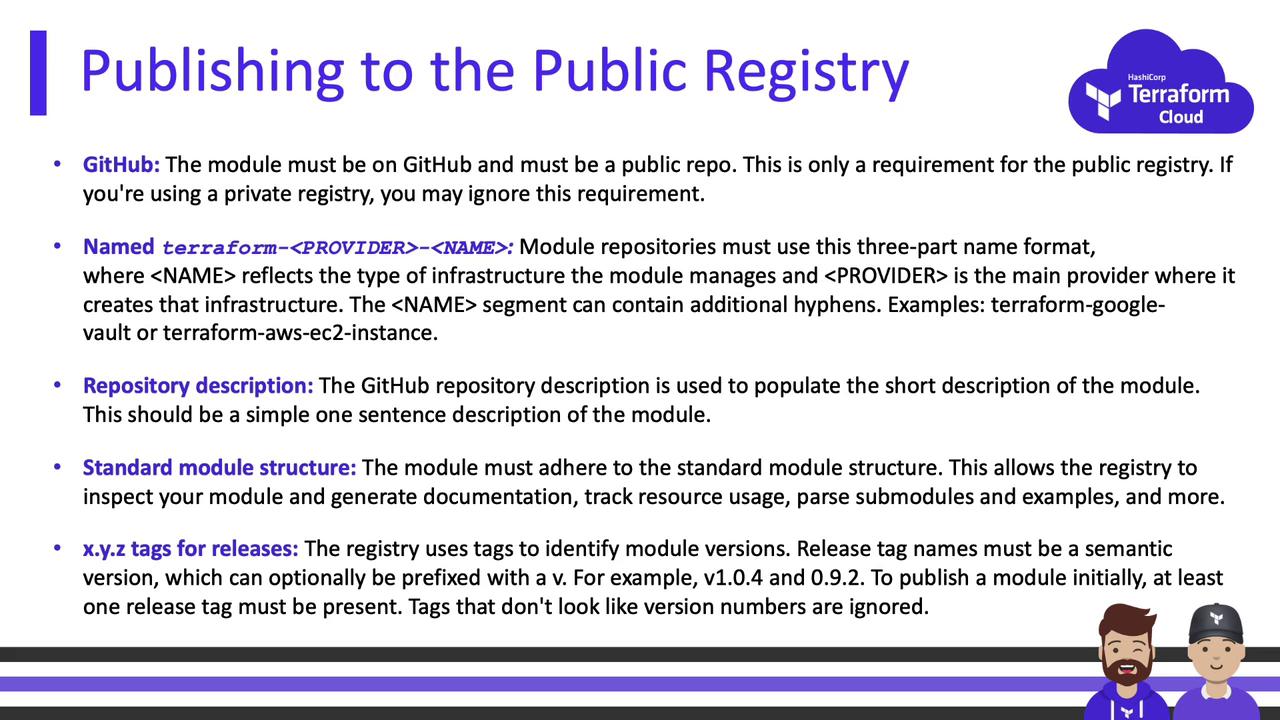
- Host code on GitHub (public for public registry).
- Name your repo as
terraform-<PROVIDER>-<NAME>. - Include a clear repository description.
- Follow the standard module structure (
variables.tf,outputs.tf,README.md, etc.). - Tag releases with semantic versioning (e.g.,
v1.0.0,v3.2.5).
When you connect your VCS to Terraform Cloud, private repositories must still follow naming, structure, and tagging rules.
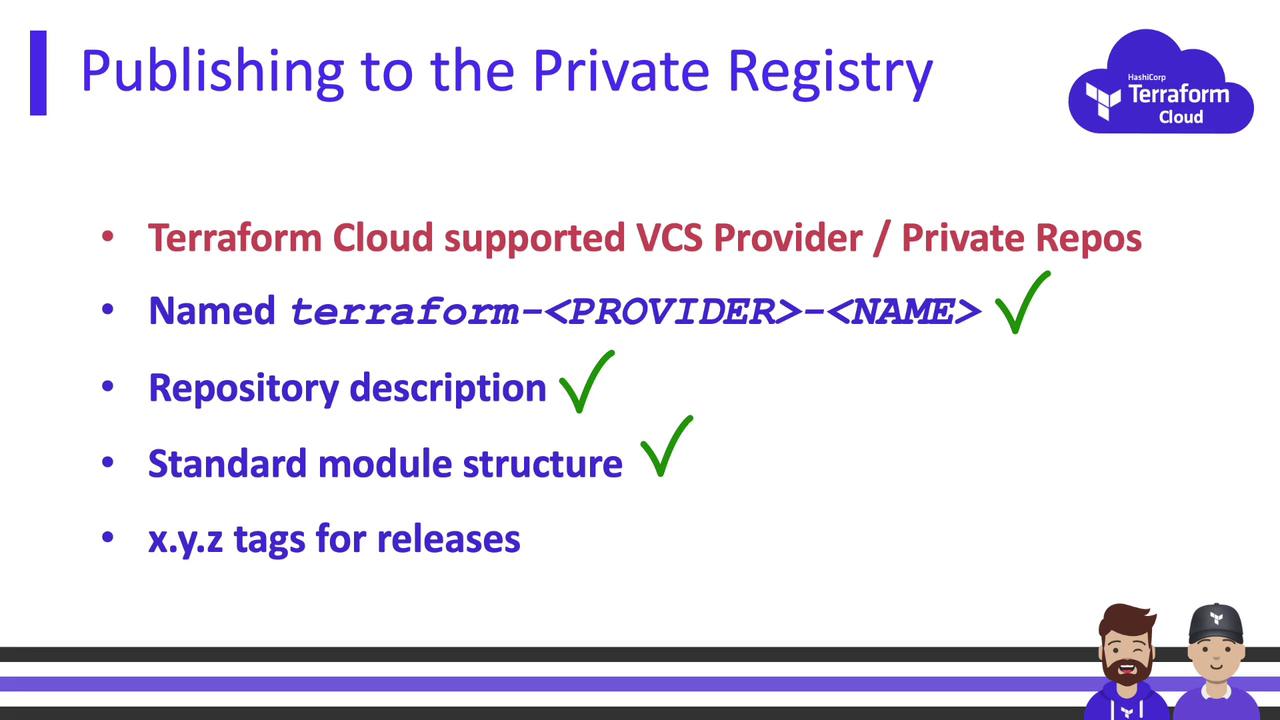
Terraform Cloud integrates with these version control systems:
Consuming Modules
Once published, reference private modules and providers just as you would public ones. The only difference is thesource:
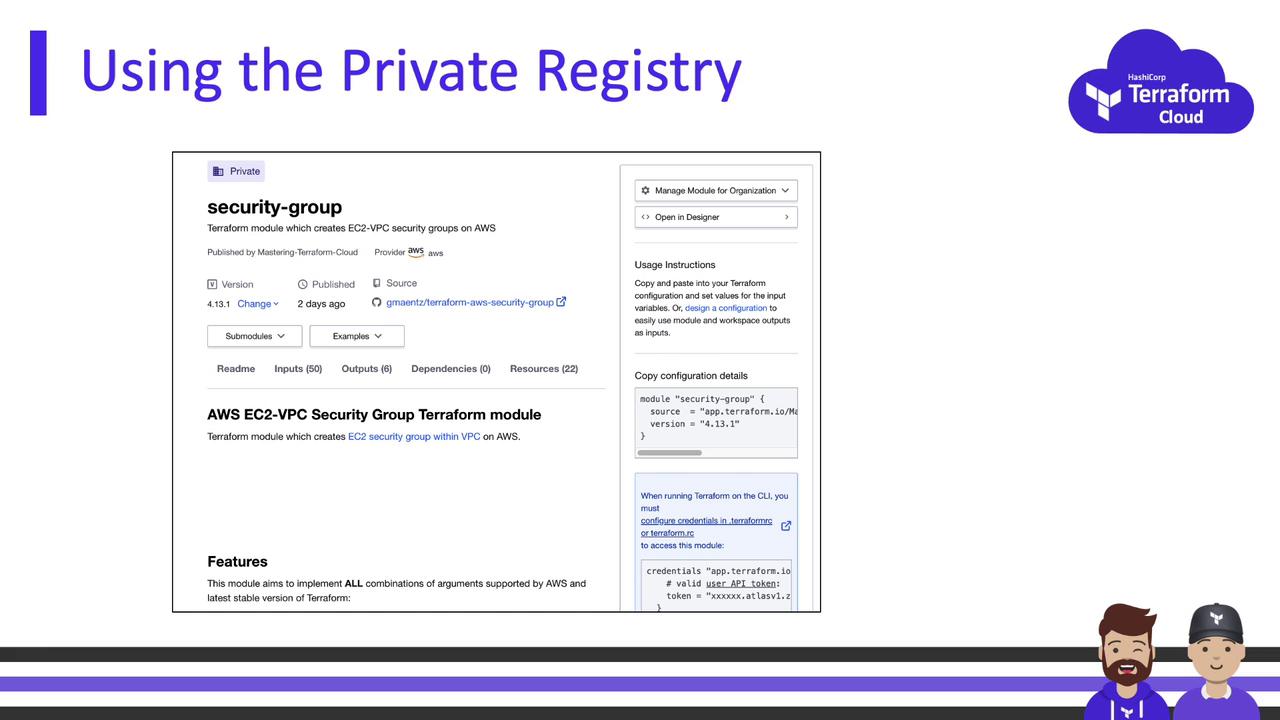
Versioning Modules
Terraform Cloud watches for new tags that followMAJOR.MINOR.PATCH. To release a new version:
- Create a Git tag (e.g.,
v1.2.0). - Push it to your repository.
- Terraform Cloud automatically registers the new version in your private registry.
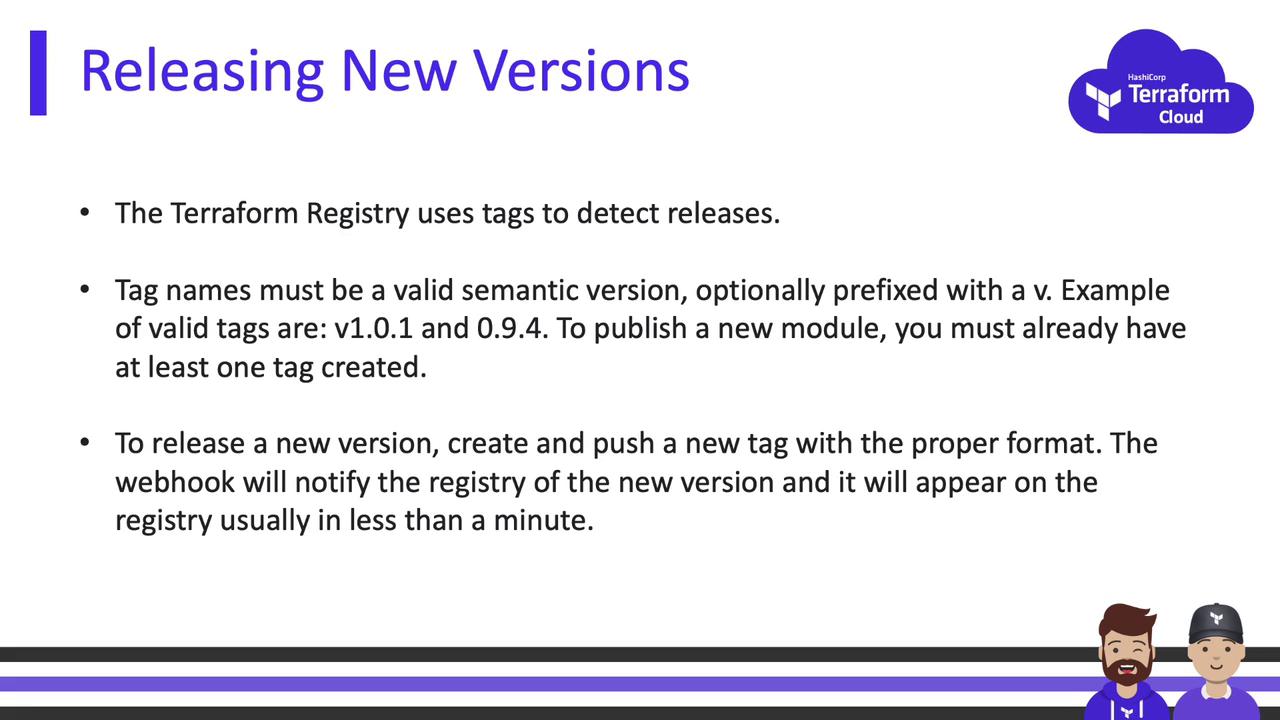
Terraform Cloud’s private registry centralizes your approved modules and providers, enforces organizational policies, and simplifies version management—empowering your teams to build and scale infrastructure consistently and securely.