

- Web interface
- Terraform CLI
- Terraform Cloud API
Web Interface
A Terraform Cloud account gives you full access to the web UI. After logging in:- Select your Organization.
- Navigate to Workspaces to view or manage configurations.
- Use the Settings menu to configure access controls and policies.
Command Line Interface (CLI)
Authenticate your local Terraform CLI to Terraform Cloud or Enterprise by generating and storing an API token.When you run
terraform login, the CLI opens your browser to generate a user API token. Paste the token back into the terminal. Credentials are saved to ~/.terraform.d/credentials.tfrc.json.To fully revoke a token, delete it from User Settings in the Terraform Cloud web UI. Running
terraform logout only removes the token locally.terraform plan and terraform apply when your state and configurations live in Terraform Cloud.
For more details, see Terraform CLI Authentication.
Terraform Cloud API
Use Terraform Cloud’s REST API for programmatic access. Every request must include a valid bearer token:Replace
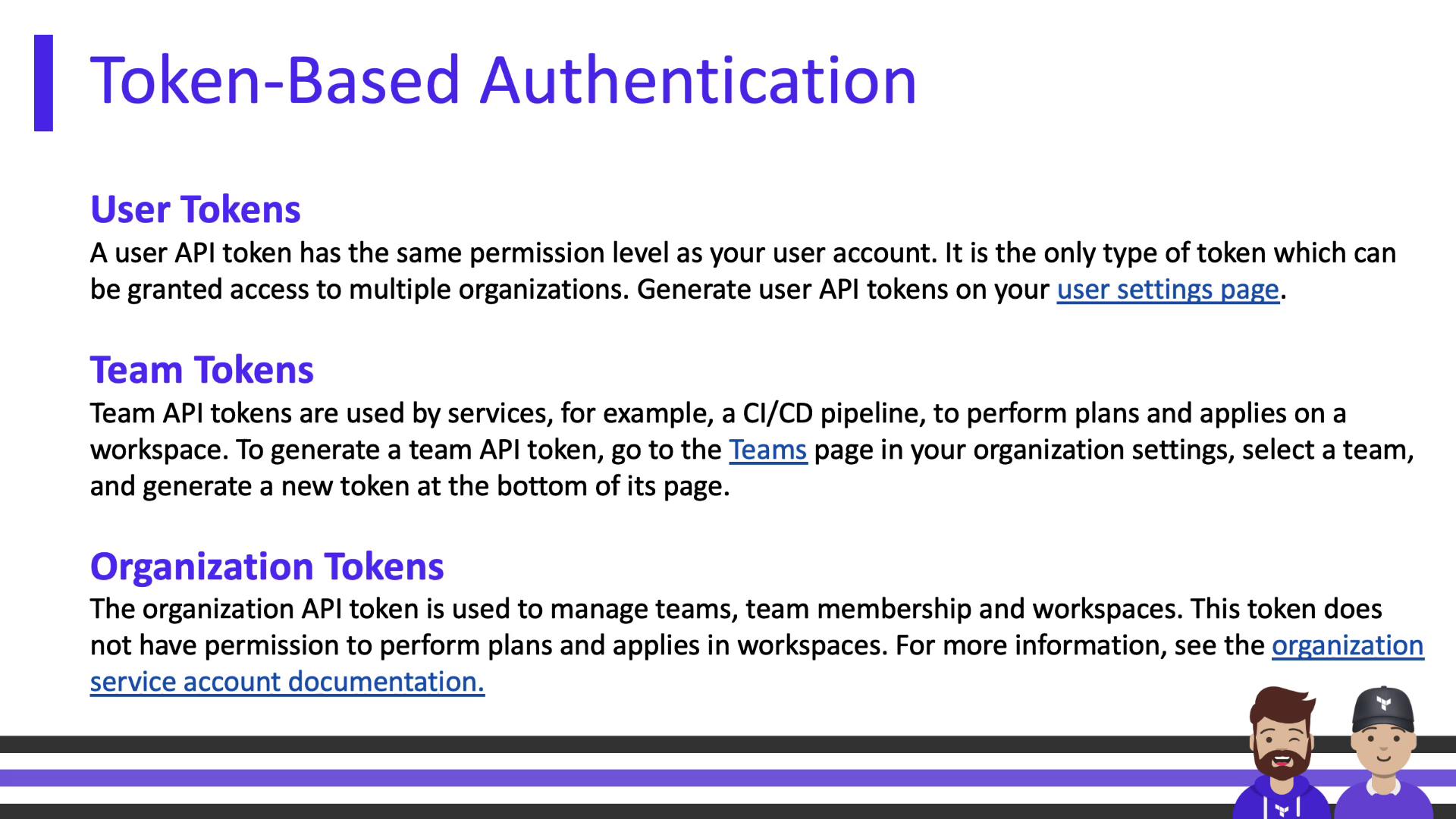
$TOKEN with your user, team, or organization token. Ensure Content-Type is set to application/vnd.api+json.Token Types
Managing Authentication
Organization owners can enforce additional security policies: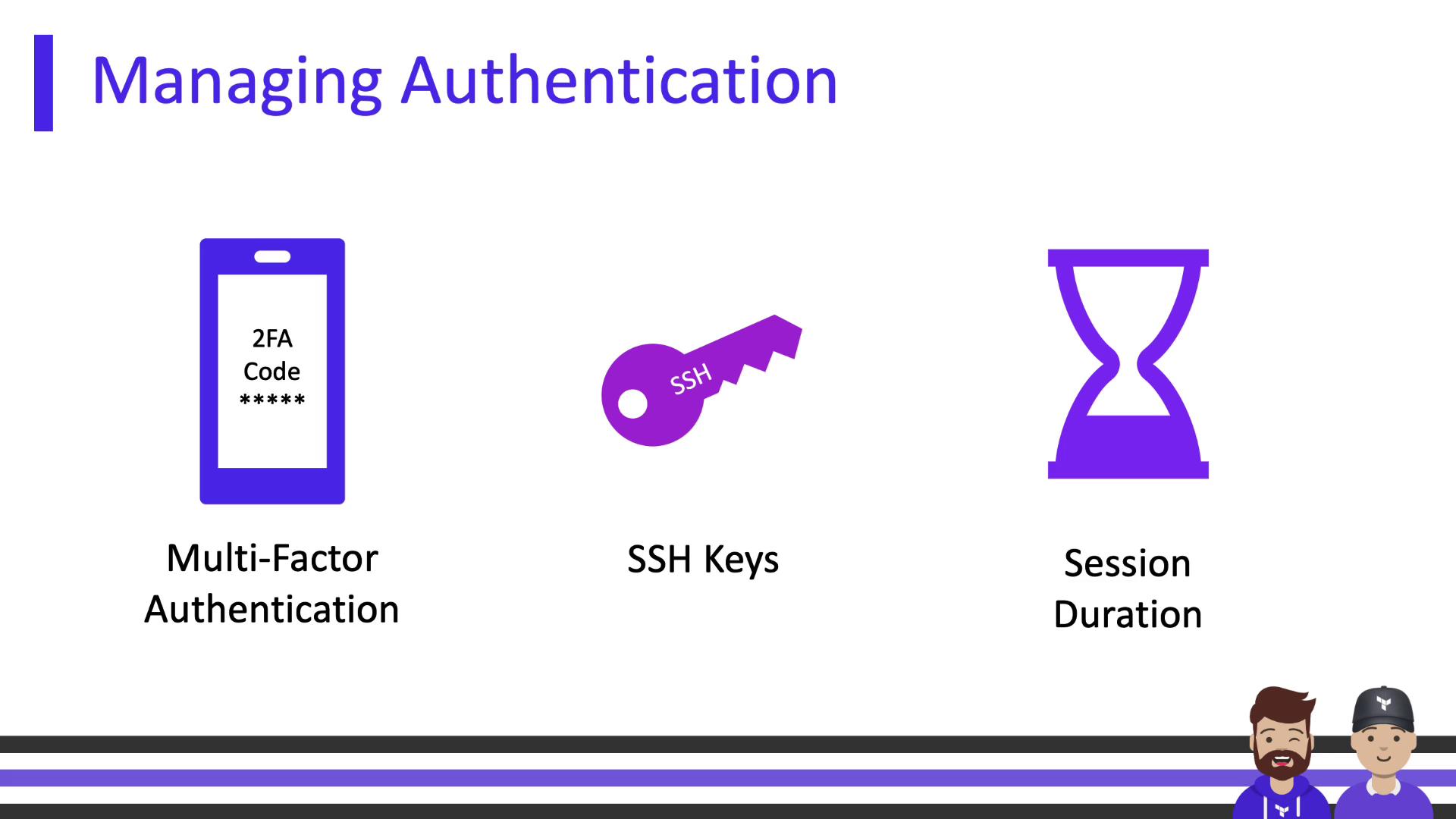
- Multi-Factor Authentication (MFA)
Enforce two-factor authentication for all members. - Single Sign-On (SSO)
Integrate with external identity providers (Business tier only). - SSH Keys
Add private keys at the org level for workspaces that need access to private Git repositories. - Session Duration
Configure inactivity timeouts and maximum session lengths to require periodic reauthentication.
SSO is only available on the Business tier. Ensure your organization plan supports it before configuring.
In this module, we covered:
- Accessing Terraform Cloud via the web interface
- Authenticating with the Terraform CLI
- Using the Terraform Cloud REST API
- Understanding user, team, and organization tokens
- Enforcing organizational security policies (MFA, SSO, SSH keys, session timeouts)
Links and References
- Terraform Cloud Authentication
- Terraform CLI Documentation
- Terraform Cloud API Reference
- JSON:API Specification