

Terraform Cloud empowers teams and organizations to collaborate on infrastructure as code at scale. Teams are the primary mechanism for grouping users and assigning permissions. In this guide, we’ll explore how to structure teams, manage membership, and control access at both the organization and workspace levels.Documentation Index
Fetch the complete documentation index at: https://notes.kodekloud.com/llms.txt
Use this file to discover all available pages before exploring further.
Teams and Membership
- Every Terraform Cloud user must belong to at least one team within an organization.
- Inviting a user involves assigning them to one or more teams.
- The organization creator is automatically added to the owners team upon creation.
- Organizational-level permissions (e.g., manage workspaces, policies)
- Workspace-level permissions (e.g., read, plan, write, admin)
Teams are only available on the Team and higher subscription tiers. The free tier includes only the owners team.
Users Across Multiple Organizations
A Terraform Cloud user account is global. One user can belong to multiple organizations, each with its own teams and permissions. For example, Alice might be on the WebApp organization’s Admin team and on the Infra organization’s Read-only team.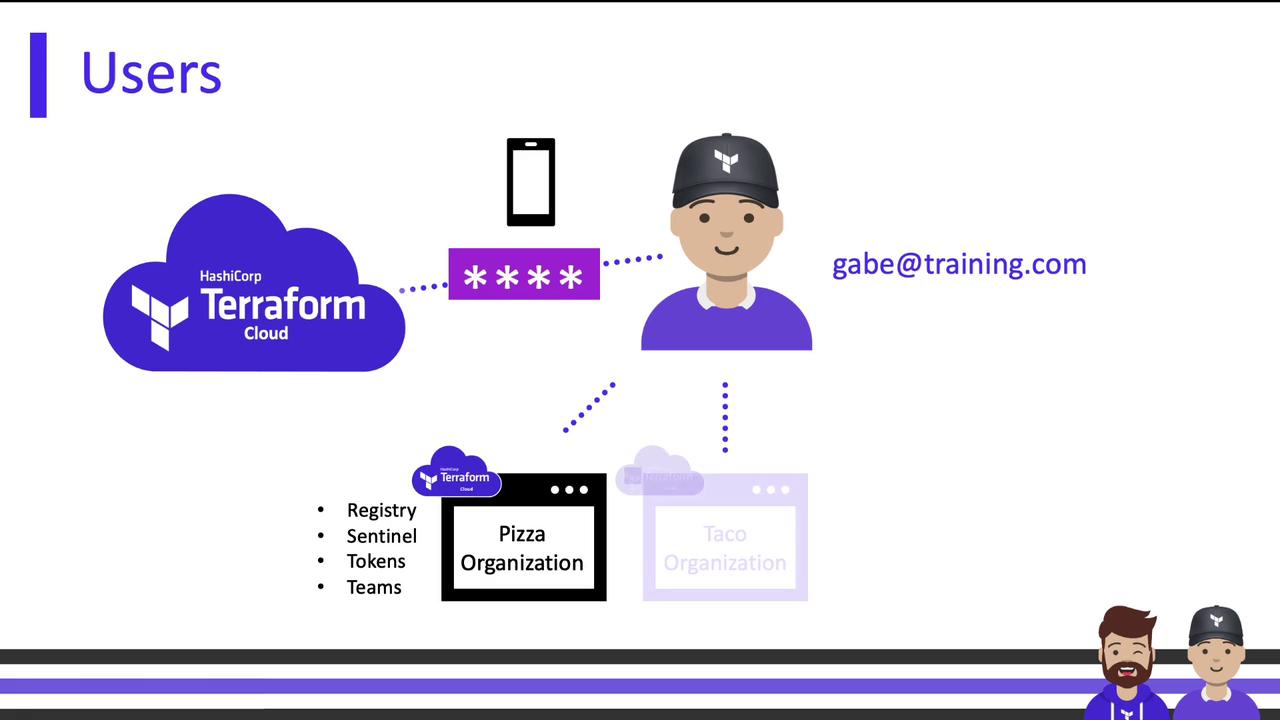
Organizational vs. Workspace Permissions
Teams can be granted permissions at two scopes:- Organizational-level
- Workspace-level
Subscription Tiers and the Owners Team
On the free tier, only the owners team exists. Upgrading to Team tier (or higher) unlocks custom teams and scoped permissions at both organization and workspace levels.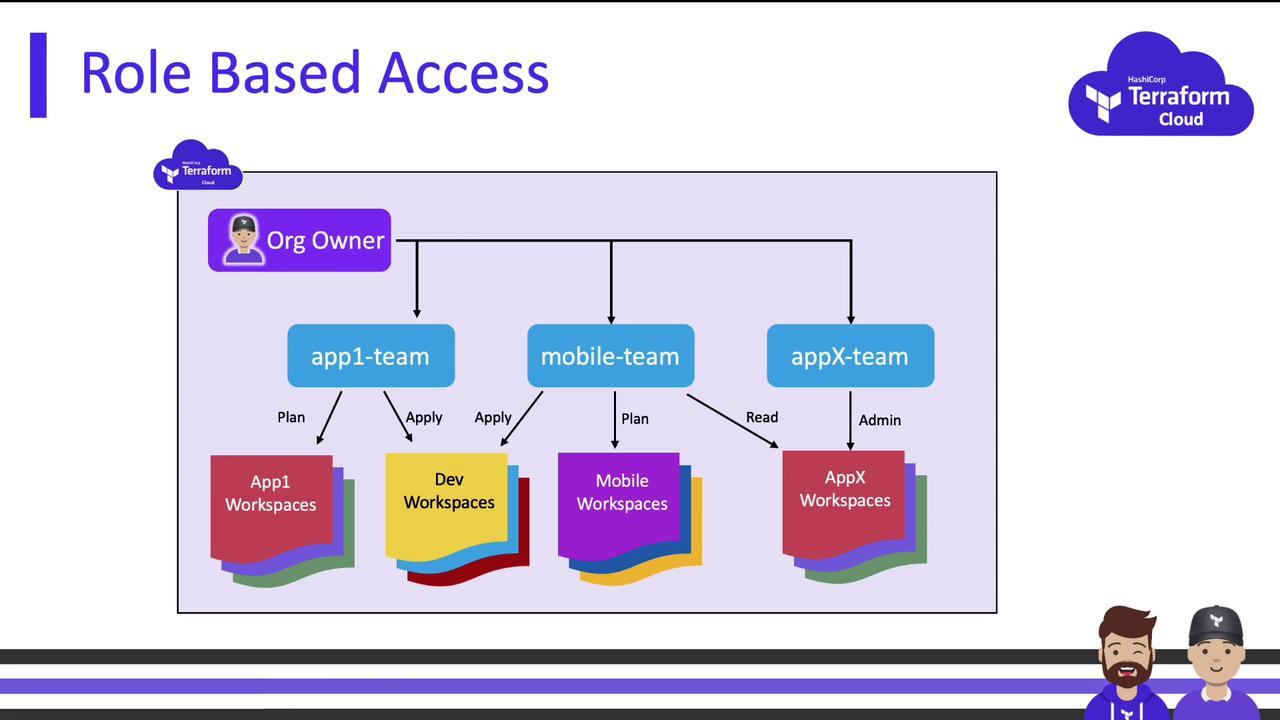
The Owners Team
The owners team is created automatically for every organization and has exclusive capabilities:
- Invite, remove, and reassign users
- Create, manage, and delete teams
- Configure all organizational settings (billing, subscription)
- Manage Terraform Cloud Agents (Business tier)
- Generate the organizational API token
Organizational API Token
- Grants organization-level administrative access via the API
- Cannot perform workspace actions (e.g., runs, applies)
- Only one token can be active at a time
Use the organizational API token briefly for initial setup. Replace it with scoped team tokens for ongoing automation.
Organizational-Level Permissions
| Permission | Description |
|---|---|
| Manage Policies | Create/edit/delete Sentinel or OPA policy sets; run permissions across all workspaces |
| Manage Policy Overrides | Override soft mandatory violations (cannot override hard mandatory violations) |
| Manage Workspaces | Create and administer all workspaces (implies workspace Admin) |
| Manage Private Module Registry | Publish and manage modules/providers in the private registry |
| Manage VCS Settings | Configure VCS providers and SSH keys |
| Manage Run Tasks | Define and manage run tasks organization-wide |

Users with repository or commit access in your VCS can trigger Terraform runs even without explicit Terraform Cloud permissions.
Team Visibility and Team Tokens
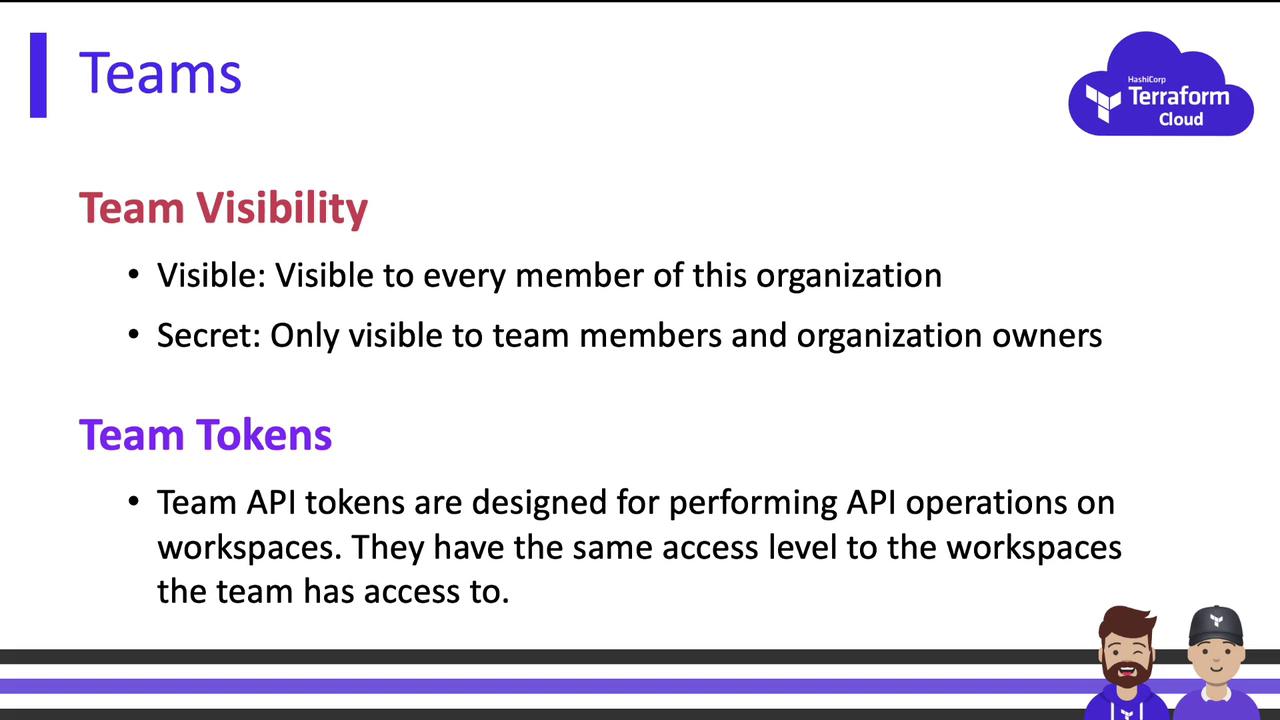
- Public Teams: Visible to all organization members
- Private Teams: Visible only to team members and org owners
Workspace-Level Permissions
Terraform Cloud provides four predefined workspace roles, each building upon the previous:| Role | Capabilities |
|---|---|
| Read | View runs, state, variables, workspace info |
| Plan | Read + queue runs, add run comments |
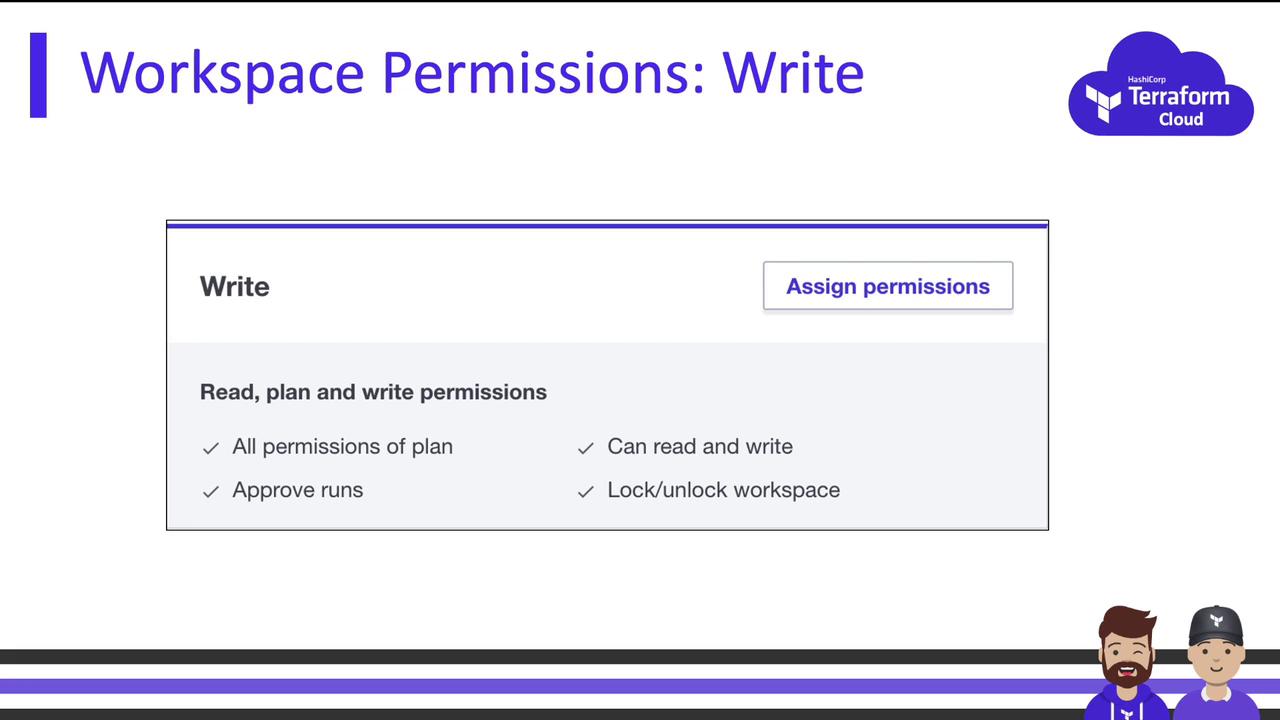
| Write | Plan + modify variables, approve runs, lock/unlock workspace |
| Admin | Full control of workspace settings |
Read
- View run history, Terraform versions, state, variables, and workspace metadata
- Cannot initiate runs or modify any resources

Plan
Includes all Read permissions, plus:- Queue new runs
- Add comments to existing runs
Does not permit run execution.
Write
Includes Read and Plan permissions, plus:- Modify variable values
- Approve runs
- Lock or unlock the workspace
Admin
Full workspace control:- Manage team access
- Change execution mode (local vs. remote)
- Configure VCS settings
- Delete or rename the workspace
Any UI setting available in Terraform Cloud can be managed by an Admin.
Custom Permissions
For finer-grained access, enable or disable specific actions:- Run: queue runs without apply
- Sentinel & Run Tasks: manage policy mocks and run tasks
- Variables: separate view vs. set permissions (secret variables stay hidden)
- State: control read or restrict state access

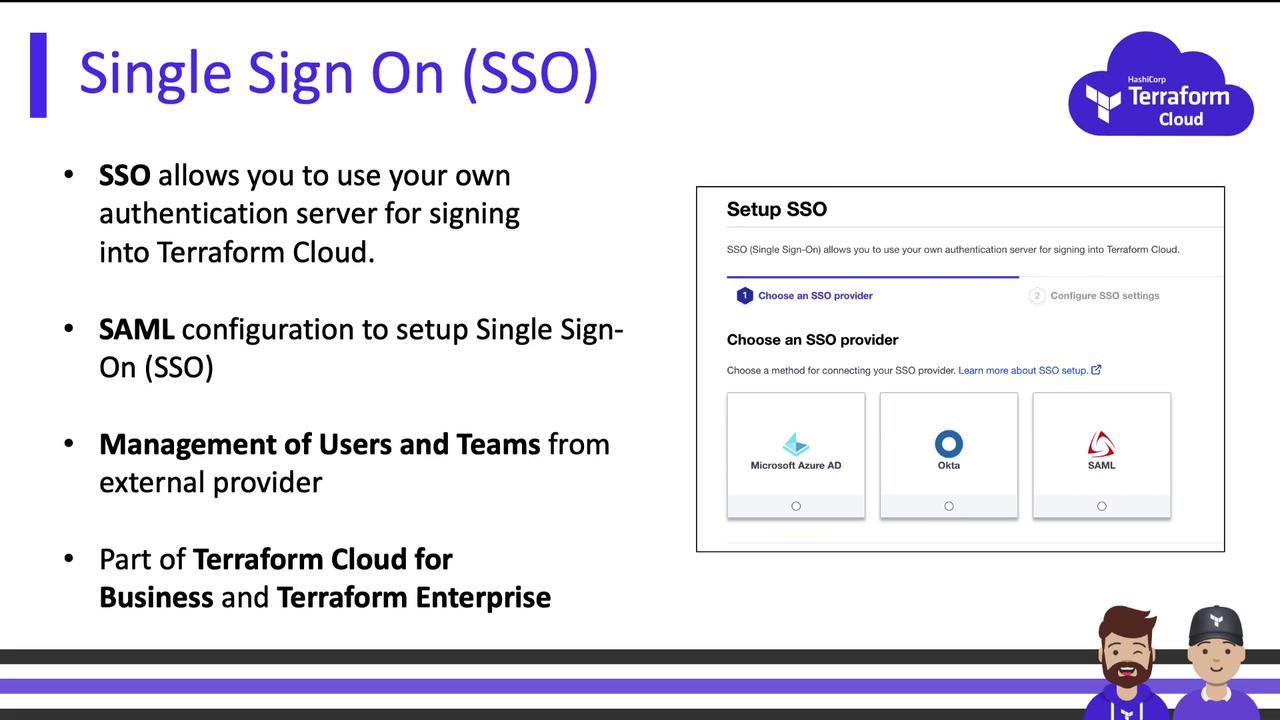
Single Sign-On (SSO)
On the Business tier or Terraform Enterprise, configure SSO for centralized identity management:- Integrate with identity providers (Azure AD, Okta, SAML, etc.)
- Map IdP groups to Terraform Cloud teams
- Enforce MFA and session policies
By organizing your users into teams and assigning scoped permissions, you maintain clear, role-based access control in Terraform Cloud. This structure ensures security, simplifies governance, and accelerates collaboration.