

Prerequisites
Ensure you have:
- A Terraform Cloud account with organization permissions
- A connected VCS provider (e.g., GitHub)
terraformCLI installed and authenticated
1. Importing Public Providers and Modules
First, import existing public resources into your Private Module Registry:- Navigate to Registry » Providers, search for
hashicorp/aws, and click Add to organization.
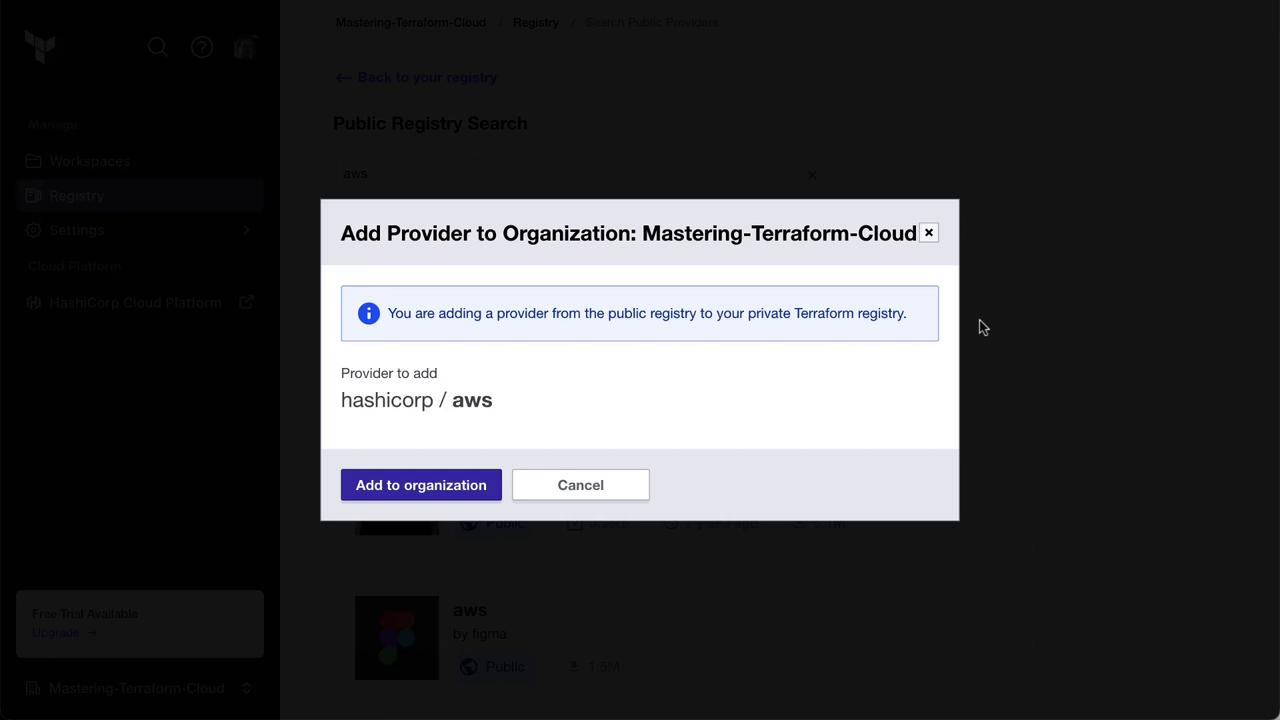
- Switch to the Modules tab, search for the S3 bucket module, and click Add to organization.
2. Forking and Publishing a Private Module
Next, fork a public module repository and publish it privately:- On the public Terraform Registry, open the AWS Security Group module and click the GitHub repo link.
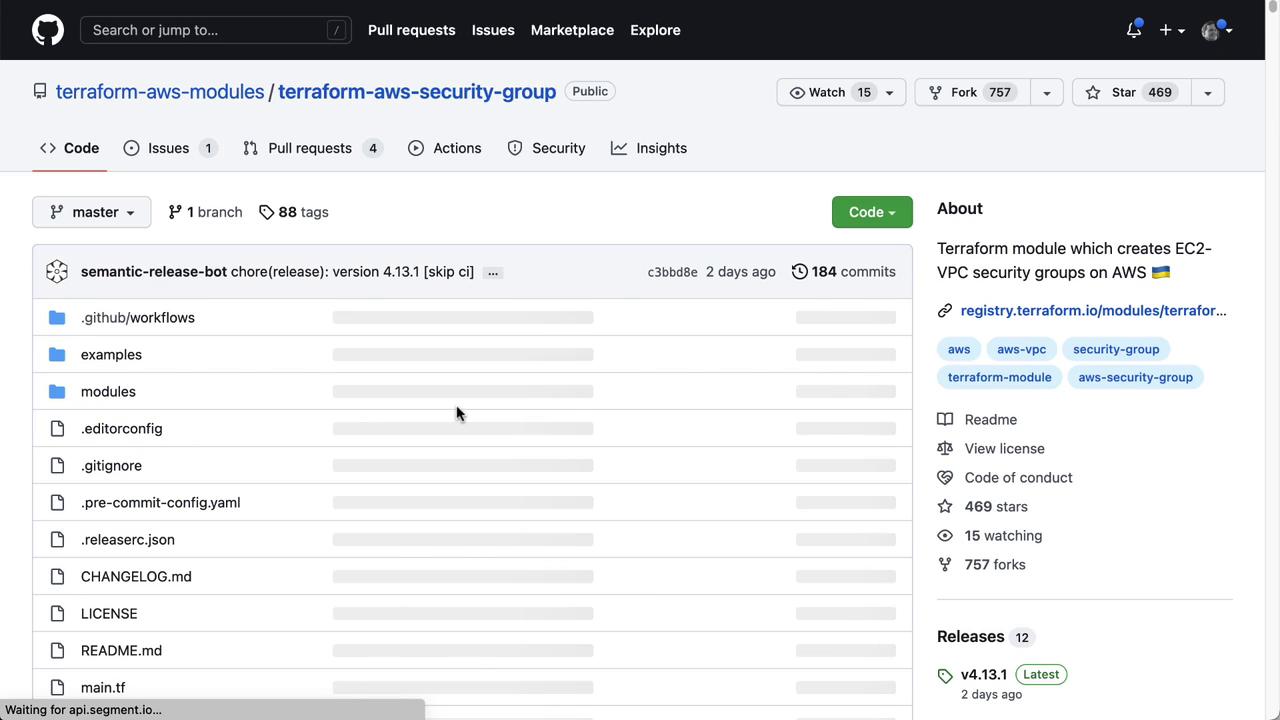
- Fork the repository into your GitHub account.
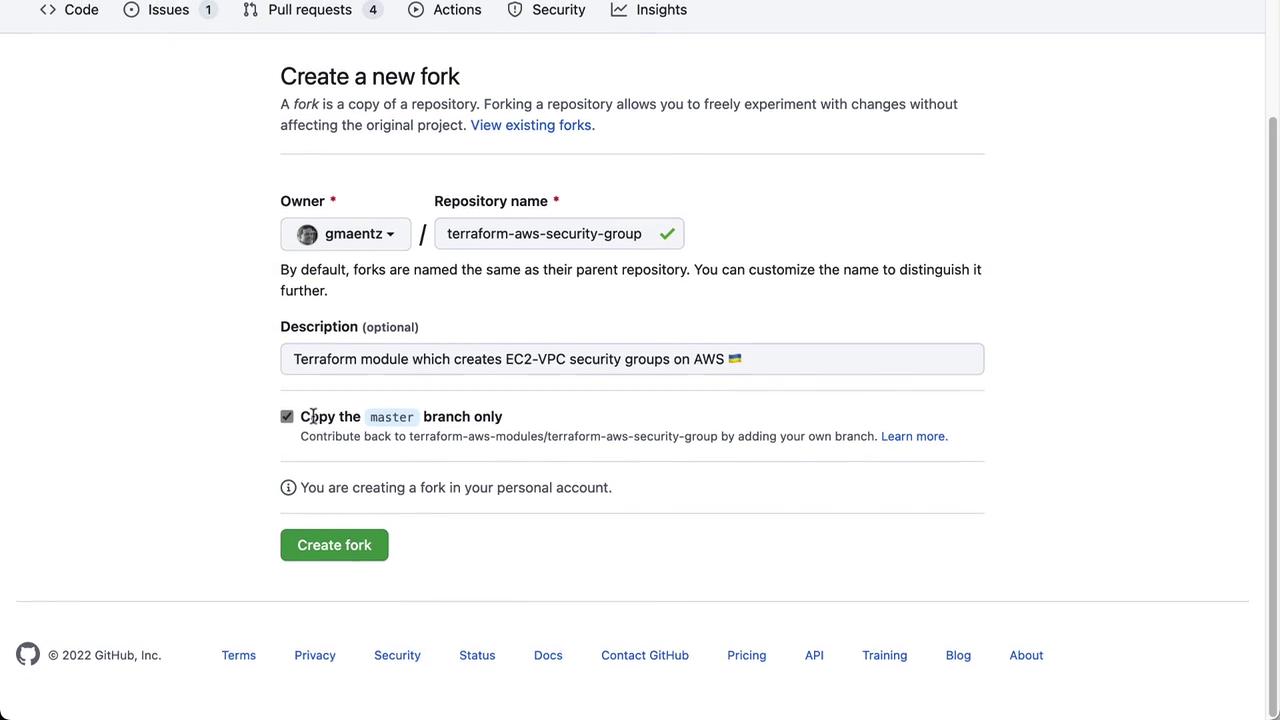
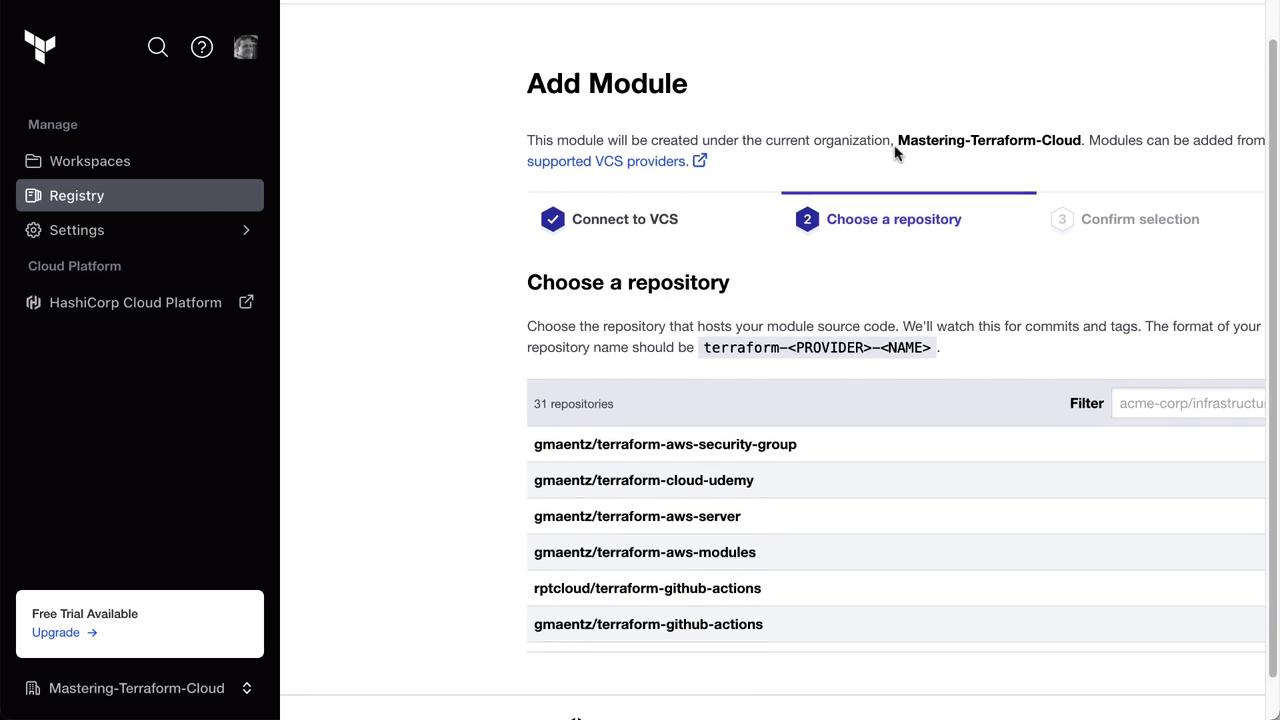
- In Terraform Cloud, go to Registry » Private Module Registry, click Publish, select your GitHub VCS provider, and choose the forked repo.
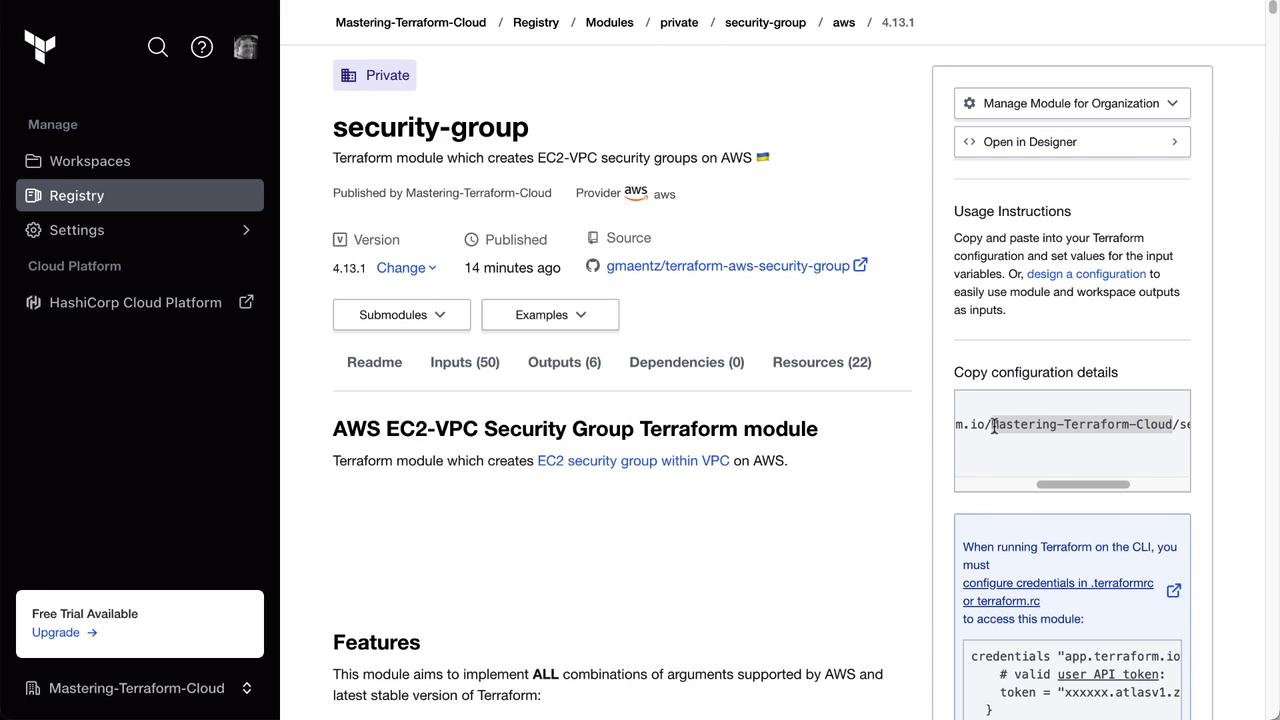
3. Selecting a Specific Module Version
To use an earlier version (for example,4.8.0), update your module block:
4. Consuming the Private Module in a Terraform Project
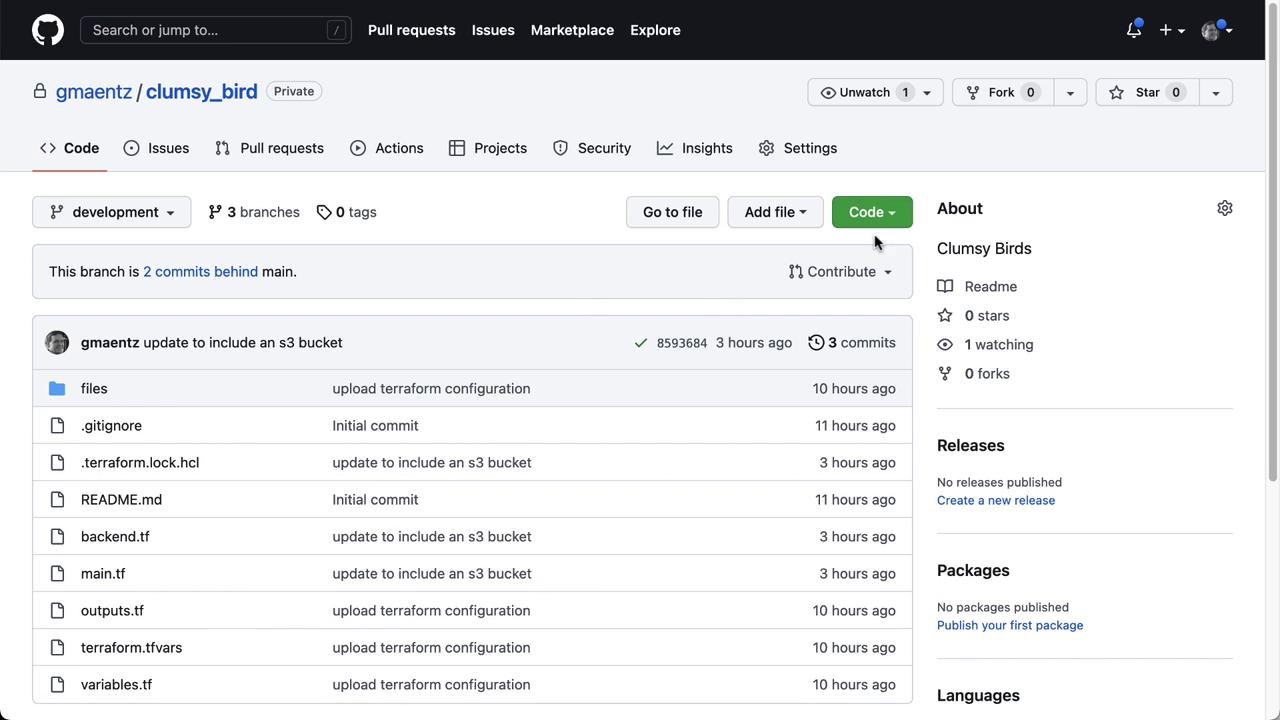
Finally, integrate the private module into your application:- Copy the Clumsy Birds repo URL.
-
Clone and switch to the
developmentbranch: -
Create
security_groups.tfand add: -
Commit and push your changes:
Ensure your module’s semantic versioning aligns with your organization’s policy. Misaligned versions may break downstream workflows.