

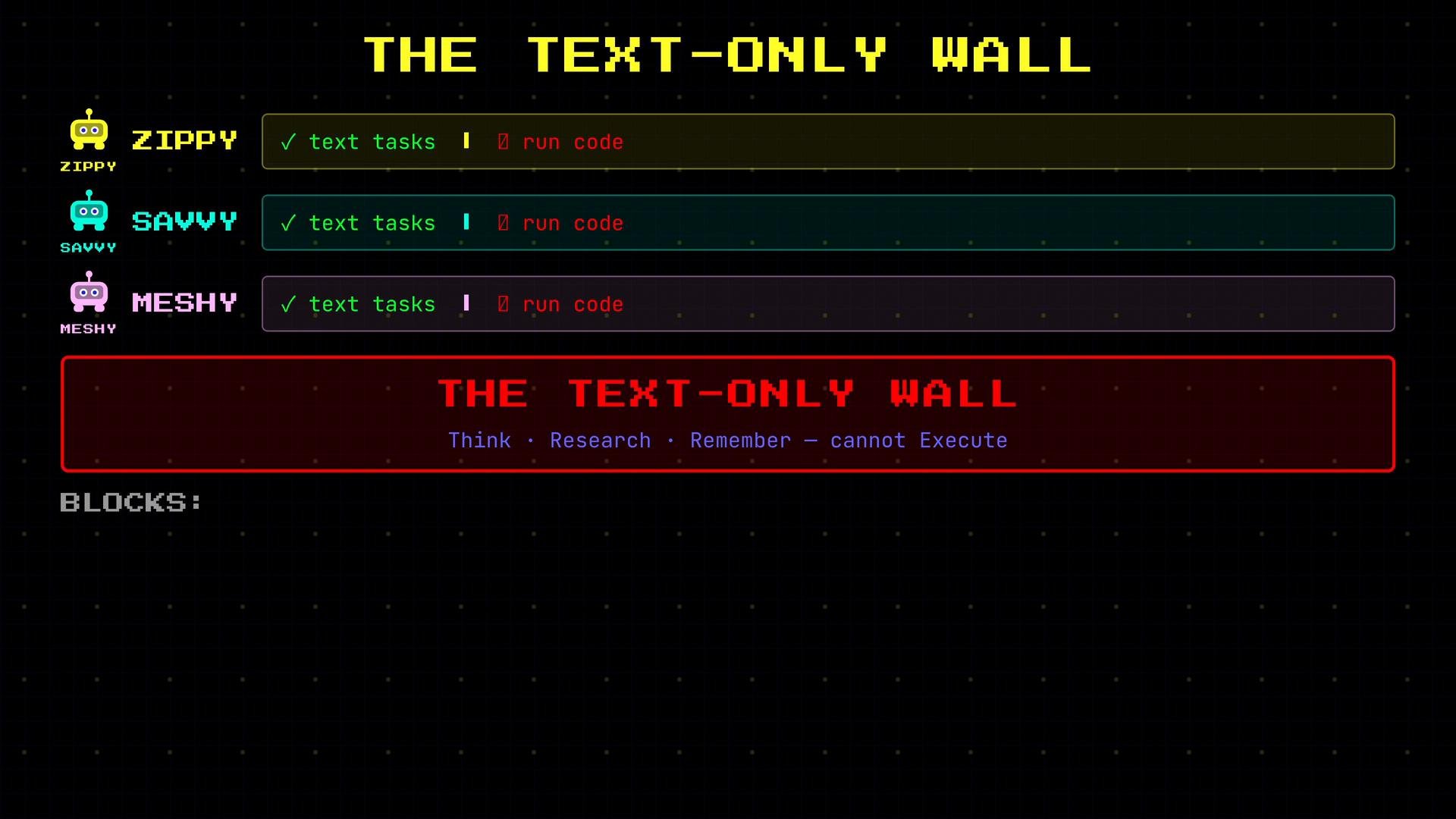
- Ask Savvy to summarize your emails. She can.
- Ask Savvy to process a CSV and calculate monthly revenue. She can’t — she has no way to run a program.
- Ask Savvy to research the best database query. She can.
- Ask Savvy to actually run the query and return results. She can’t — no execution environment.
- Ask Meshy to remember your preferences. She can.
- Ask Meshy to generate a report by running a script. She can’t — no ability to execute code.
- Declarative tools return data with no side effects (e.g., search results or calendar events).
- Cody’s execution tools may have side effects (e.g., modifying files or databases).
SearchWeb— returns results (no side effects)ReadCalendar— returns events (no side effects)RecallMemory— returns stored notes/preferences (no side effects)RunScript— executes a Python file on disk (side effects possible)ExecuteCode— runs a code snippet directly (side effects possible)QueryDatabase— executes SQL against a live DB (side effects possible)WriteFile— saves content to disk (side effects possible)
Here is a concise illustrative mapping of declarative vs. imperative tool behavior as Python-style function signatures:
- Observability: Executing code can produce results that are only visible after the action takes place (e.g., query results, generated files).
- Capability: Many useful automations require running code—data transforms, scheduled jobs, migrations, or integrations.
- Risk: Actions can change or corrupt data, delete files, or cause downtime if not handled correctly.
- Validate inputs and guard destructive operations (dry-run, confirmations).
- Limit privileges: run with the least privilege necessary.
- Add robust error handling and retries for partially completed tasks.
- Maintain detailed audit logs for actions and outcomes.
- Prefer idempotent operations where possible.
Because Cody’s tools can change real systems and data, careful error handling, validation, and access controls are essential.