

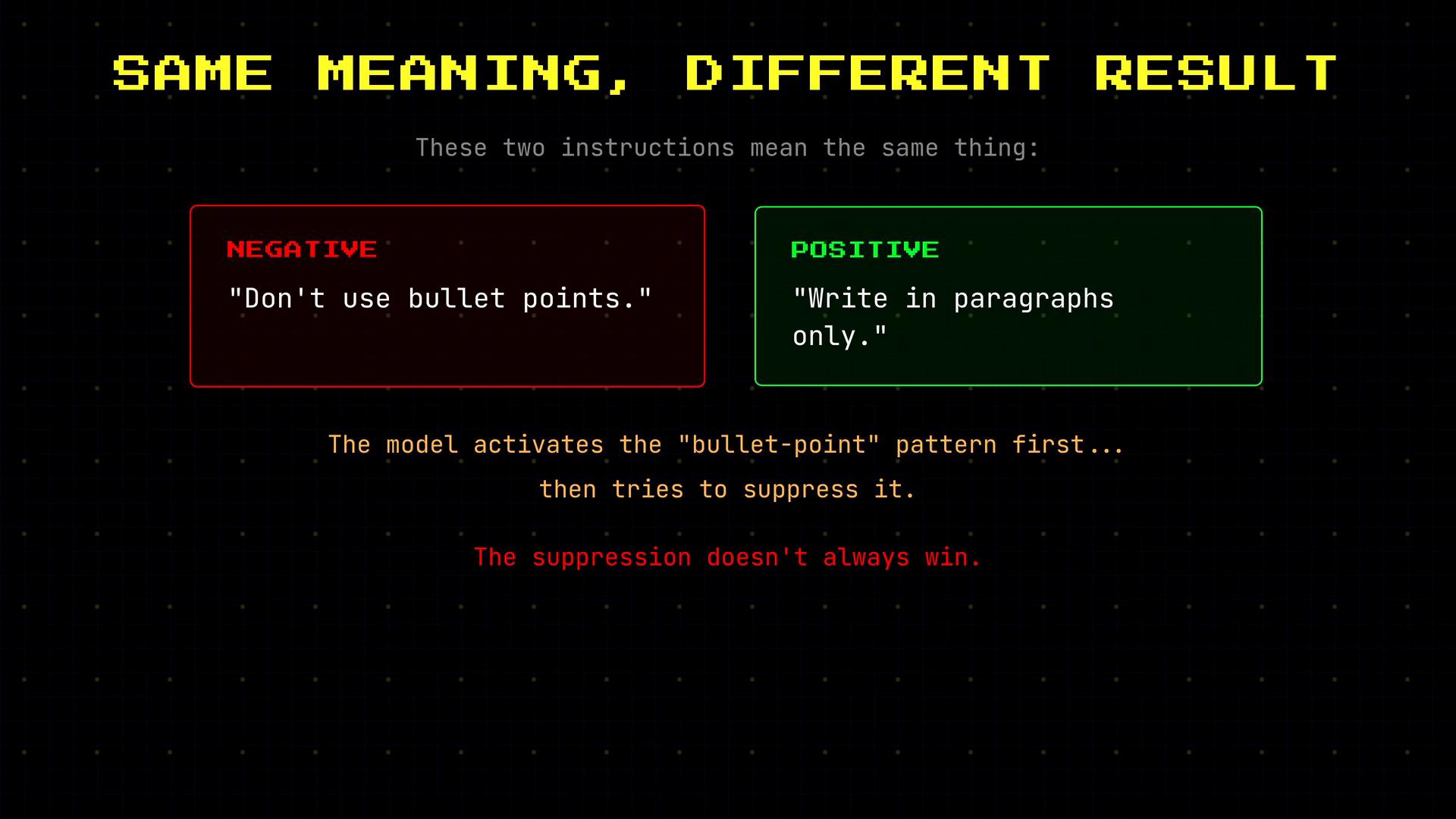
- Don’t use bullet points.
- Write in paragraphs only.
Roles and the messages array
When you use the API, messages are not plain text — each message has a role that activates a cluster of patterns learned during training. The three canonical roles are:
Example messages array (system sets the behavior; user asks the question):
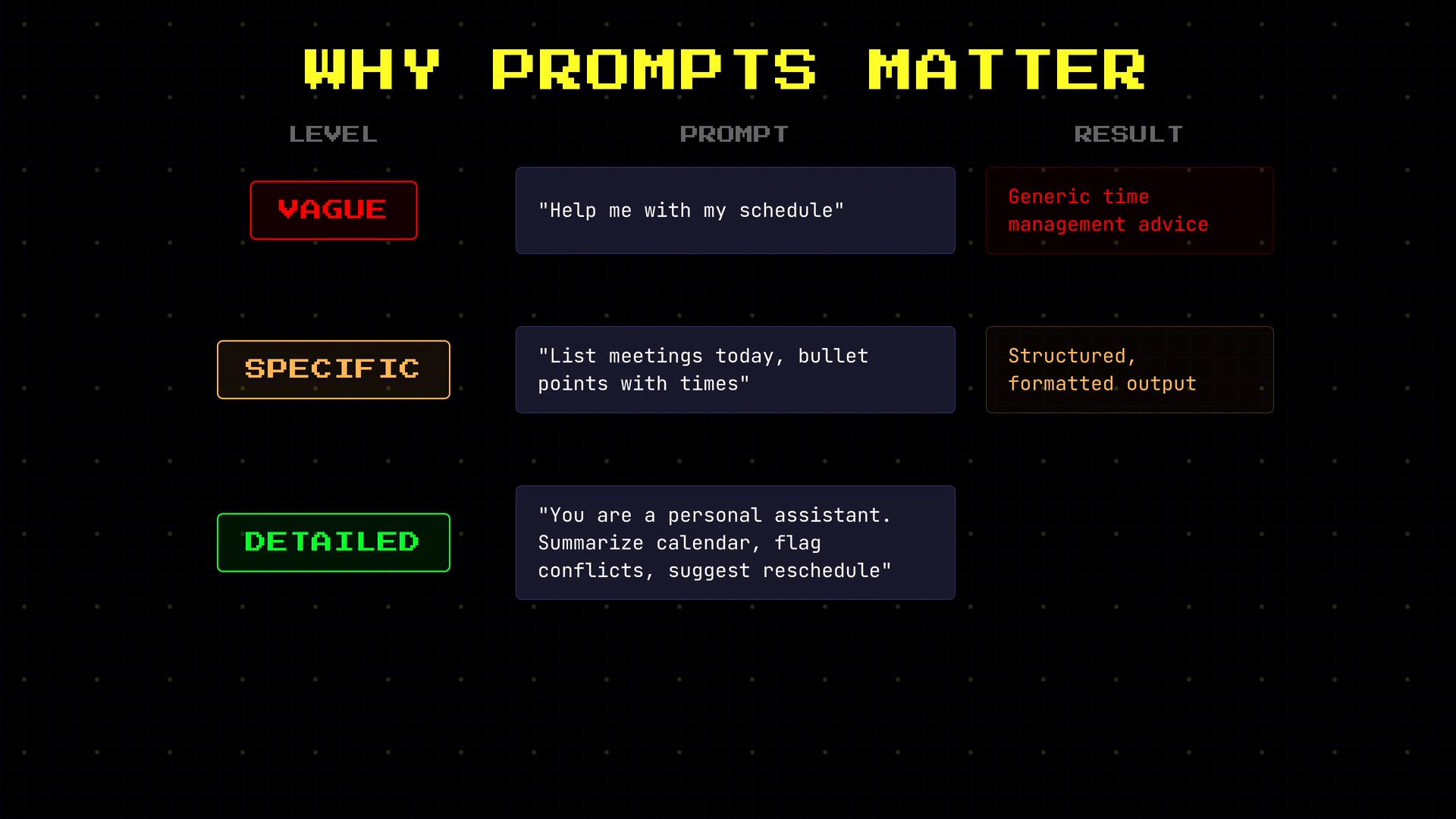
Why prompt specificity matters
Changes in phrasing and added constraints shape the model’s output format and content. For example:- “Help me with my schedule” → may return general advice or suggestions.
- “List my meetings for today in bullet points with times” → returns short, structured, useful output.
Few-shot prompting (show, don’t just tell)
Including examples of the exact input/output format you want is often far more effective than only describing it. This technique — few-shot prompting — demonstrates both the expected input and the required reply format. Example: without examples, the model might produce an essay-style sentiment analysis. Provide one assistant example and the model reliably follows that concise label format.Assigning a role changes style and assumptions
When you add a role such as “You are a senior Python developer” versus “You are a beginner-friendly coding tutor,” you activate different vocabularies, reasoning styles, and expectations. Use roles intentionally to align tone, level of detail, and approach with user needs.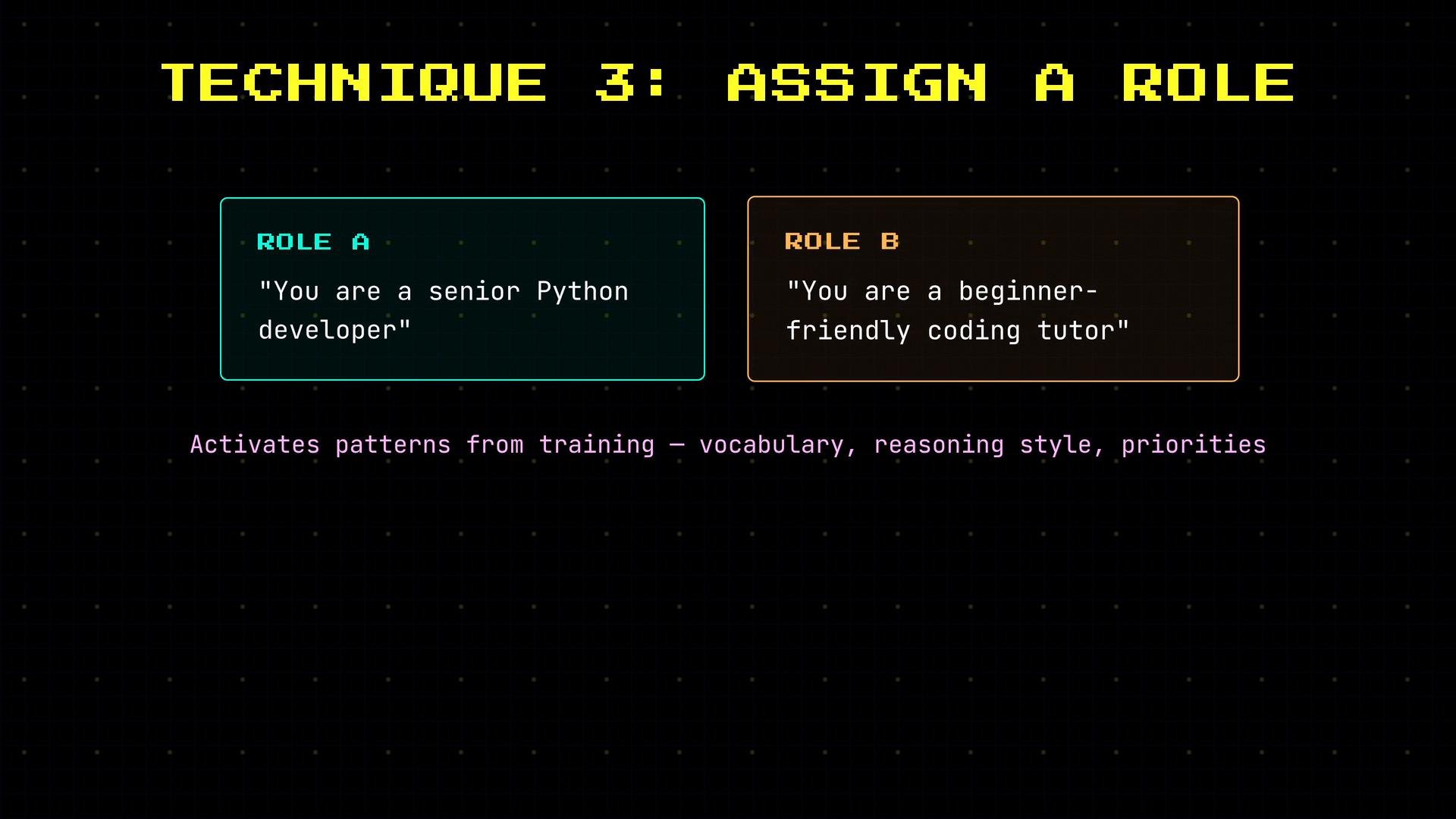
Phrase positively to avoid priming unwanted behaviors
Negative instructions can accidentally prime the very behavior you want to avoid. Instead, prefer positive, direct statements that activate the desired pattern. Examples:- Instead of “Don’t be verbose” → “Be concise; one sentence per point.”
- Instead of “Avoid jargon” → “Use simple words a high school student would understand.”
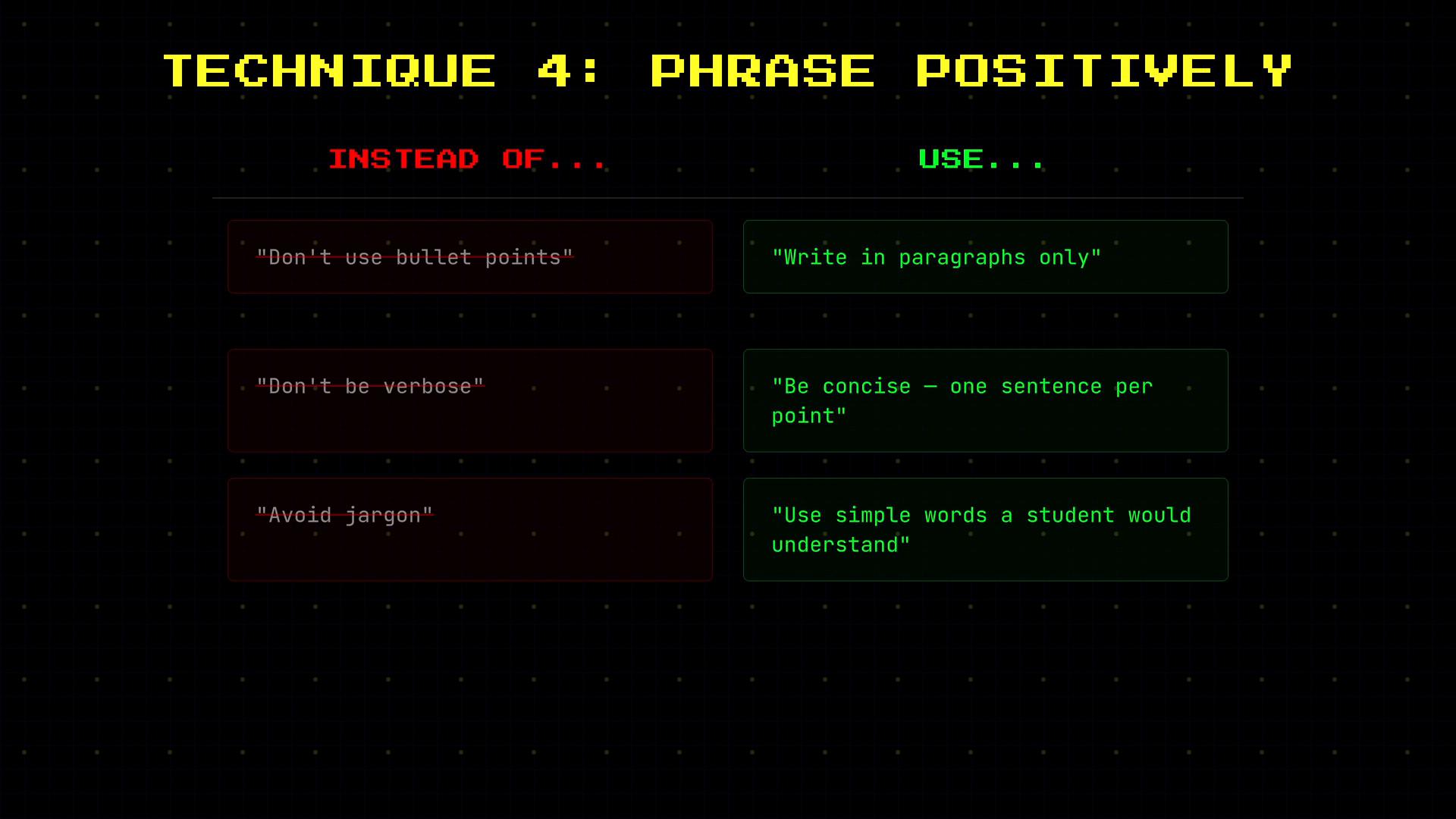
Phrase instructions positively whenever possible — it reduces ambiguity and avoids priming unwanted patterns.
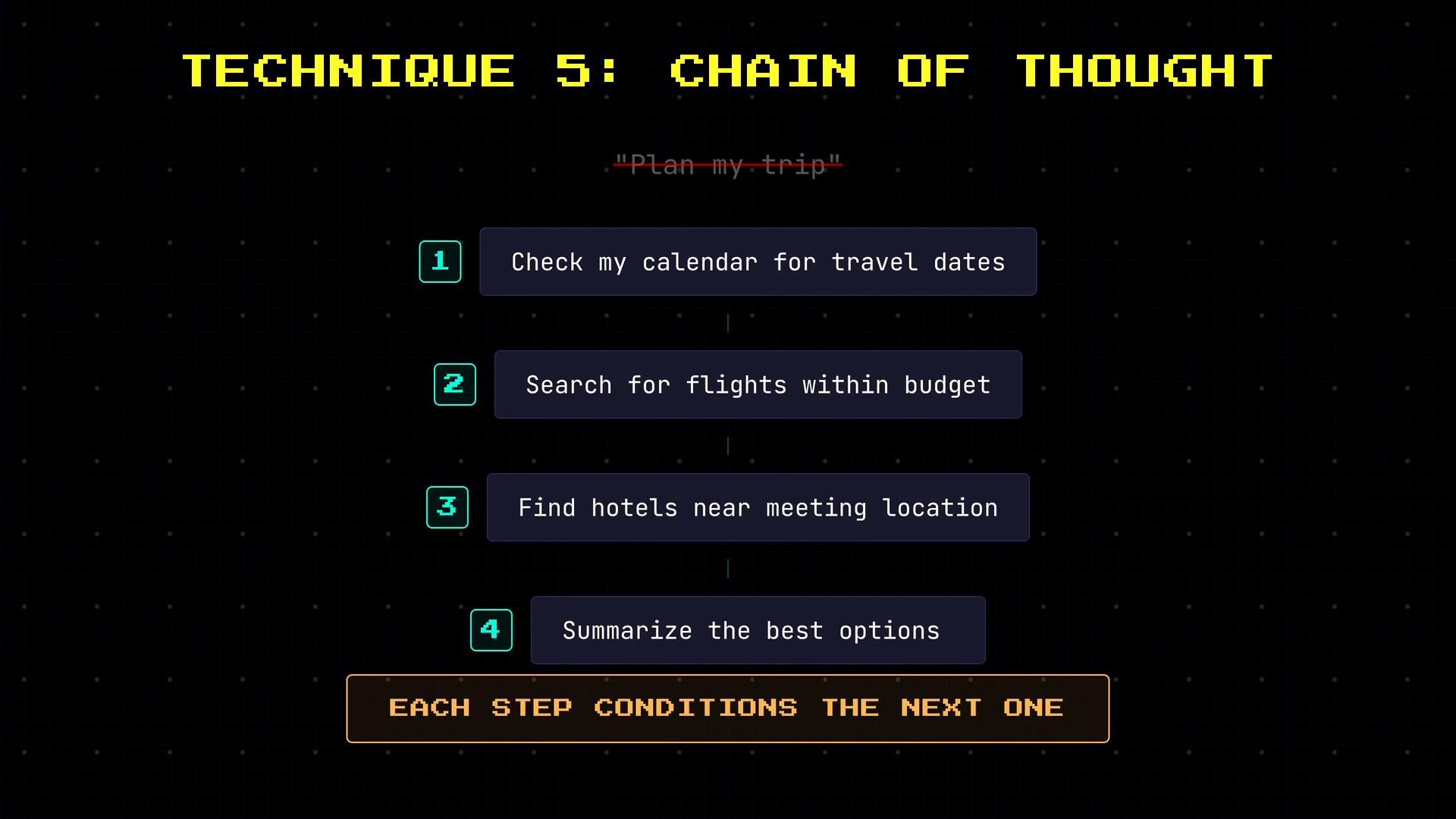
Chain-of-thought prompting for multi-step tasks
For complex tasks, break the problem into ordered steps so the model reasons sequentially. Each step conditions the next, improving the final answer. Example stepwise plan for travel planning:- Check calendar for travel dates.
- Search for flights within budget.
- Find hotels near meeting location.
- Summarize the best option.
API vs ChatGPT: control and responsibility
- ChatGPT: you type a message; system behavior is preconfigured and hidden. Good for quick interactions and experimentation.
- OpenAI API: you compose the messages array (system, user, assistant examples) and control every token the model sees. This gives you more power — and more responsibility — to design clear system messages, include examples, and manage token budgets.
- Put role, behavior rules, and priorities in the
systemmessage. - Add few-shot
assistantexamples to lock in output format. - Use chain-of-thought steps in
usermessages for multi-step reasoning. - Monitor token usage and plan prompts to fit the model’s context window.
Be mindful of token limits: every system, user, and assistant message consumes tokens. Long multi-example system prompts can exhaust the context window and increase cost.
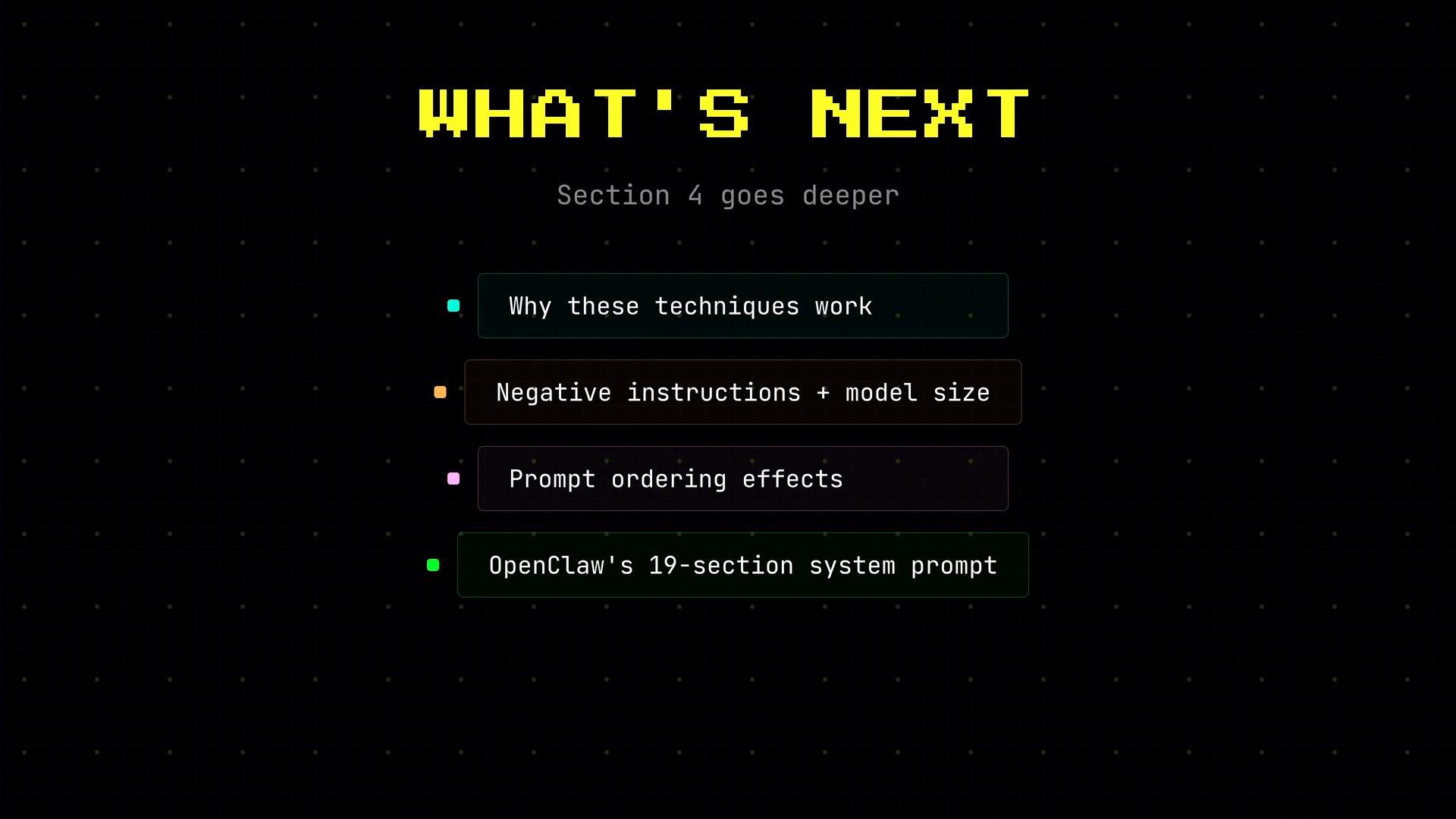
Why these techniques work (brief)
Research and practical experience explain the mechanics:- Larger models are sensitive to negative instructions and priming.
- Prompt ordering influences attention and which context tokens the model prioritizes.
- Production systems often assemble multi-part system prompts programmatically (e.g., a long system message composed of role, safety filters, and behavior rules).
References and further reading
- ChatGPT — conversational playground.
- OpenAI API docs — messages, roles, and examples.
- For deeper reading on prompt engineering and behavior shaping, search for terms like “few-shot prompting”, “chain-of-thought”, and “system prompt design”.