

Tools enable LLMs to act on the world. When you expose a tool, the model can choose to call it, receive concrete results, and incorporate those results into its response.
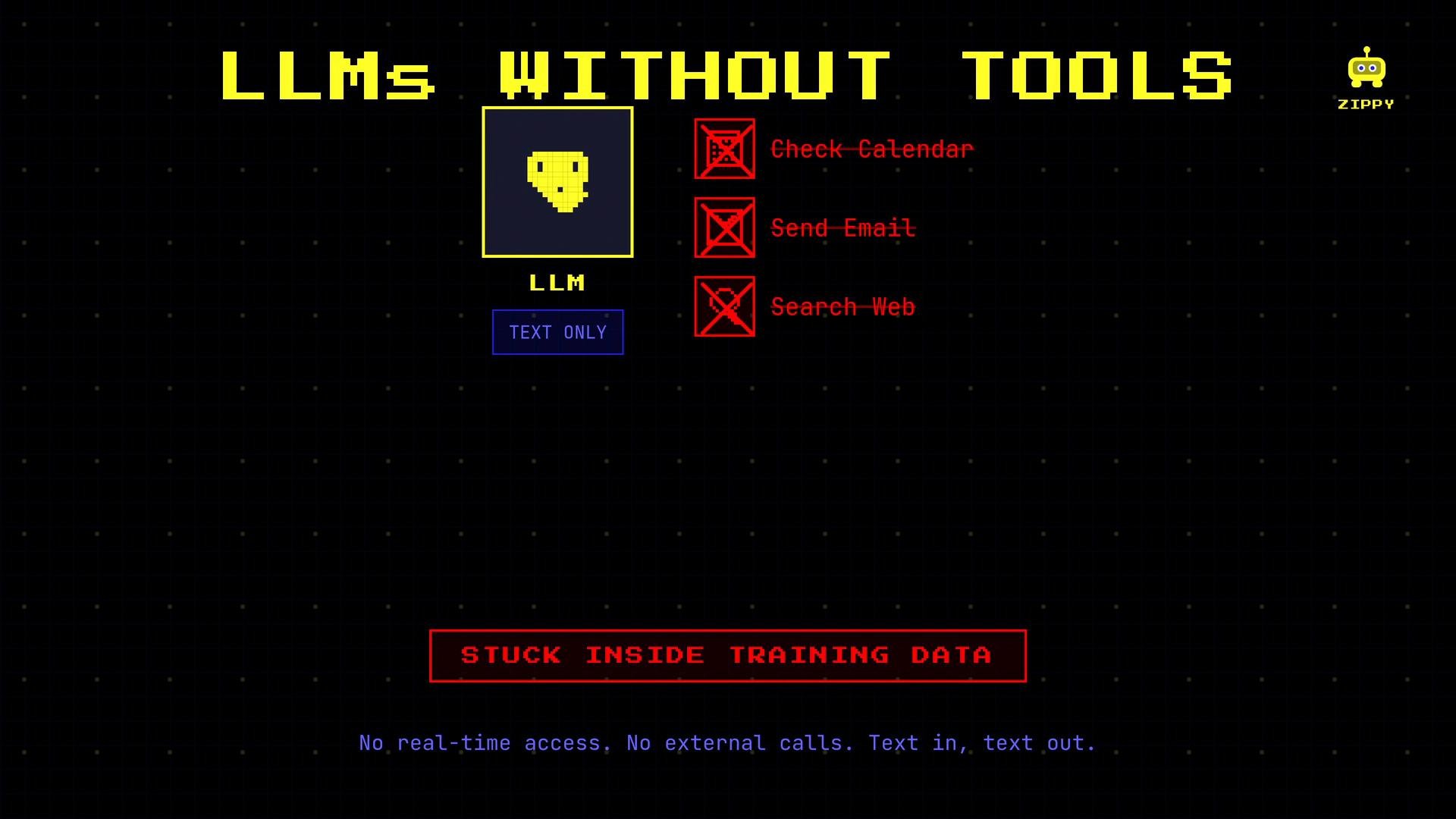
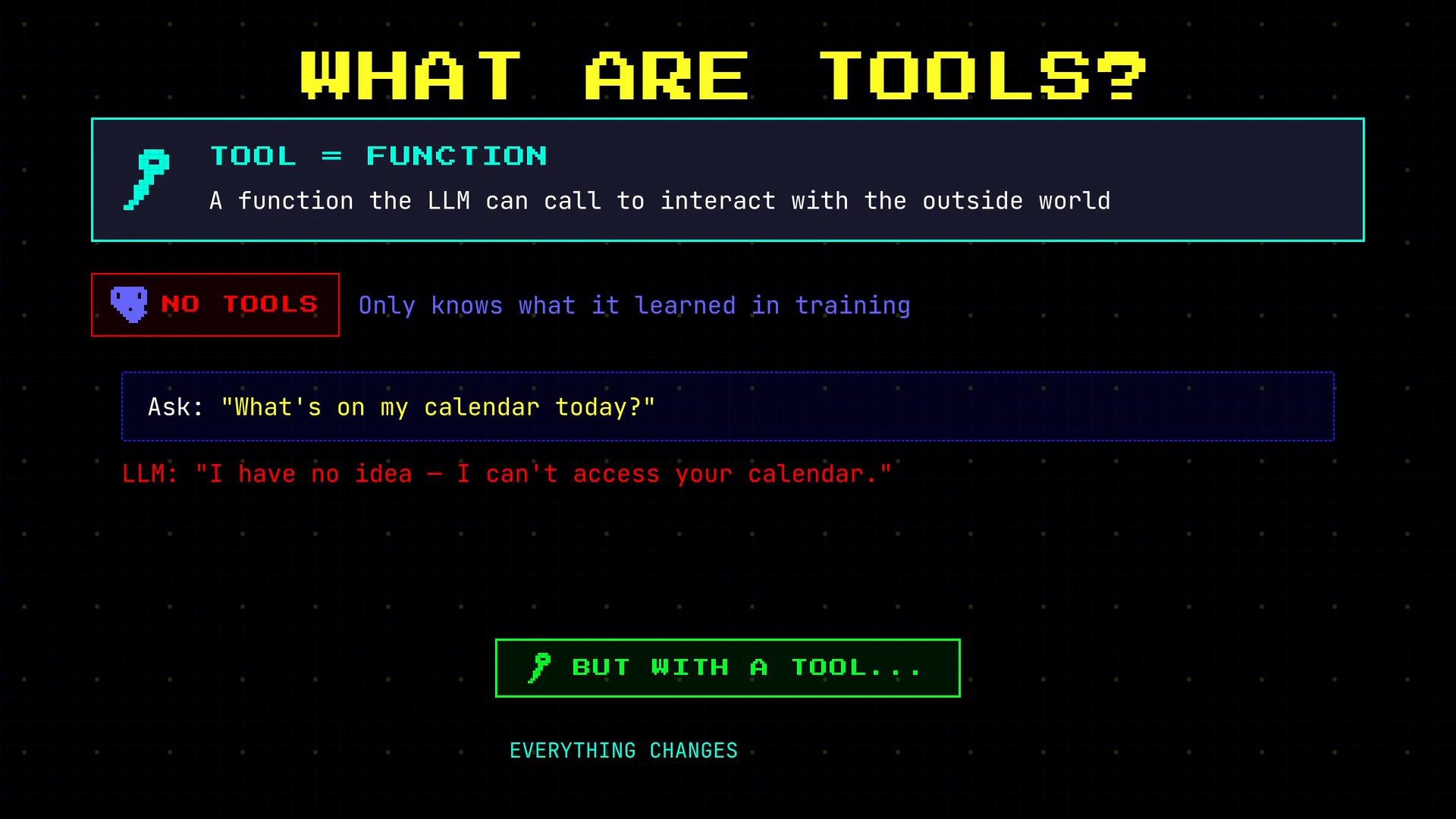
- You ask the LLM: “What’s on my calendar today?”
- The LLM recognizes it needs real-time data and opts to call a calendar tool rather than guess.
- The model emits a structured tool call (your app receives this request).
- Your application runs the corresponding function (e.g., queries a calendar API).
- The tool returns the events, and the LLM formats a natural-language reply.
check_calendar tool was available, requested it, and used the returned facts to produce a helpful answer.
Tool definition structure
Each tool definition typically includes three parts:
name: the identifier the model will use to reference the tool.description: a concise explanation the model reads to determine when to use the tool.parameters: the inputs the tool requires (types and any constraints).
Example tool definition (JSON)
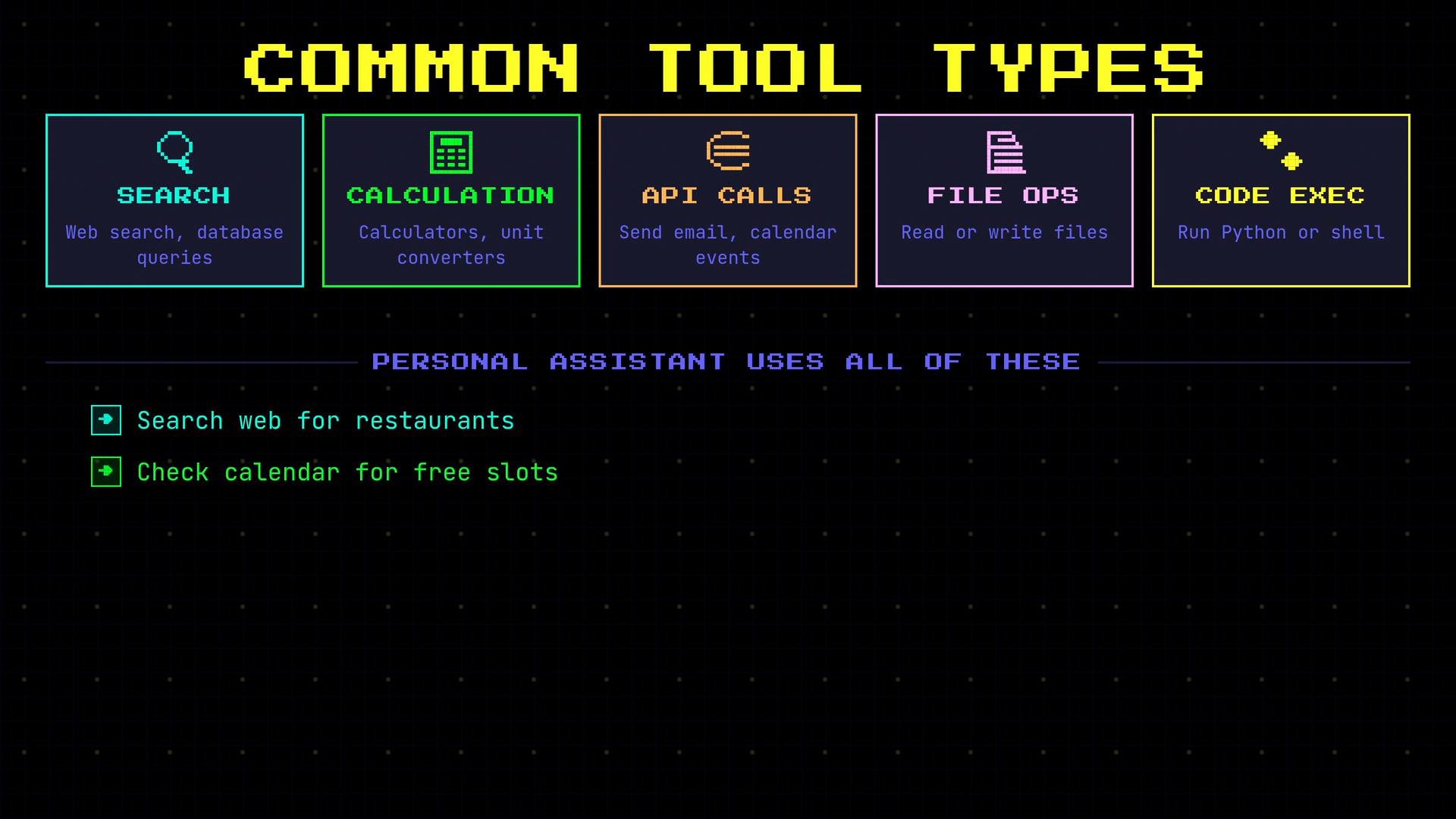
- Search tools — web search, database queries, document retrieval.
- Calculation tools — calculators, unit converters, precise numeric computation.
- API tools — send email, create calendar events, interact with online services.
- File operations — read/write, save artifacts, return file contents.
- Code execution — run Python, shell commands, or custom scripts.
Call check_calendar(date="today")) but it does not execute your code. Your application must validate and run the requested function, then return the results to the LLM. This separation is a critical safety and control boundary.
This is an important safety boundary: models should only request tool calls; your application must validate and execute them. Never allow unchecked model-initiated actions to run without application-side verification.
- OpenAI API docs — guidance on model outputs and tool integrations
- Building reliable agents — best practices for tool orchestration and safety