

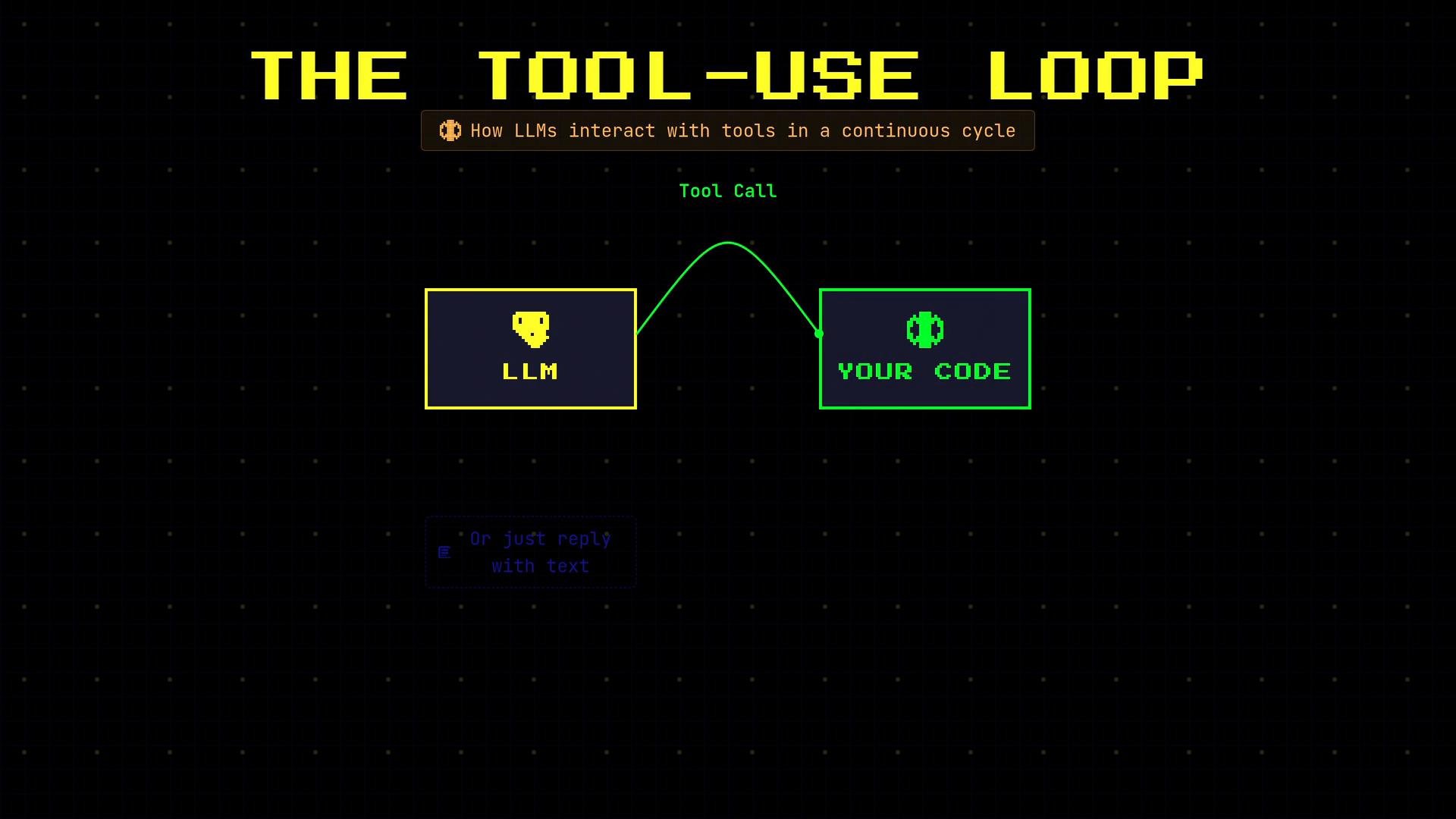
What is the tool-use loop?
When you grant an LLM access to tools, the model can either:- reply with plain text, or
- output a structured tool call (often JSON) expressing an intent.
- Lets the model perform concrete actions (e.g., read a calendar, call an API, query a database).
- Keeps the model’s reasoning connected to external state and real-time data.
- Enables multi-step workflows that combine model planning with programmatic execution.
Typical sequence (example: scheduling a meeting)
A single user request may lead to several tool calls in sequence. For example: “Schedule lunch with Sarah tomorrow at noon” might produce the following steps:- check_calendar → verify availability
- search_contact → find Sarah’s contact info
- create_event → schedule the meeting
-
check_calendar
date: “2026-03-06”
→ 12:00–1:00 PM is free -
search_contact
name: “Sarah”
→ sarah@email.com -
create_event
title: “Lunch with Sarah”
→ Event created
Implementation pattern
In practice you maintain amessages list (the conversation), send it with tool definitions to the LLM, detect returned tool calls, execute them in your application, and append the results back into messages so the model can continue.
Example Python-style workflow:
The LLM outputs intent (e.g., a JSON function call). Your application acts as the middleman: run the requested action, return the result as a
tool message, and continue the conversation so the model can finalize the response.Tool-use loop lifecycle (quick reference)
Best practices
- Define clear tool interfaces (names, arguments, expected outputs) so the model’s tool calls are predictable.
- Validate tool arguments before executing to avoid unintended side effects.
- Return structured, machine-readable tool results that the model can consume reliably.
- Keep the
messageshistory complete: include user input, model tool calls, tool outputs, and any follow-up model messages. - Consider idempotency and retries for tools that perform side-effecting operations (e.g., creating calendar events).
- OpenAI Function Calling (examples and design patterns)
- Designing agent pipelines — practical patterns for model + tool orchestration