

Key Features
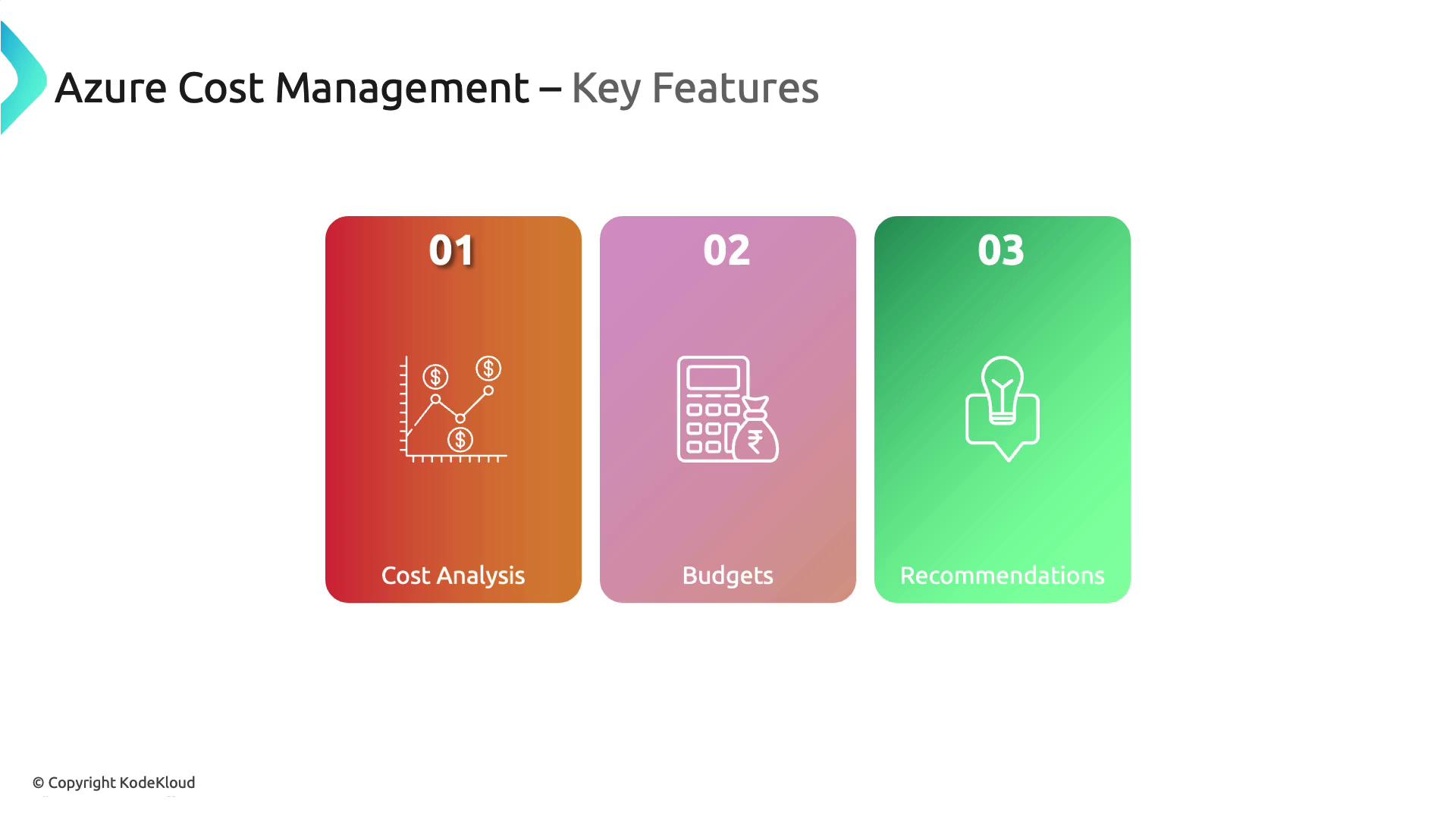
- Cost Analysis: Dive deep into your Azure spending with detailed cost breakdowns, similar to performing a financial audit of your cloud expenses.
- Budgets: Set and manage spending limits effectively, acting like a savvy financial planner to ensure your costs remain within control.
- Recommendations: Receive smart cost-saving suggestions and best practices to improve efficiency, much like having a financial advisor for your cloud investments.
Benefits
- Transparency: Visualize your cloud spending patterns and enjoy clear insights into billing history to avoid unexpected charges.
- Cost Control: Leverage robust tools to prevent budget overruns, ensuring your cloud resources are utilized efficiently.
- Optimization: Identify underused resources quickly to uncover opportunities for reducing unnecessary expenses.
Azure Cost Management is ideal for tracking cloud expenses, managing budgets across departments or projects, and optimizing Azure investments by aligning costs with your organization’s financial goals.
Navigating Azure Cost Management in the Azure Portal
To see Azure Cost Management in action, follow these steps:- Log in to the Azure Portal.
- Search for “Cost Management” from the home page.
- Change the scope as needed. Remember, the hierarchical structure from management groups, subscriptions, to resource groups applies in cost management as well.
Cost Analysis Dashboard
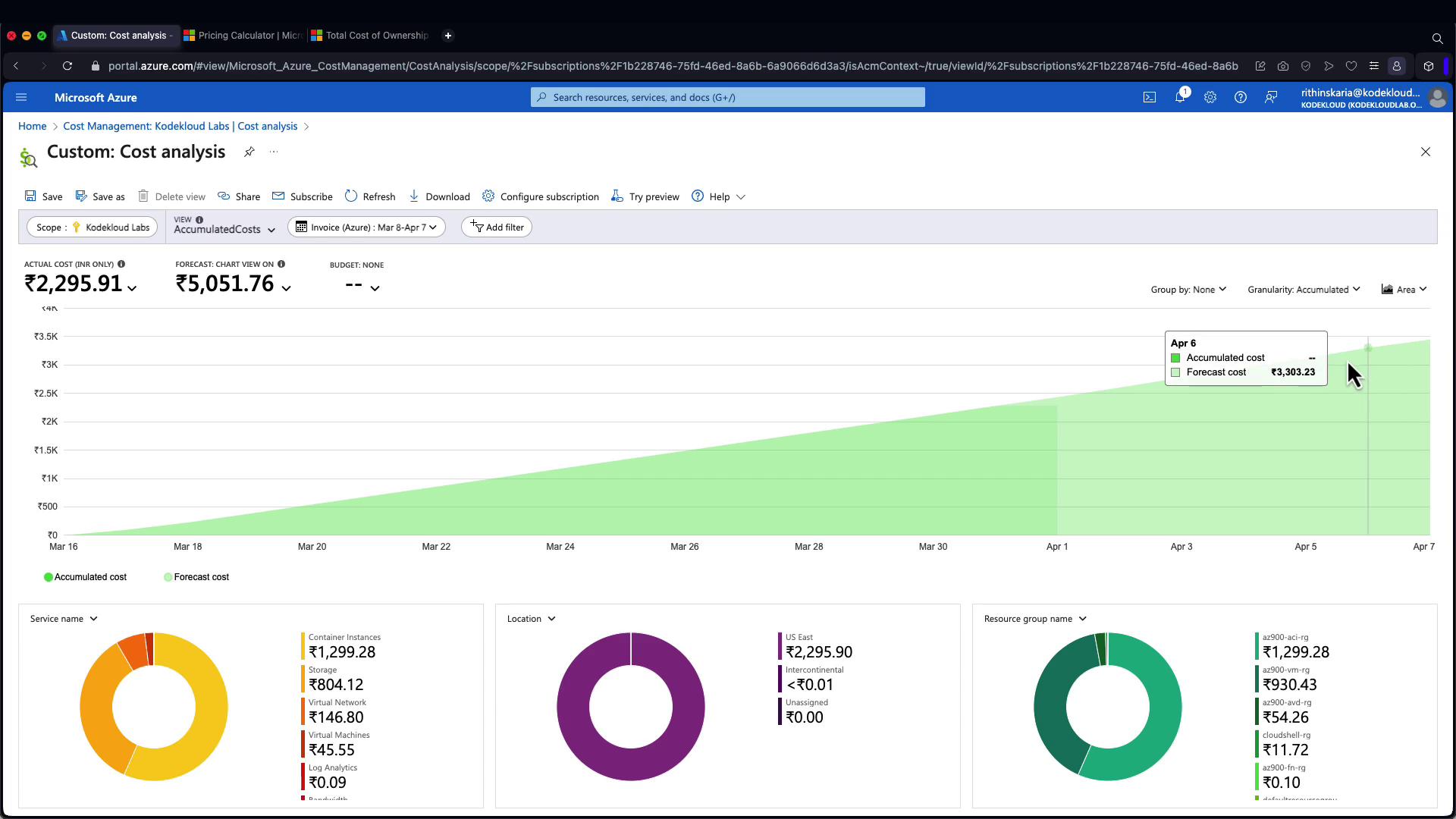
When you click on the “Cost Analysis” feature, you can adjust the scope to a specific subscription. Once set, choose the accumulated cost option to display a graph showing your current spending along with a forecast. For instance, you might see that your forecasted cost by a future date (e.g., April 7) reaches $34.50, with the amount converted to US dollars for clarity.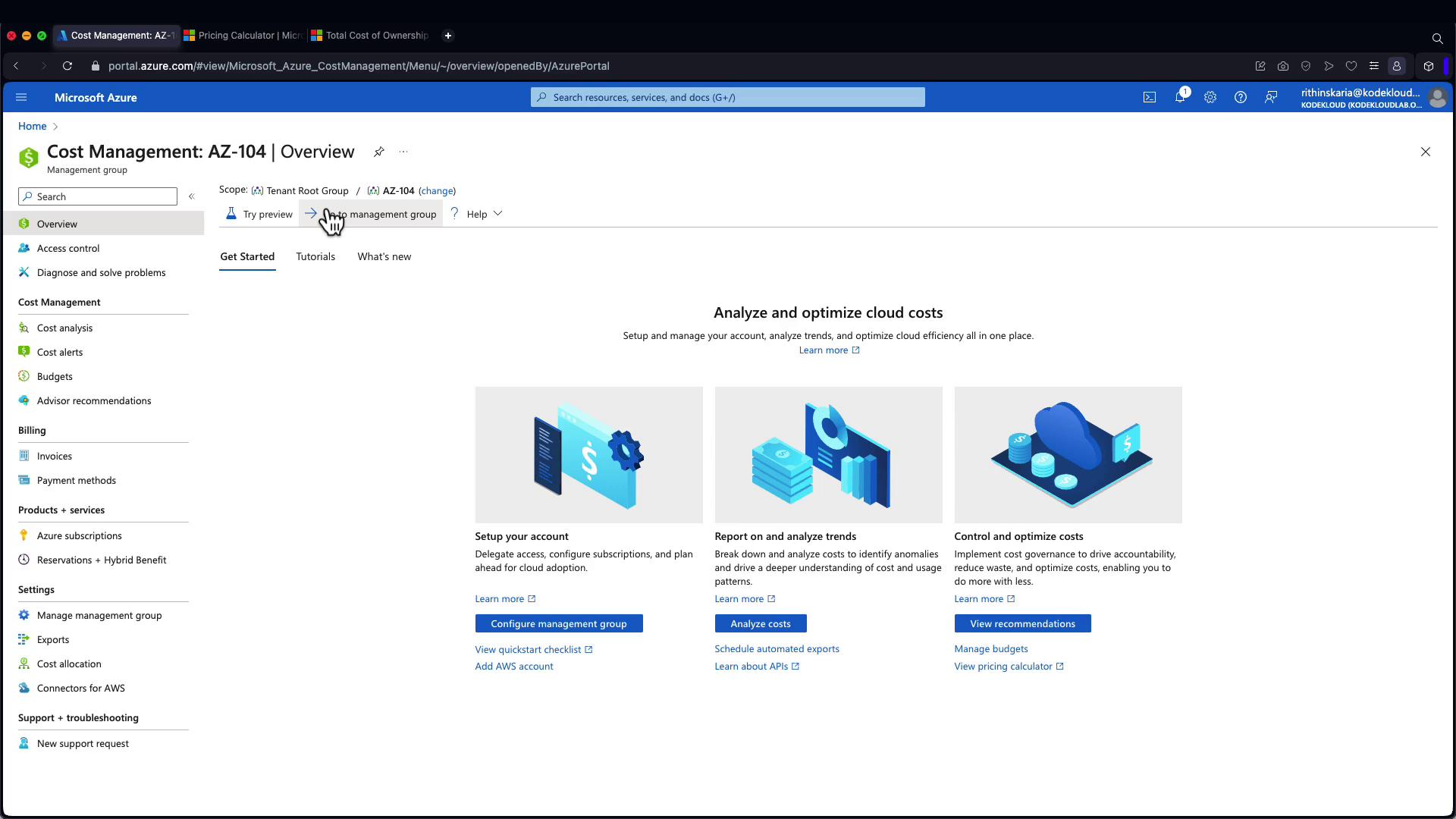
Additional Visualizations and Cost Alerts
Additional visualizations help you break down expenses even further. For example, switching to a column stack view simplifies the visualization of how costs accumulate over time. Moreover, you can set up cost alerts and establish budgets to stay on top of your spending. Advisor recommendations, integrated with insights from Azure Advisor, cover performance, operational excellence, security, and reliability. However, within the cost blade, only cost-related recommendations are displayed, providing targeted advice to manage your cloud spending effectively.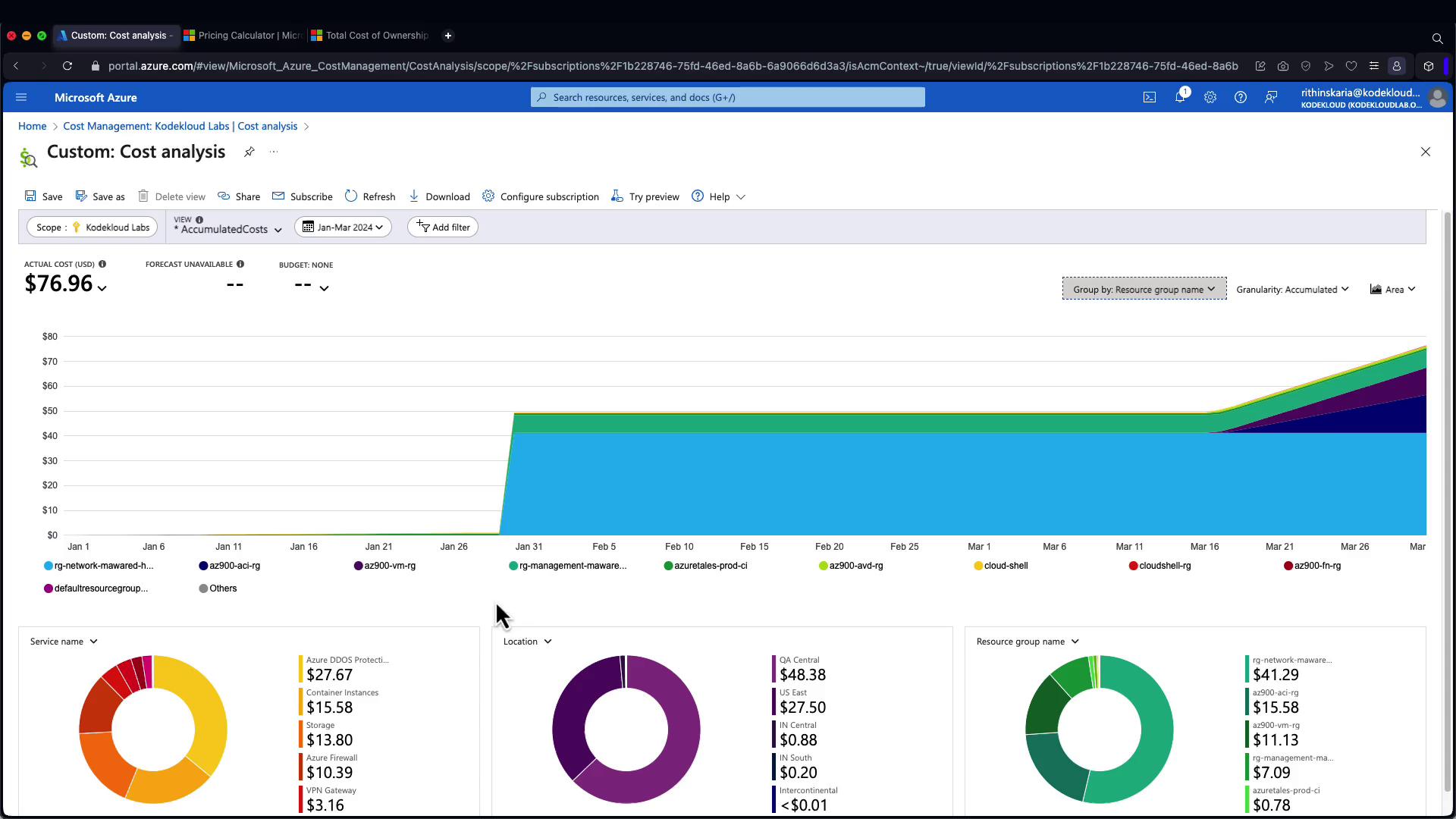
Be sure to consistently monitor and adjust your cost analysis settings to avoid unexpected charges and maintain alignment with your budget.