This article explores the TCO Calculator for analyzing the cost benefits of migrating to Microsoft Azure compared to maintaining on-premises infrastructure.
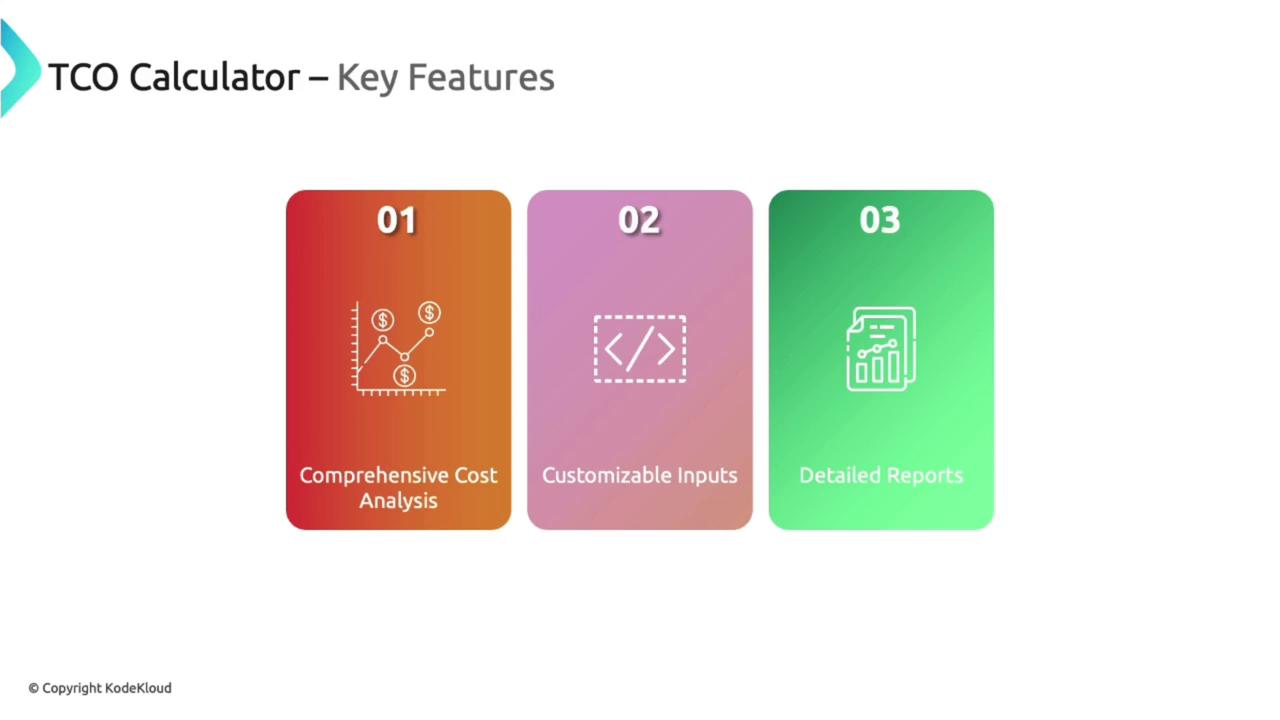
In this guide, we explore the challenges Bella Innovation faces when evaluating a migration to Microsoft Azure. Although they are experienced with Azure services and calculating cloud costs, their on-premises infrastructure—including servers, databases, networking equipment, and storage racks—has already been purchased. The TCO Calculator is the ideal tool for comparing on-premises expenses with the projected costs in Azure, helping organizations determine potential savings from migrating.The TCO Calculator is a critical resource that assists organizations in deciding whether to transition to Azure or continue with their existing on-premises setup. By comparing the financial implications of owning, for instance, 20 on-premises servers with deploying equivalent services in Azure, users gain clear insights into cost benefits or potential gains from cloud migration.
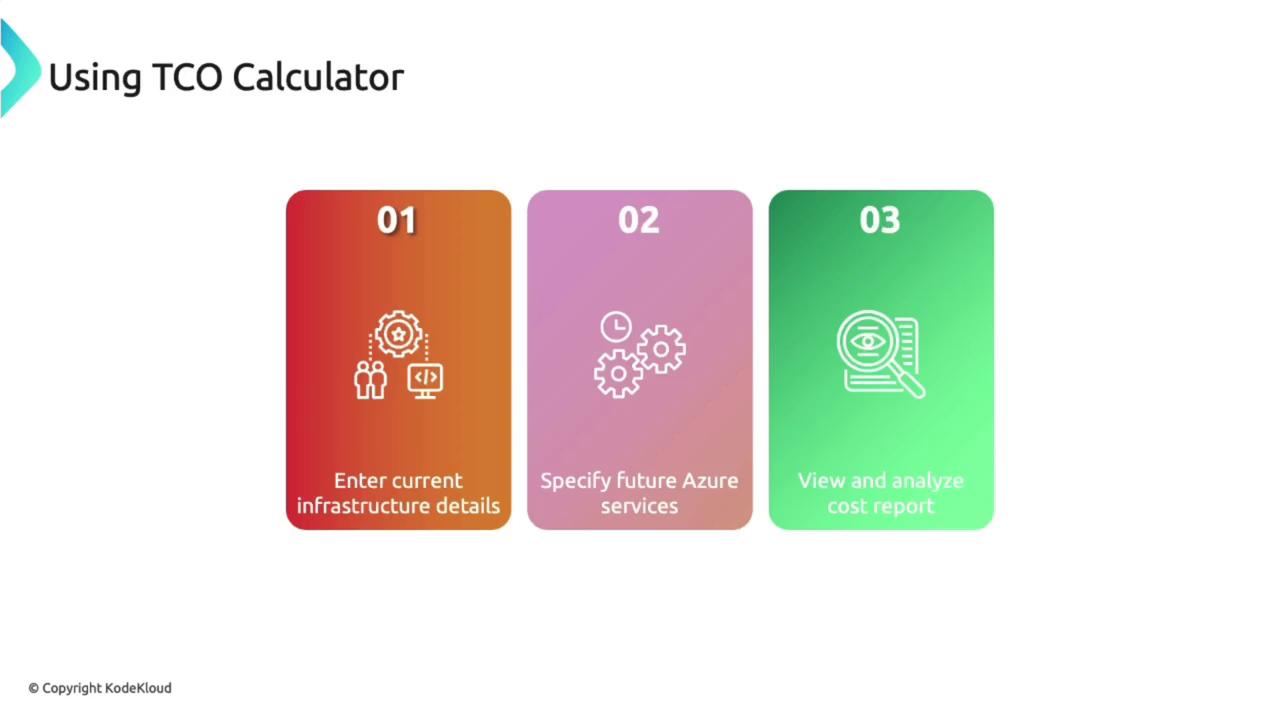
Getting started with the TCO Calculator is straightforward. Begin by entering details about your current on-premises infrastructure, specifying the Azure services you plan to use, and reviewing the resulting cost report. This process is ideal for organizations seeking to understand the financial implications of a cloud migration.
Next, compare your on-premises costs with the projected expenses in Azure to see a side-by-side analysis.
Access the TCO Calculator by visiting its URL or searching for it online. The interface allows you to define various workloads such as servers, databases, and storage. For larger workloads, a bulk upload option (e.g., via CSV file) is available. Although signing in lets you save reports, it is not required to use the service—similar to the Azure Pricing Calculator.
Capacity: 2 terabytes (1 terabyte for backup and 1 terabyte for archive)
IOPS: 72,000 (indicative speed)
Networking Bandwidth: 100 GB outbound
Destination Region: East Asia
After entering these details, click Next to proceed to the assumptions page.
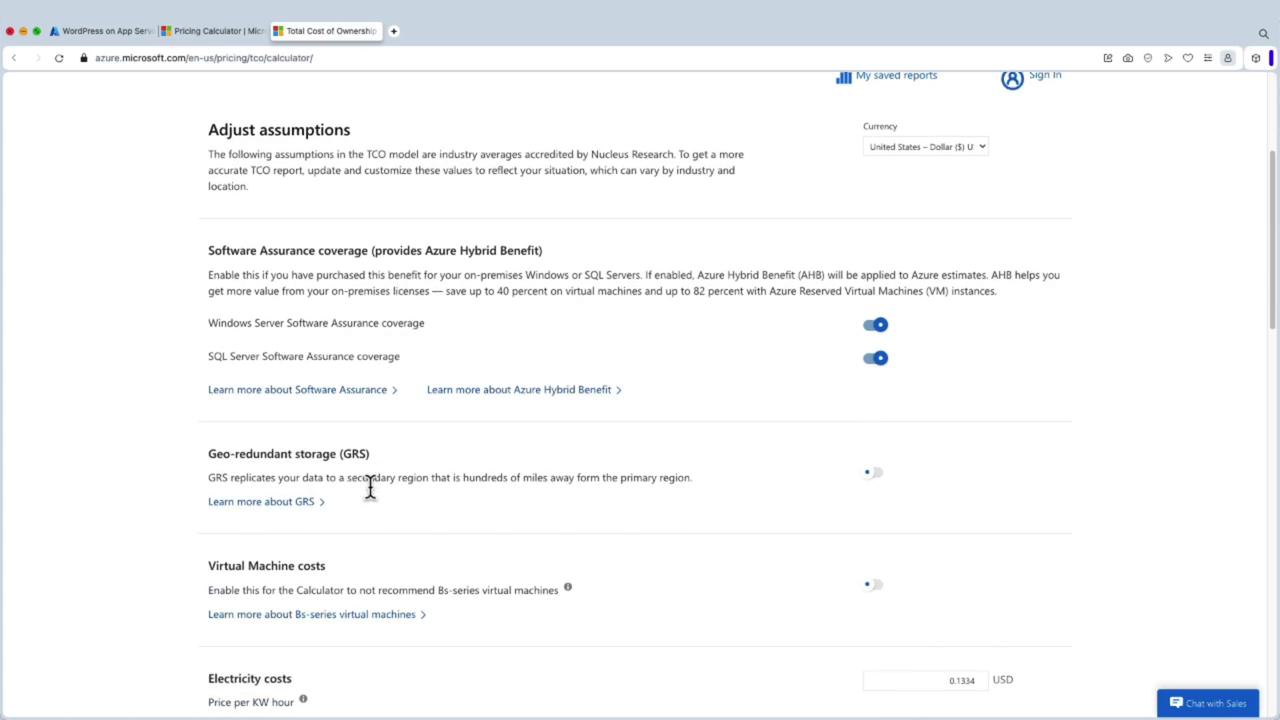
On the assumptions page, you can fine-tune parameters such as:
Geo-redundant storage
Electricity costs applicable to your location
Procurement and enterprise licensing fees
Labor costs
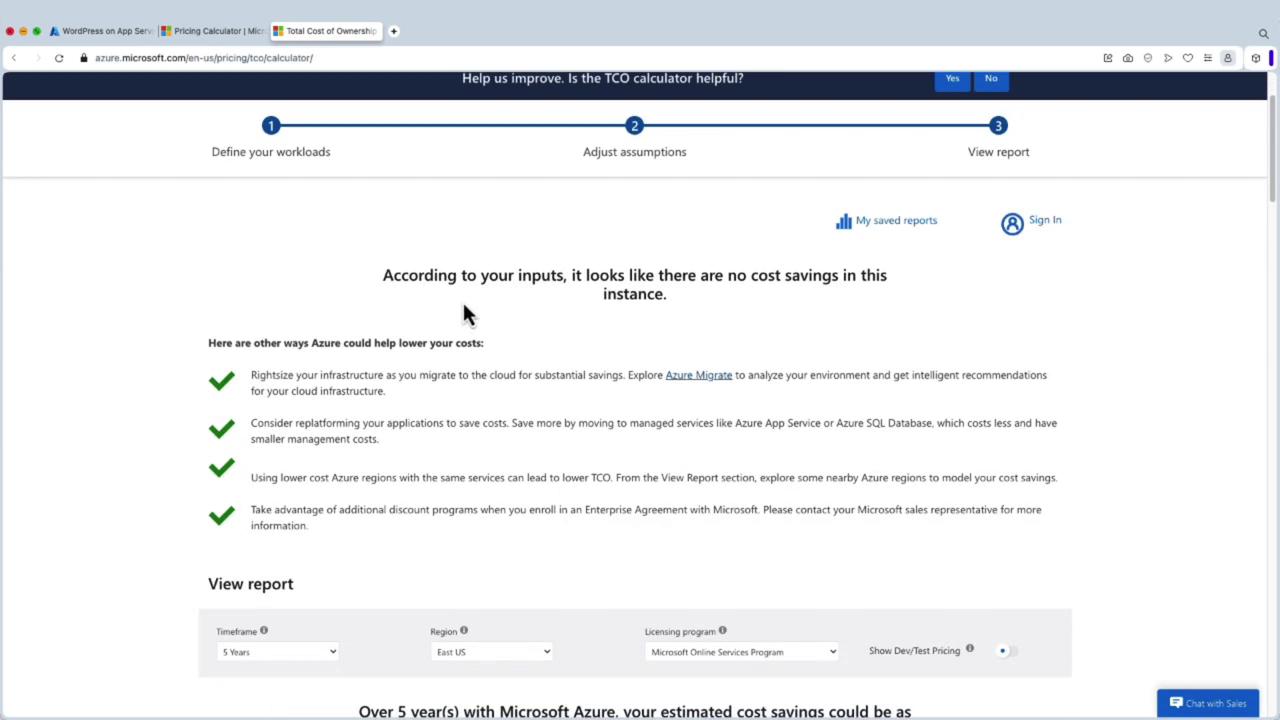
Additionally, you can adjust hardware-specific expenses, including costs per processor, software, electricity, and virtualization. These adjustments ensure the analysis is closely aligned with your organizational context.After reviewing your inputs, clicking Next may initially show no cost savings.
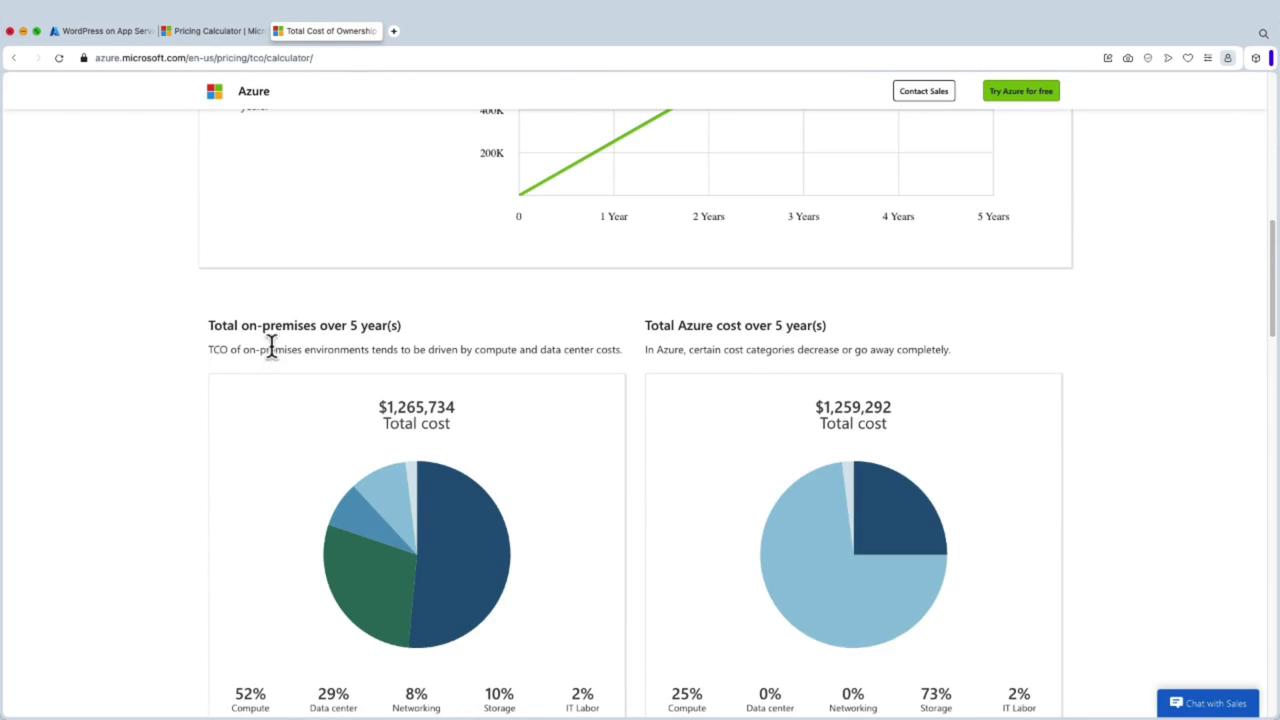
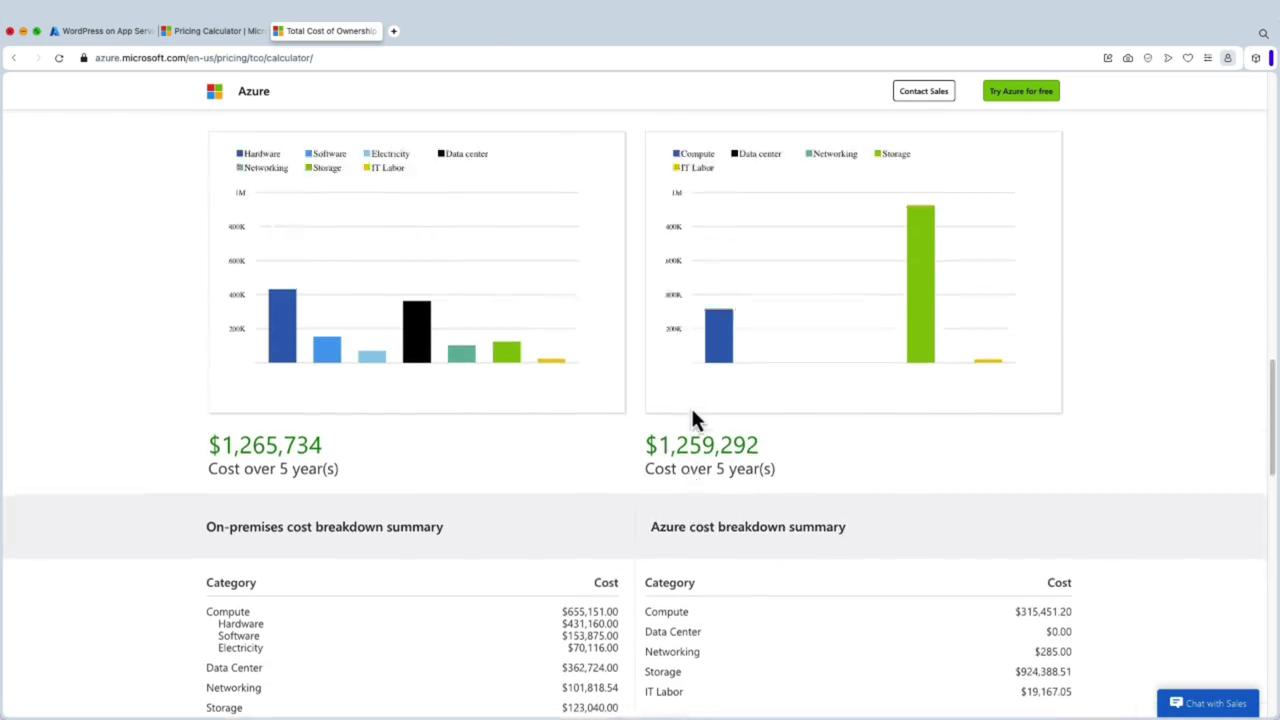
At this stage, the comparison might reveal that both on-premises and Azure costs are nearly identical. To identify potential savings, experiment by adjusting parameters. For example, modify the values for physical servers to 10, assign 10 processors per server, and set a cost factor of 20 per processor (using sample values). With these adjustments, the calculator might estimate savings over five years—say, $6,442—and provide a detailed cost breakdown.
The final report includes total on-premises cost, Azure cost, and a breakdown of various cost components. You can export the report to share with colleagues, offering a comprehensive financial overview.
The numbers provided in this demonstration are for illustration purposes only. Actual savings and benefits may vary significantly based on your organizational context and specific workloads.
This guide demonstrated how to use the TCO Calculator to assess the cost differences between on-premises infrastructure and deploying workloads in Microsoft Azure. By entering detailed workload information, adjusting relevant assumptions, and analyzing the comprehensive cost report, you can make well-informed decisions about your cloud migration strategy.For ongoing cost control and optimization after migration, consider leveraging Azure Cost Management, a powerful tool to track and manage your cloud expenditures.Happy migrating and optimizing!