

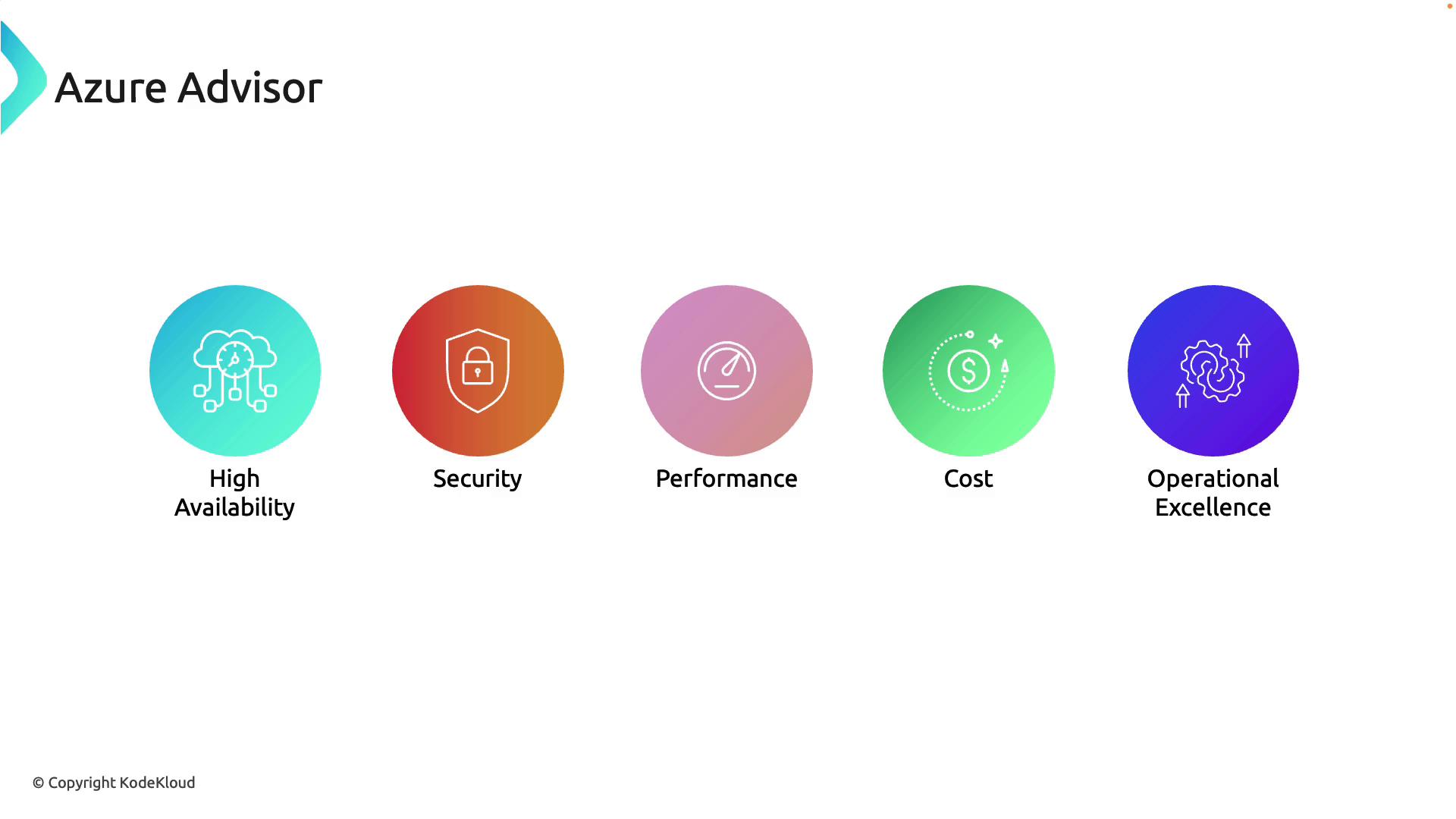
Key Features of Azure Advisor
Personalized Recommendations
Azure Advisor delivers customized guidance based on your specific usage patterns and resource configurations. It provides actionable insights along with direct links to implement recommended changes, enabling you to rapidly enhance your cloud environment.Integrated Experience
Accessible directly from the Azure Portal, Azure Advisor integrates seamlessly into your existing workflow and is available at no additional cost.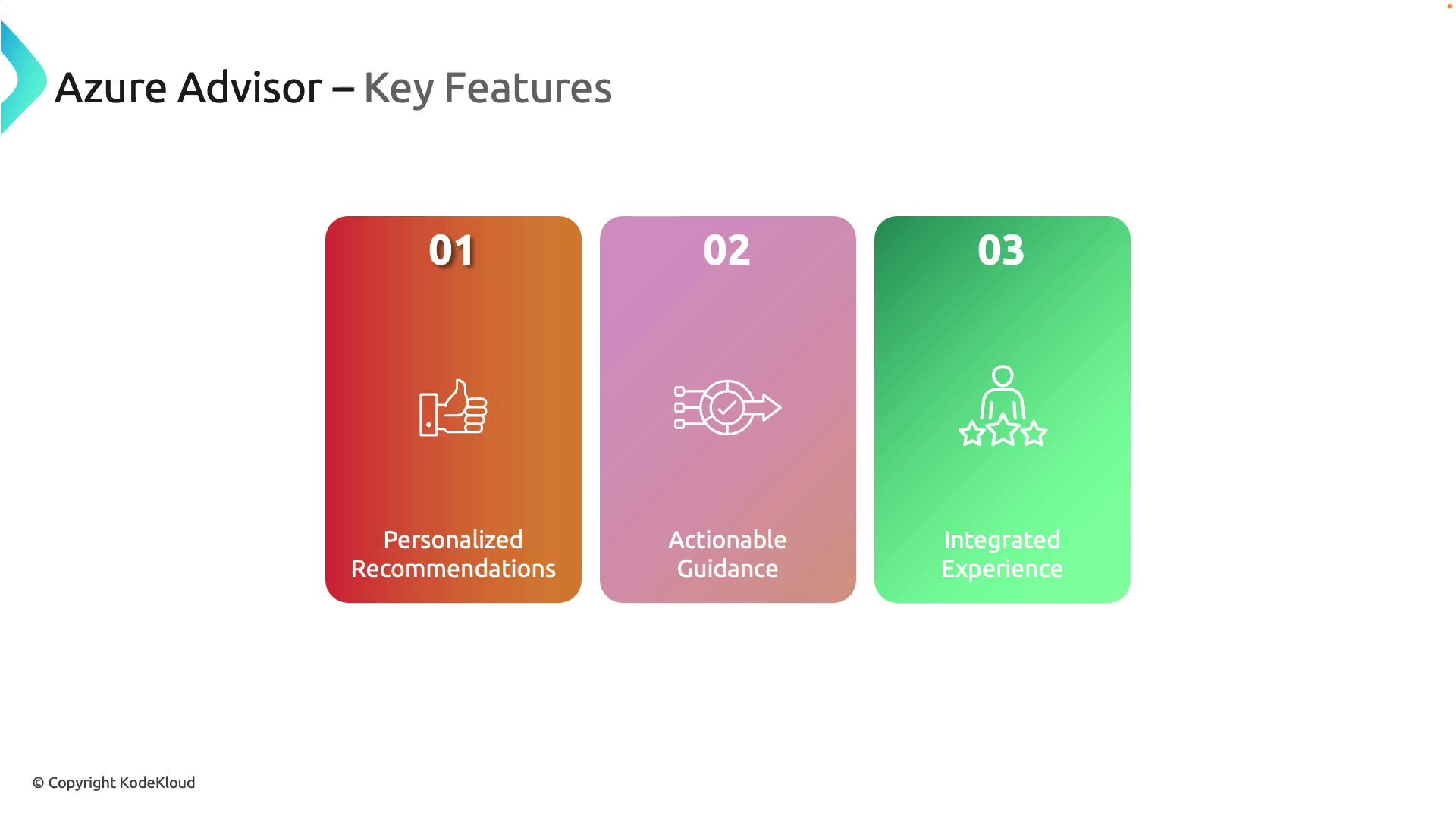
Azure Advisor leverages Microsoft’s well-architected framework, ensuring that every recommendation aligns with industry standards for high availability, security, performance, cost, and operational excellence.
Benefits of Using Azure Advisor
-
Cost Optimization:
Identify underutilized resources and receive actionable suggestions to reduce costs without compromising functionality. -
Performance Improvement:
Enhance the efficiency and responsiveness of your applications with recommendations aimed at boosting overall performance. -
Enhanced Security:
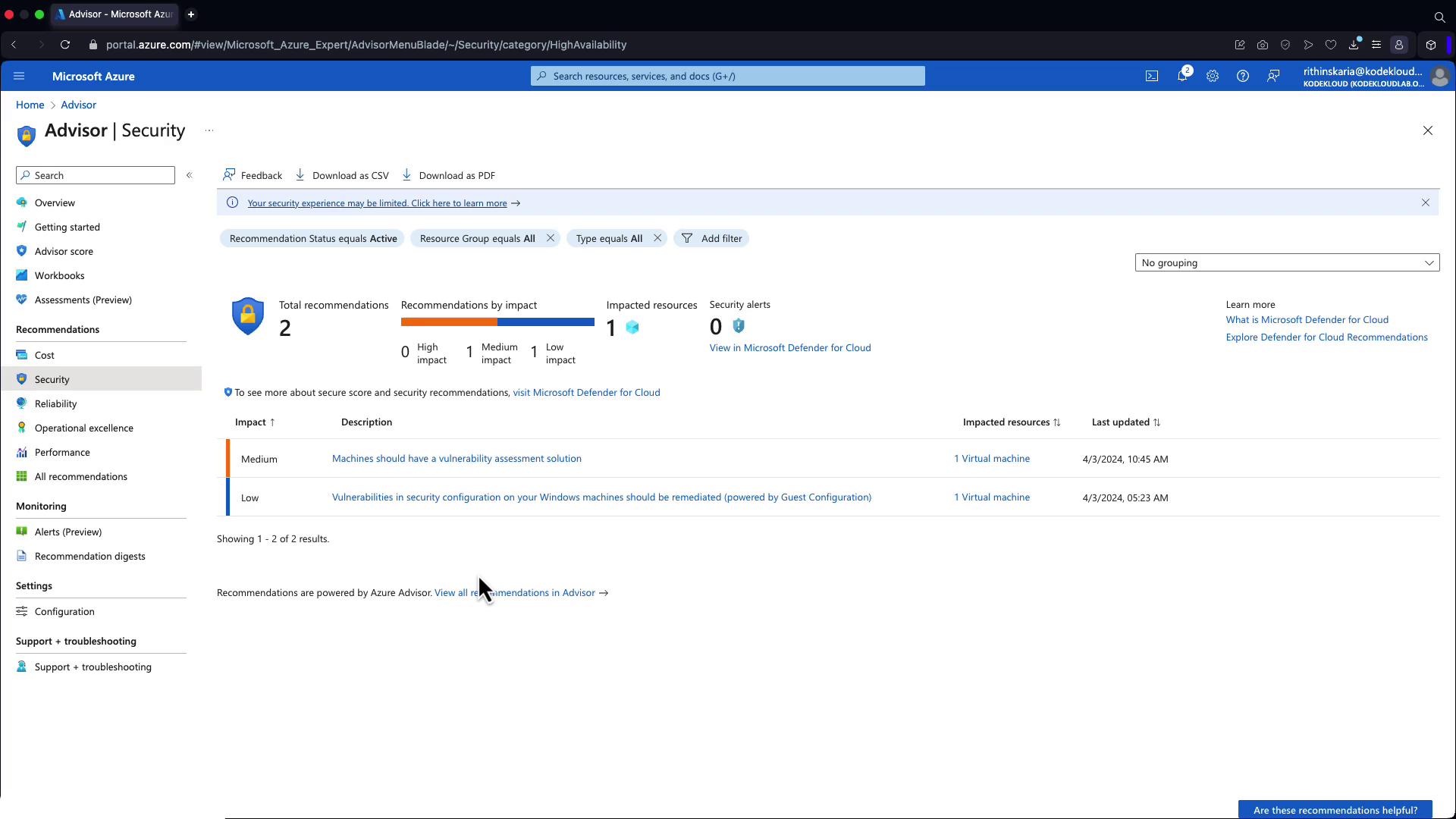
Receive guidance to strengthen the security posture of your resources and protect against potential vulnerabilities. Security recommendations are integrated from Microsoft Defender for Cloud. -
High Availability:
Ensure the continuity of critical business applications with recommendations designed to minimize downtime and service interruptions.
Use Cases and Live Demonstration
Azure Advisor is ideal for continuously assessing your Azure environment. Whether you are refining deployments or implementing industry best practices, it offers a clear path to achieving operational excellence. To explore Azure Advisor, simply search for “Advisor” in the Azure Portal’s top search bar. Once opened, the tool displays scores for each recommendation category. Please note that in a demo subscription, certain recommendations—such as those related to cost optimization, operational excellence, or performance—might not appear. For instance, the reliability section may show only a few suggestions.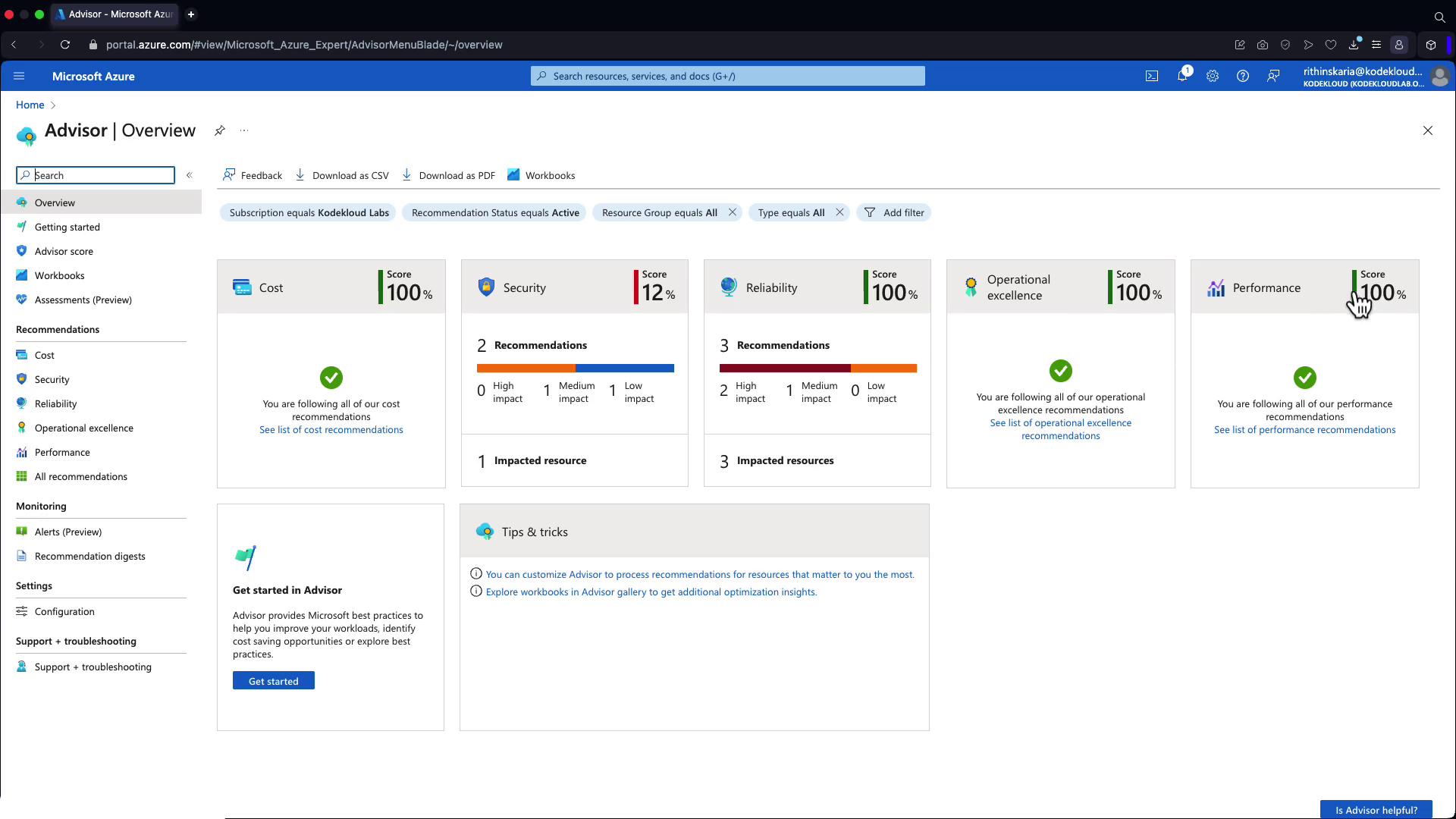
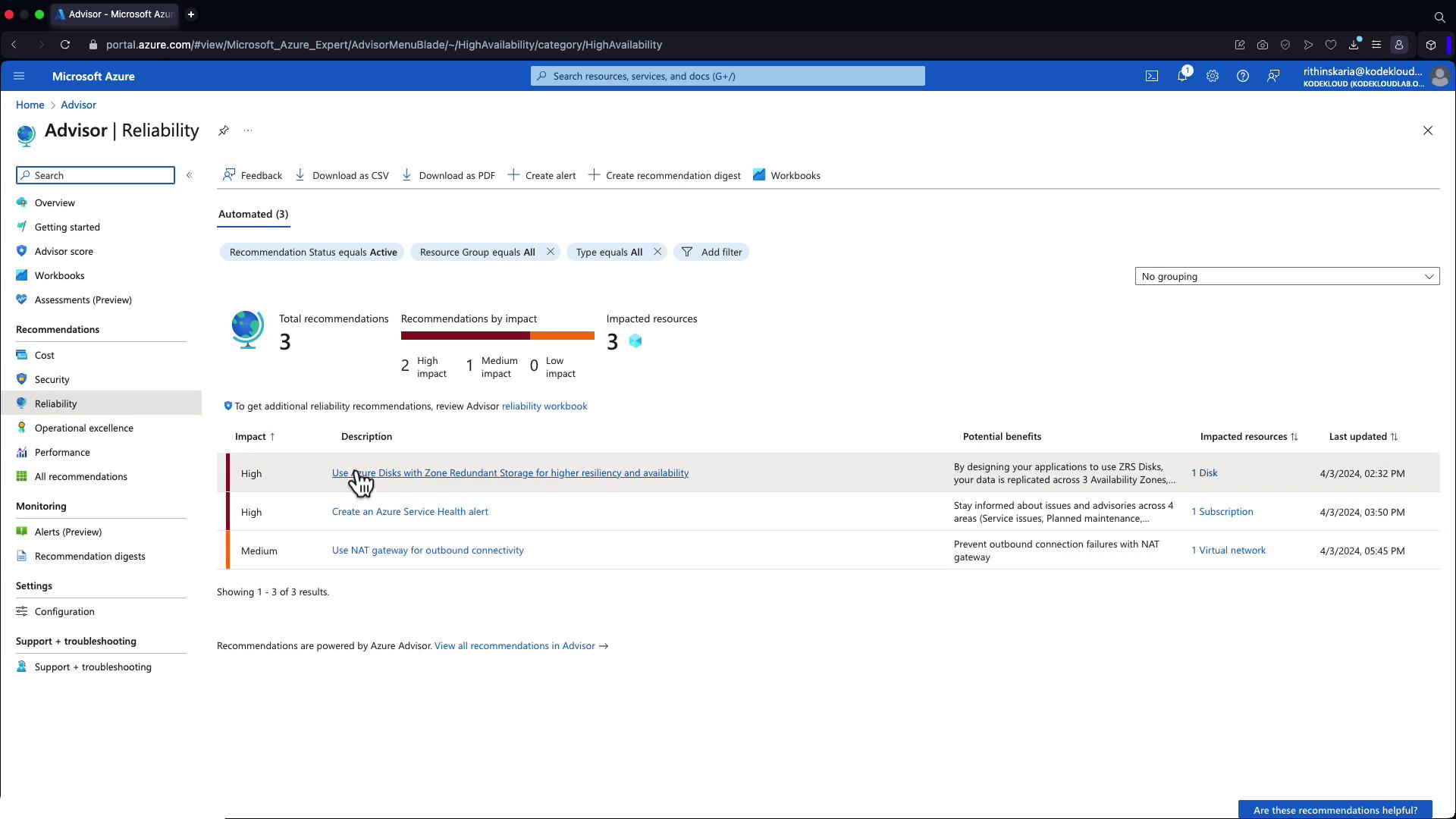
In demo subscriptions, not all recommendation categories may be fully represented. Ensure you test Azure Advisor in a production-like environment to see the complete set of recommendations.