

Benefits of MFA
-
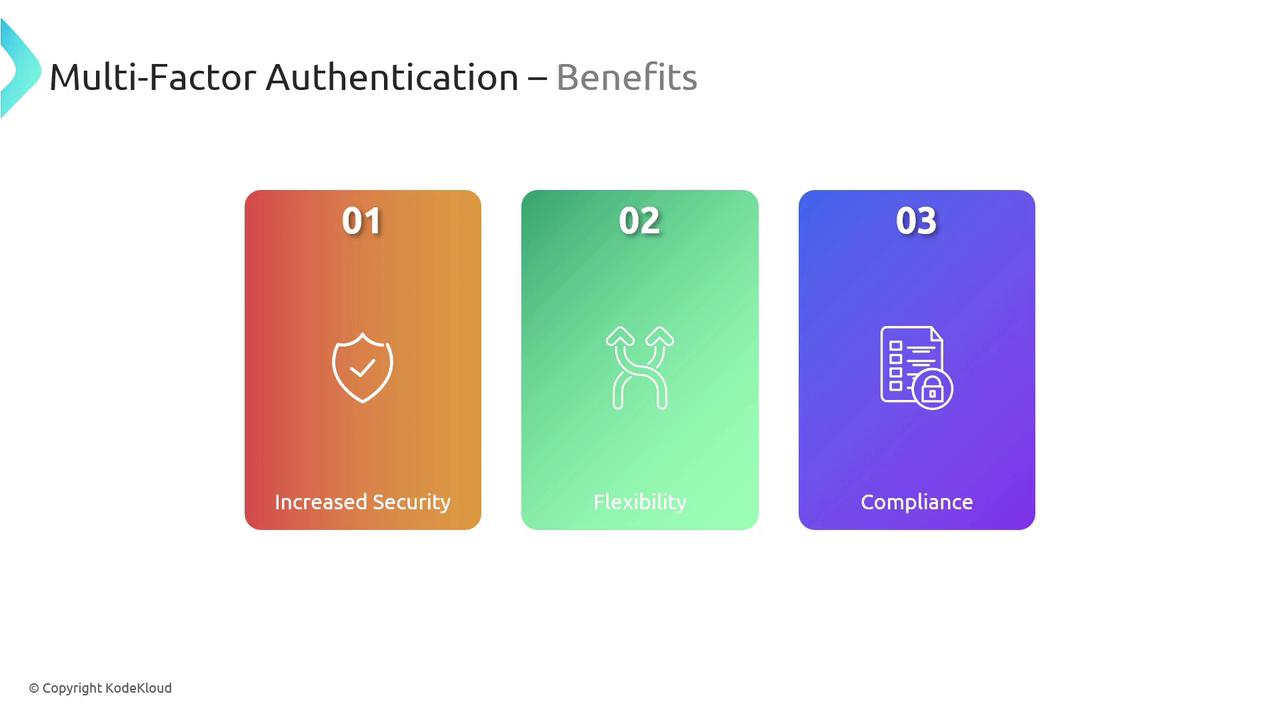
Enhanced Security
MFA reduces the risk of unauthorized access by requiring additional layers of verification. Even if one credential is compromised, the intruder cannot easily bypass the subsequent checks. -
Flexibility and Usability
Users benefit from various authentication methods including text messages, phone calls, mobile app notifications, and biometric scans. This flexibility allows for a seamless and personalized security experience. -
Regulatory Compliance
Implementing MFA helps organizations meet stringent regulatory requirements, ensuring that sensitive data is protected in accordance with industry standards.
Common MFA Methods and Their Use Cases
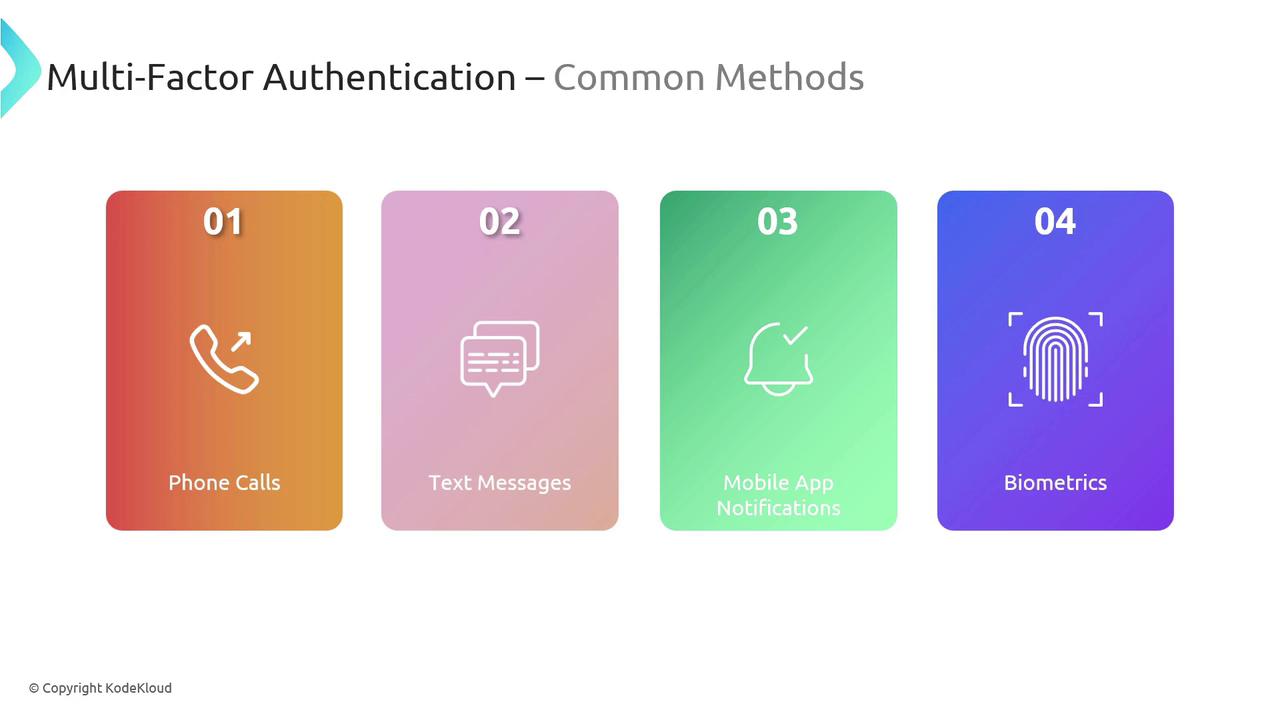
MFA employs several verification methods to secure access to sensitive data and cloud applications. Some common methods include:- Phone calls
- Text messages
- Mobile app notifications
- Biometric authentication (fingerprints or facial recognition)
Selecting the right combination of MFA methods is key to balancing security and user convenience in your organization.
Integrating MFA with Conditional Access
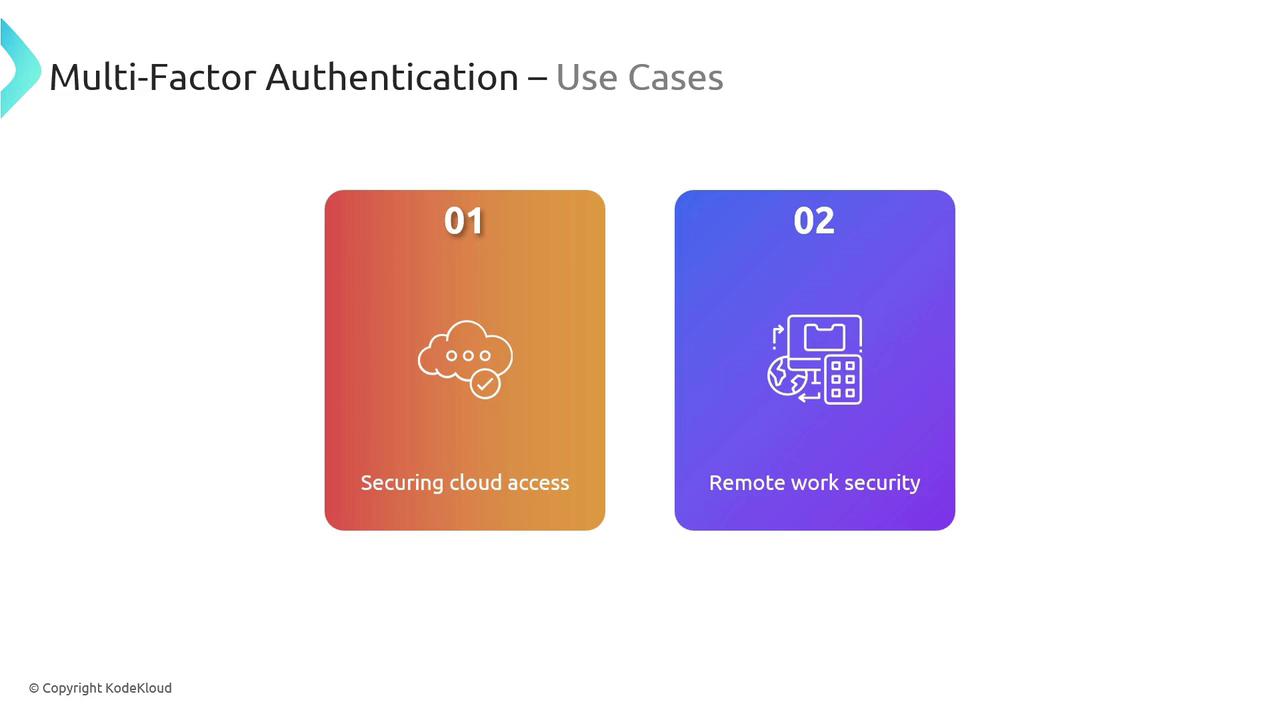
MFA is most effective when combined with Conditional Access. Conditional Access policies allow you to enforce dynamic, “if-then” security rules to protect sensitive resources. For example, if a user attempts to access corporate data under unfamiliar conditions, additional authentication may be required.Leveraging Conditional Access with MFA enhances your security posture by ensuring that additional verification steps are triggered only under specific, predefined circumstances.