Azure Service Health is a monitoring tool that helps organizations track and maintain the performance of their Azure services and resources.
Azure Service Health is an essential monitoring tool within the Azure ecosystem that enables organizations to proactively track and maintain the performance of their services and resources. For example, Bella Innovations’ IT team relies on it to ensure continuous operations and to receive timely updates about any platform issues or planned maintenance that might lead to downtime.Azure regularly conducts planned maintenance, including updates, patches, and security improvements. While these activities are crucial, they can temporarily affect service availability. Azure Service Health helps IT teams prepare for and mitigate these potential disruptions.Below is an overview of the three main components of Azure Service Health: Service Health, Azure Resource Health, and Azure Status.
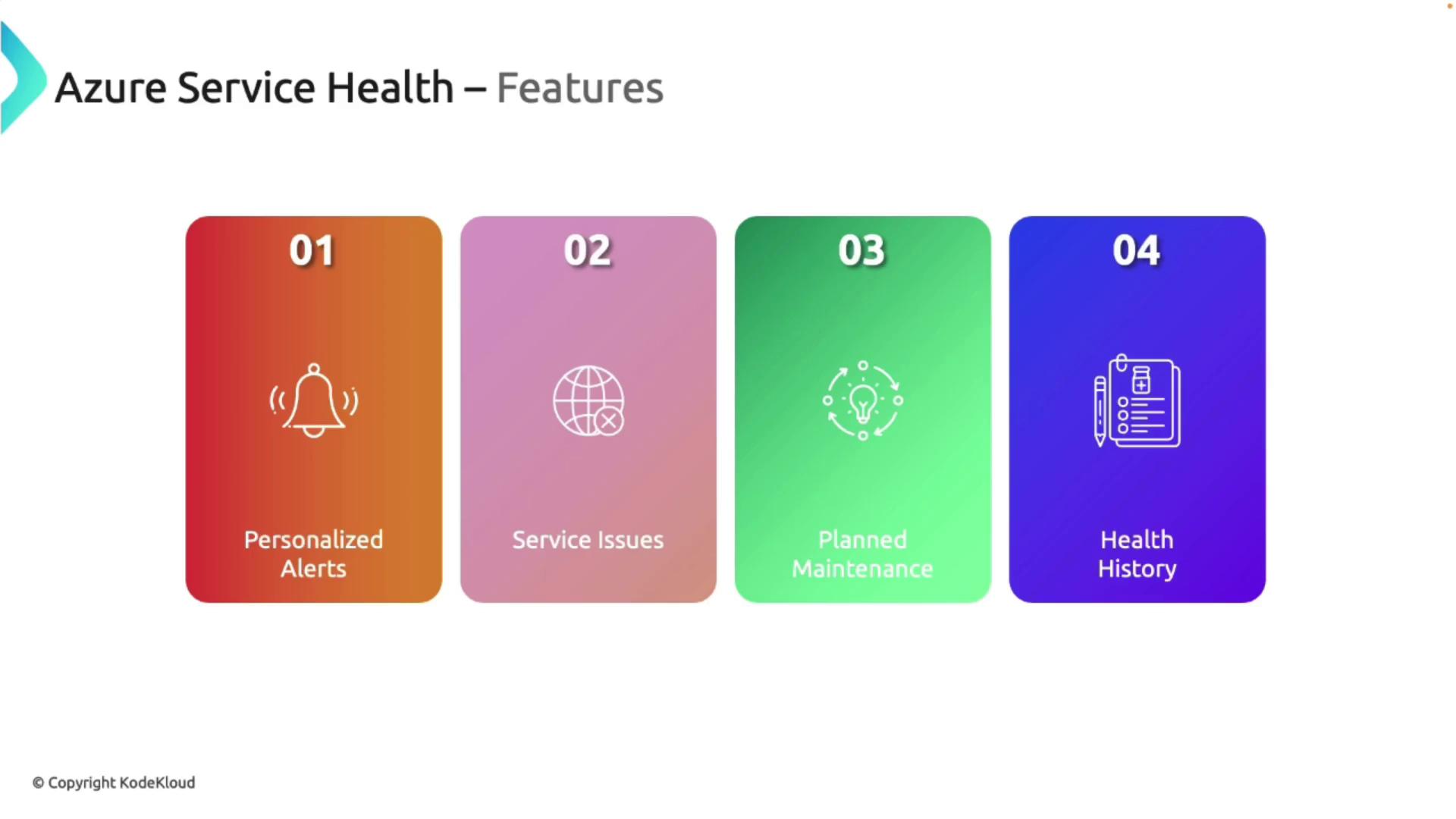
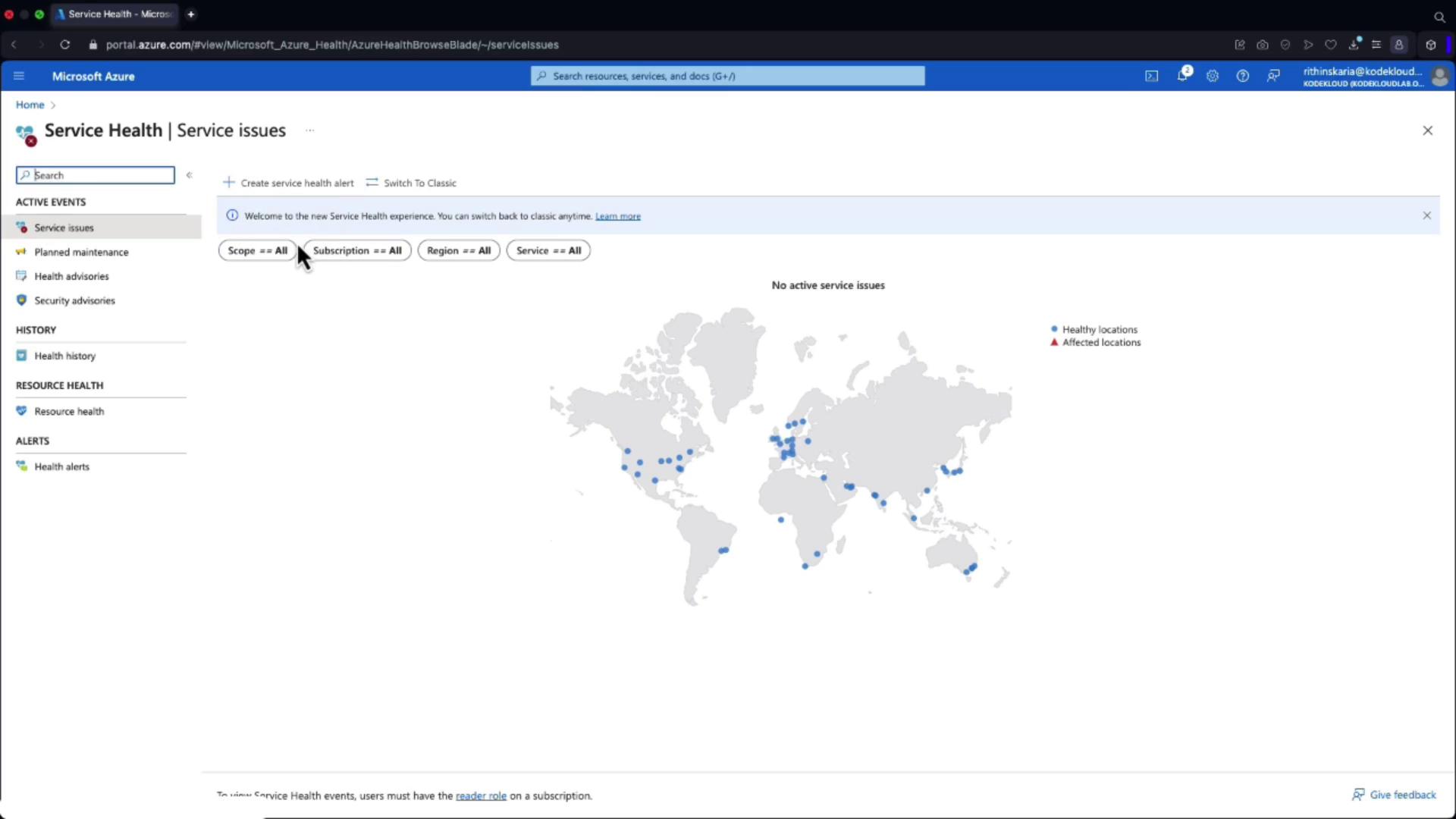
Azure Service Health provides tailored alerts and notifications about issues that could impact your resources. Its key components include:
Personalized Alerts: Receive notifications on service issues that could affect your resources.
Service Issues: Monitor ongoing problems with Azure services (e.g., regional issues with Virtual Machines in West Europe or databases in East US).
Planned Maintenance: Get early warnings about scheduled maintenance, allowing you to plan in advance.
Health History: Access historical incident data to assist in troubleshooting and trend analysis.
Azure Service Health provides valuable insights into the overall state of the Azure platform but does not detail the status of your specific resources.
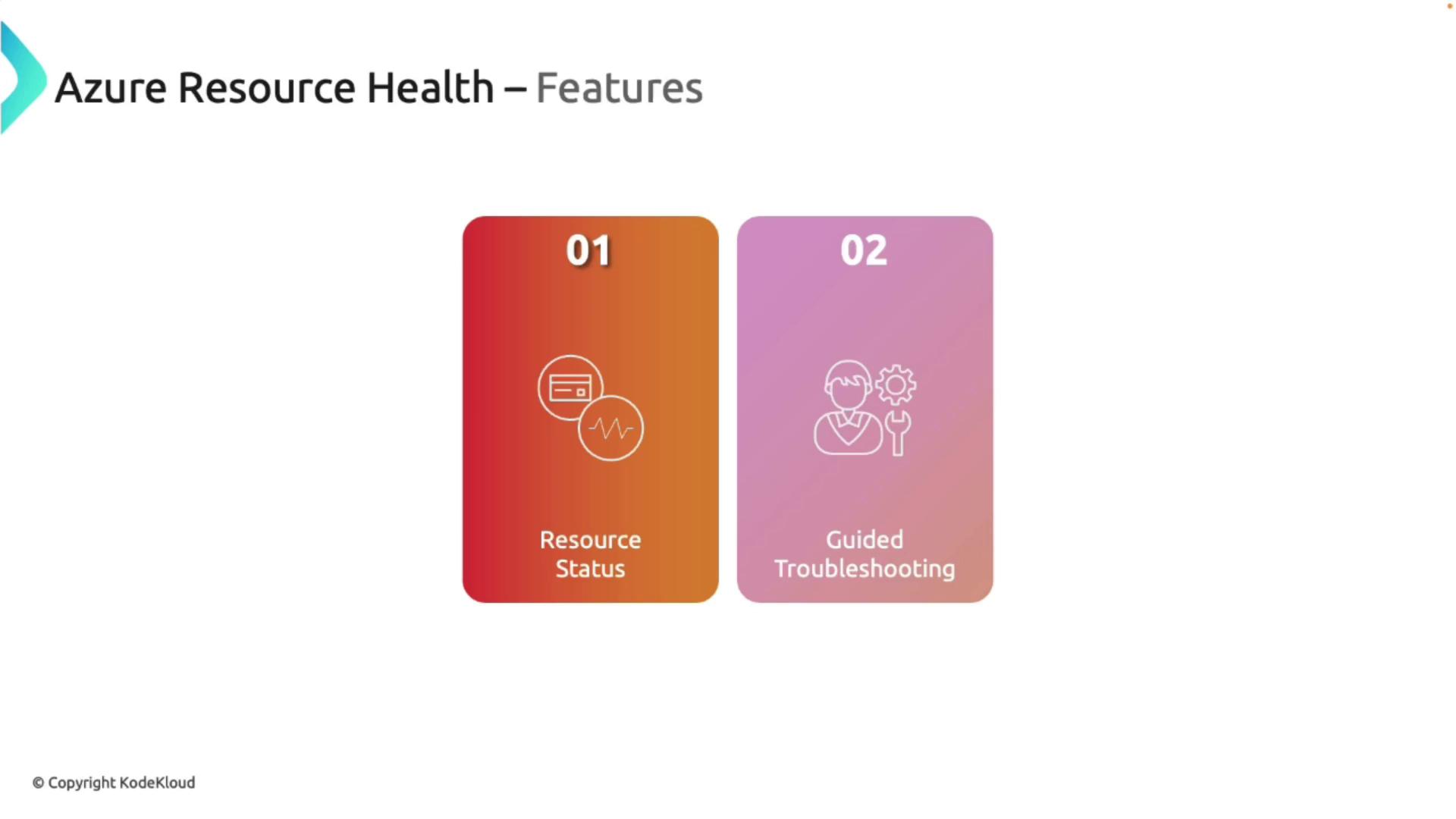
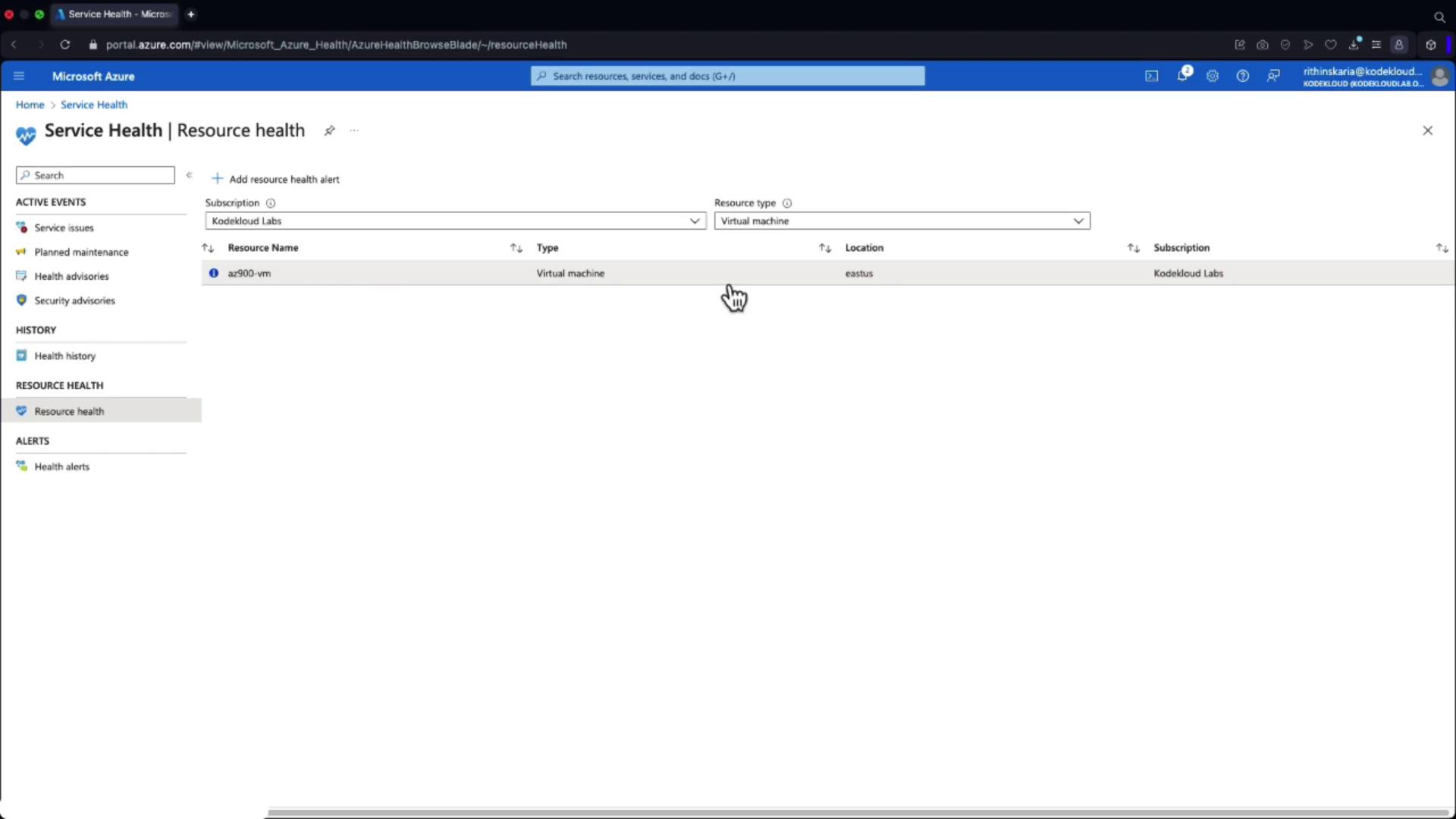
Azure Resource Health focuses on the operational status of individual resources. It provides detailed insights into both current and historical health events and offers guided troubleshooting steps to resolve issues efficiently.
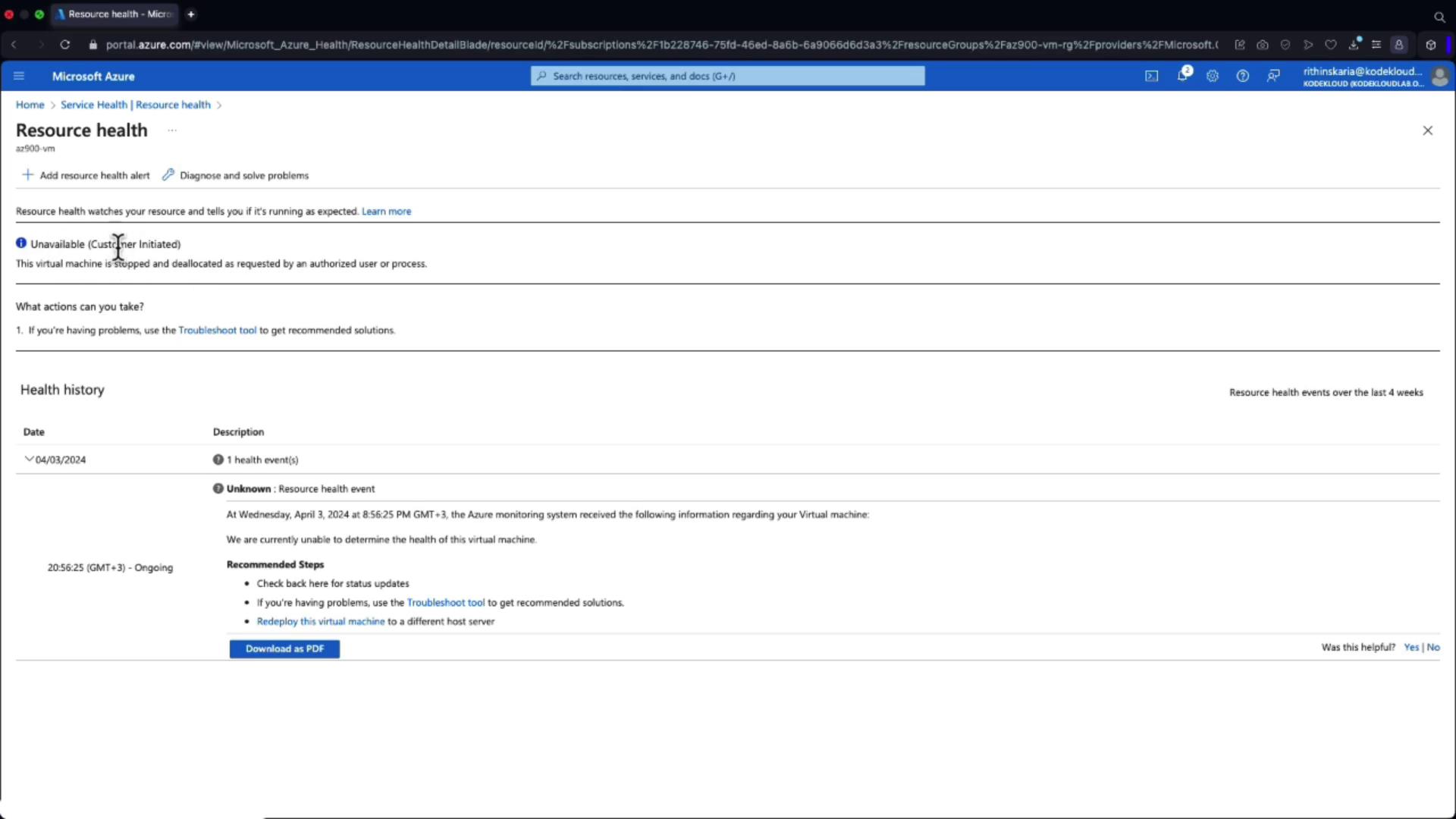
For instance, consider a Virtual Machine tagged “AZ900 VM.” Azure Resource Health will clearly display its current status. It records customer-initiated actions (such as a manual restart) separately from platform-initiated events.
You can configure alerts for these resource-wide events to receive immediate notifications if issues arise.
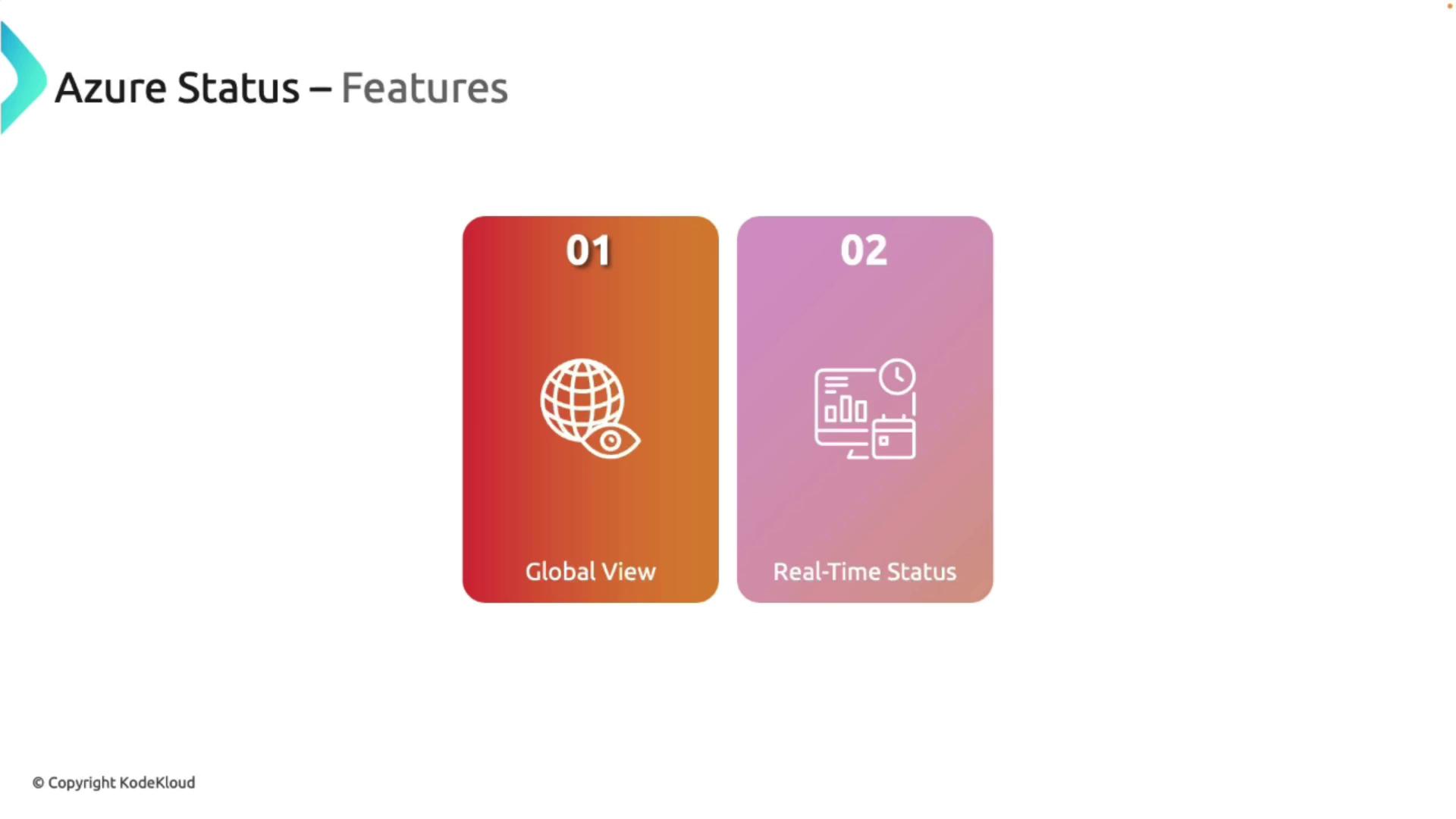
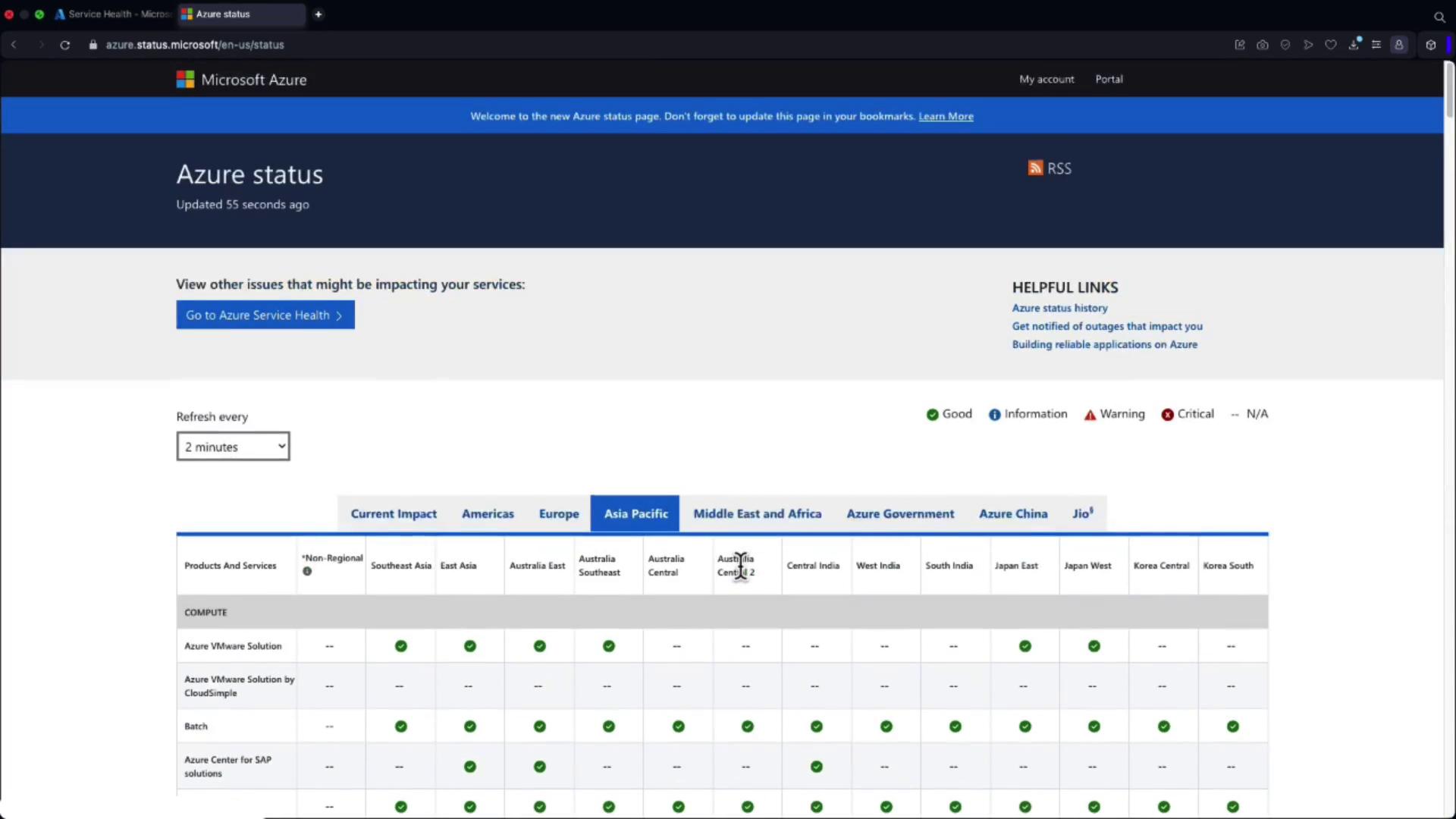
Azure Status offers a global perspective on the health of all Azure services. It is ideal for monitoring real-time status updates and reviewing historical data on service incidents.
The main features include:
Global Overview: Access a comprehensive view of current service issues across multiple regions.
Real-Time Updates: Stay informed with frequent updates (e.g., refreshed every two minutes), ensuring you have the latest information.
Detailed Reports: View legends, post-incident analyses, and root cause reports for an in-depth understanding.
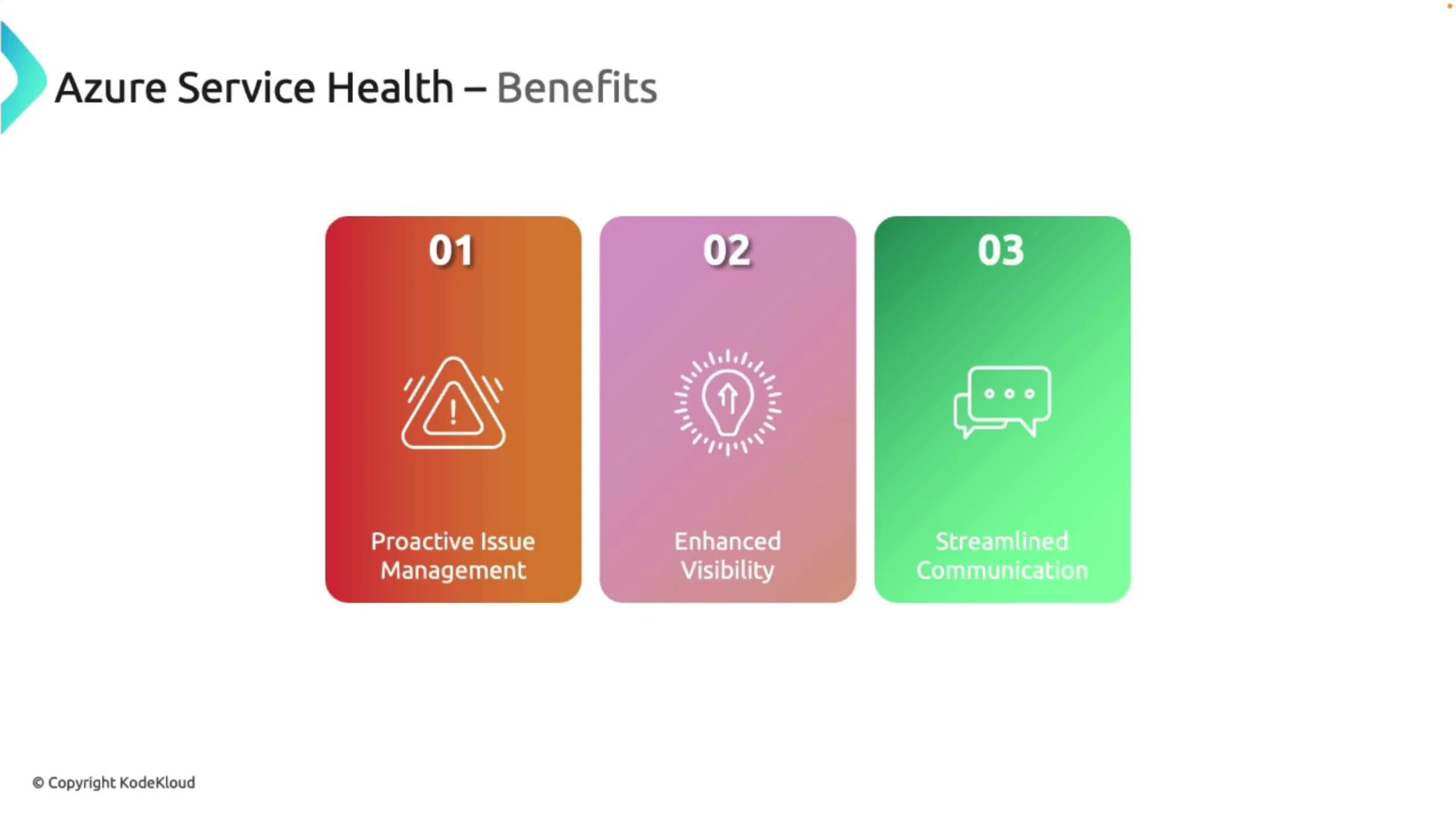
Azure Service Health provides numerous advantages for managing your Azure environment effectively:
Proactive Issue Management: Identify and address potential problems before they impact your operations.
Enhanced Visibility: Gain insights into both individual resource health and overall Azure service status.
Streamlined Communication: Get notified with detailed alerts and reports, aiding quick decision-making during incidents.
For instance, the Azure Service Health dashboard displays real-time service issues and allows you to set alerts for immediate notification when any service is affected.
This enhanced visibility also extends to planned maintenance events, where you can review details like expected downtime, scope, and receive advisory notifications about upcoming service updates or security recommendations.
Azure Service Health also tracks historical incidents, allowing you to review past events and analyze trends over time. It records both planned maintenance and previous service issues, and you can download event details as PDFs or track them on mobile devices.
Selecting a specific resource, like a Virtual Machine (e.g., “AZ900 VM”), enables you to inspect its detailed health history. For example, if the VM experienced downtime due to a customer-initiated restart, such incidents are clearly documented for easy reference.
Utilize historical data to identify recurring issues and optimize your processes for improved operational resilience.
Azure Service Health, along with Azure Resource Health and Azure Status, forms a comprehensive monitoring suite that ensures the reliability and performance of your Azure services. By offering proactive alerts, real-time updates, and detailed historical data, these tools empower IT teams, such as those at Bella Innovations, to minimize service disruptions and efficiently manage maintenance activities.For additional insights about Azure, consider exploring more on the Azure Documentation.Azure Monitor further elevates your ability to observe and analyze the overall health of your Azure environment, making it a critical component of any robust IT operations strategy.