

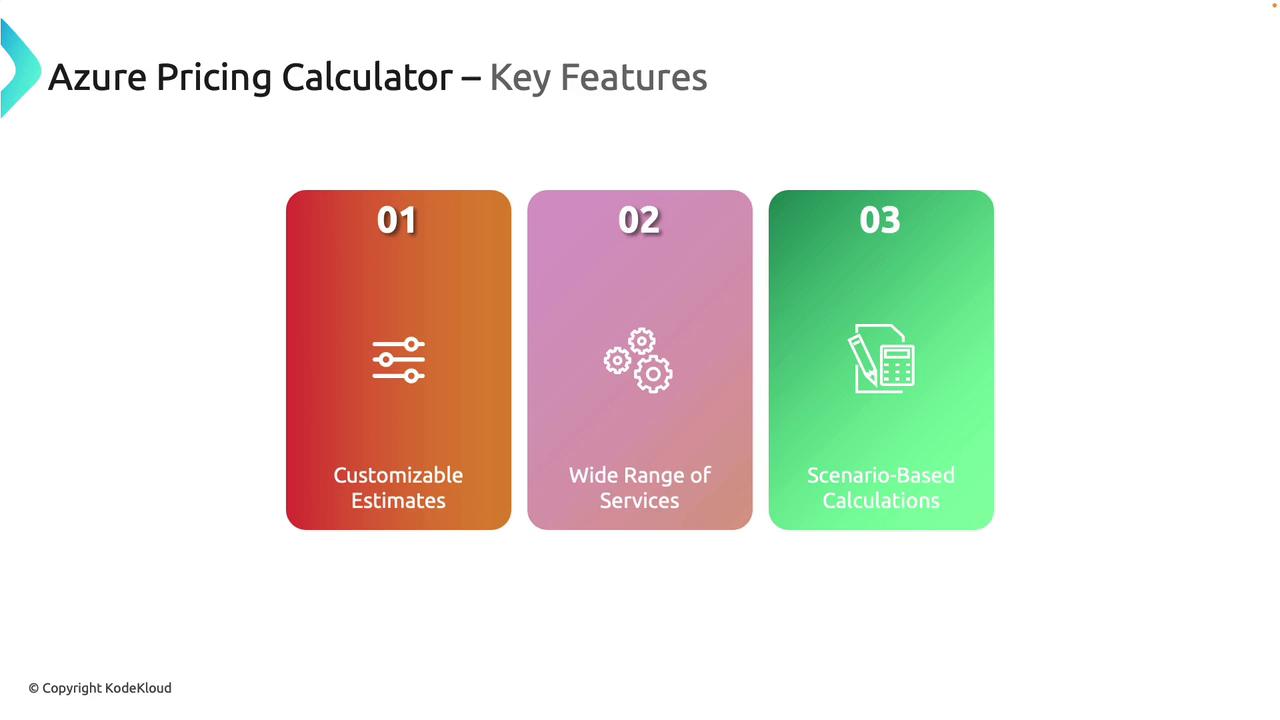
Key Features of the Azure Pricing Calculator
-
Customizable Estimates
Tailor Azure services to your specific needs and generate personalized cost estimates, just as you would design a detailed travel itinerary. -
Wide Range of Services
Covering everything from compute and storage to networking and more, the calculator ensures that all your cloud service expenses are considered. -
Scenario-Based Calculations
Simulate different usage scenarios to see how changes affect the overall budget, similar to adjusting your travel plans to find the most cost-effective route.
Benefits of Using the Azure Pricing Calculator
-
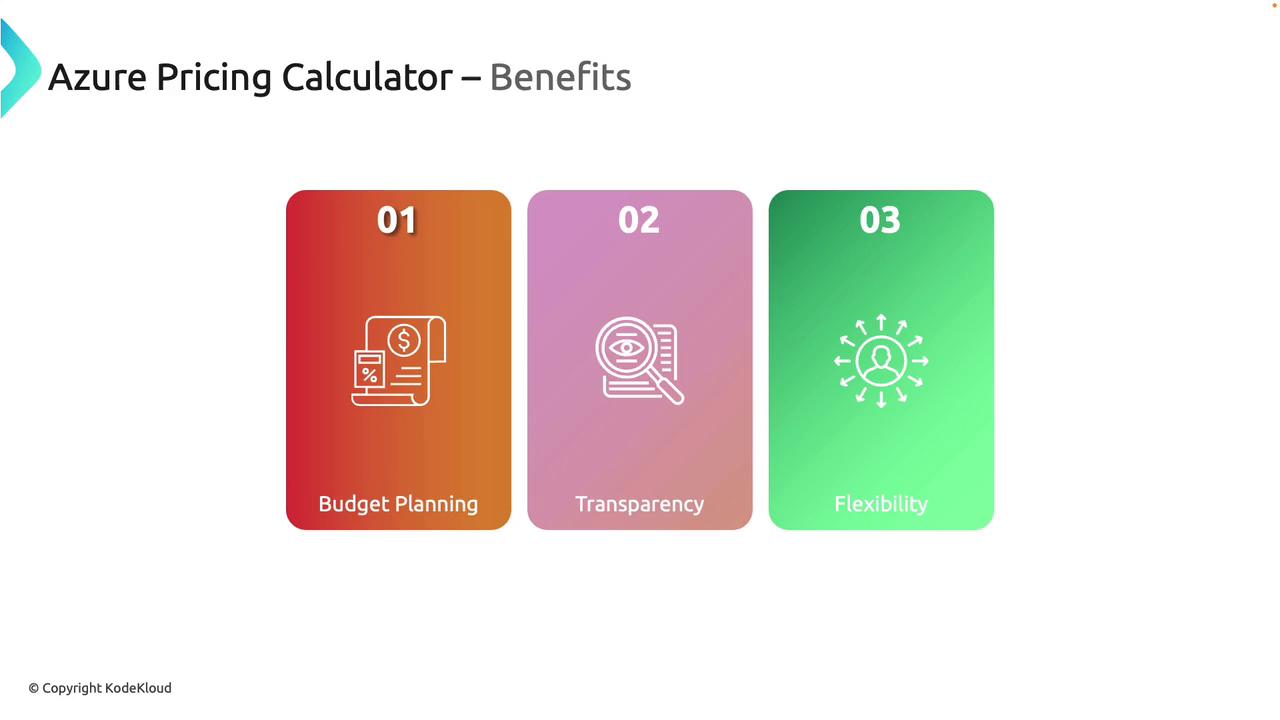
Budget Planning
Plan and manage your cloud expenditure with clear insights into potential Azure costs, helping you avoid unexpected charges. -
Transparency
Gain detailed insights into each cost component, enabling you to make informed financial decisions. -
Flexibility
Modify parameters to explore different cost options. For instance, compare costs between locally redundant storage and non-redundant storage models.
The Azure Pricing Calculator is an excellent first step in any cloud migration strategy, providing a clear financial picture before commitments are made.
Use Cases
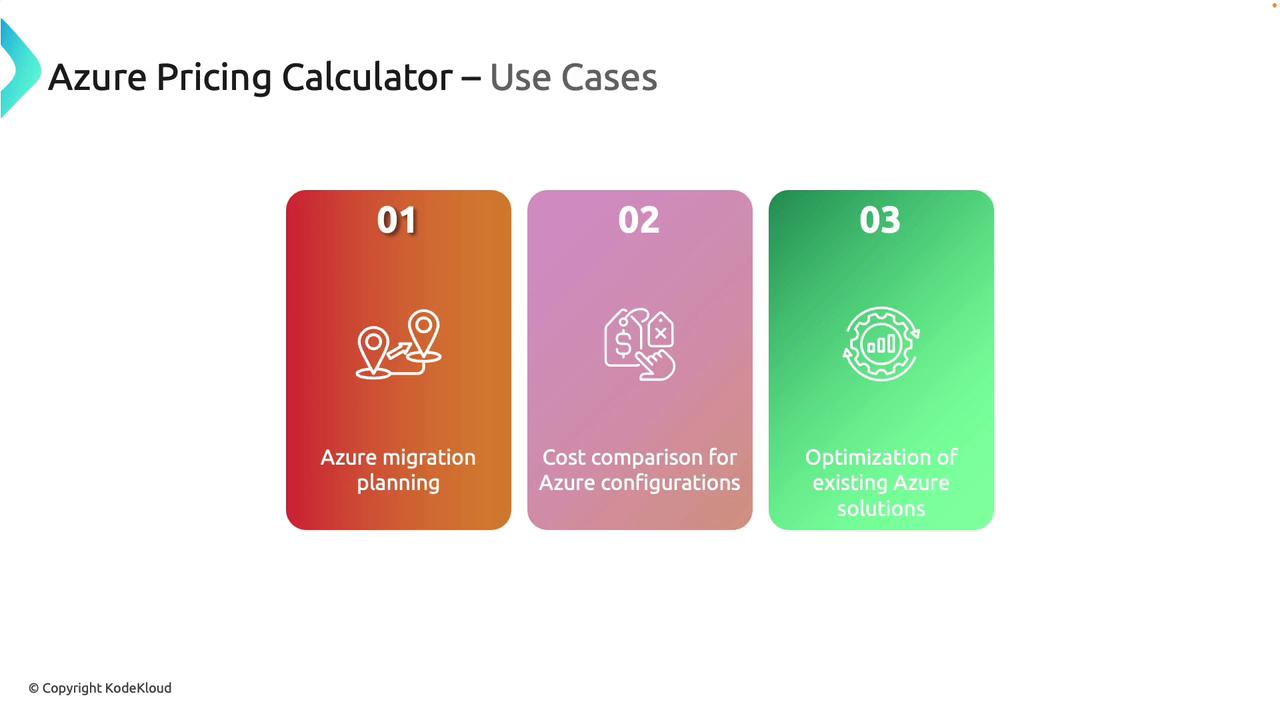
The Azure Pricing Calculator serves a variety of scenarios, including:-
Azure Migration Planning
Estimate costs for resources before moving to the Azure cloud. -
Cost Comparison
Evaluate different Azure configurations to determine the most cost-efficient solution. -
Solution Optimization
Optimize current Azure deployments to ensure you achieve maximum value for your investment.
Using the Pricing Calculator
Begin by navigating to azure.microsoft.com or searching for “Azure Pricing Calculator” on Google. While logging in is not required, signing in allows you to save your estimates and access them later. Once you access the tool, you will find a list of popular services—such as Virtual Machines, Storage Accounts, SQL Databases, and App Services. Use the search bar to find other Azure resources; for example, searching for “Container Instances” lets you add them directly to your estimate.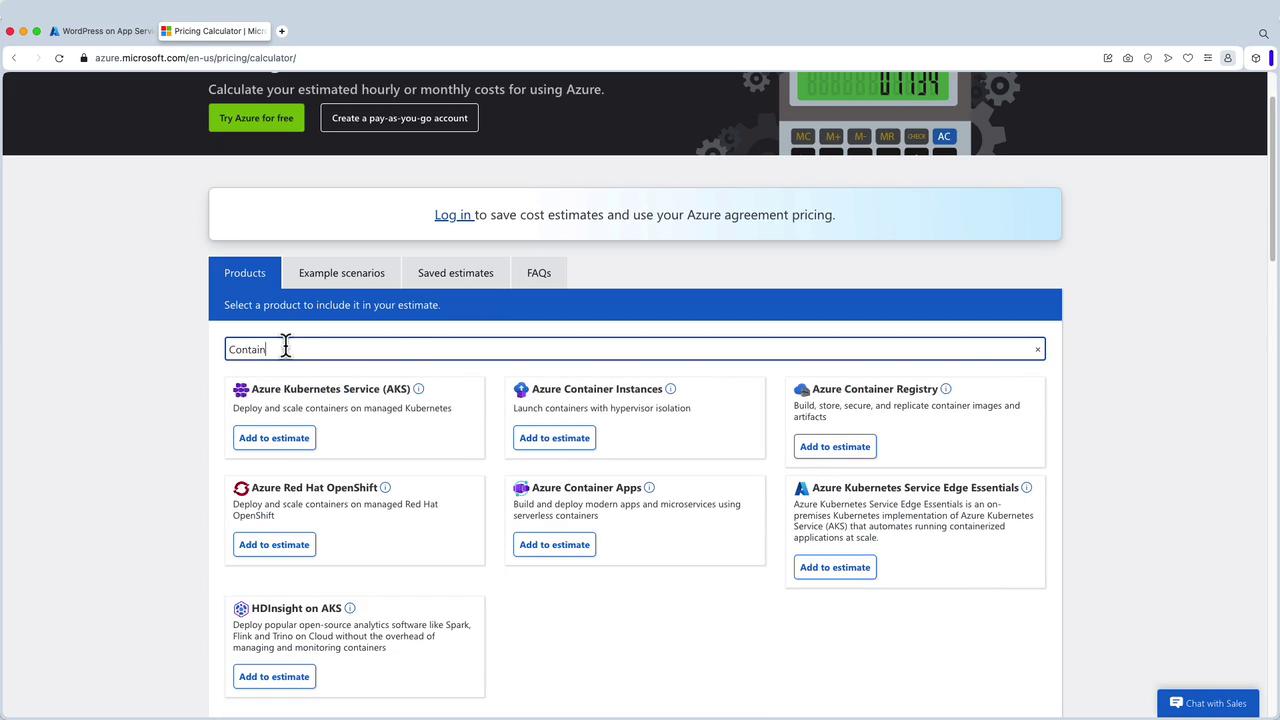
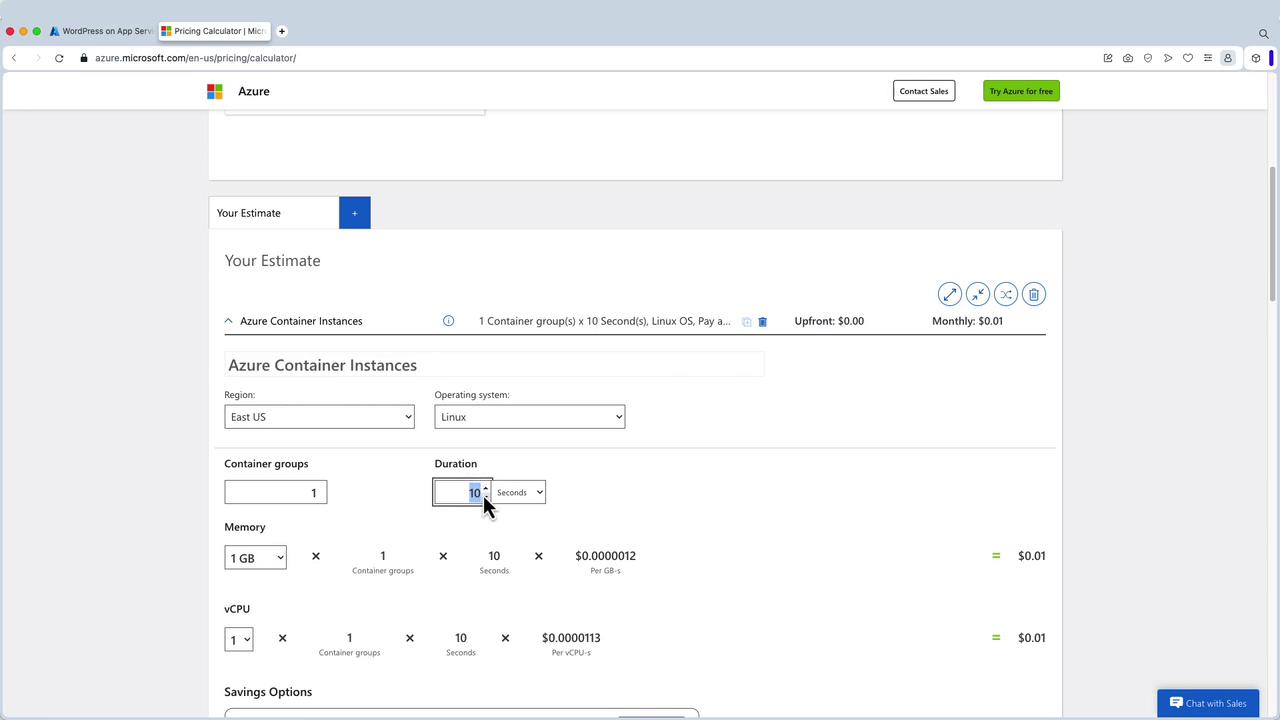
Customizing a Container Instance Estimate
In this example, the following parameters are adjusted:- Region: East US
- Operating System: Linux
- Container Group: 1
- Duration: 60 seconds per run
- Memory: 3 GB
- vCPUs: 2
Exporting and Sharing Your Estimate
You have the option to export your estimate to Excel for deeper analysis or to share with colleagues and the finance team. If you are logged in, you can also directly share the estimate with another user.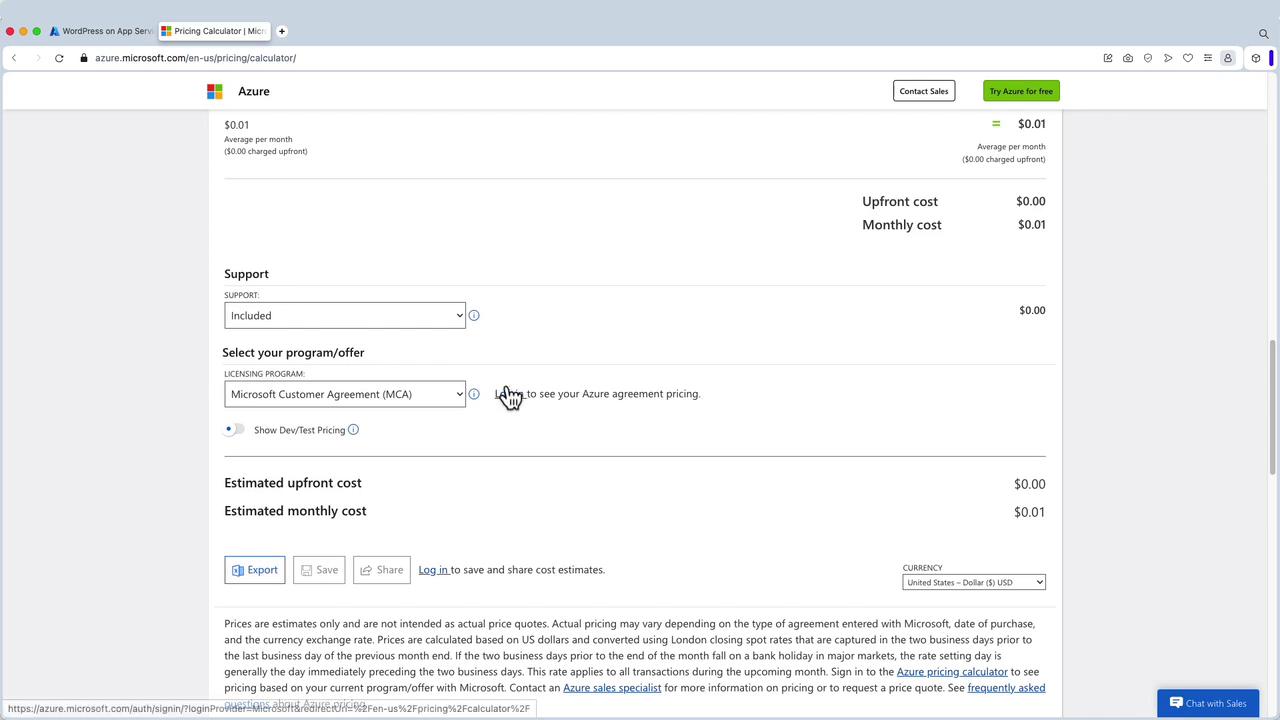
Adding a Storage Account to the Estimate
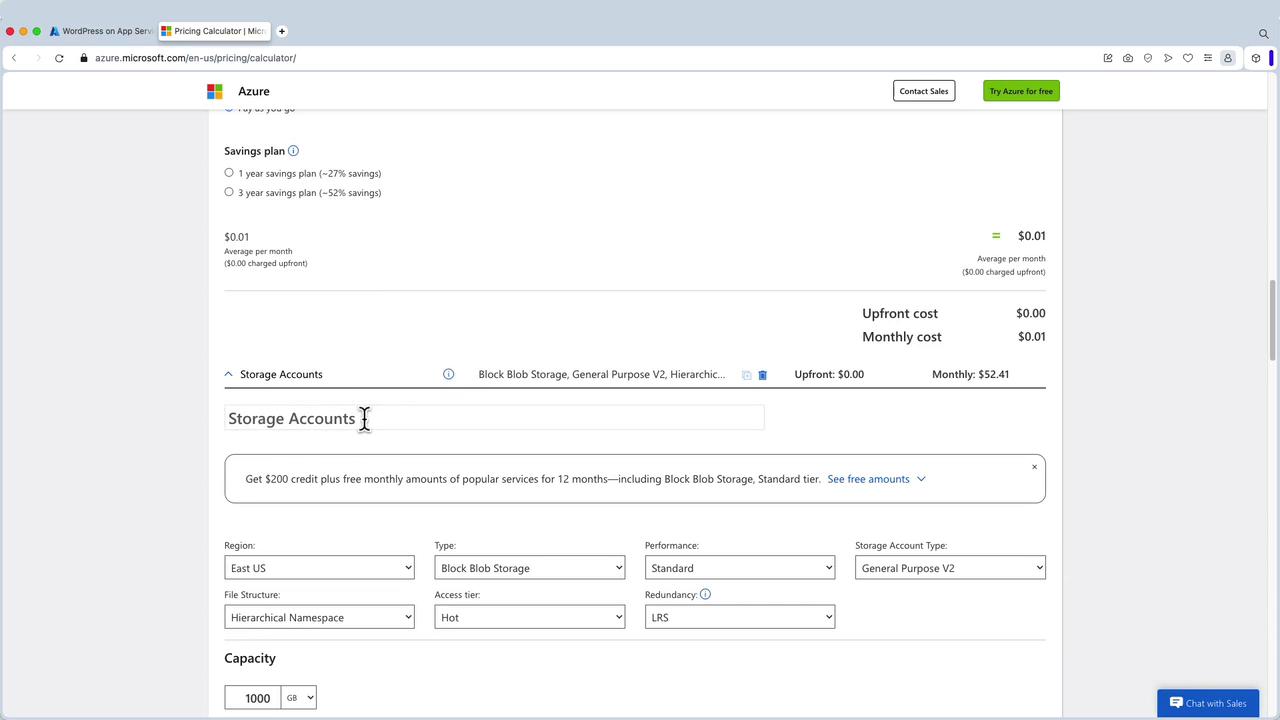
For further customization, you can add a Storage Account with the following steps:- Search for “Storage Account” and add it to your estimate.
- Configure parameters like the storage account name (e.g., “Production Storage Account”), account type, performance level, access tier, redundancy (e.g., GRS), and capacity.
- The Pricing Calculator will automatically adjust the cost estimate based on these inputs.
- Read and write operations
- Data retrieval charges
- Additional features such as SFTP, if enabled
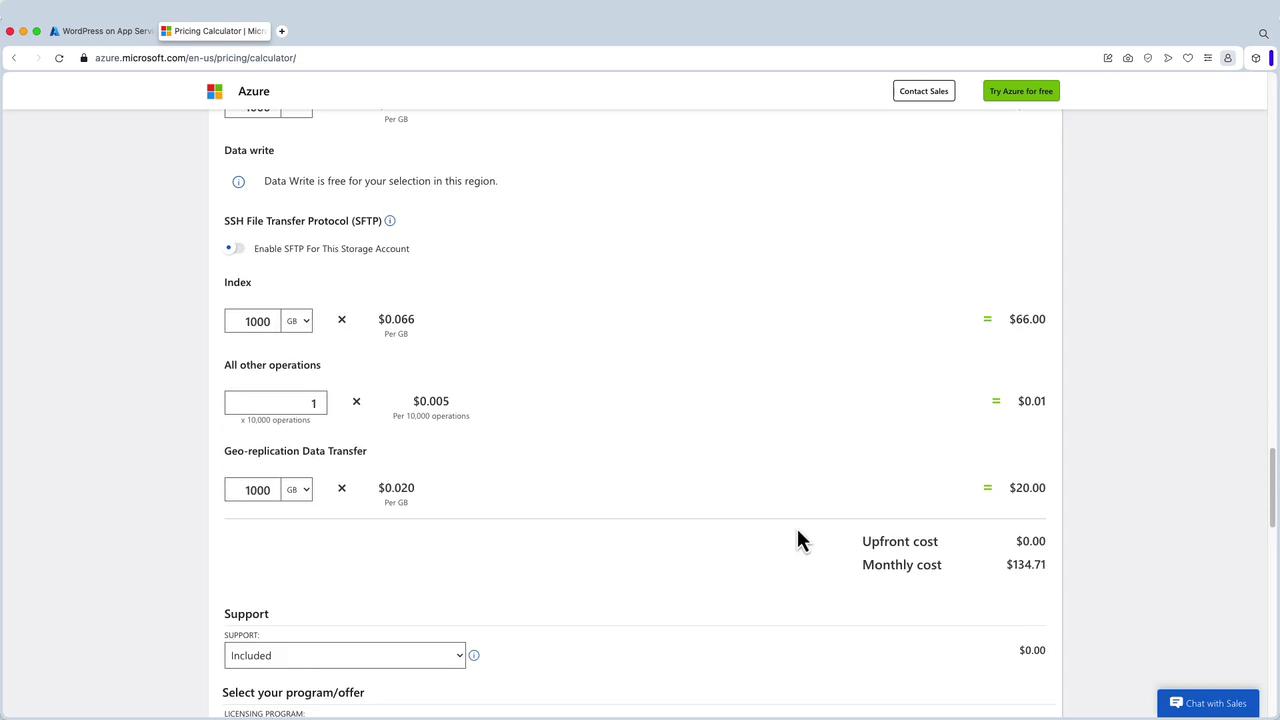
Always double-check your configured parameters to ensure that the cost estimate accurately reflects your intended usage before committing to any service configuration.